How the desk
is wired.
One device, a prewired cluster, or a whole board. Import a pack onto your desk when you are ready.
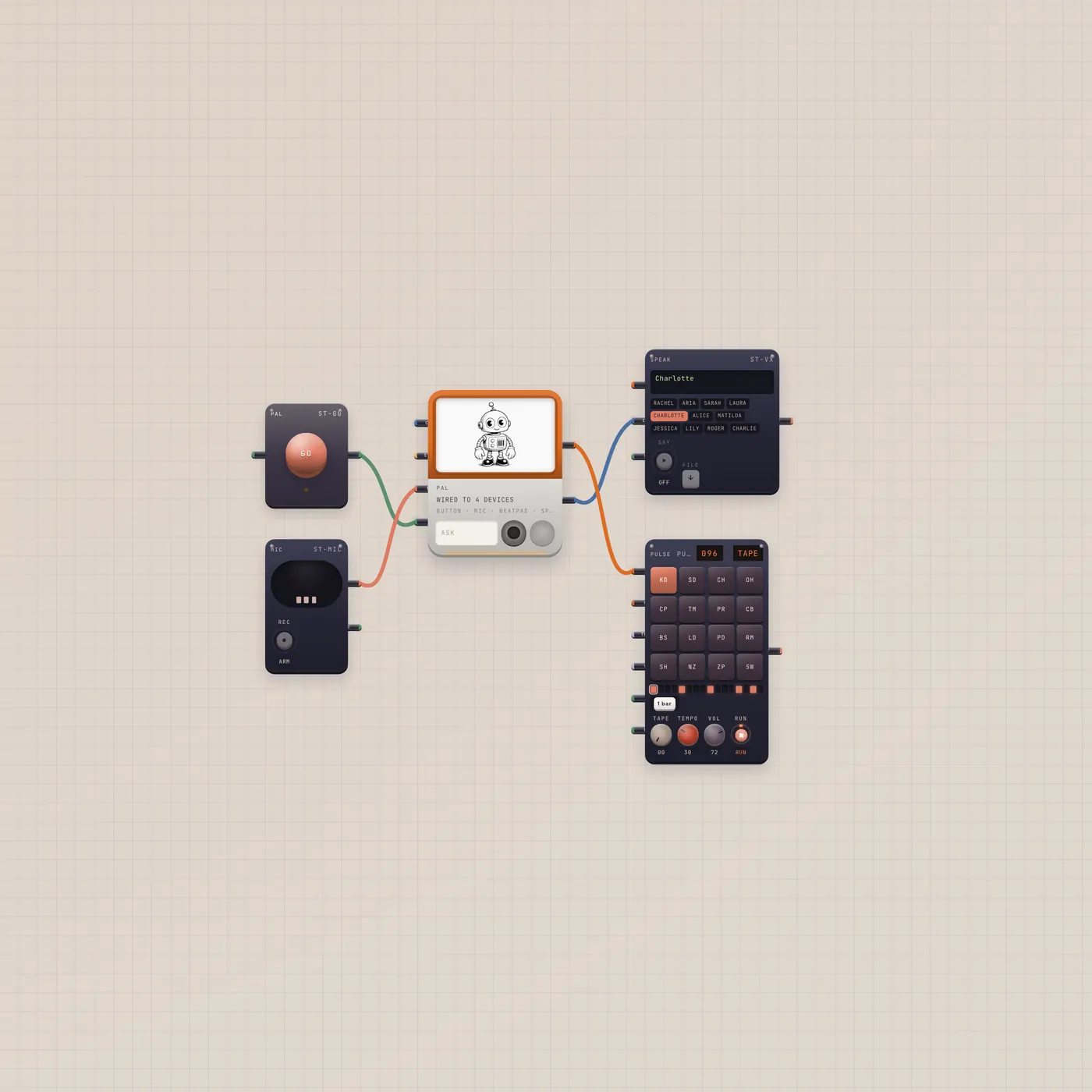
Press GO. Pal writes a groove on the BeatPad.
A full Subtape board for the real Pal job: press GO, Pal writes a beat, Speak reads the reply, and the pad plays it. Mic is already in for Talk. Always a new board.
Open guide →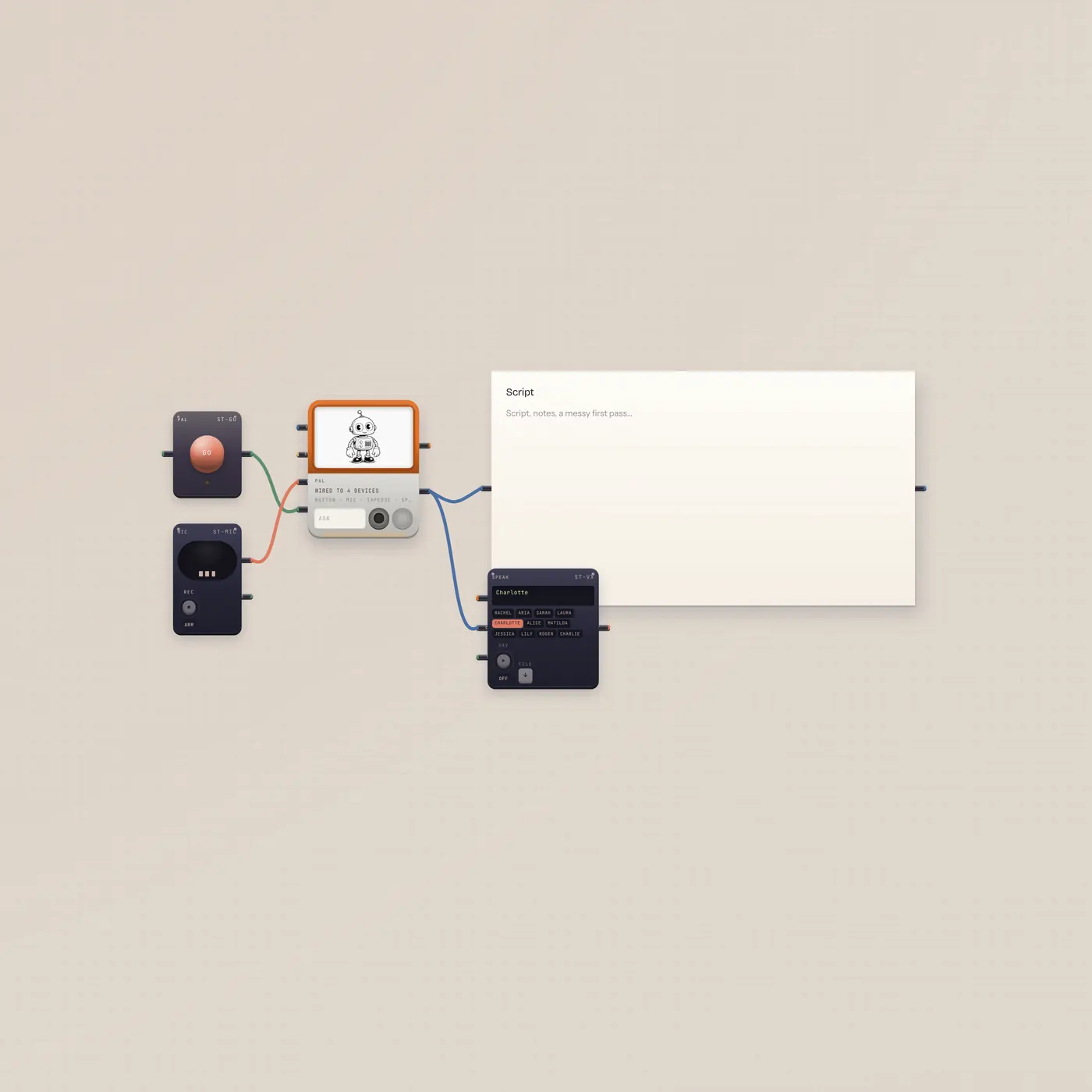
Ask Pal. The script lands in the Doc. Speak reads it.
A full board for writing: Pal with a GO button and Mic, Pal.text into TapeDoc and Speak. Ask for a cold open. Press GO. The doc fills. Speak reads it. Always a new board.
Open guide →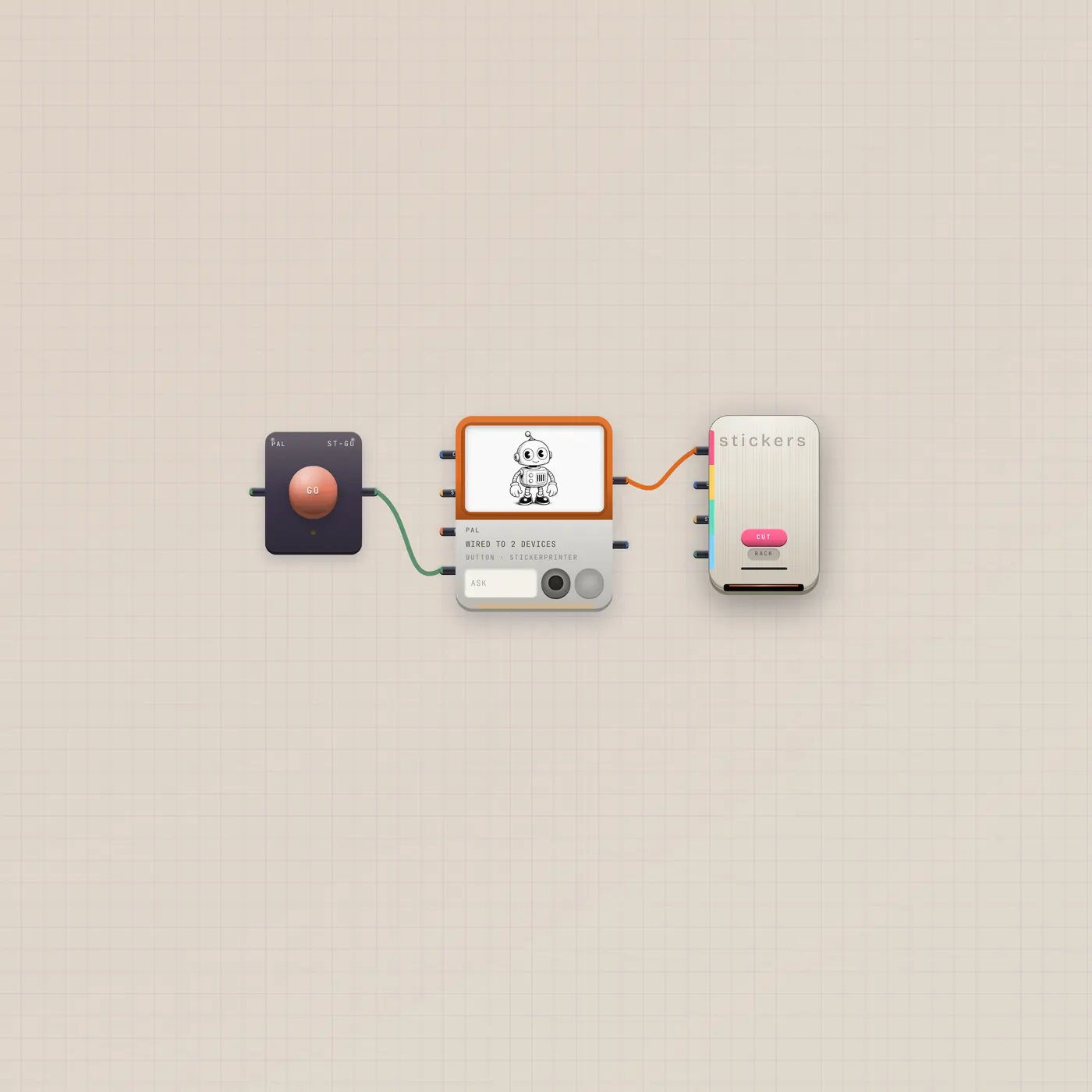
Ask Pal for a cut. The press bites.
Pal.ai into the sticker press, with a GO button. Ask for a die-cut. Press GO. The press cuts. Always a new board.
Open guide →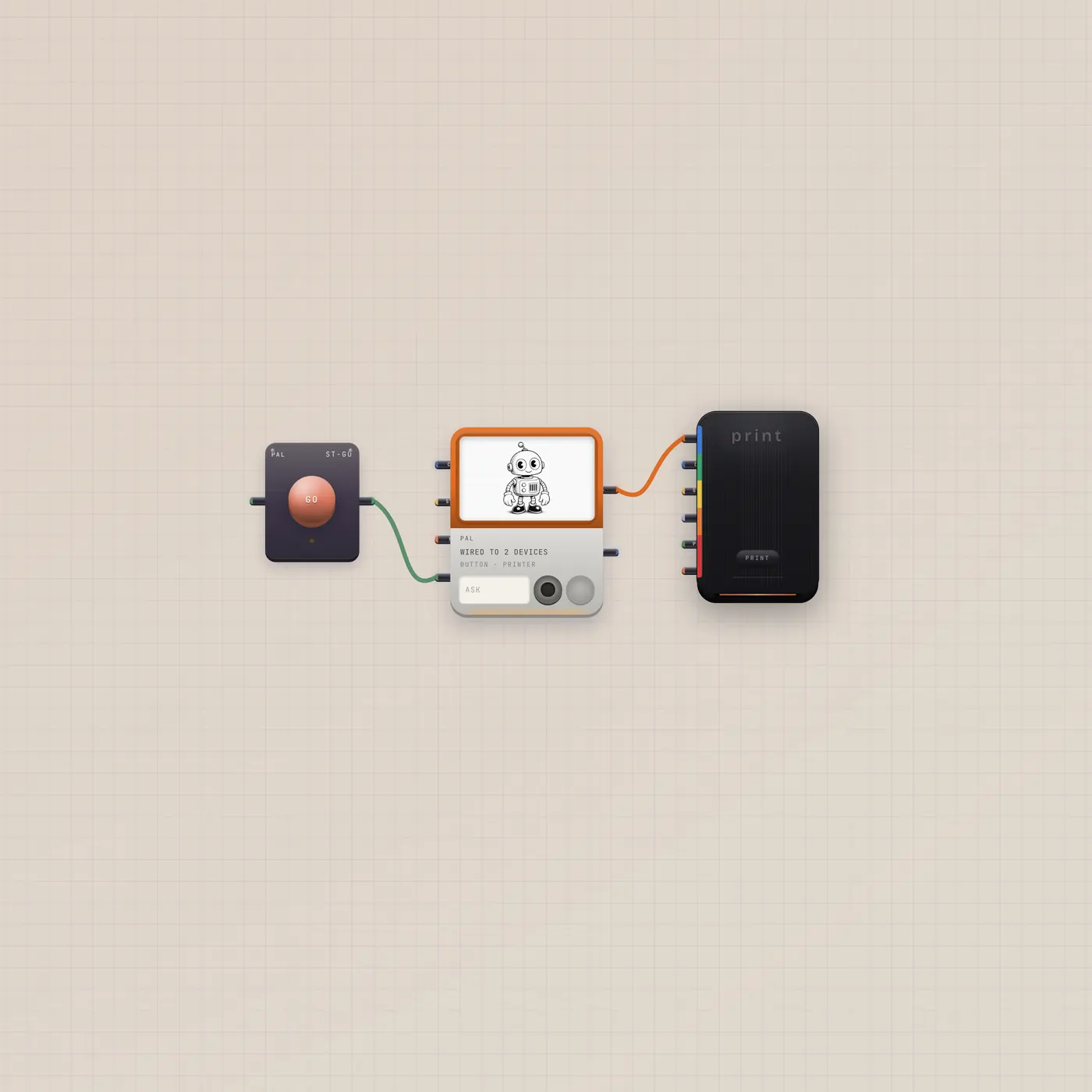
Ask Pal. The printer ejects a still.
Pal.ai into the Printer, with a GO button. Ask for a picture. Press GO. A polaroid lands. Always a new board.
Open guide →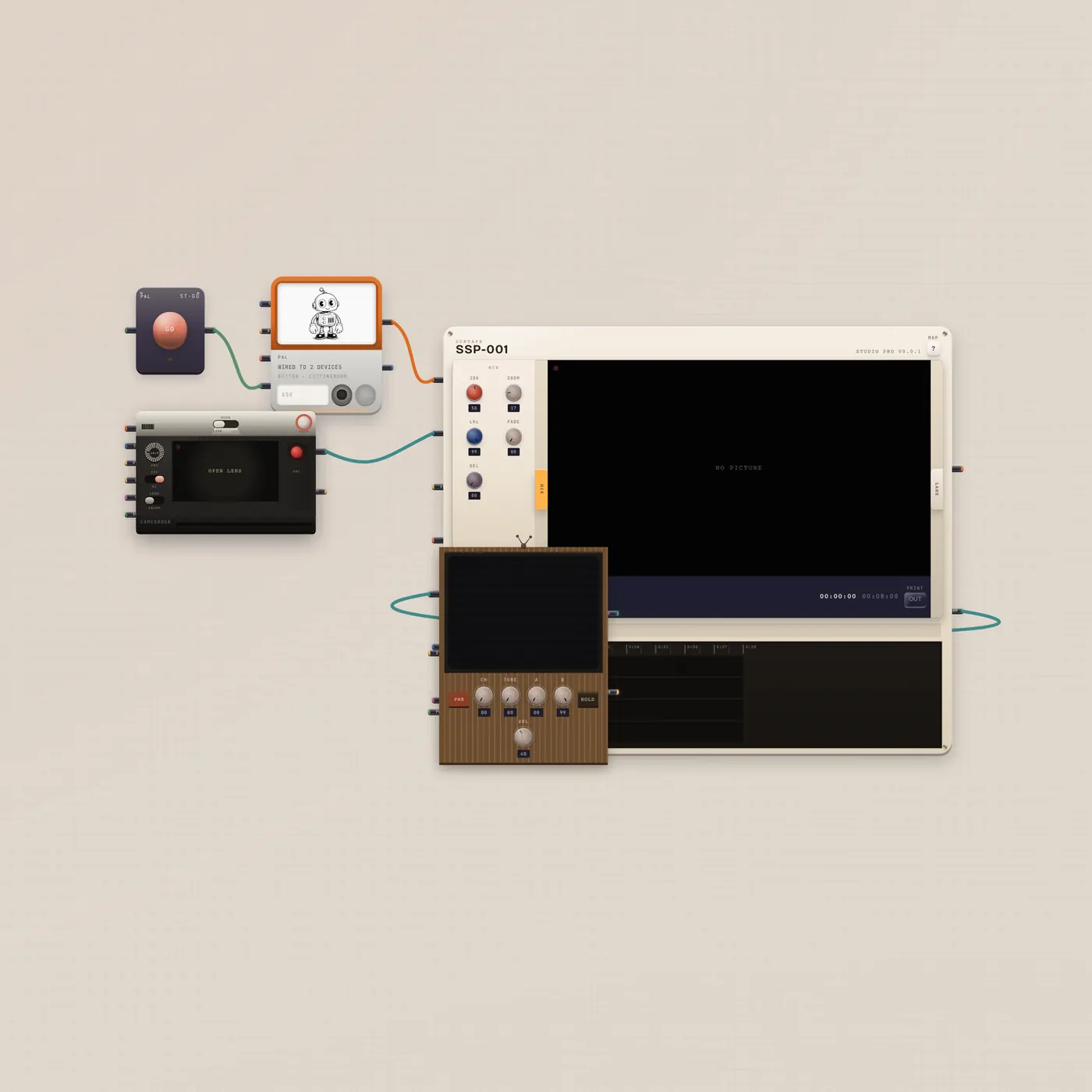
Shoot. Pal cuts. Watch it on the CRT.
Camcorder into CuttingRoom, Pal.ai into the room, program out to a CRT. Ask Pal to trim or assemble. Press GO. Watch the tube. Always a new board.
Open guide →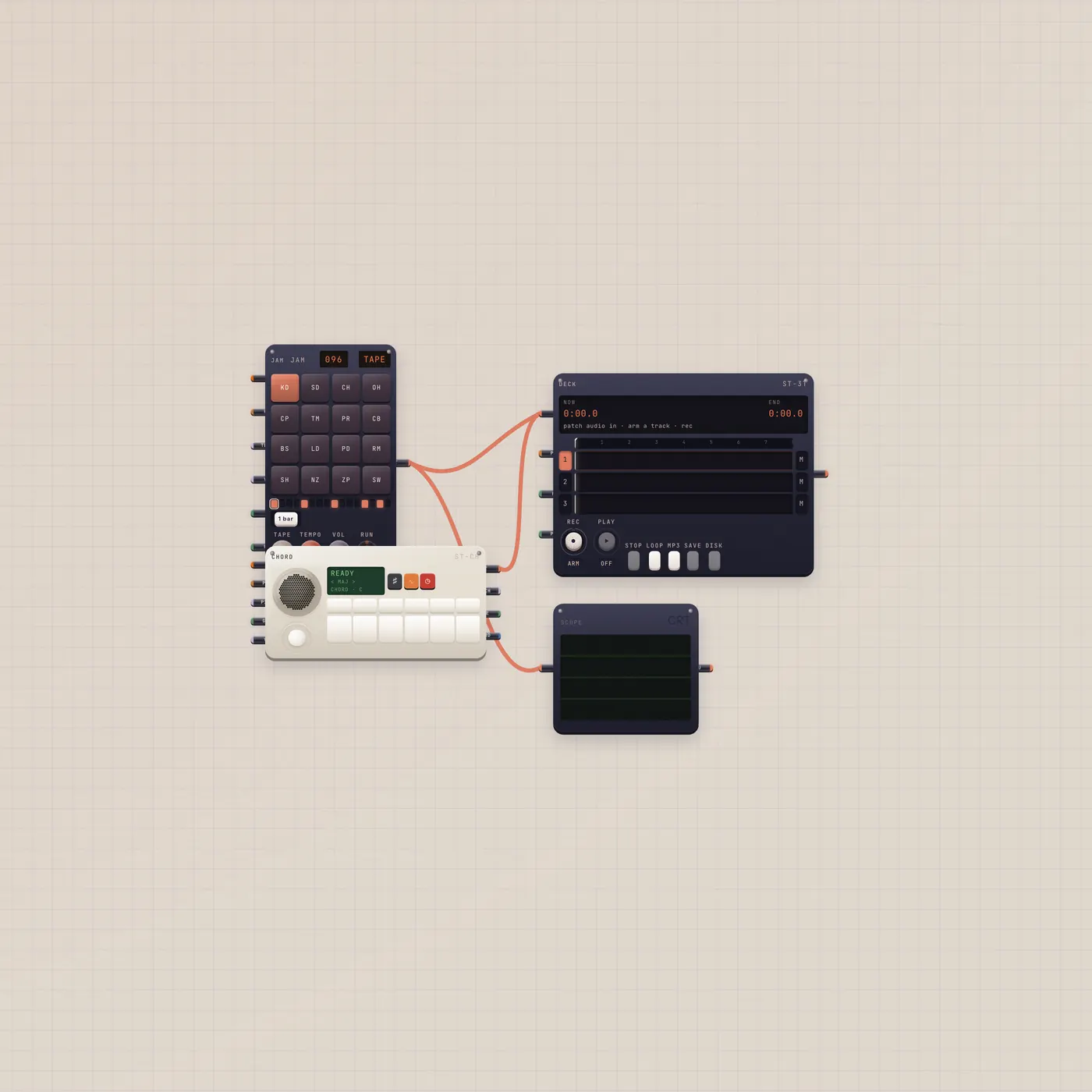
A loop, a chord, a four-track. Play.
BeatPad and MiniSynth already into Deck, Scope on the pad. No Pal. Press play, tilt the stick, arm a track. Always a new board.
Open guide →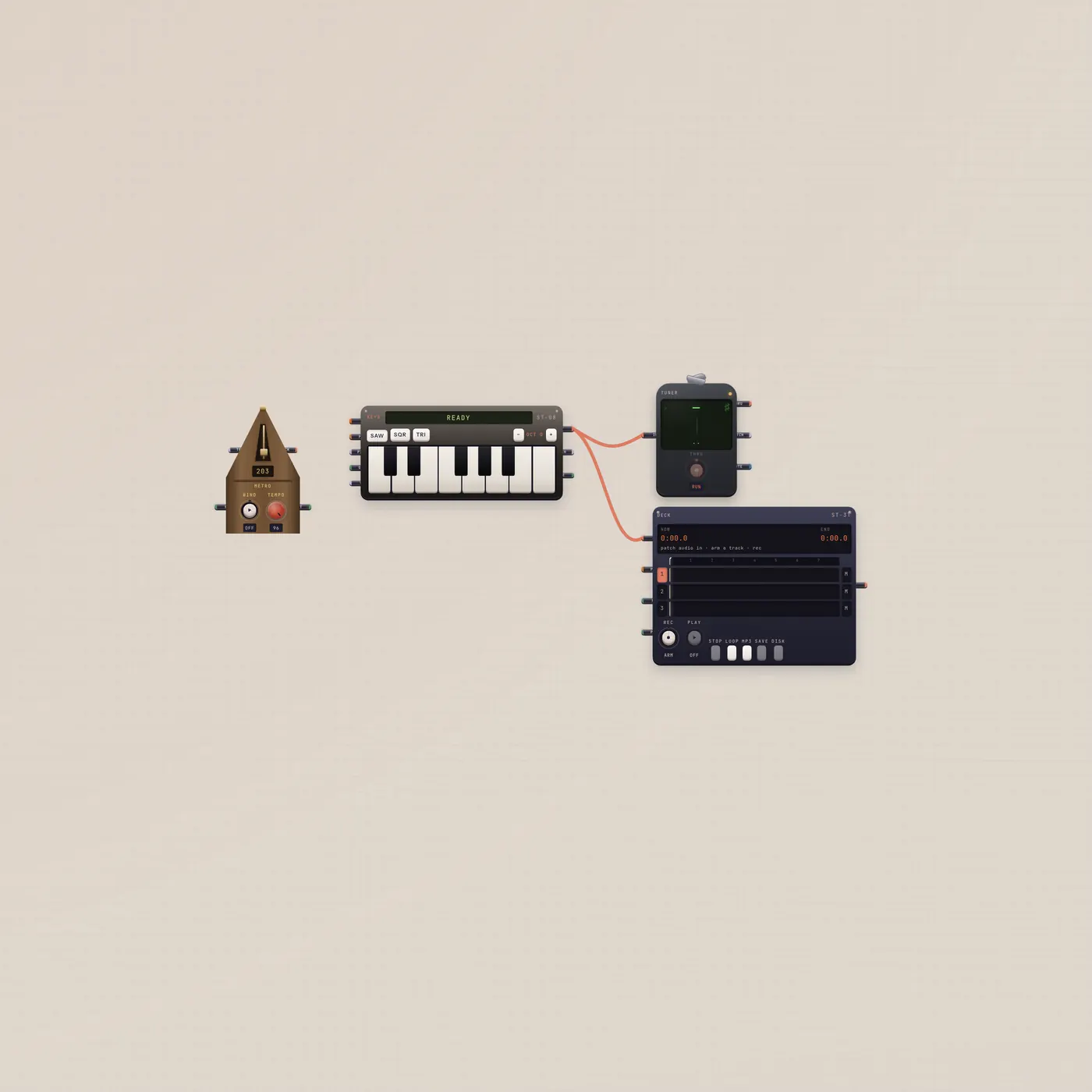
See the note. Hear the click. Record the take.
Keys into Tuner and Deck, metronome on the floor for the click. Practice, then arm a track. Always a new board.
Open guide →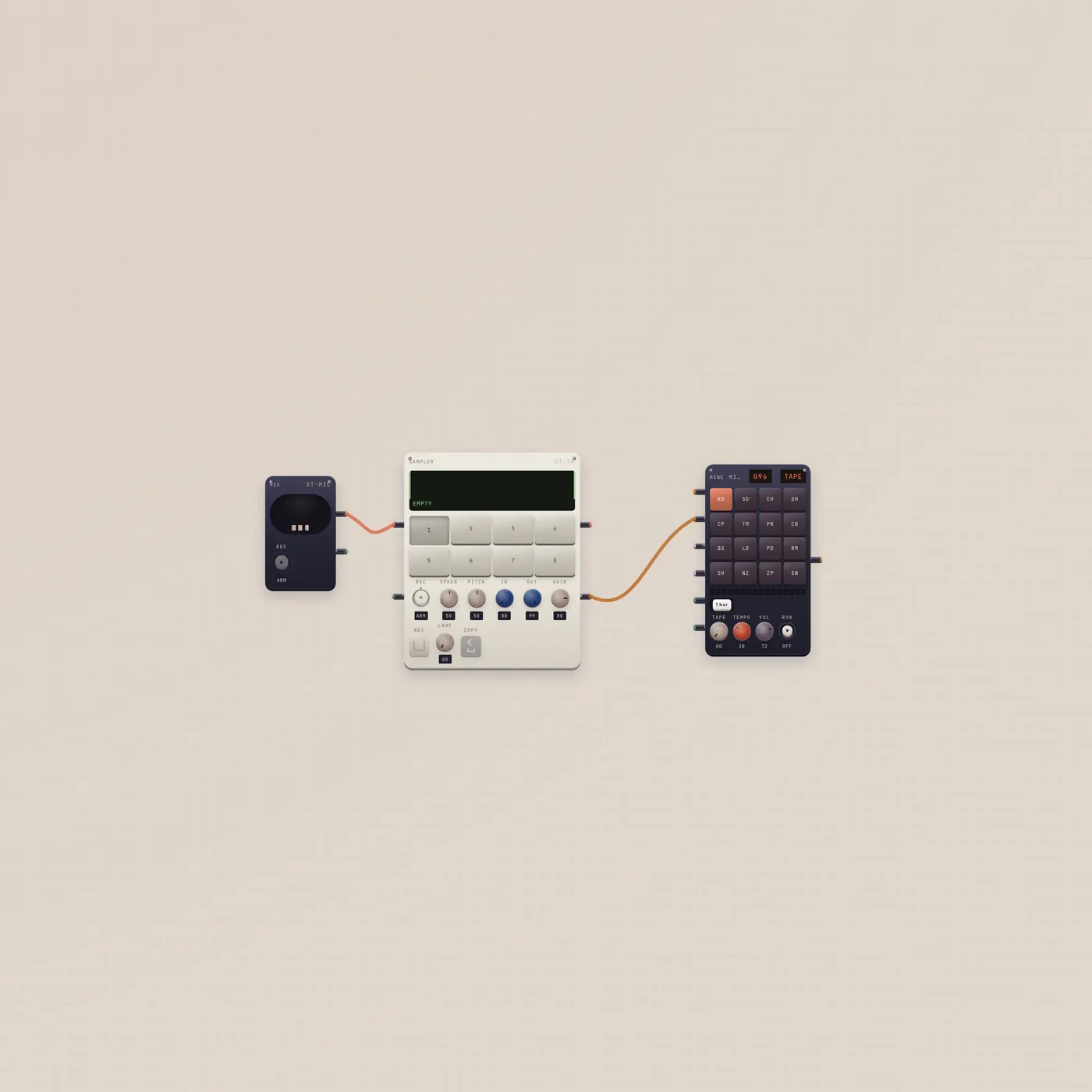
Record chops. Land them on the pad.
Mic into Sampler, Sampler pack into BeatPad. Record eight hits, send the kit, play it. Always a new board.
Open guide →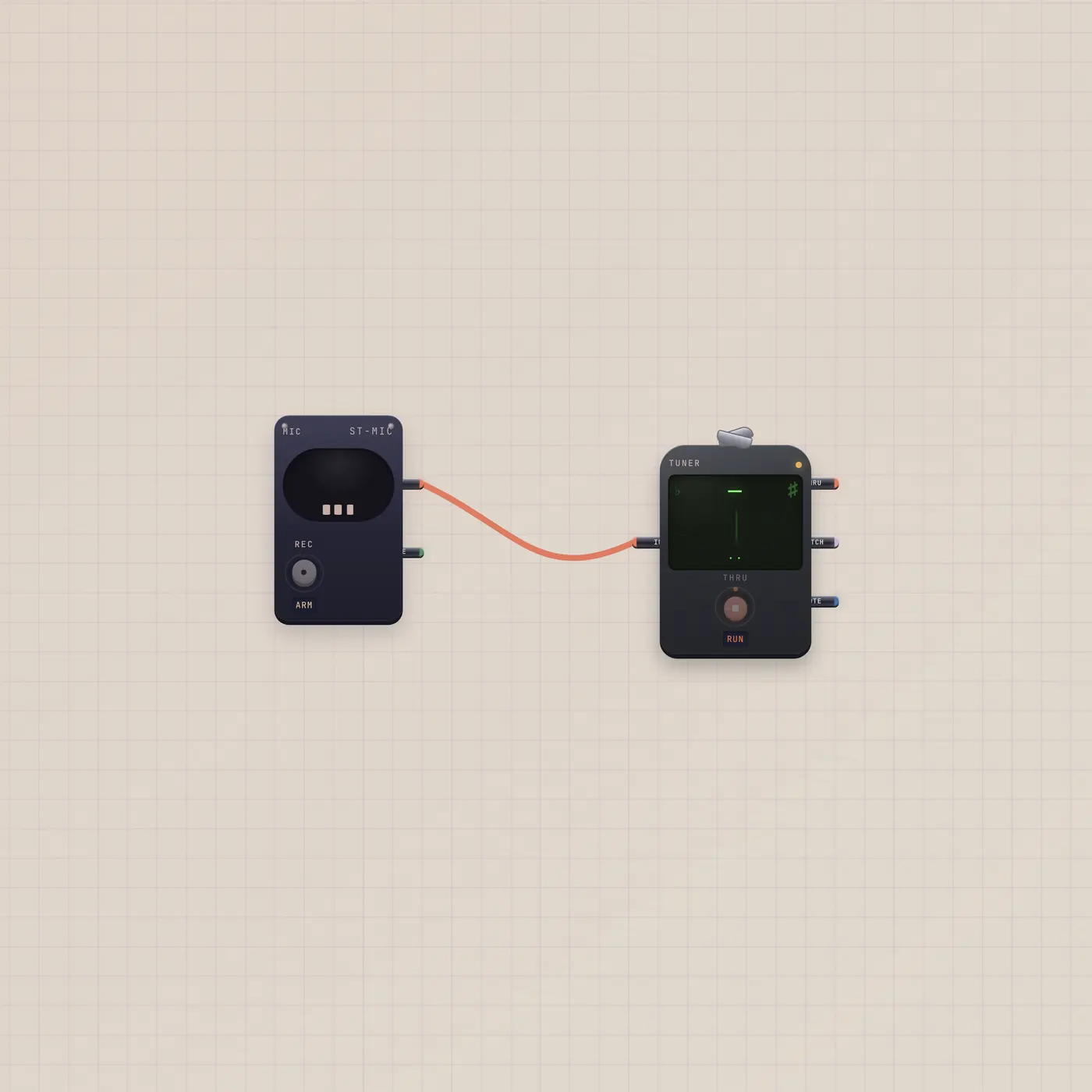
Mic into Tuner. That's the clip.
A prewired pair: room Mic audio into the chromatic Tuner. Drop it on any board to read pitch from the capsule — or play Keys into the same Tuner later.
Open guide →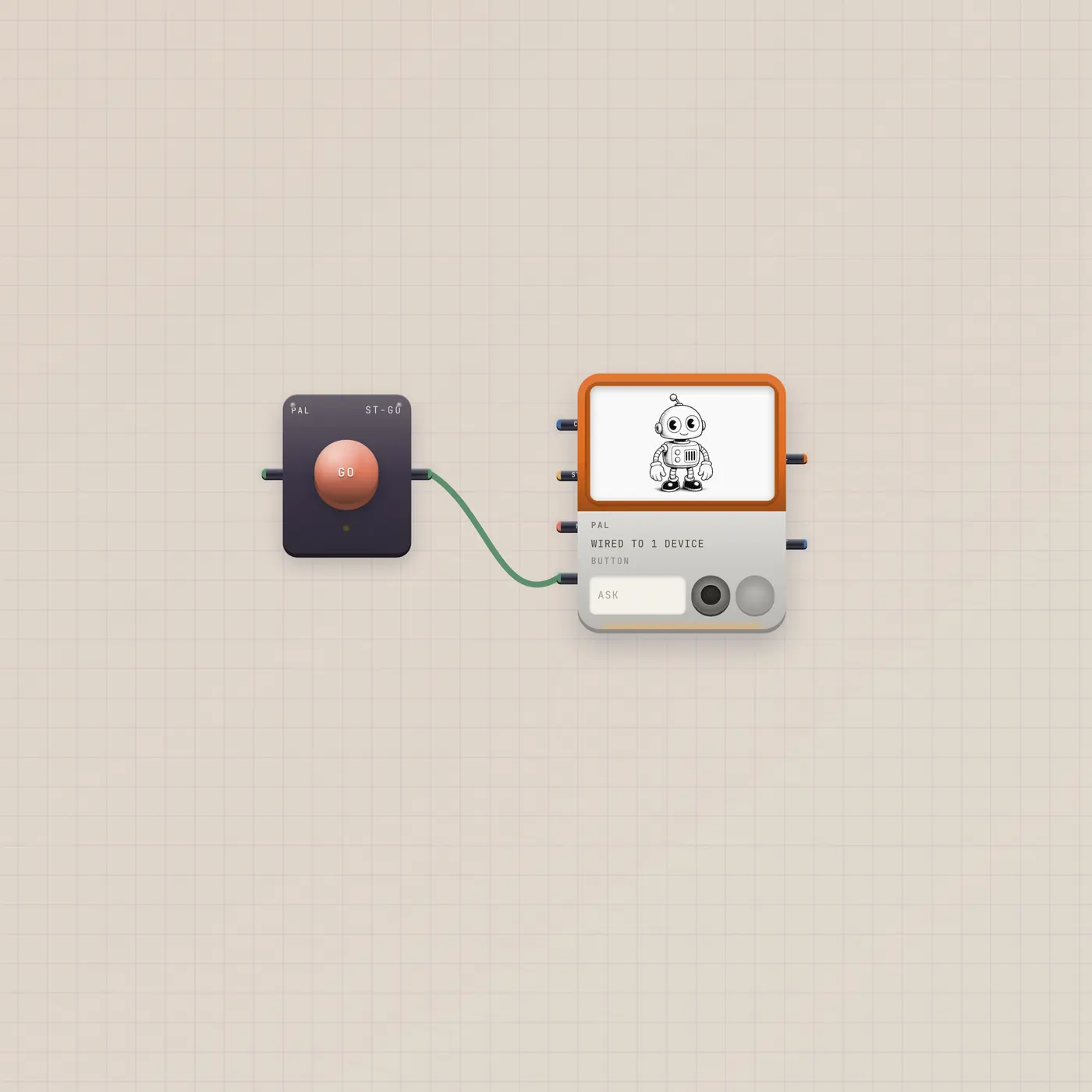
Press GO. Pal runs the last ask.
A Button patched into Pal.gate. One plunger re-runs Pal's last prompt — the same as tapping GO on the handheld. Drop it next to whatever Pal is already watching.
Open guide →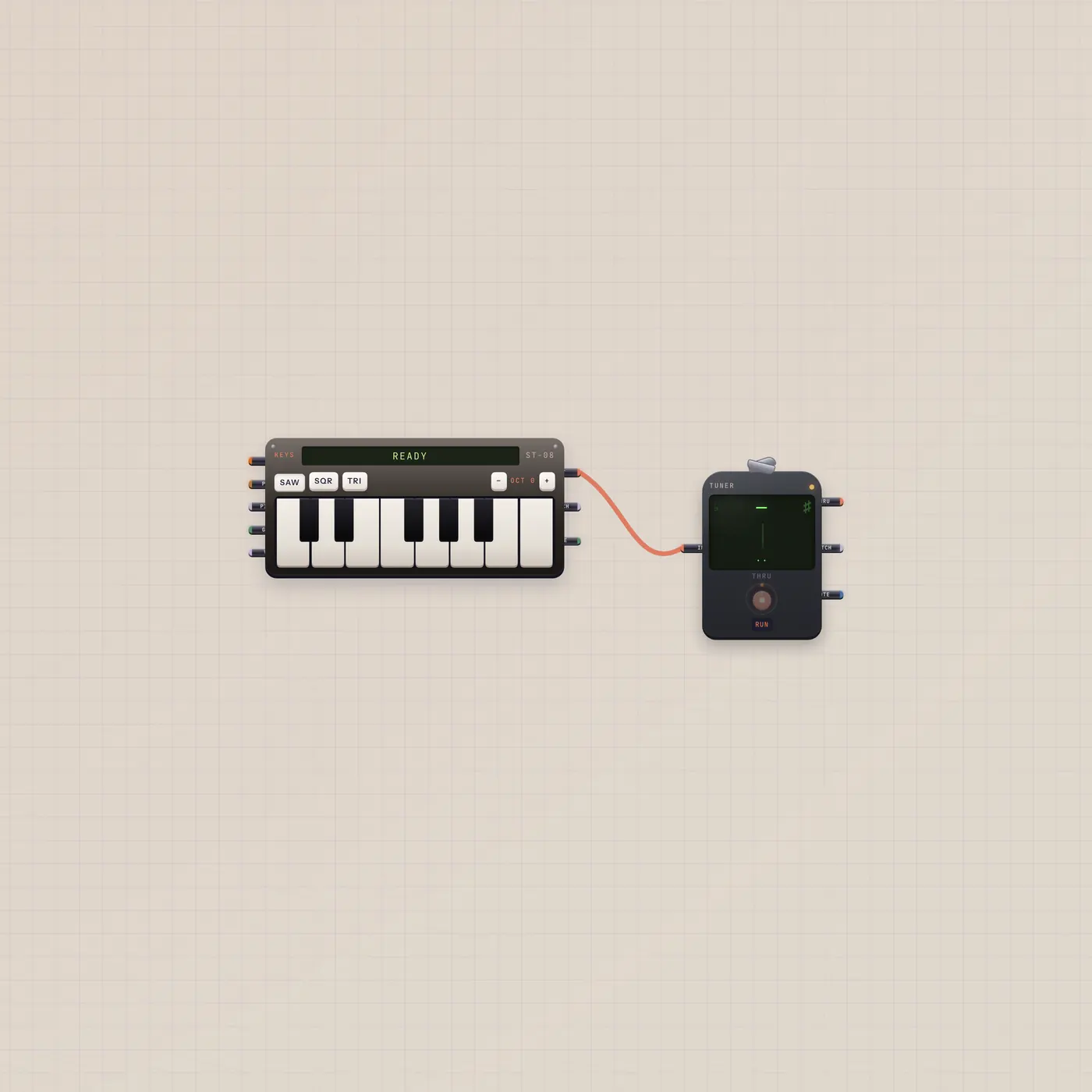
Play Keys. Read the Tuner.
A prewired pair: Keys audio into the chromatic Tuner. Drop it on a board, play, and watch the needle follow the key.
Open guide →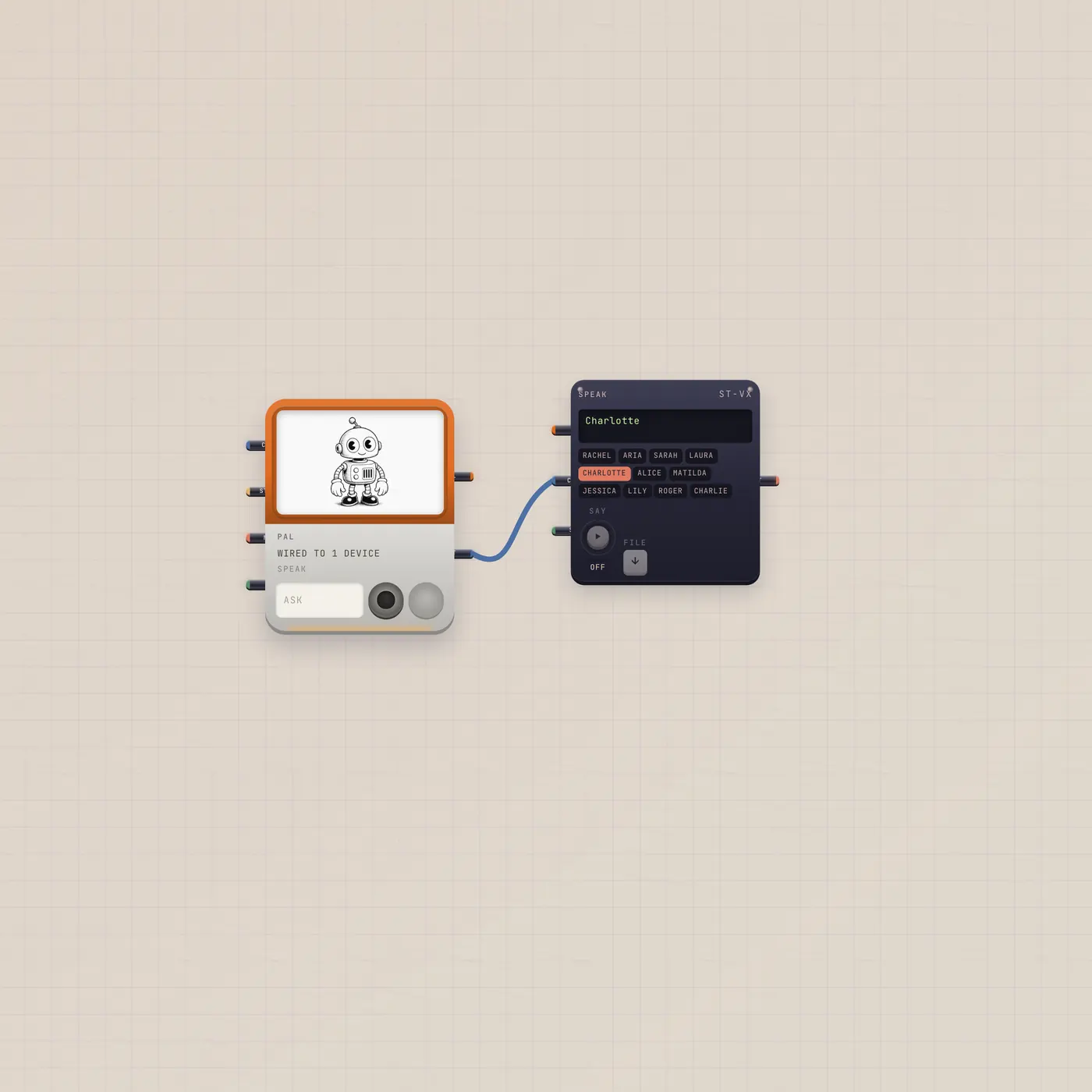
Pal talks. Speak reads it.
Pal.text patched into Speak.copy. Ask Pal, press GO, and the reply is spoken. Drop it next to work Pal is already watching.
Open guide →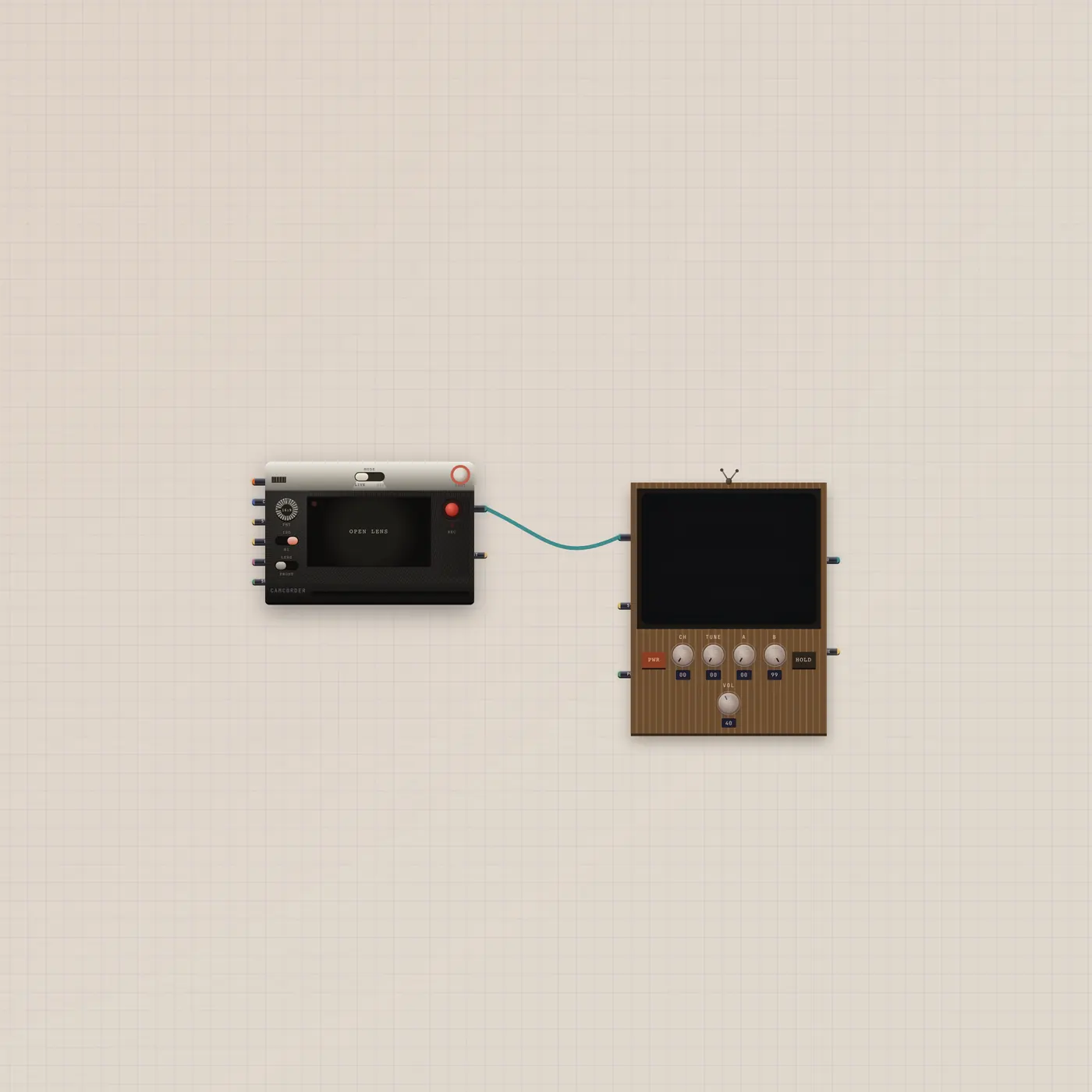
Point the camcorder. Watch the CRT.
Camcorder video into a CRT. Live camera or a generated clip on an old tube. Drop it on a board when you want to see the shot.
Open guide →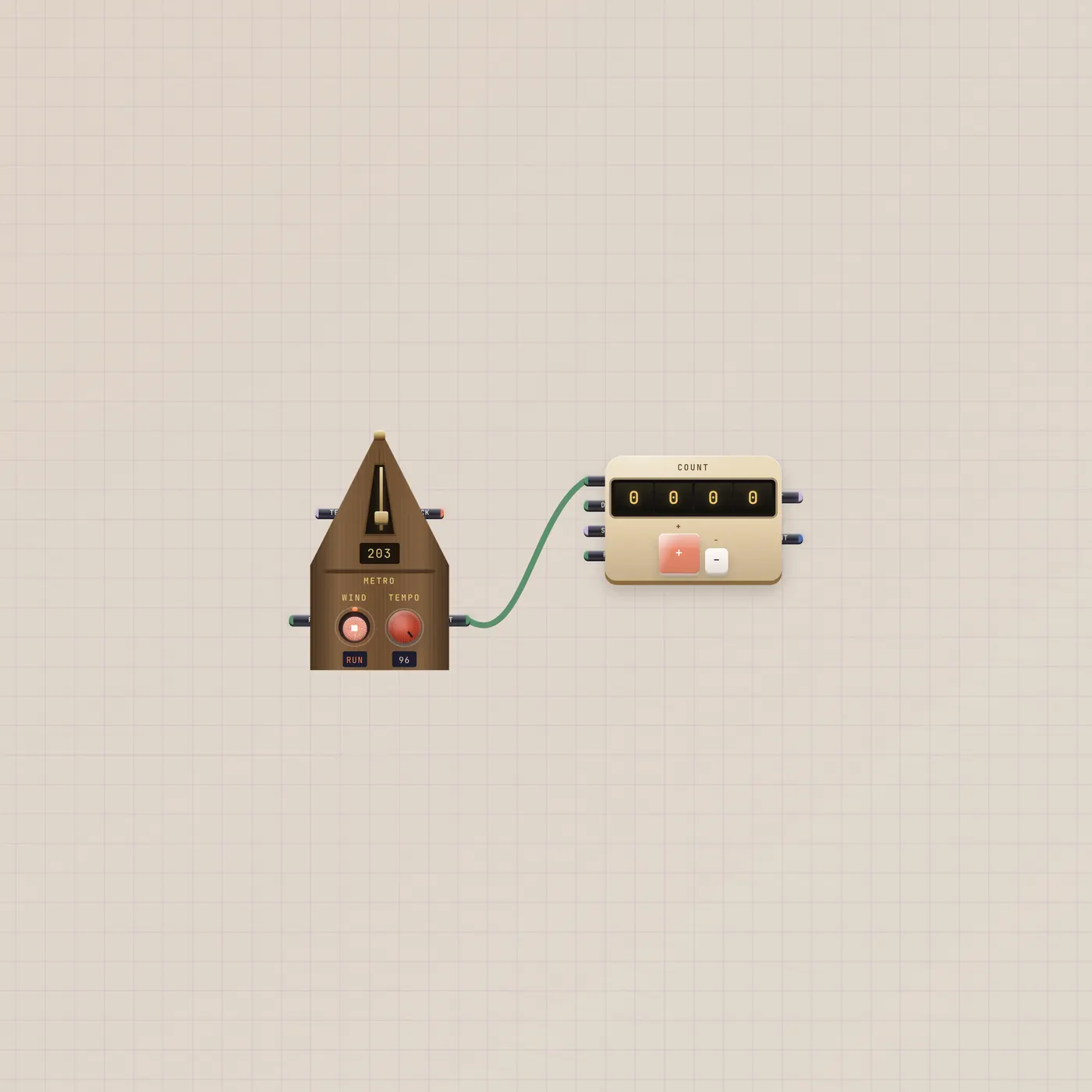
The pendulum clicks. The counter tallies.
Metronome beat gate into Counter.up. A clock you can see. Drop it on a board when you want bars to become a number.
Open guide →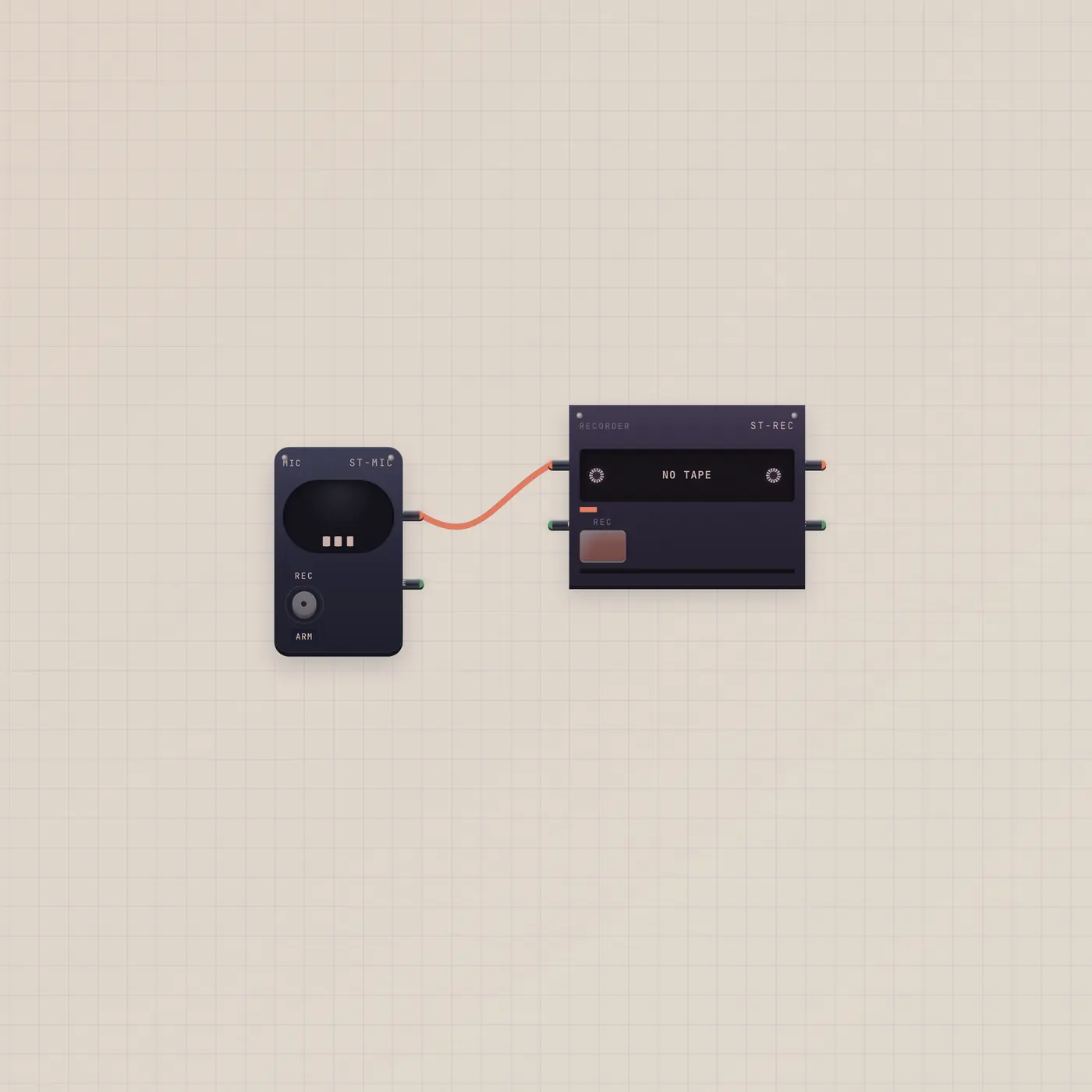
Capsule in. Cassette out.
Mic audio into the Recorder. Hold Rec, talk or play, eject a named take. Drop it when you want a cassette instead of a Deck track.
Open guide →
Meet Pal, the handheld that talks and works your cables
Pal is a pocket AI on the Subtape desk. Type or talk, press GO, and patch Pal.ai into other devices so it can write beats, cut stickers, and run shortcuts.
Open guide →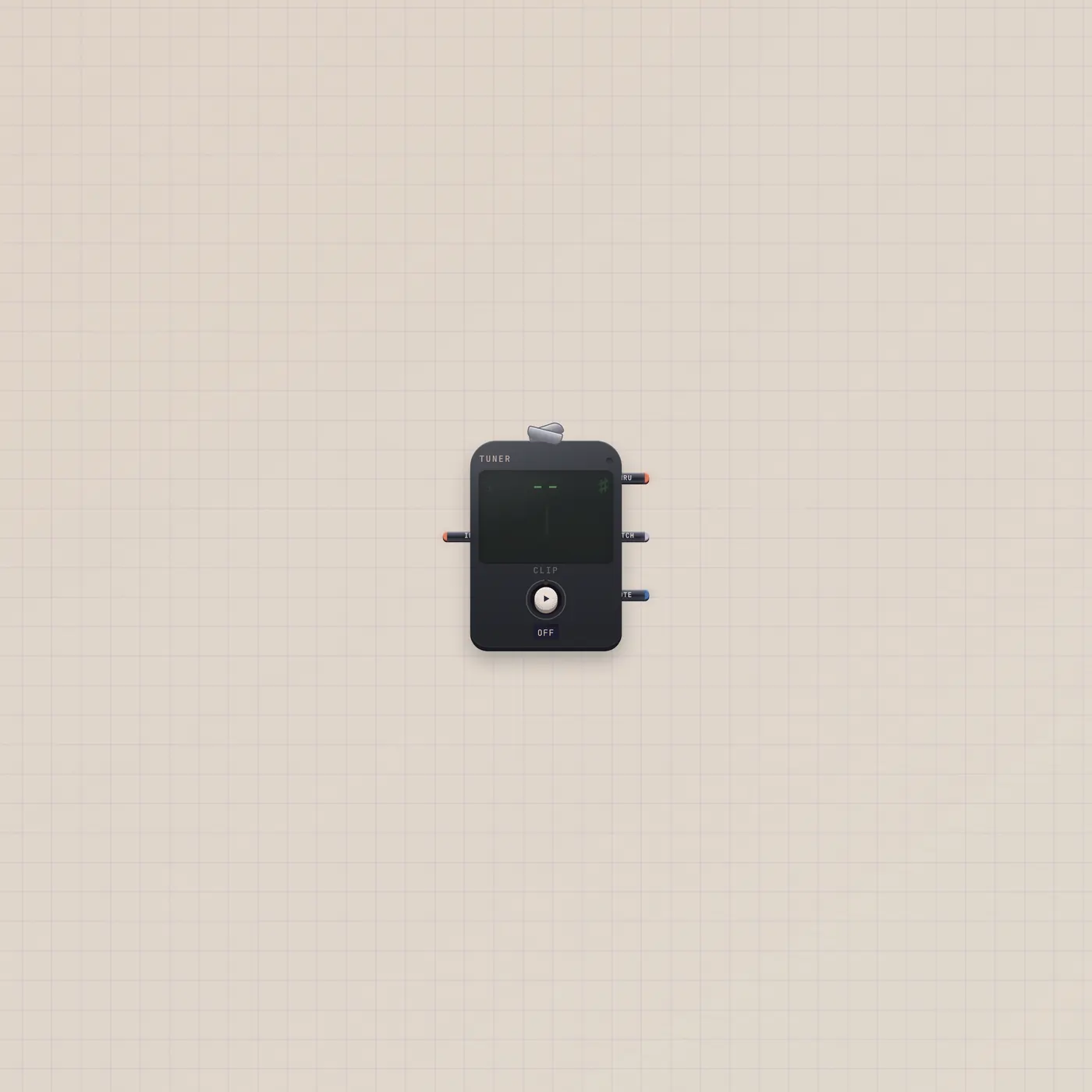
Clip on. Read the note. Stay silent.
The Subtape Tuner is a clip-on chromatic tuner. Press Clip for the room mic, or patch Keys, Mic, or a synth. Needle, note, and cents — no speakers.
Open guide →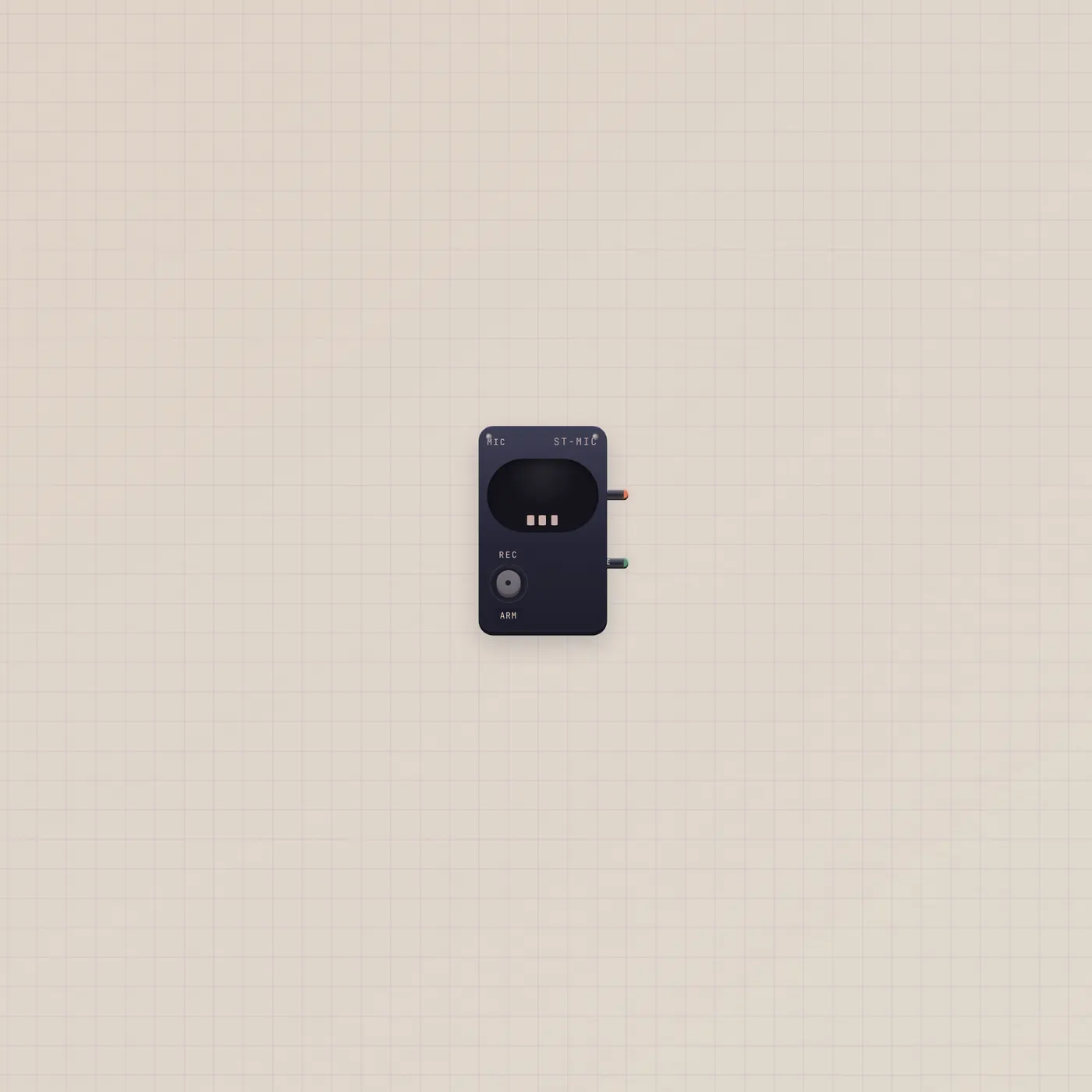
Open the room. Send audio out.
The Subtape Mic opens the device microphone and sends audio out. Patch it into Tuner, Pal, Deck, or Sampler. Live gate stays high while the capsule is open.
Open guide →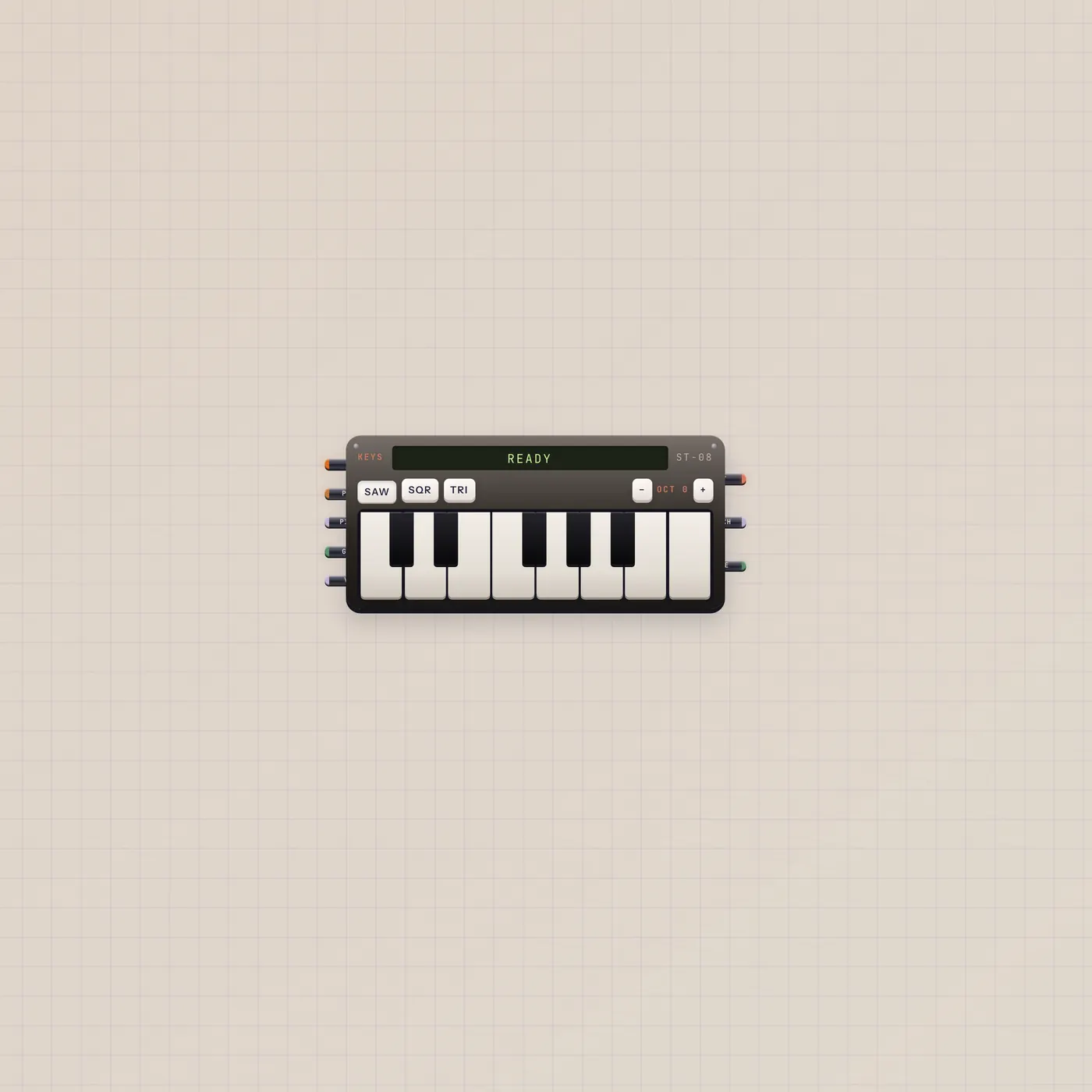
A little tape keyboard with pitch, gate, and audio out
Keys is the Subtape keyboard. Play for audio out. Pitch and gate CV follow the held note. Patch into Tuner, Deck, Scope, or Effect. Wider spans add a second octave.
Open guide →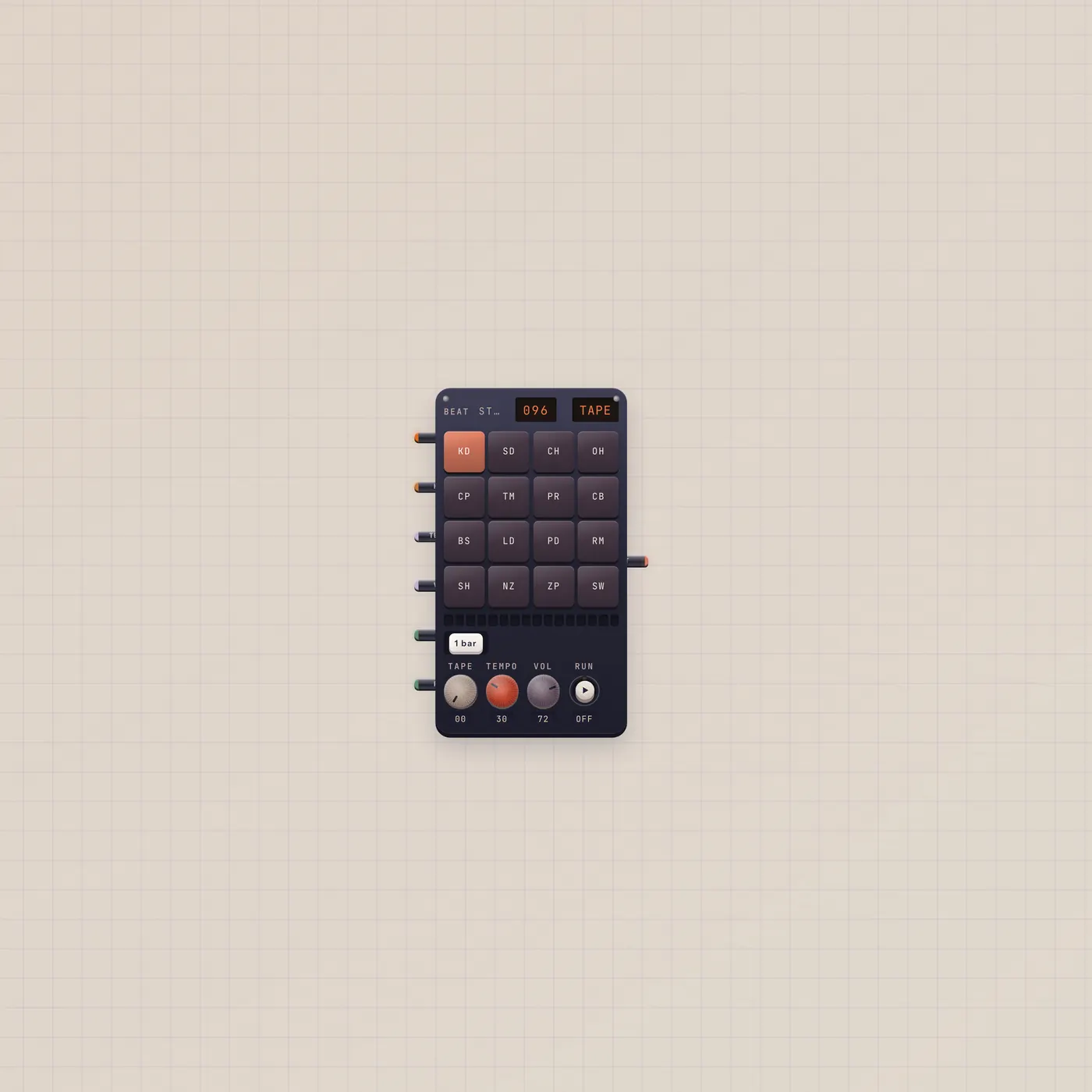
Draw a kit. Hear a bar. Pal can write it.
BeatPad is the Subtape loop box. Sixteen pads a bar, one to eight bars, factory kits or a Sampler pack. Pal.ai writes the groove. Audio out is the loop.
Open guide →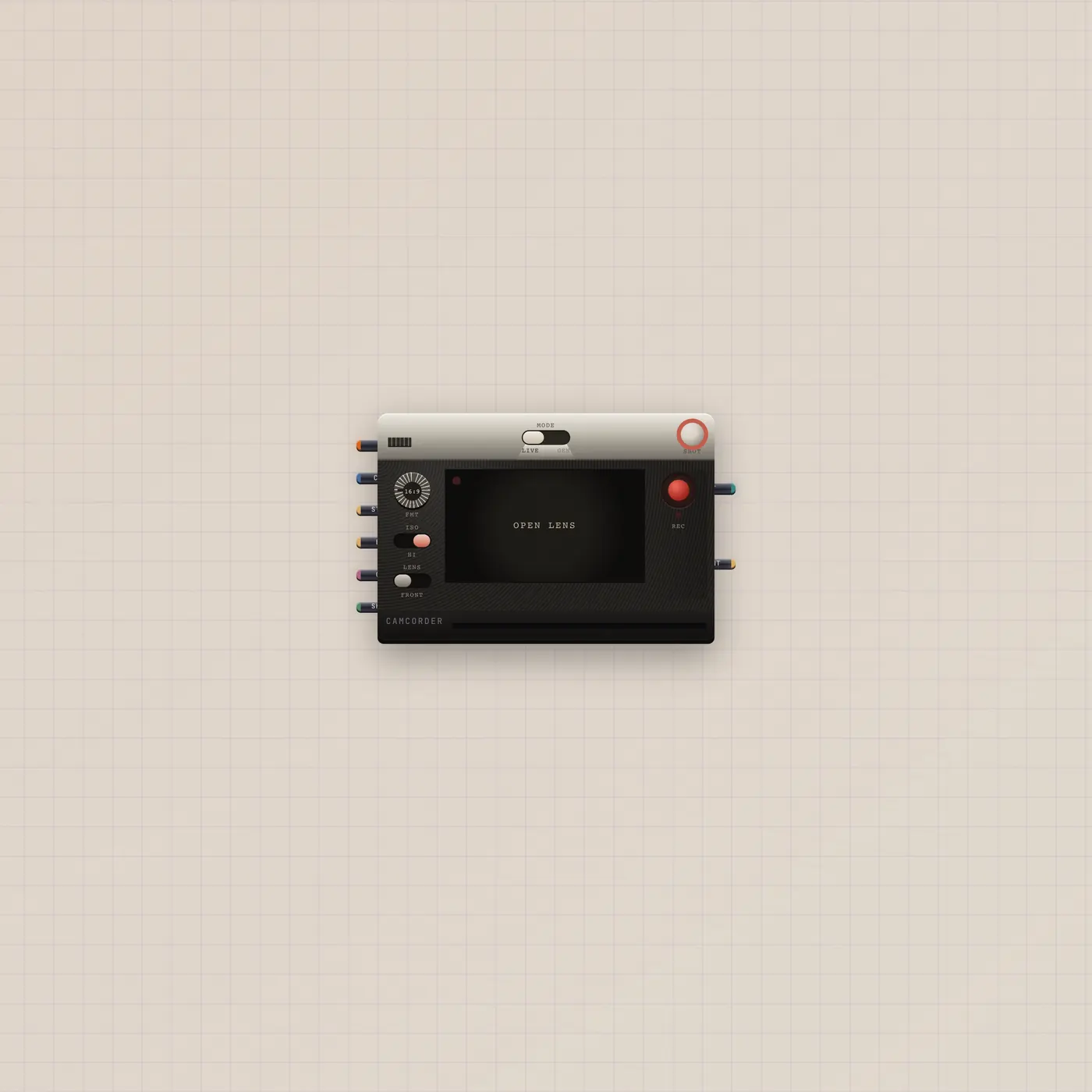
Flip Live or Gen. Shoot. The take goes out.
Camcorder is an analog camera. Live is the webcam. Gen is a generated clip. Patch a Gel, stills, or Pal.ai. Video out and a print out. Gate in is the shutter.
Open guide →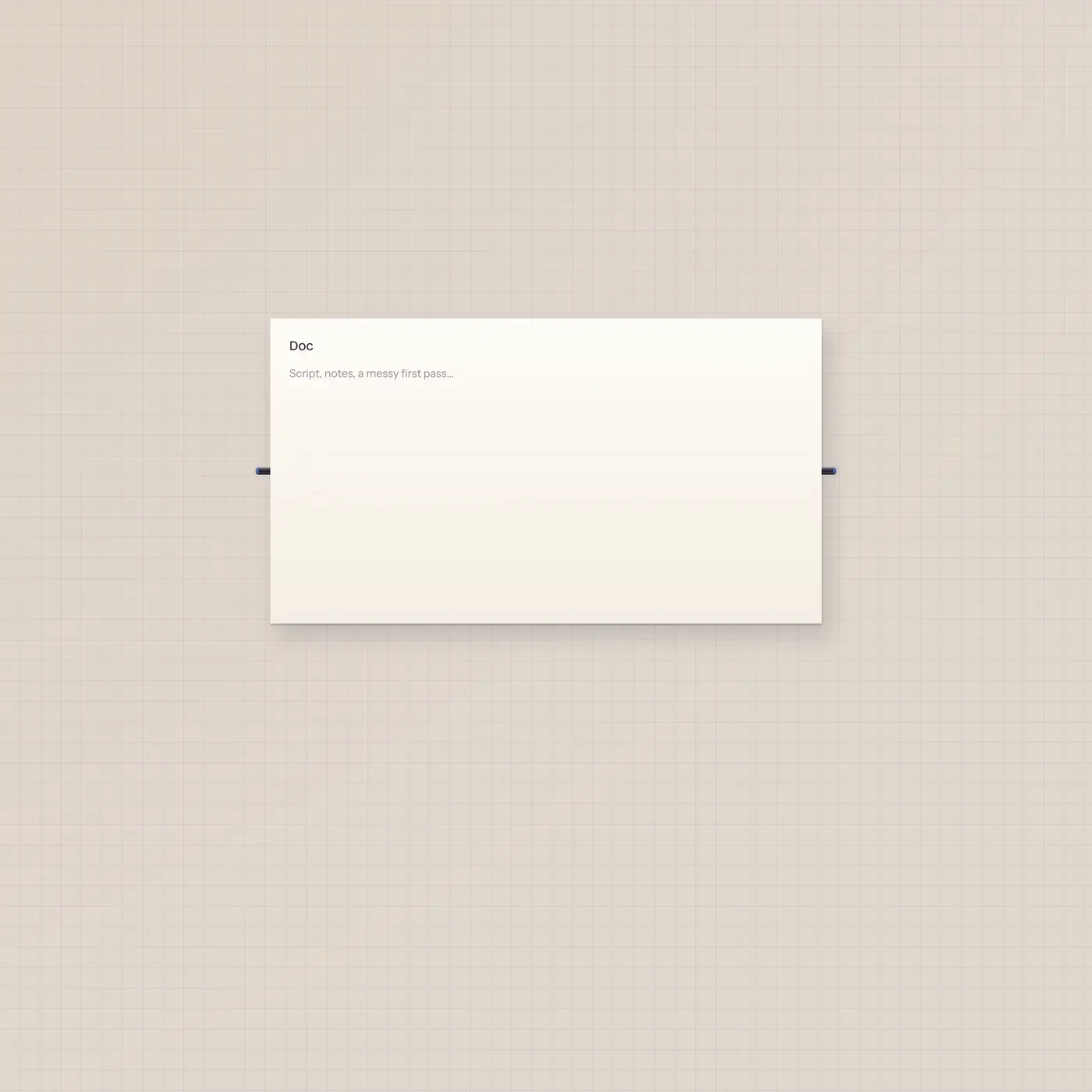
The page on the floor. Pal writes it through text, not ai.
TapeDoc is the shared script. You type; Pal can write it too. Text in and text out — no ai jack. Pal.text → TapeDoc.text is the cable that lets writeDoc land.
Open guide →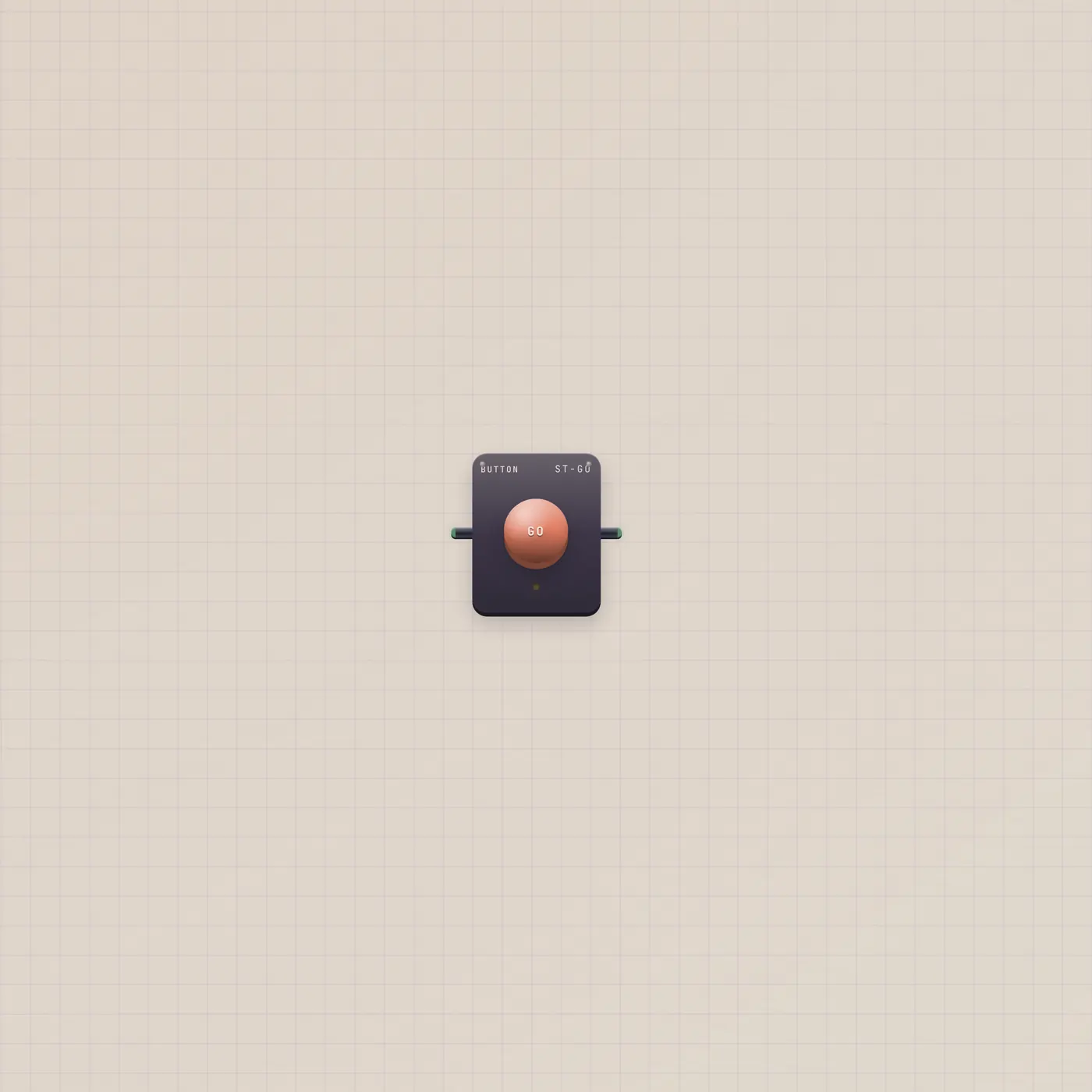
Press. One pulse. Not a hold.
The Subtape Button is a GO plunger. Press or a rising gate in fires one short gate out. Patch it into Pal, Printer, Dice, or Timer. A Switch holds — Pal wants this.
Open guide →73 authored guides. In-desk help covers every device.