Component Group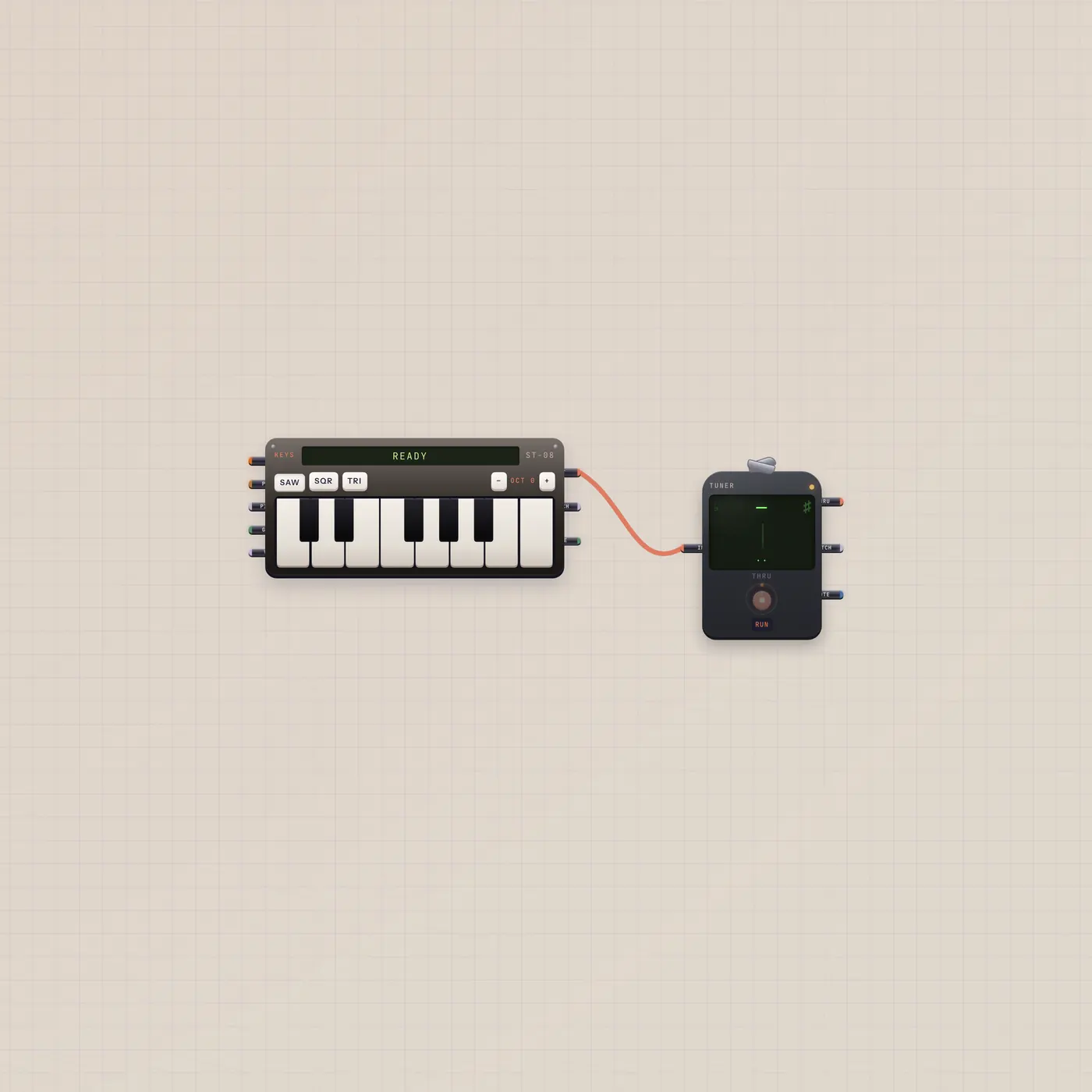
Play Keys. Read the Tuner.
A prewired pair: Keys audio into the chromatic Tuner. Drop it on a board, play, and watch the needle follow the key.
What's wired
Keys.audio → Tuner.audio. The Tuner is a silent tap. You hear the keyboard, not a speaker on the clip.
How to use it
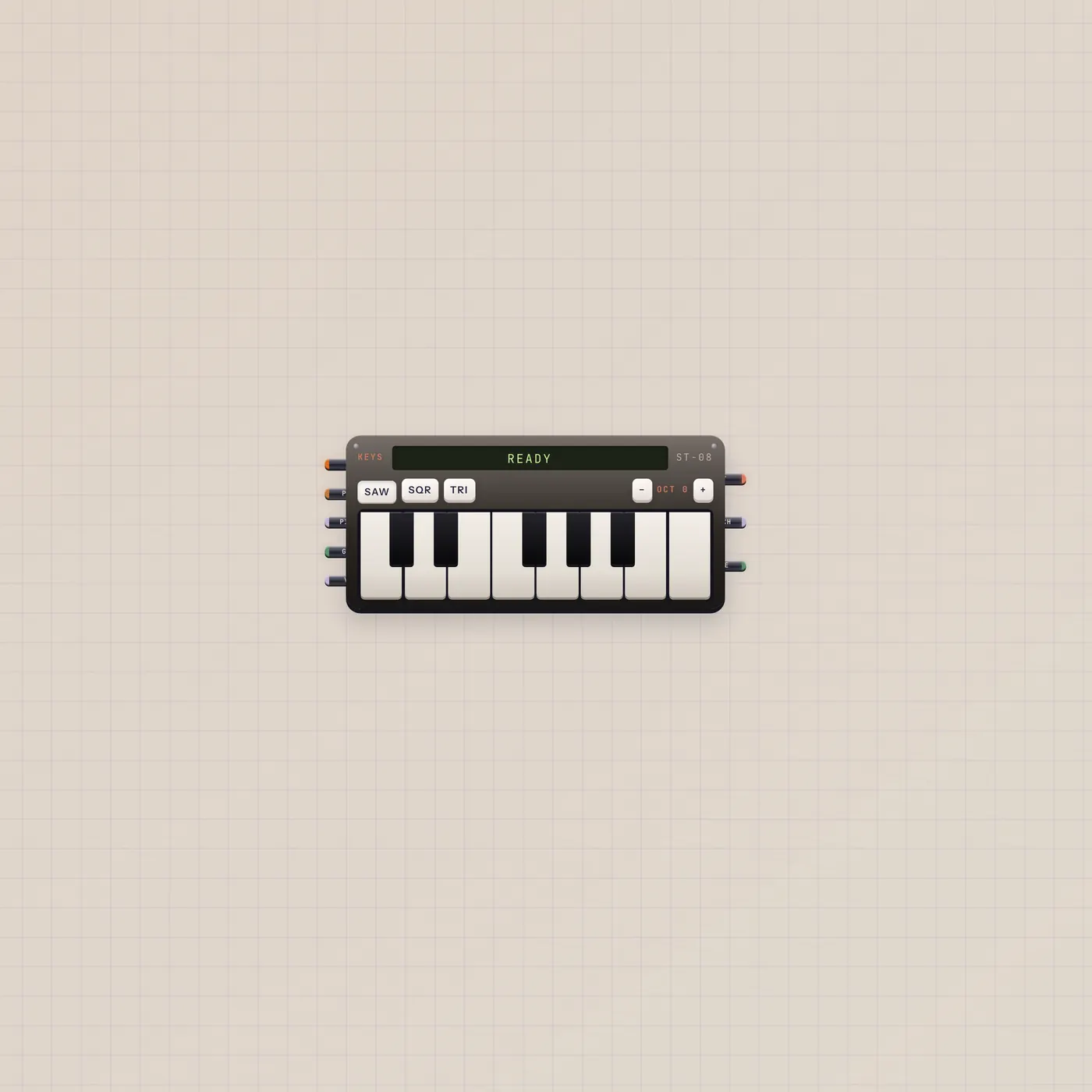
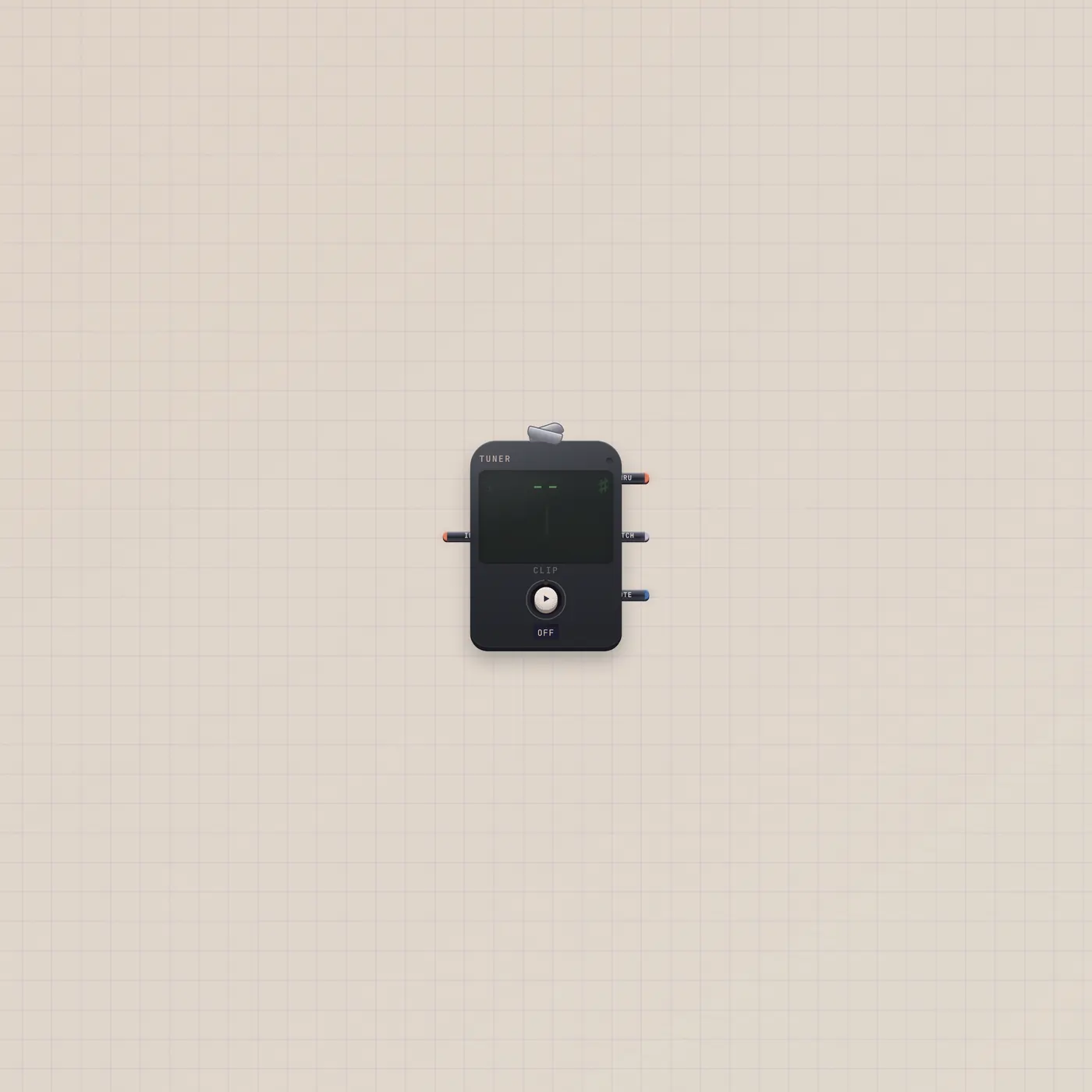
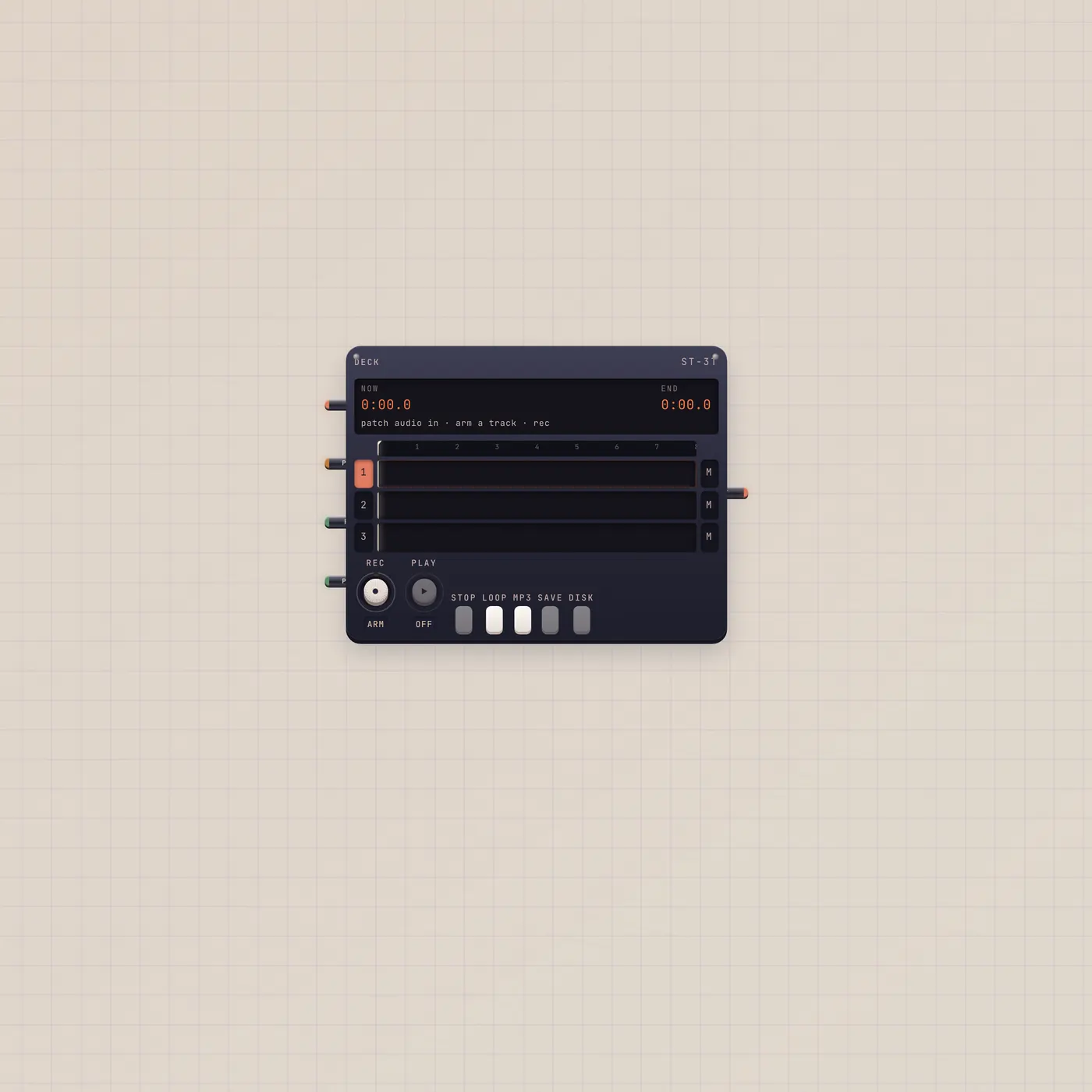
Import the pair. Click the Keys to arm computer notes, or play on the keys. The needle and note name follow. Thru on the Tuner is silent — patch Keys.audio into Deck if you want a take.
The devices
What you can add
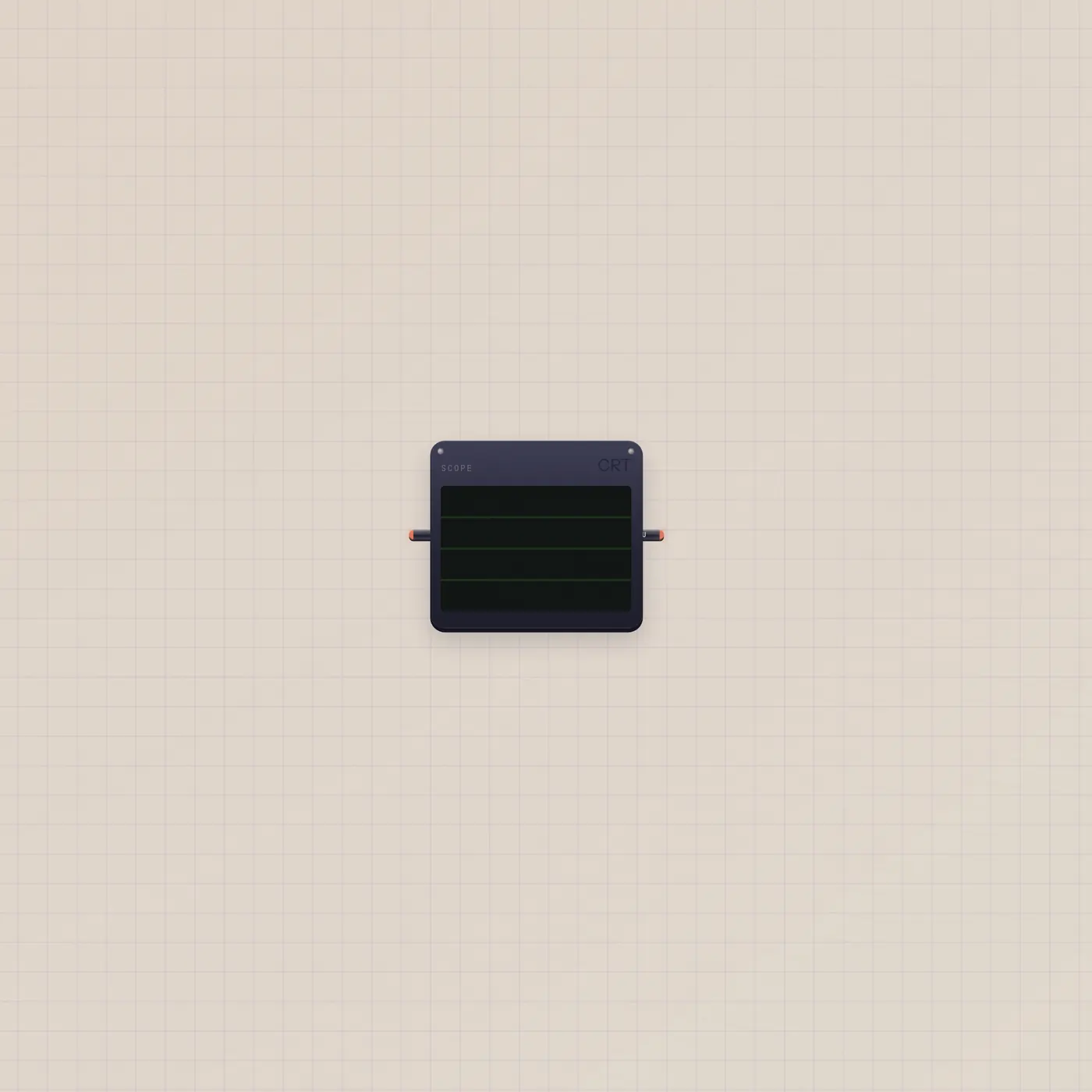
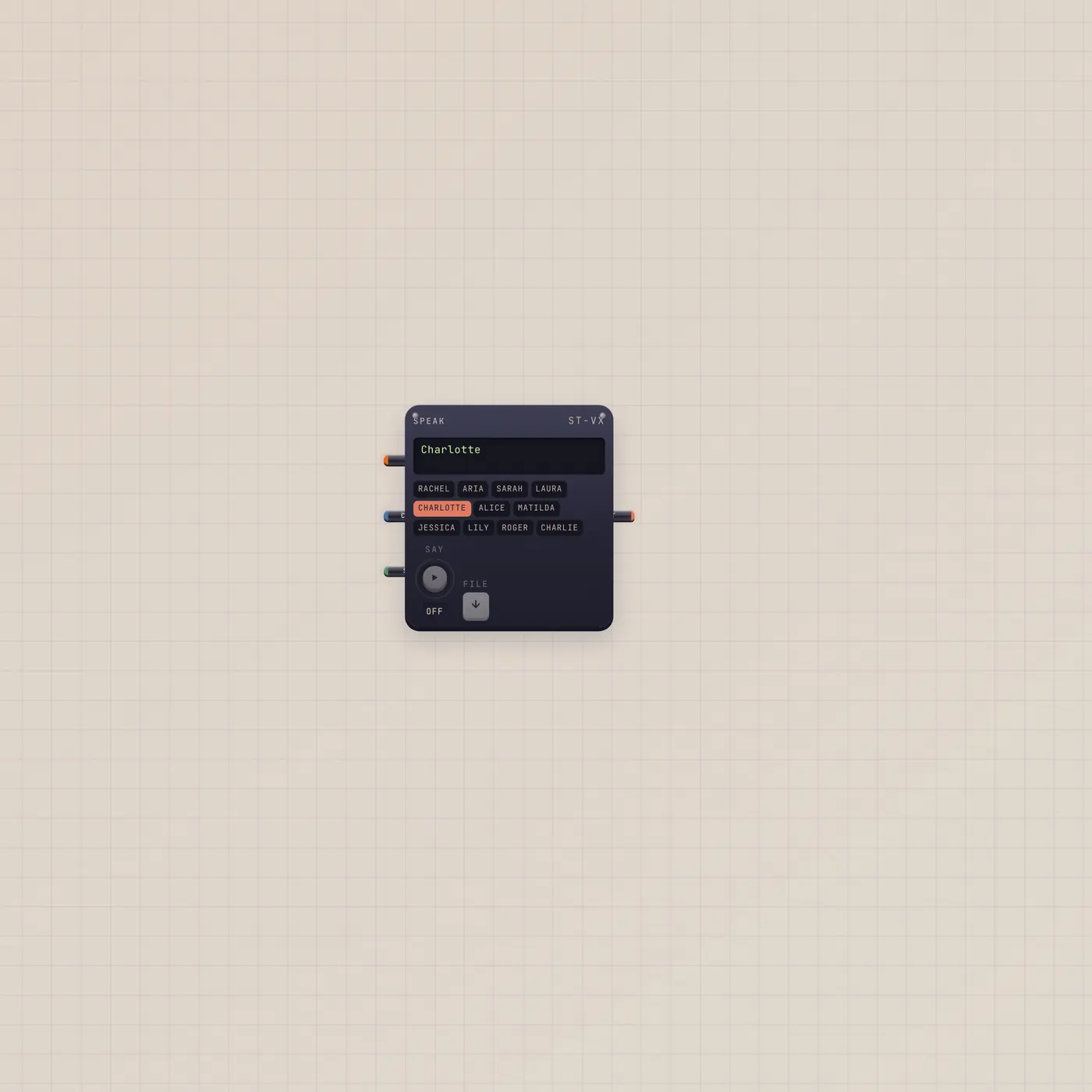
Fan a second cable from Keys.audio into Scope to see the wave. Tuner.text → Speak reads the note name out loud.
What’s wired
- keys.audio → tuner.audio
Questions
- Will this replace my clip-on?
- No. Clip-on tuner is Mic → Tuner for the room. This pair is for the keyboard.
- Can I put this on a board I already have?
- Yes. Groups land on an existing board or open a new one.
- Why is the Tuner silent?
- Thru does not monitor. The Keys already make the sound.