Flip Live or Gen. Shoot. The take goes out.
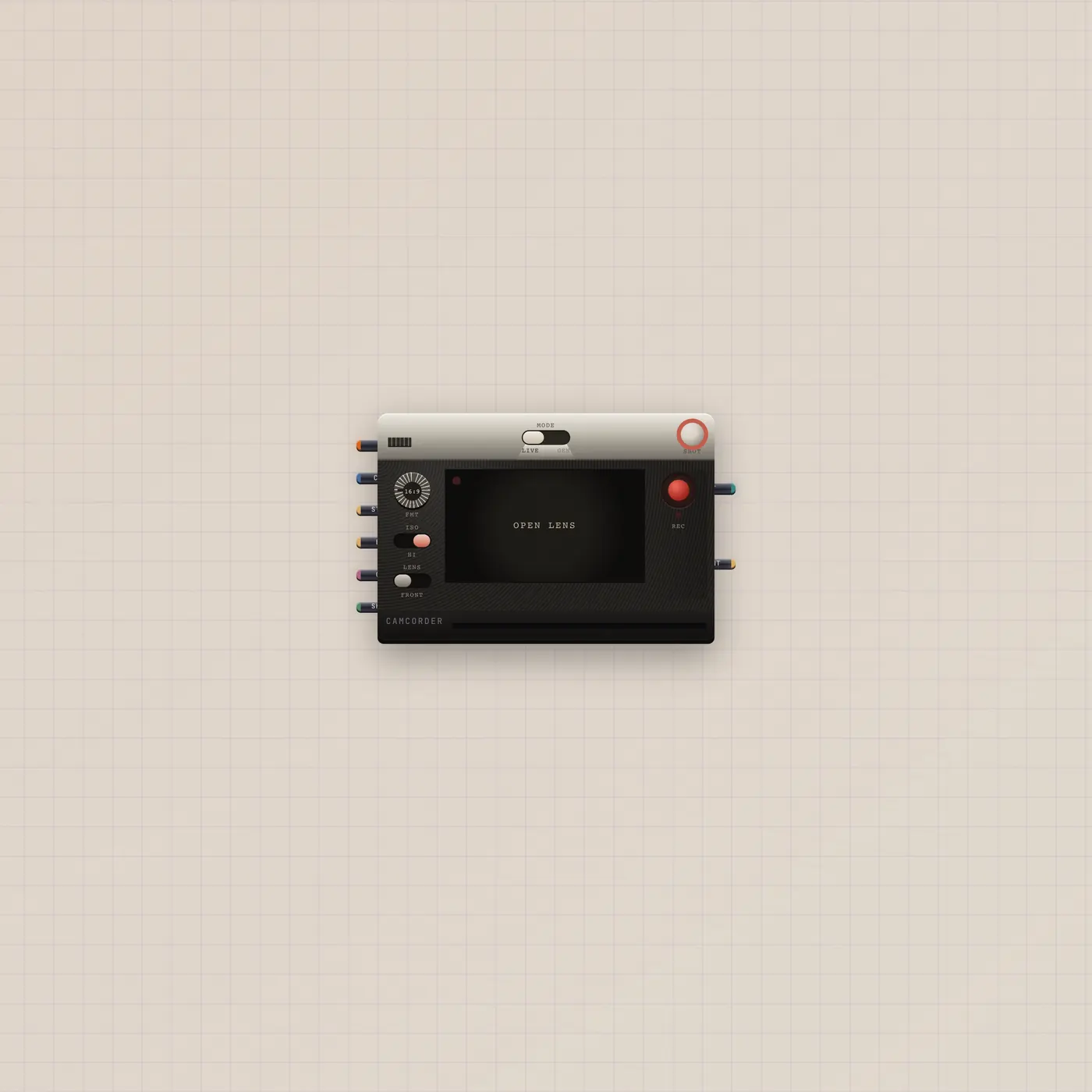
Camcorder is an analog camera. Live is the webcam. Gen is a generated clip. Patch a Gel, stills, or Pal.ai. Video out and a print out. Gate in is the shutter.

What it is
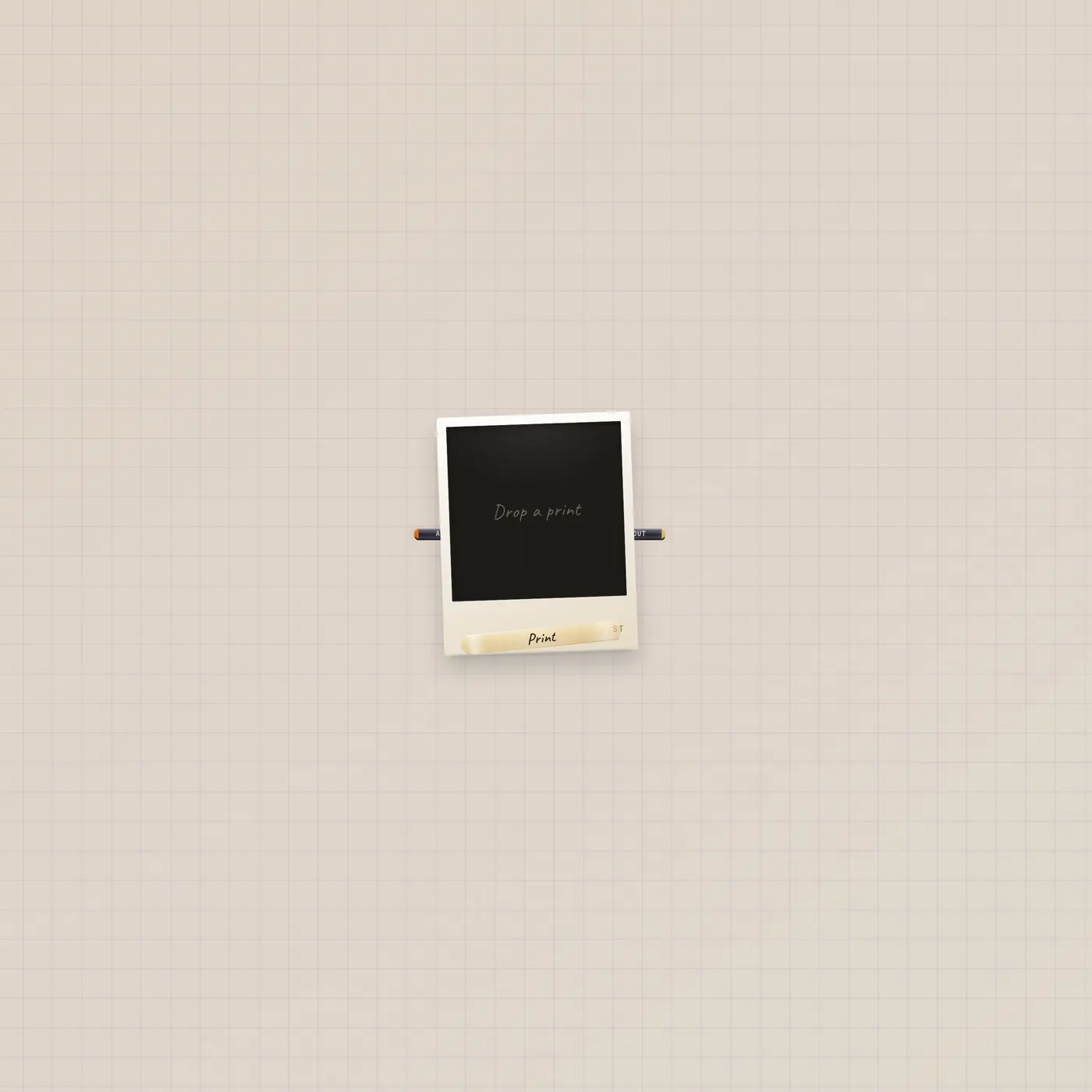
An analog camera. Mode flips Live (webcam stills and Rec) and Gen (generated clip). AI in lets Pal generateClip. Text in (Copy) feeds the prompt. Image in (Still) is the first frame; End is the last. Two stills on Still also read as start then end. Style in (Gel) is a Lens. Gate in (Shoot) is the shutter. Video out is the take. Image out (Print) is a still. If either out is patched, the take goes down the cable instead of ejecting a print. Unpatched takes eject a print, or land on a focused Cutting Room.
How to use it
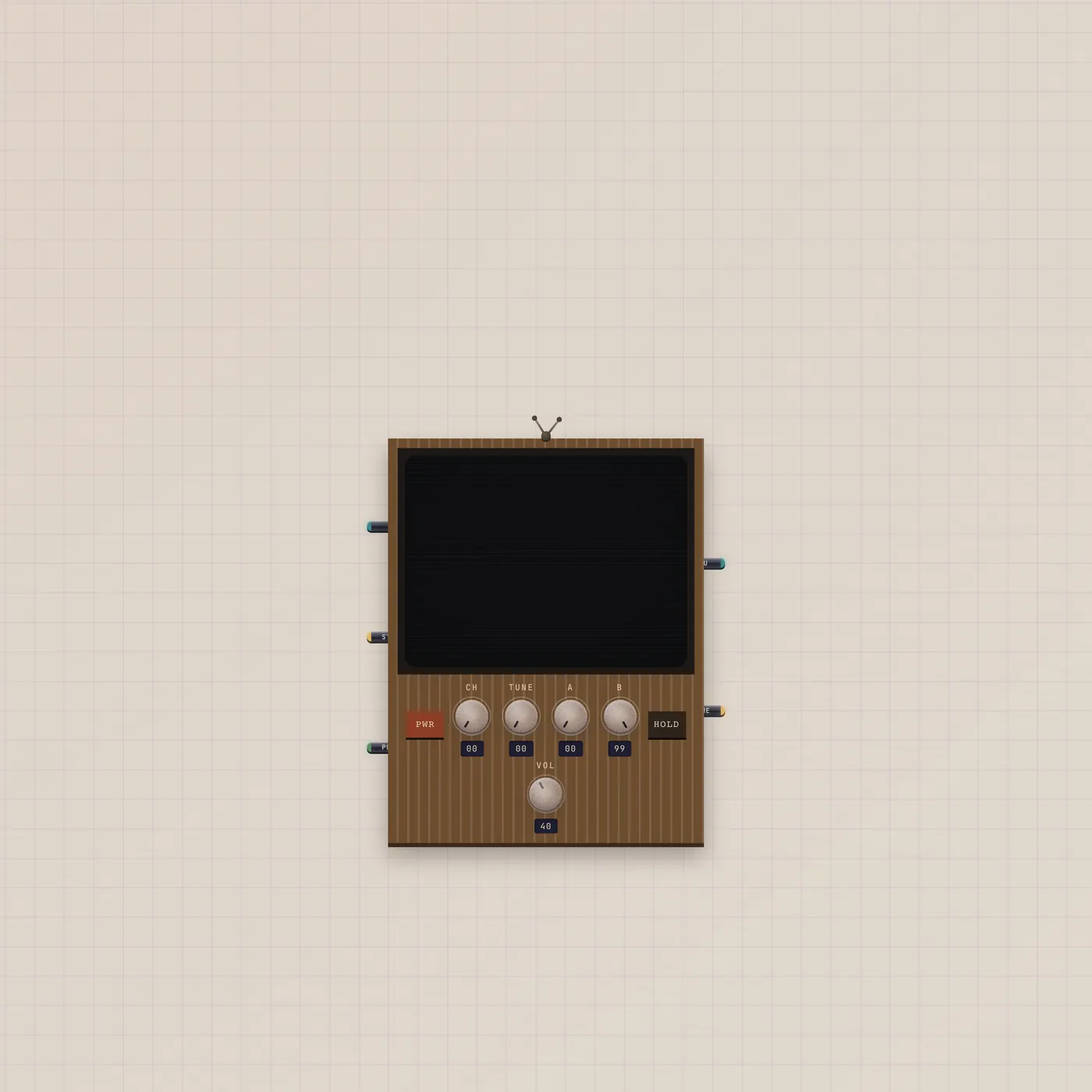
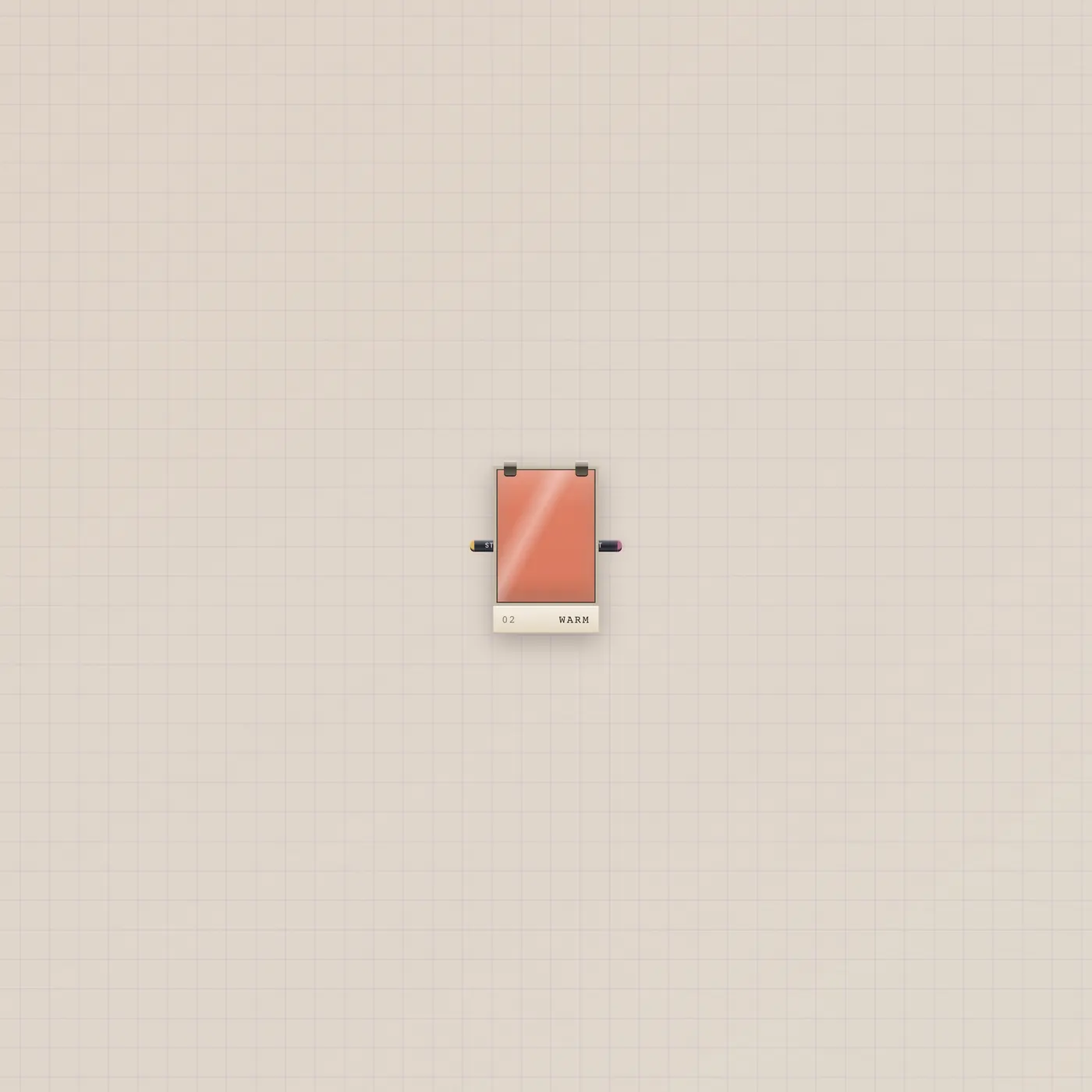
Allow the camera for Live, or flip Gen and type a shot. Hit Rec or Shoot. Patch Camcorder.video into Crt.video to watch — that is Camcorder to CRT. Pal.ai → Camcorder.ai generates from an ask. Lens.style → Camcorder.style grades the shot before it lands.
What to patch next
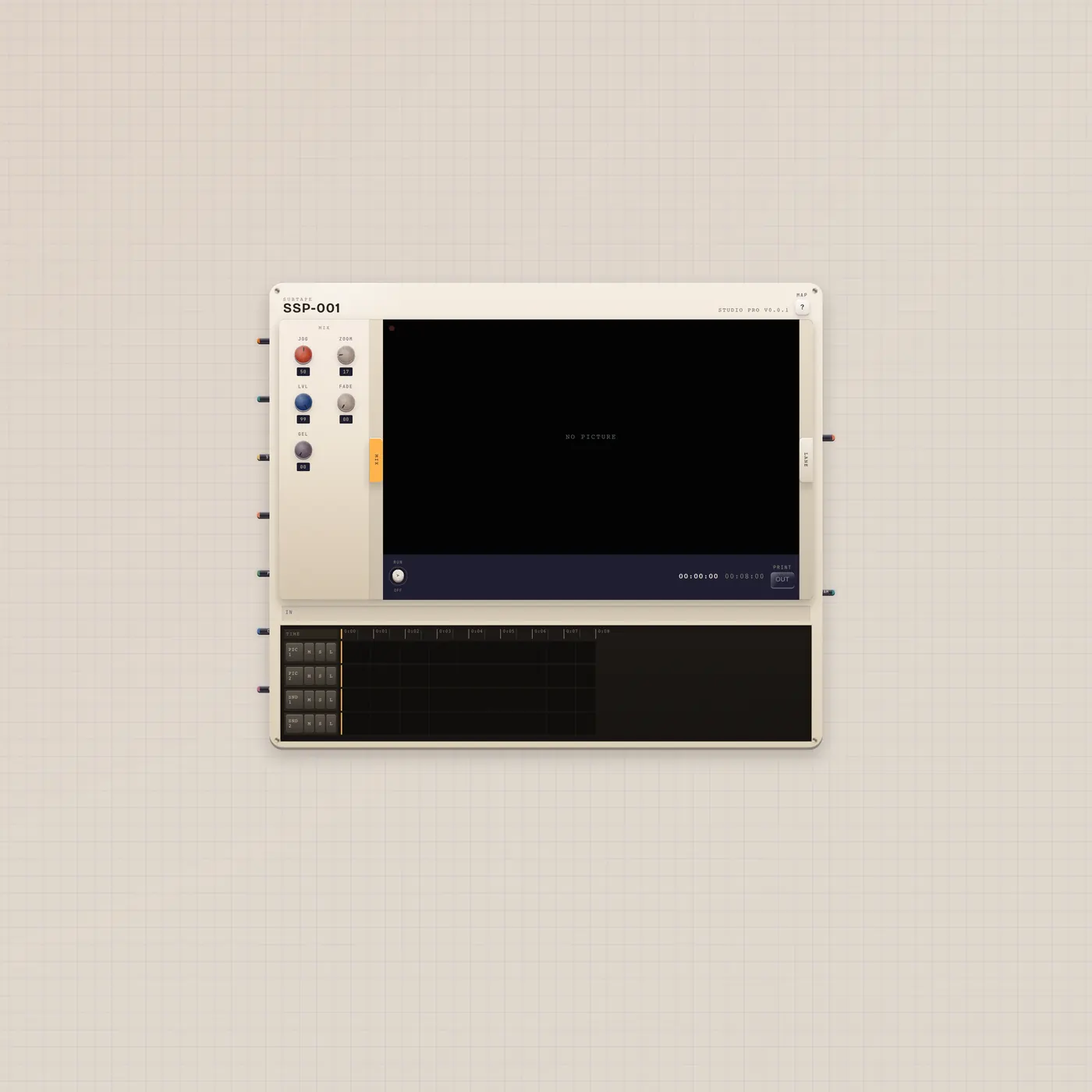
Camcorder.video → Crt.video is the watch pair. Camcorder.video → CuttingRoom.video is Cut the Reel. Lens.style → Camcorder.style tints the generate. Image.image → Camcorder.image keys the first frame.
Ports
| Jack | Dir | Kind | Label |
|---|---|---|---|
| ai | in | ai | AI |
| text | in | text | Copy |
| image | in | image | Still |
| end | in | image | End |
| style | in | style | Gel |
| gate | in | gate | Shoot |
| video | out | video | Out |
| image | out | image |
Questions
- Why didn't it eject a print?
- Video out or Print out is patched. The take went down the cable. Unpatch to eject.
- Can Pal shoot Live?
- Gate in fires the shutter. Pal.ai generates. Live still needs you (or a Button) on Shoot.
- Does Gen use quota?
- Yes. Generated clips use the workspace AI budget.