Open the room. Send audio out.
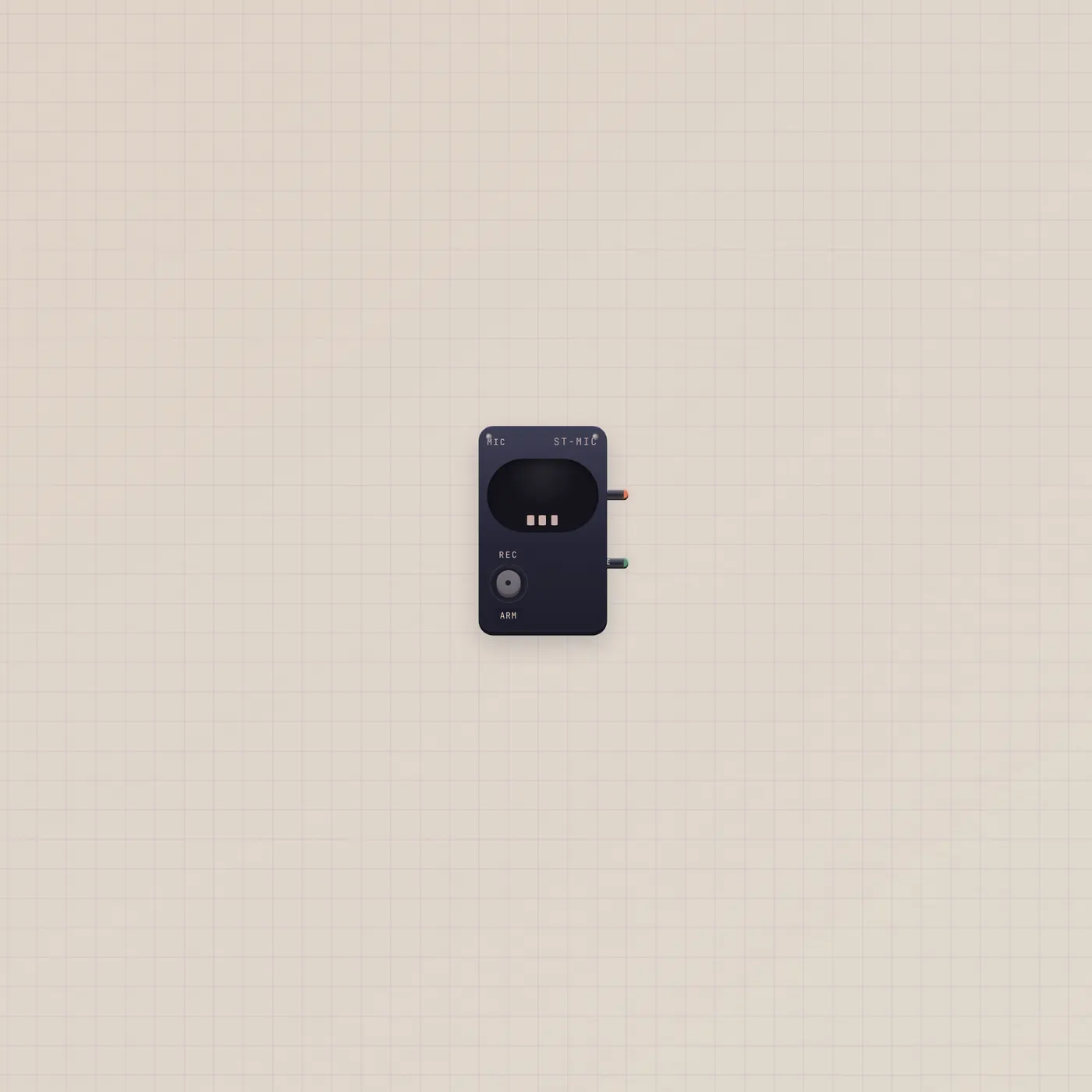
The Subtape Mic opens the device microphone and sends audio out. Patch it into Tuner, Pal, Deck, or Sampler. Live gate stays high while the capsule is open.
What it is
A room microphone. It opens the browser mic and publishes audio out so Deck, Tuner, Pal, Sampler, Recorder, or Scope can hear the room. Live gate is high while the capsule is open. The Mic does not auto-monitor — you will not hear yourself through the desk speakers unless you patch onward into something that plays.
How to use it
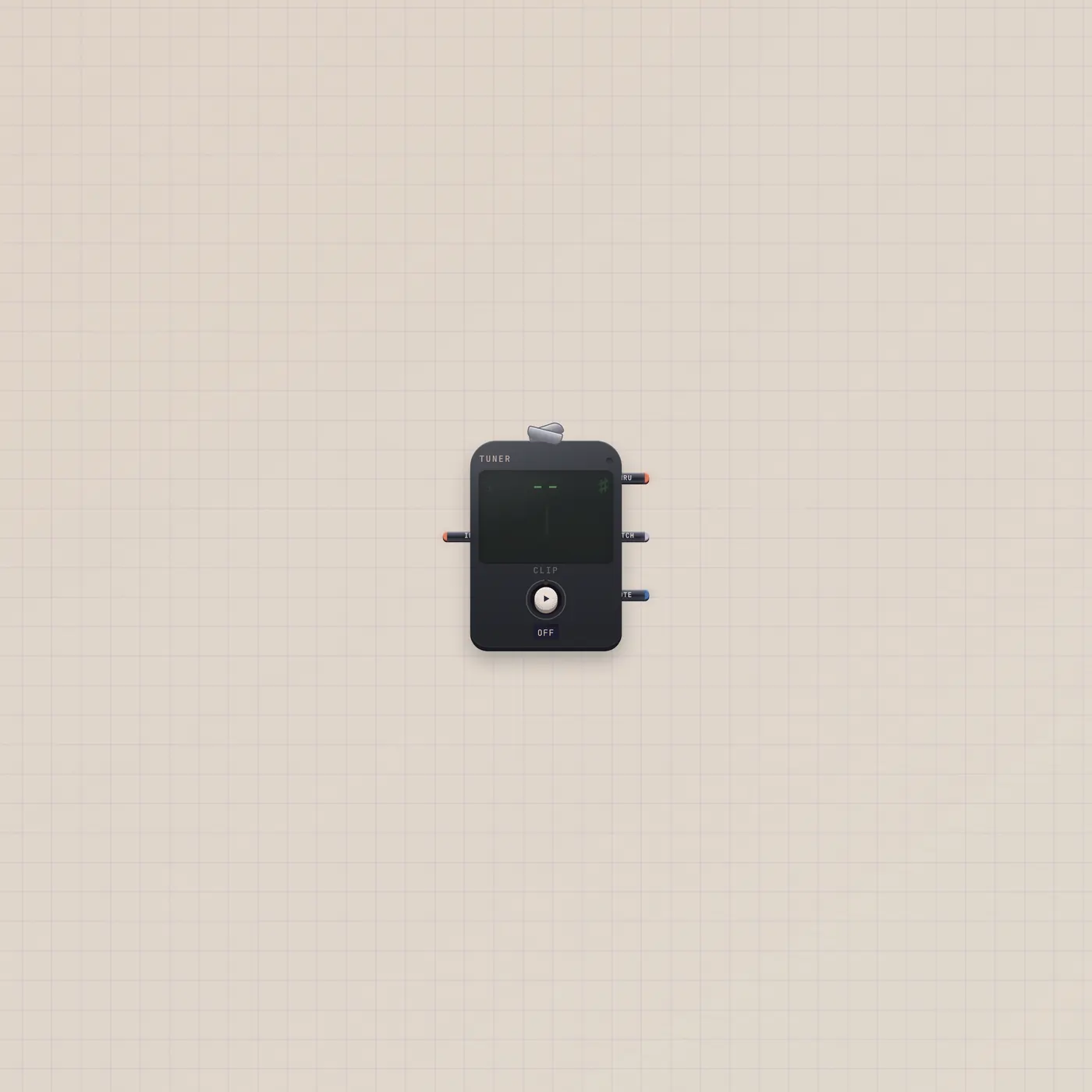
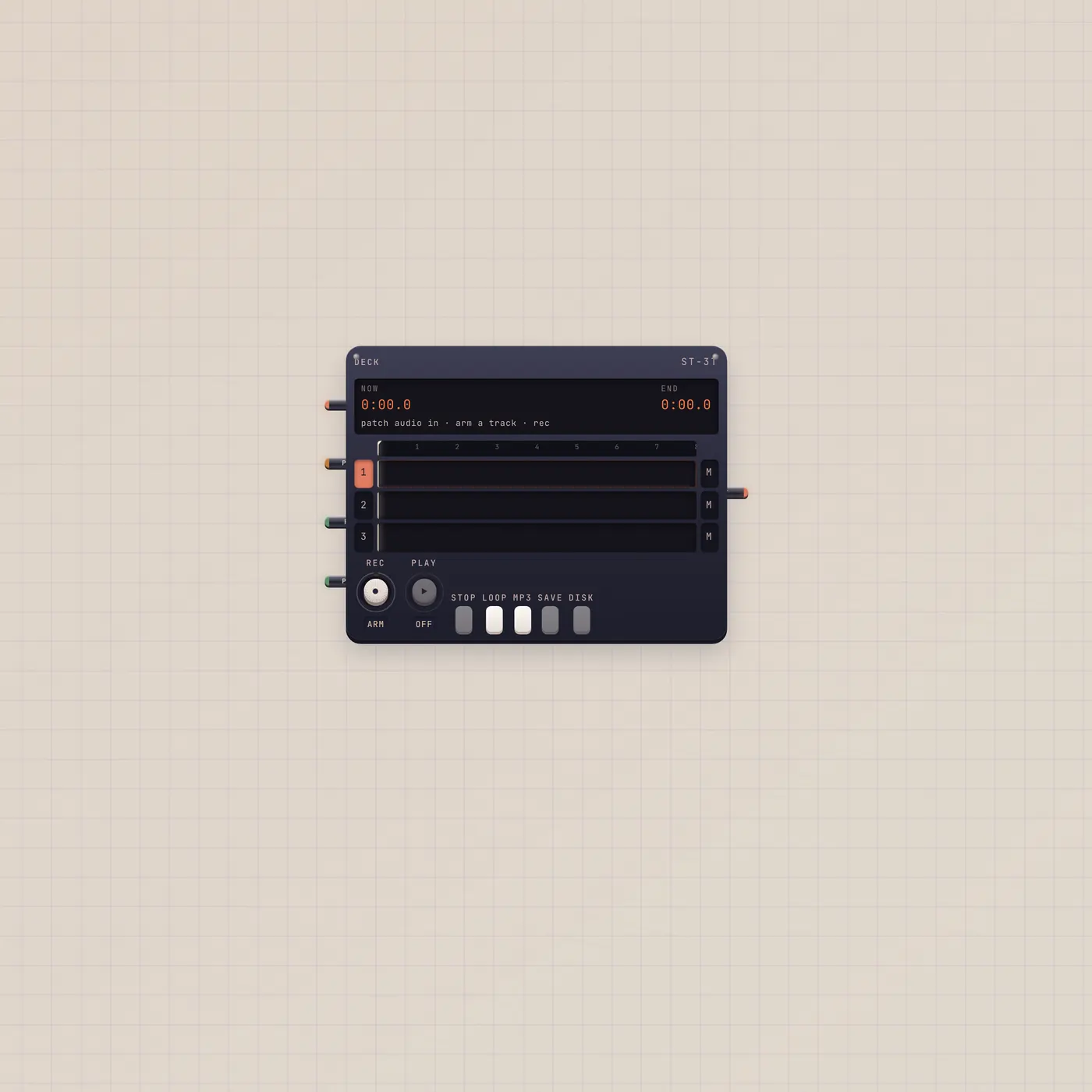
Add a Mic and allow the browser permission. Patch audio out into Tuner to read pitch, into Pal.audio to talk, into Deck or Recorder to capture, or into Sampler to grab a take. The Live gate can arm other devices while you are speaking.
What to patch next
Mic → Tuner is the Clip-on tuner group. Mic → Pal.audio is the talk line. Mic → Deck.In with a track armed records the room to tape.

Ports
| Jack | Dir | Kind | Label |
|---|---|---|---|
| audio | out | audio | Out |
| gate | out | gate | Live |
Questions
- Why don't I hear the Mic?
- On purpose. The Mic is a source, not a monitor. Patch it into Deck, Speak, or a player if you want to hear it. Tuner and Pal tap it silently.
- Does Pal need this cable?
- No. Pal Talk uses the room mic by itself. Patch Mic.audio → Pal.audio when you want Pal locked to this capsule instead.
- Can two devices hear the same Mic?
- Yes. Fan-in inputs (Tuner, Deck, Sampler) accept the same kind from one source. Run two cables from Mic.audio.