Meet Pal, the handheld that talks and works your cables
Pal is a pocket AI on the Subtape desk. Type or talk, press GO, and patch Pal.ai into other devices so it can write beats, cut stickers, and run shortcuts.

What it is
Pal is a handheld with a pixel face, an ASK plate, a GO key, and a Talk capsule. It is not a chat sidebar. It sits on the floor like the rest of the hardware. Copy in and Still in feed the ask. Mic in is a live talk line. Gate in re-runs the last prompt. Pal.ai out is the control cable — patch that into another device's ai in and Pal can act on it. Text out carries replies for Marquee, Printer, Speak, or TapeDoc.
How to use it
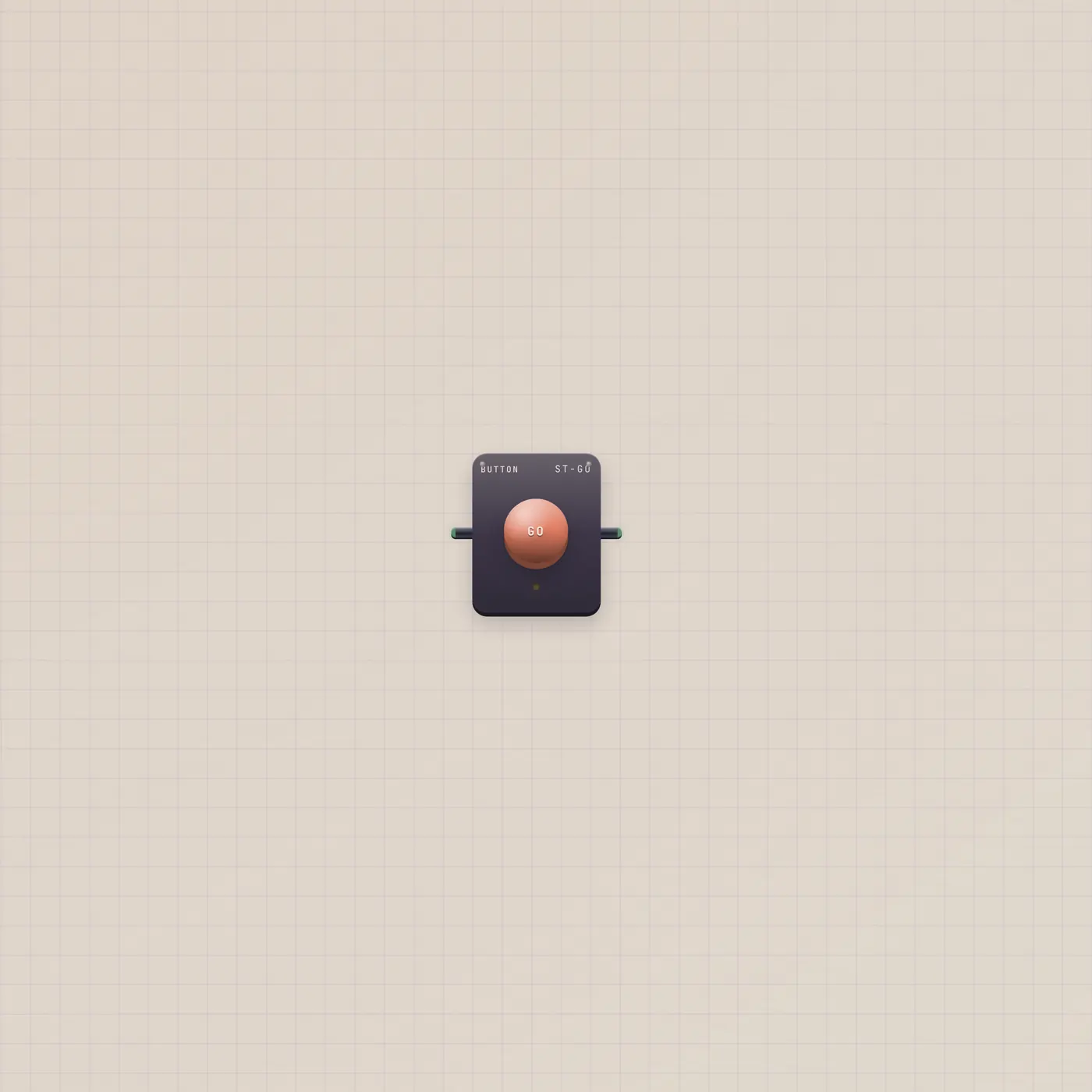
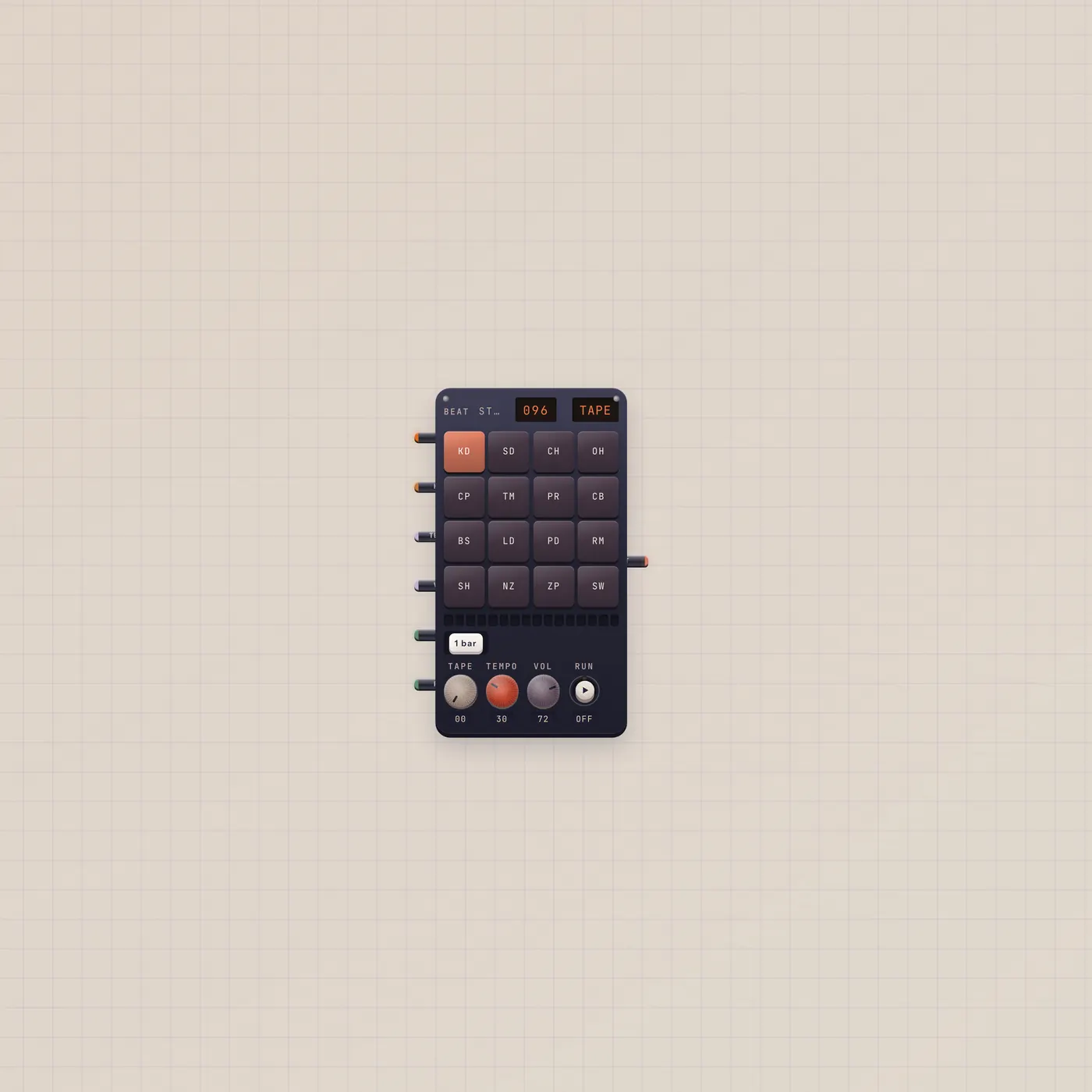
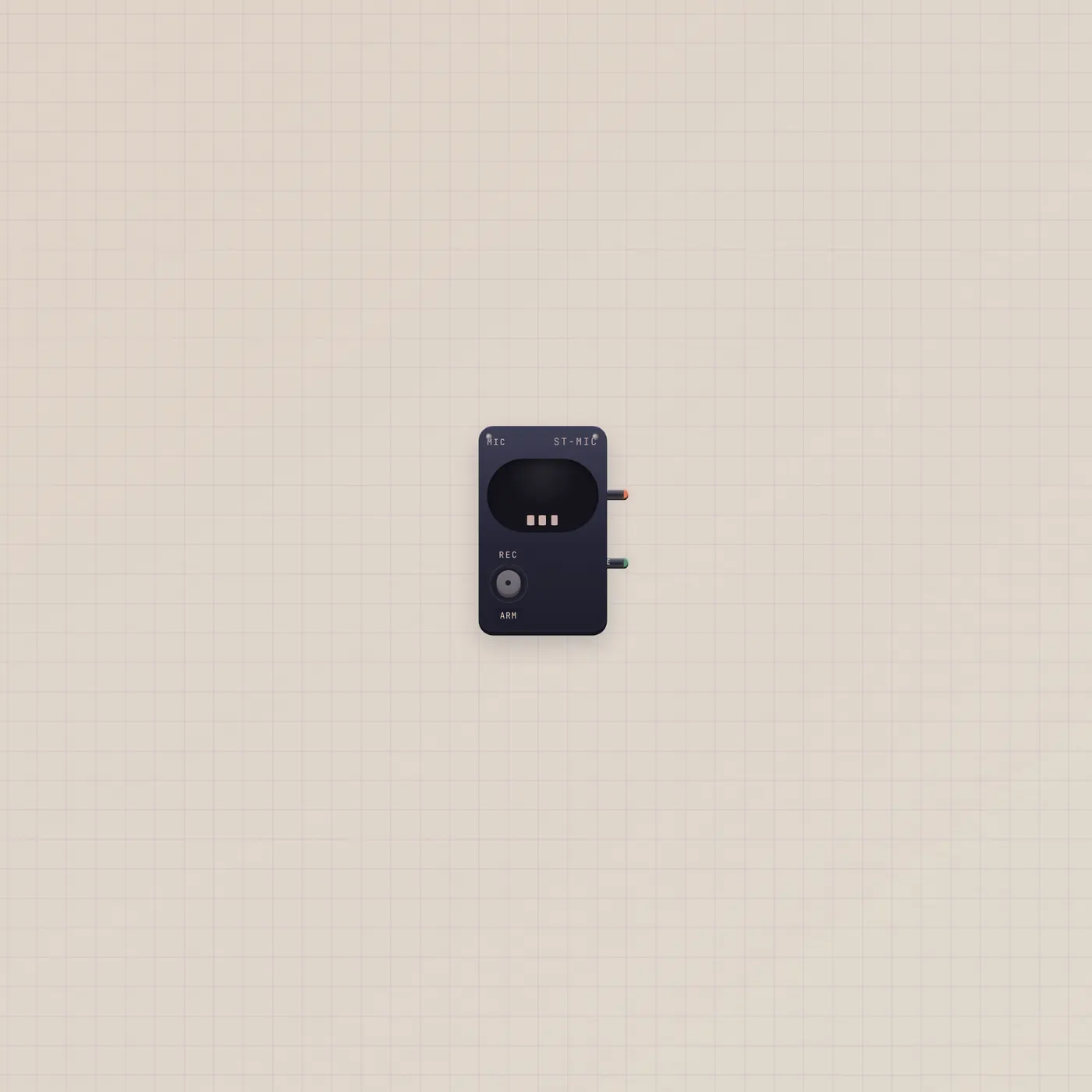
Type on ASK and hit GO, or hold Talk and speak. With no cables Pal can only chat. Patch Mic.audio into Pal.audio if you want a dedicated mic instead of the room. Patch Pal.ai into BeatPad, Keys, Dice, Keyboard, CuttingRoom, Image, Printer, StickerPrinter, Camcorder, Clip, Sampler, or MiniSynth so the reply can drive that device. Gate from a Button is the same as pressing GO.
What to patch next
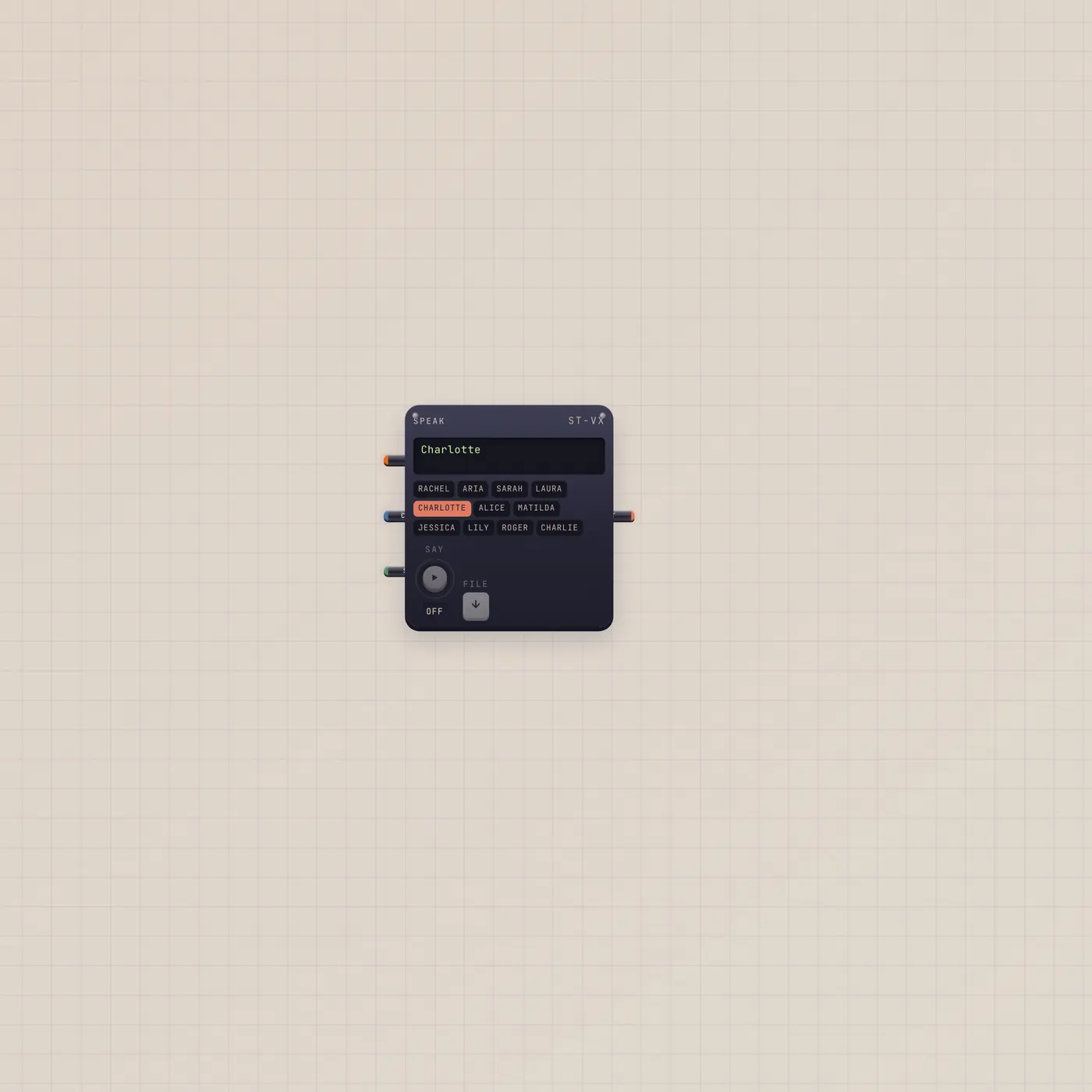
A Button on Pal.gate is the Pulse Pal group. Pal.text into Speak reads the answer out loud. Pal.ai into BeatPad writes a kit. Leave Pal unpatched when you just want a face on the desk that answers questions about the cables already on the floor.
Ports
| Jack | Dir | Kind | Label |
|---|---|---|---|
| text | in | text | Copy |
| image | in | image | Still |
| audio | in | audio | Mic |
| gate | in | gate | Go |
| ai | out | ai | Pal |
| text | out | text | Out |
Questions
- Does Pal need a paid plan?
- Pal sits on the desk for everyone. AI actions use the workspace quota. Free desks get a small monthly pool; Pro and Team raise it.
- Can Pal hear a patched microphone?
- Yes. Patch Mic.audio into Pal.audio. Talk still works without a cable — that uses the room mic.
- What does the Pal.ai jack do?
- It is a control cable, not audio. Land it on a device with an ai in jack. Pal can then change that device instead of only talking.