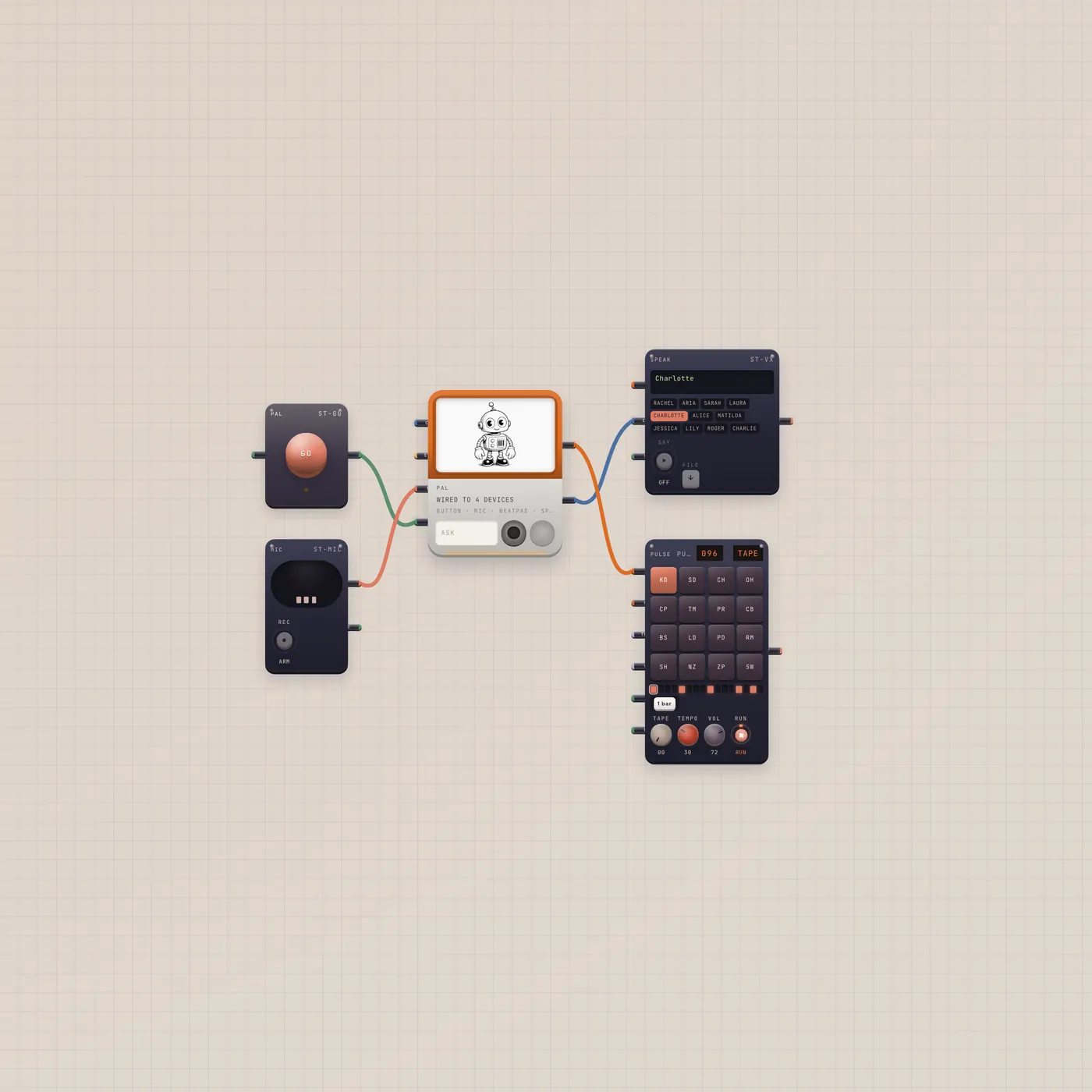
Press GO. Pal writes a groove on the BeatPad.
A full Subtape board for the real Pal job: press GO, Pal writes a beat, Speak reads the reply, and the pad plays it. Mic is already in for Talk. Always a new board.

What you can do today
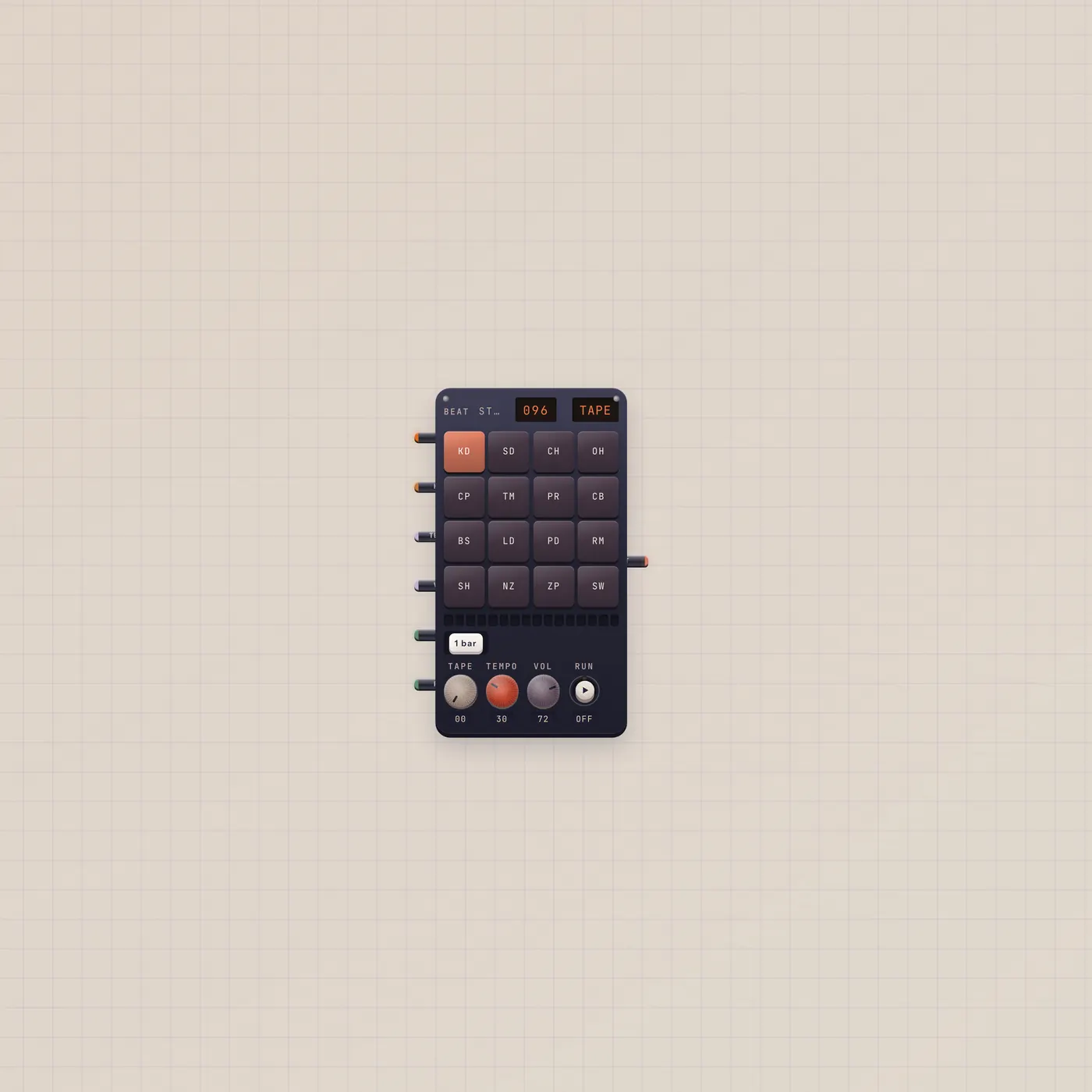
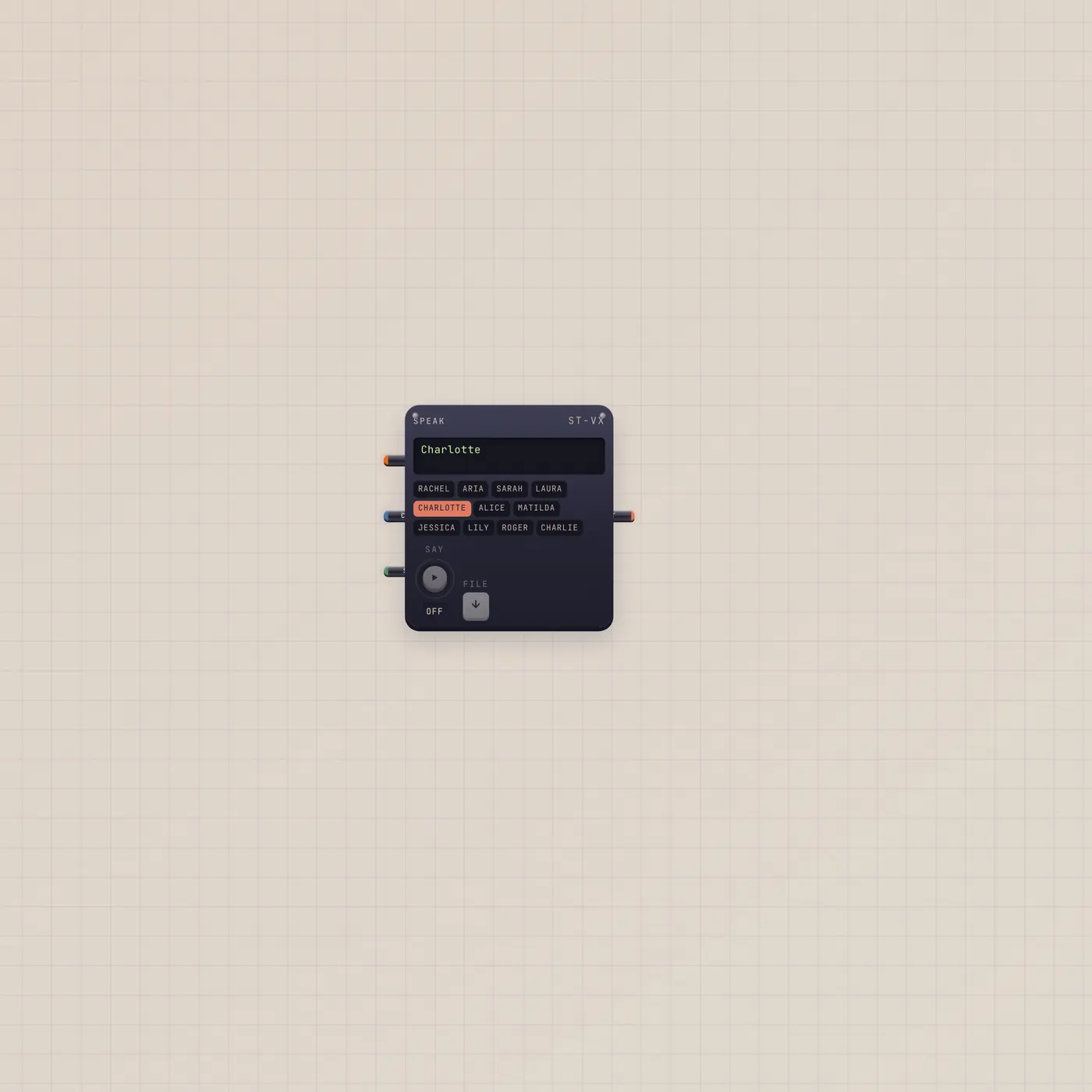
Ask Pal for a groove — boom-bap, house, a quieter tape kit. Press GO. Pal.ai is already in the BeatPad, so writeBeat lands on the pad and it plays. Speak reads the reply. Talk uses the Mic already patched into Pal.audio. This is the job Pal is for: a pulse in, a device out.
What's on the floor
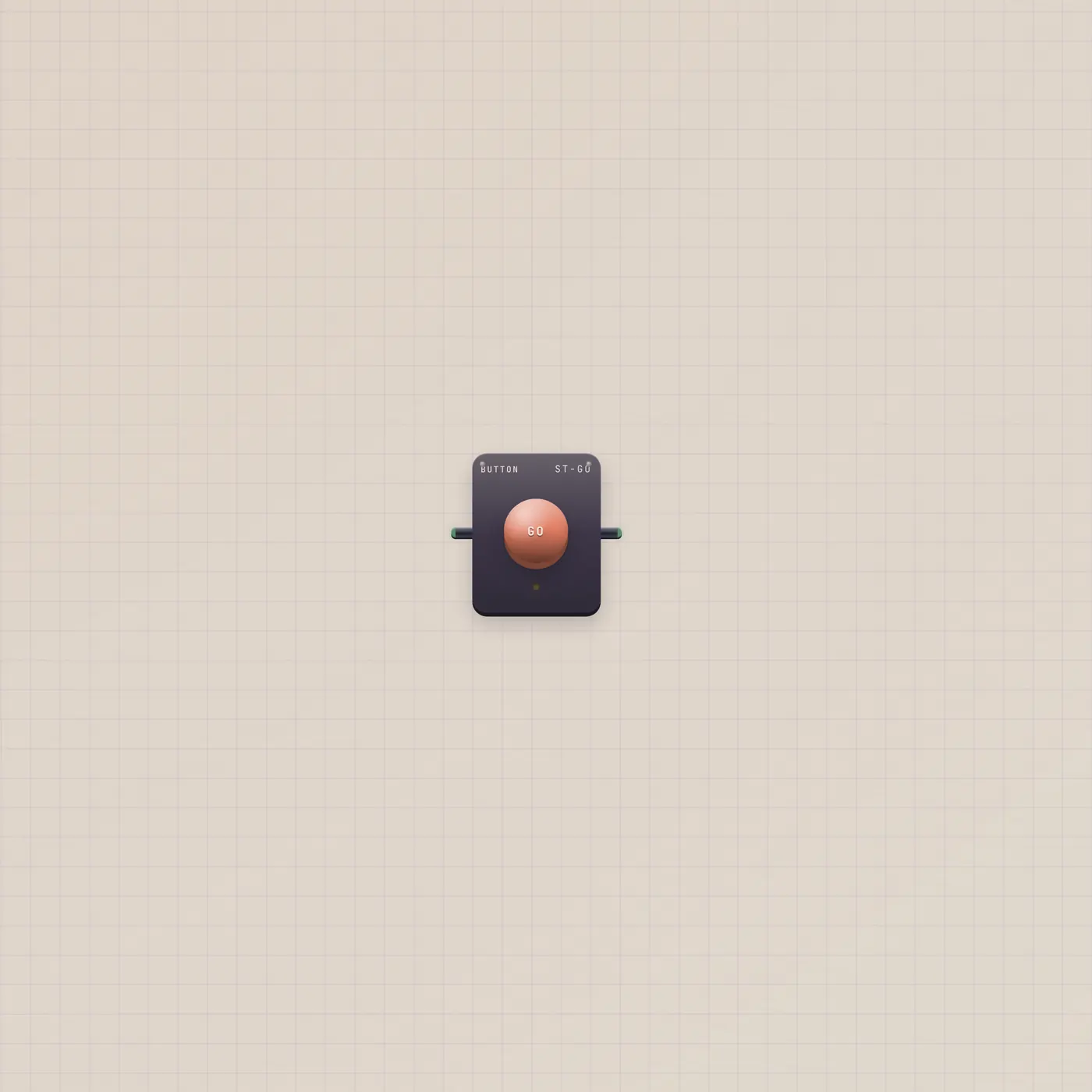
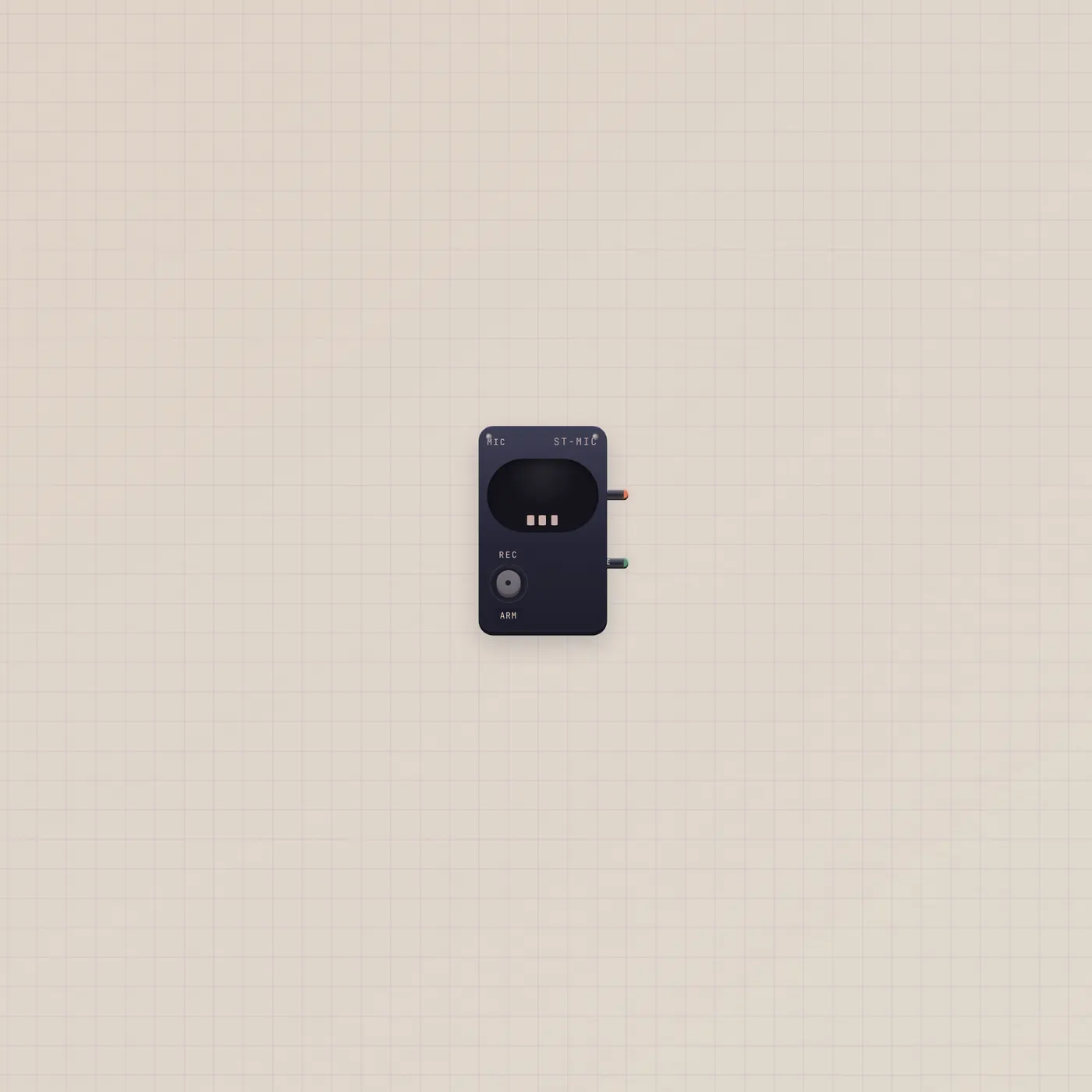
Pal, a GO Button into Pal.gate, Mic into Pal.audio, Pal.text into Speak.copy, and Pal.ai into BeatPad.ai. The pad starts on a demo Pulse pattern so the desk is not silent. Import always creates a new board — it will not drop onto Home.
Where to go next
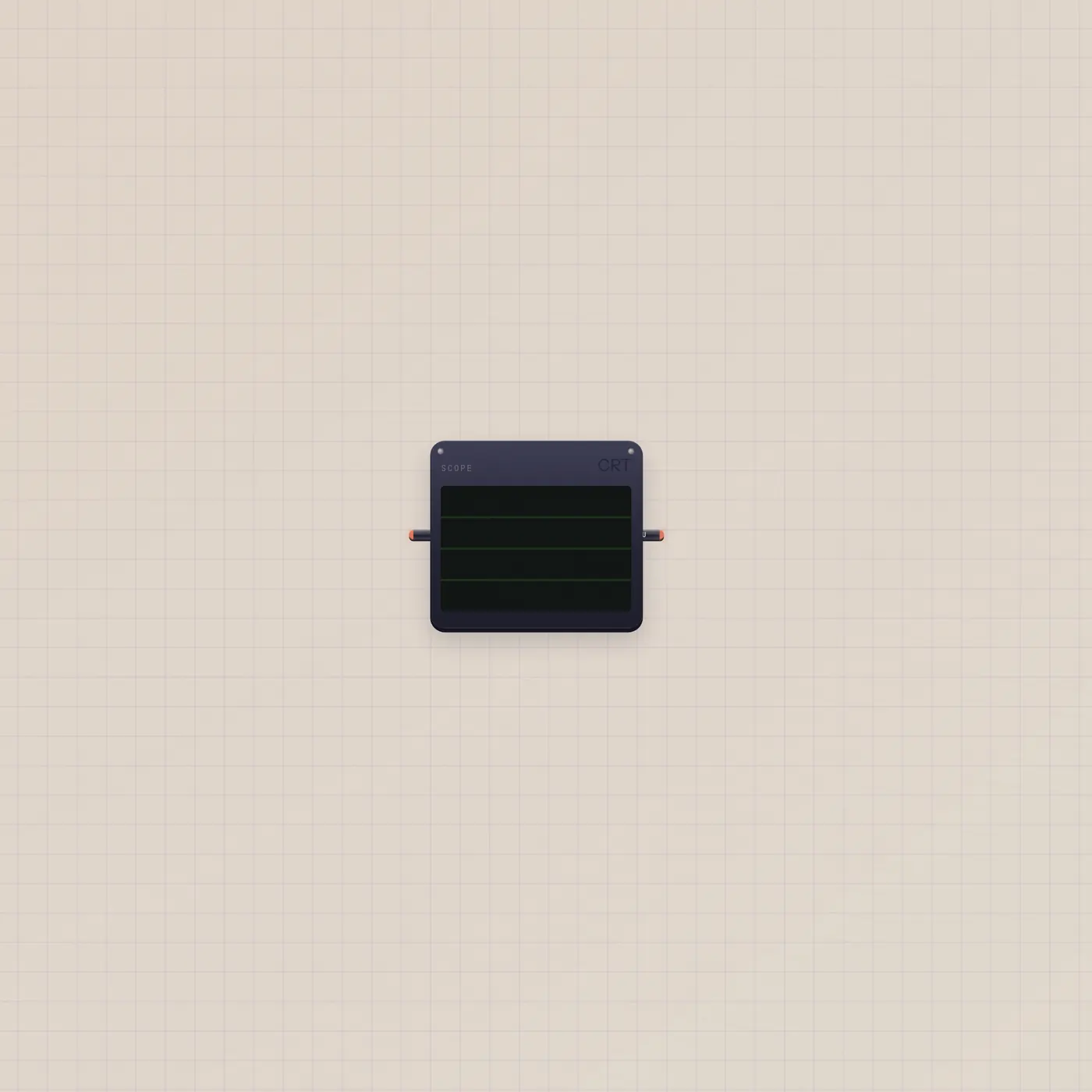
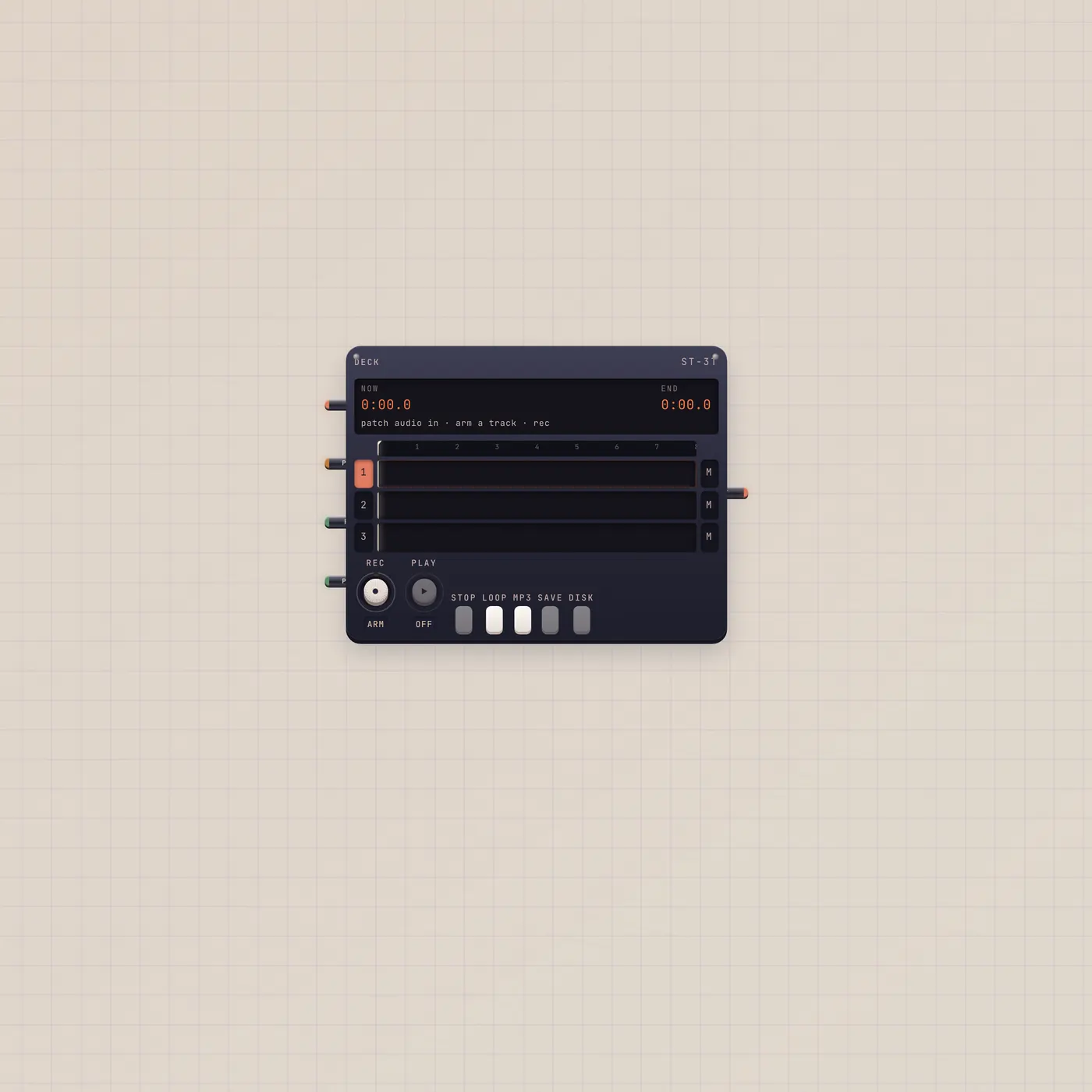
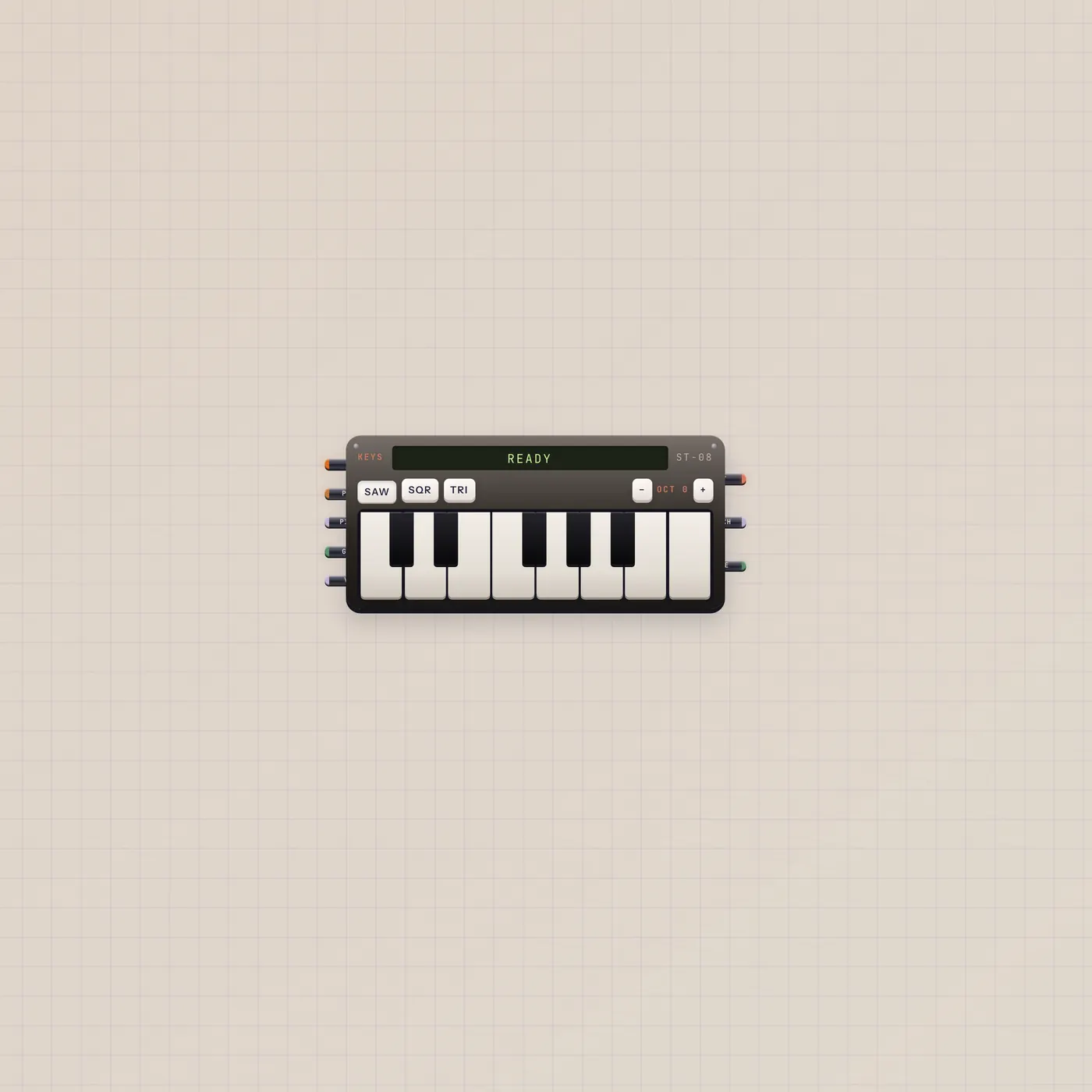
Patch BeatPad.audio into Scope or Deck if you want to see or record the loop. Add Keys if you want to play over it — Pal will not play those keys for you. Duplicate Pulse Pal onto another board when you only want the plunger.
Questions
- Will this replace my Home desk?
- No. Use cases always create a new board.
- Why a BeatPad and not Keys?
- Pal.ai writes a groove onto a BeatPad. Keys is for you to play. Pal can set Keys wave and octave, but it will not perform a song.
- Does Speak cost an AI action?
- Speak's voice render uses the workspace AI quota, same as other generated audio.