Use Case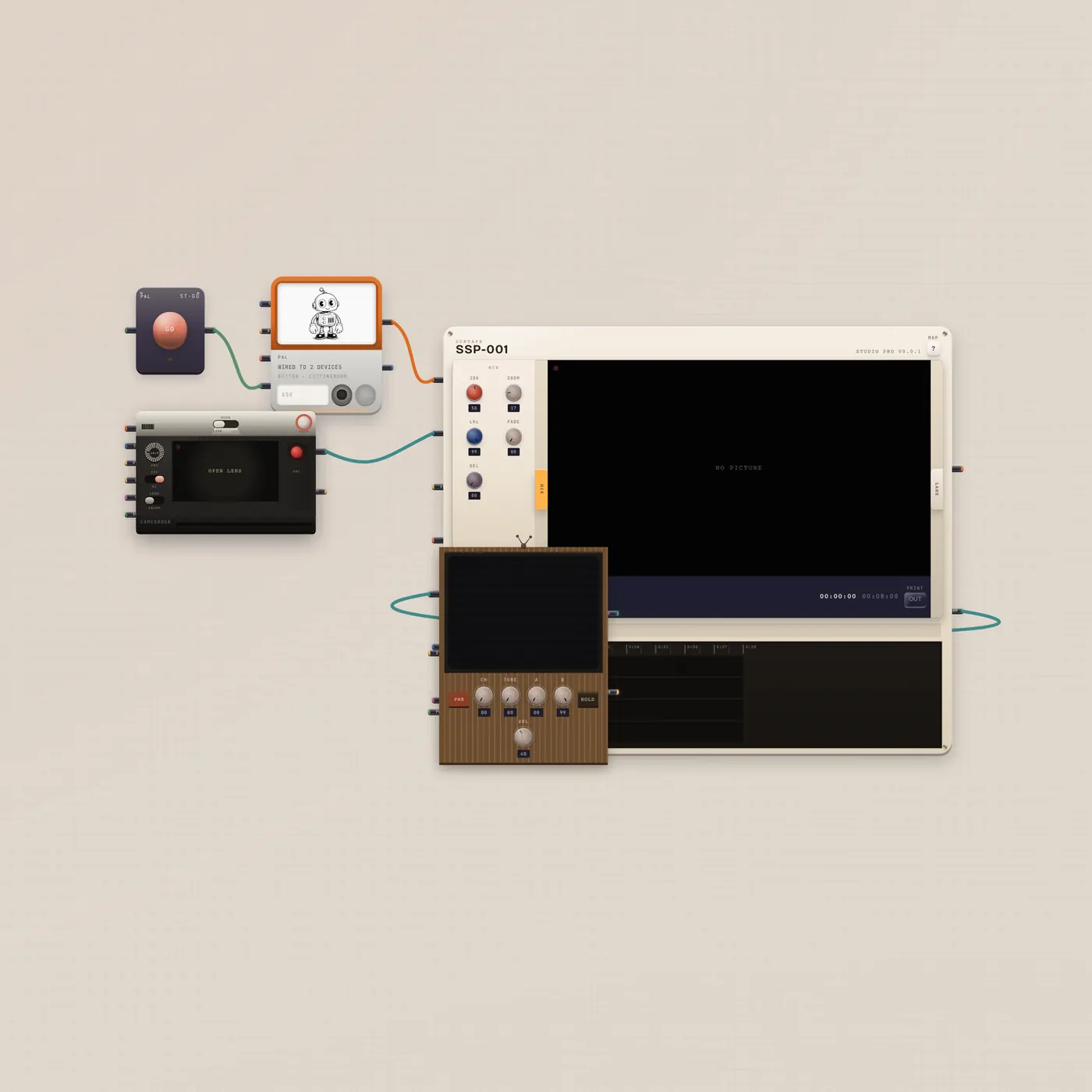
Shoot. Pal cuts. Watch it on the CRT.
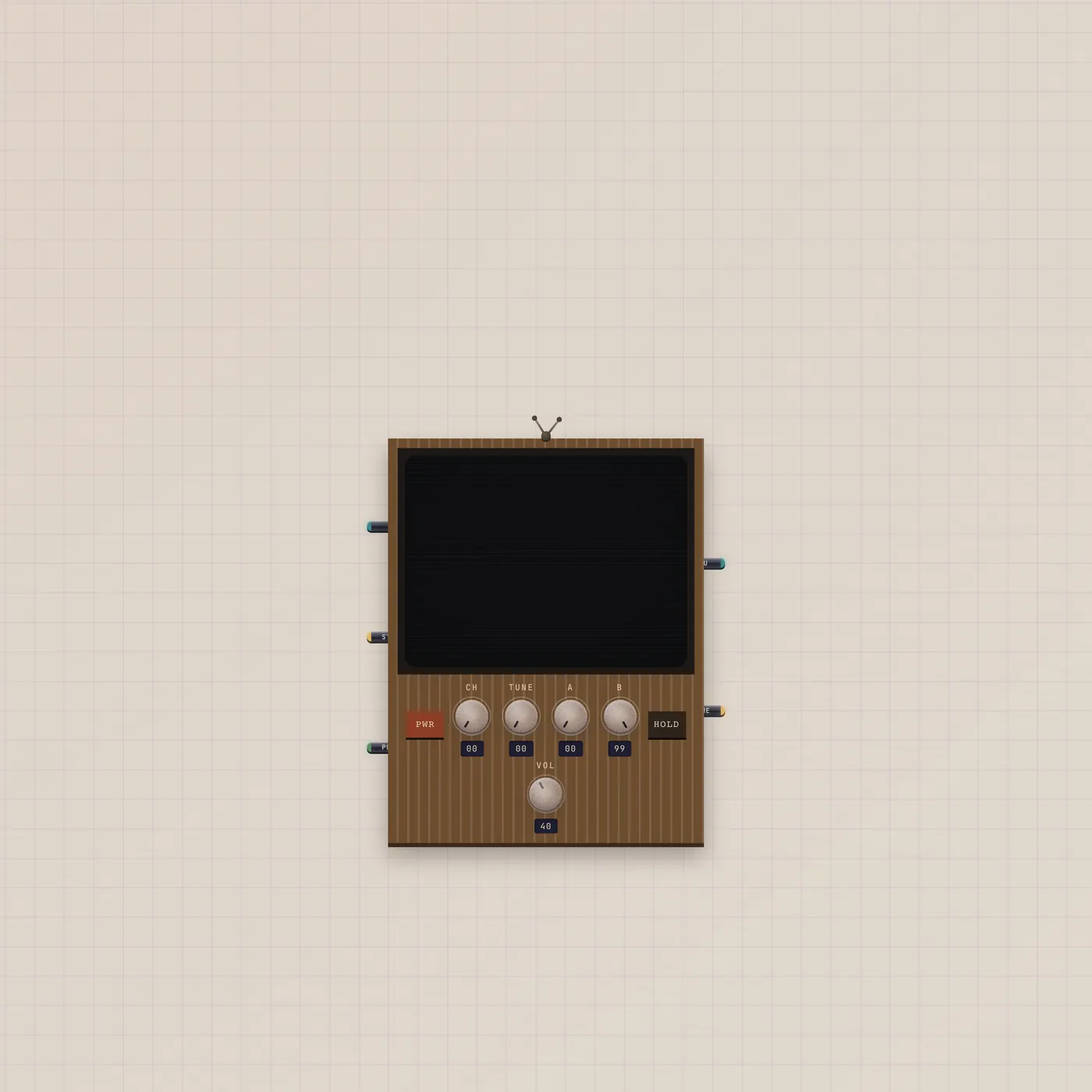
Camcorder into CuttingRoom, Pal.ai into the room, program out to a CRT. Ask Pal to trim or assemble. Press GO. Watch the tube. Always a new board.

What you can do today
Generate or capture on the camcorder. Ask Pal to trim, split, or assemble. Press GO. Pal.ai is in the CuttingRoom, so editReel can run. Program out is already on the CRT.
What's on the floor
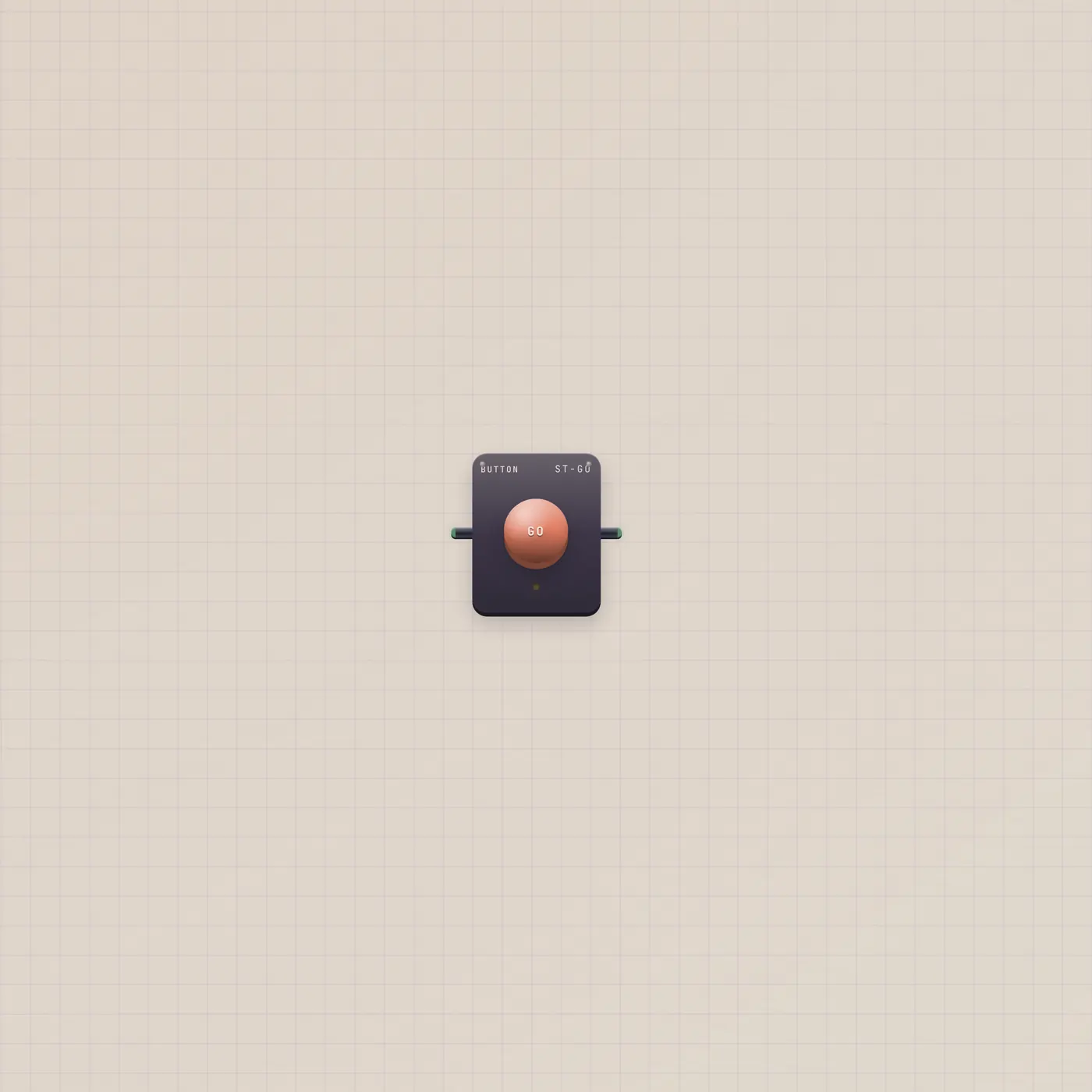
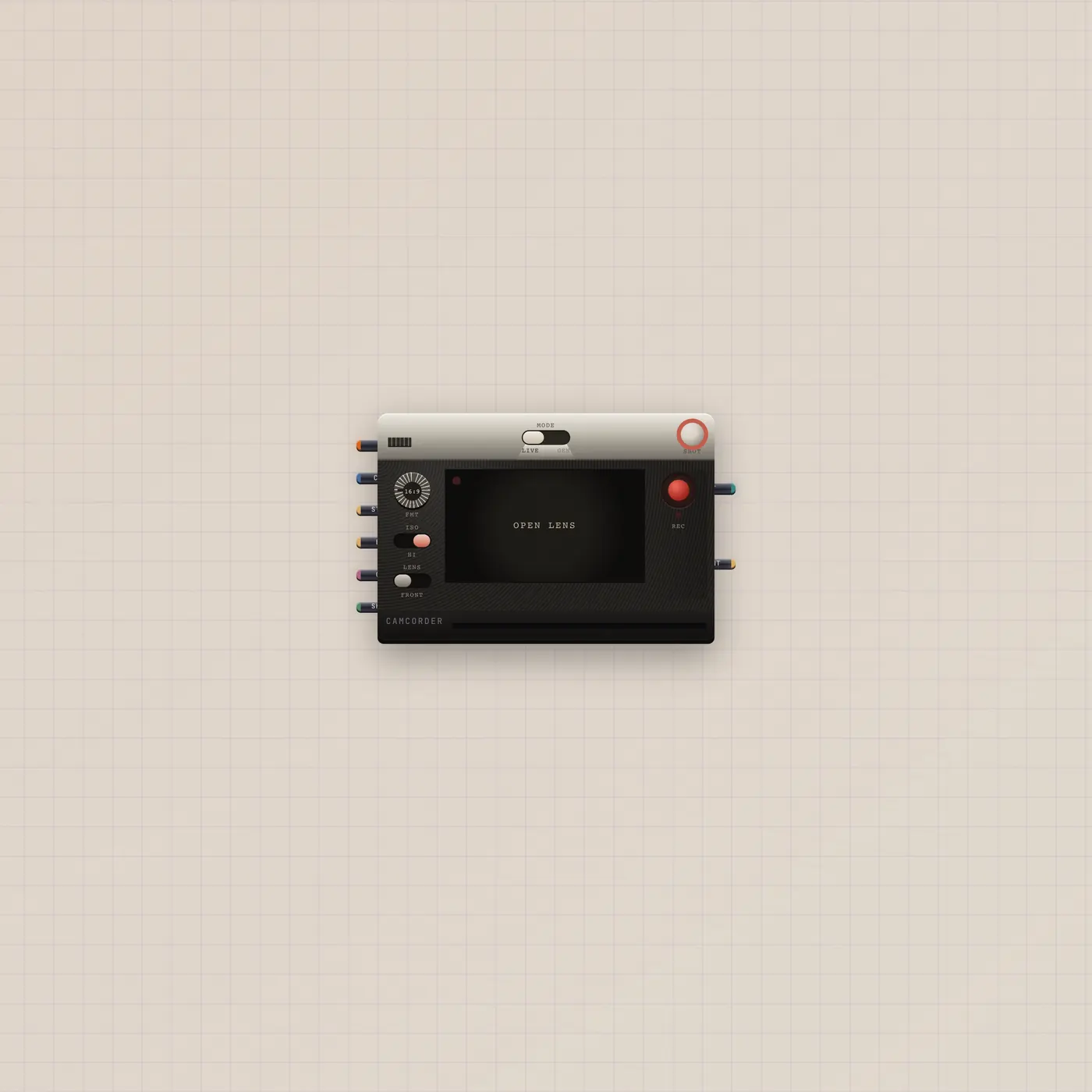
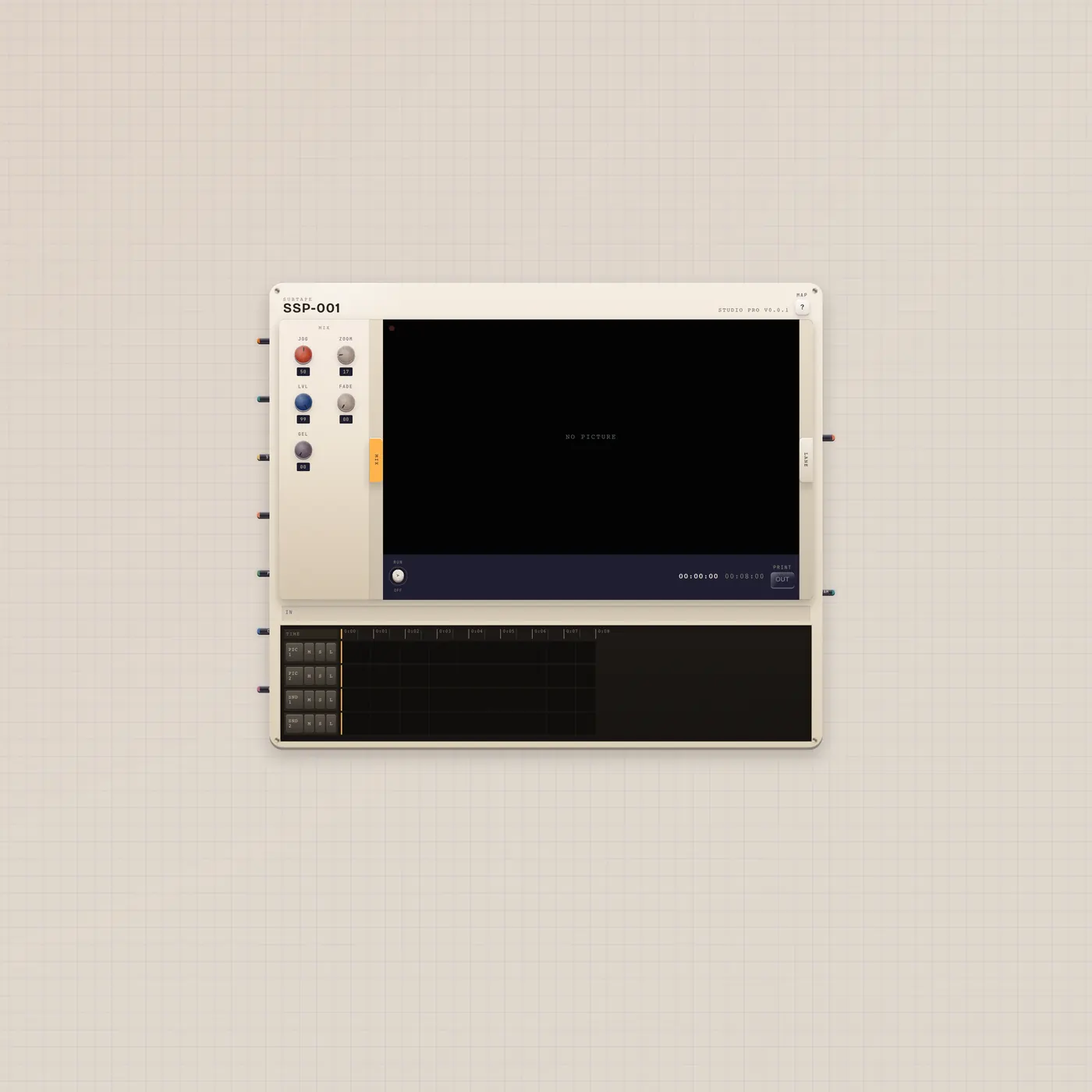
GO into Pal.gate, Pal.ai into CuttingRoom.ai, Camcorder.video into the room, program out into CRT.video. Import always creates a new board.
Where to go next
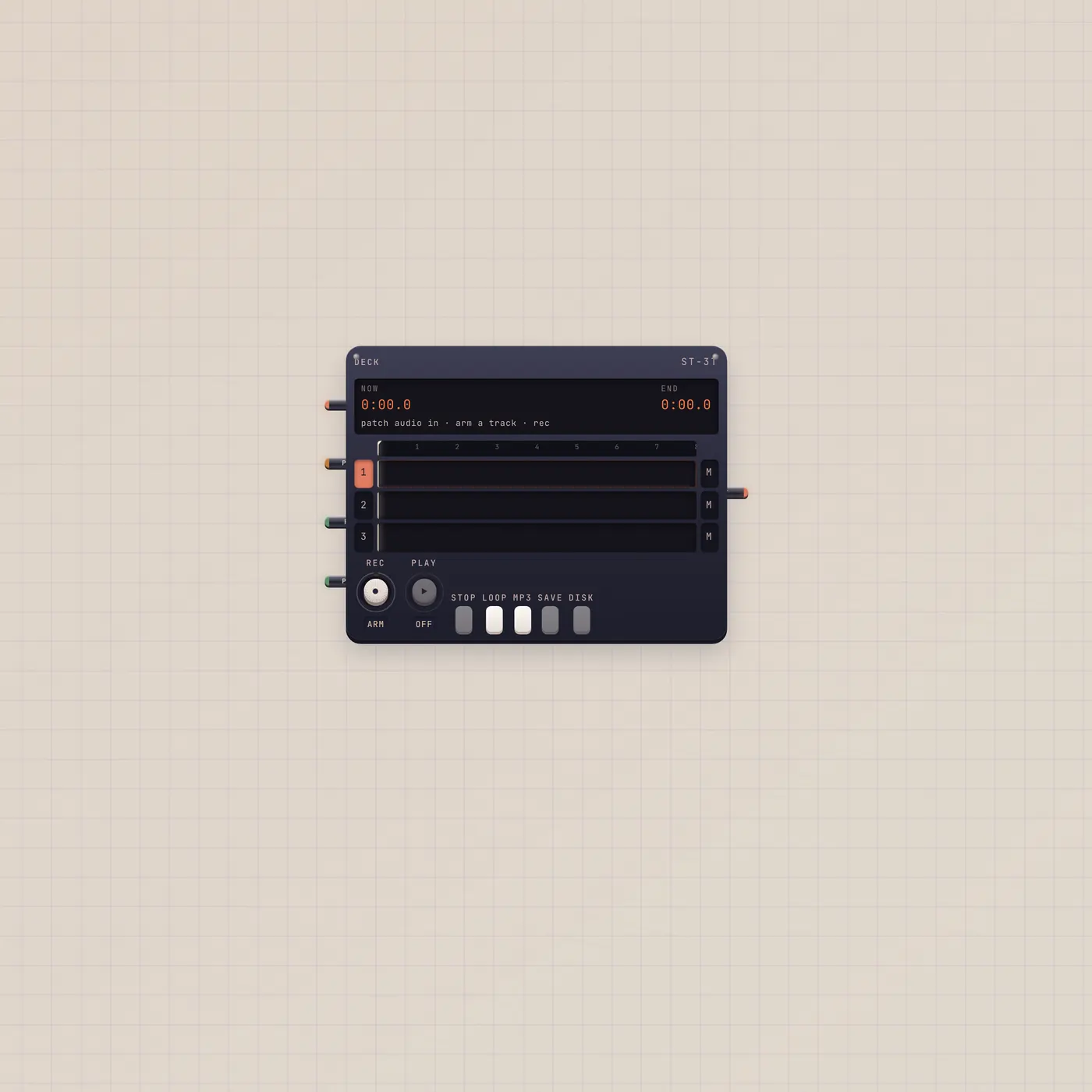
Patch CuttingRoom.audio into Deck if you want the soundtrack as a take. Camcorder-to-CRT is the watch-only group.
The devices
Questions
- Will this replace my Home desk?
- No. Use cases always create a new board.
- Does Pal shoot the clip?
- Pal.ai → Camcorder.ai would. This board points Pal at the CuttingRoom so the job is the cut.
- Why a CRT?
- So you can see program out without opening a browser player.