Clip on. Read the note. Stay silent.
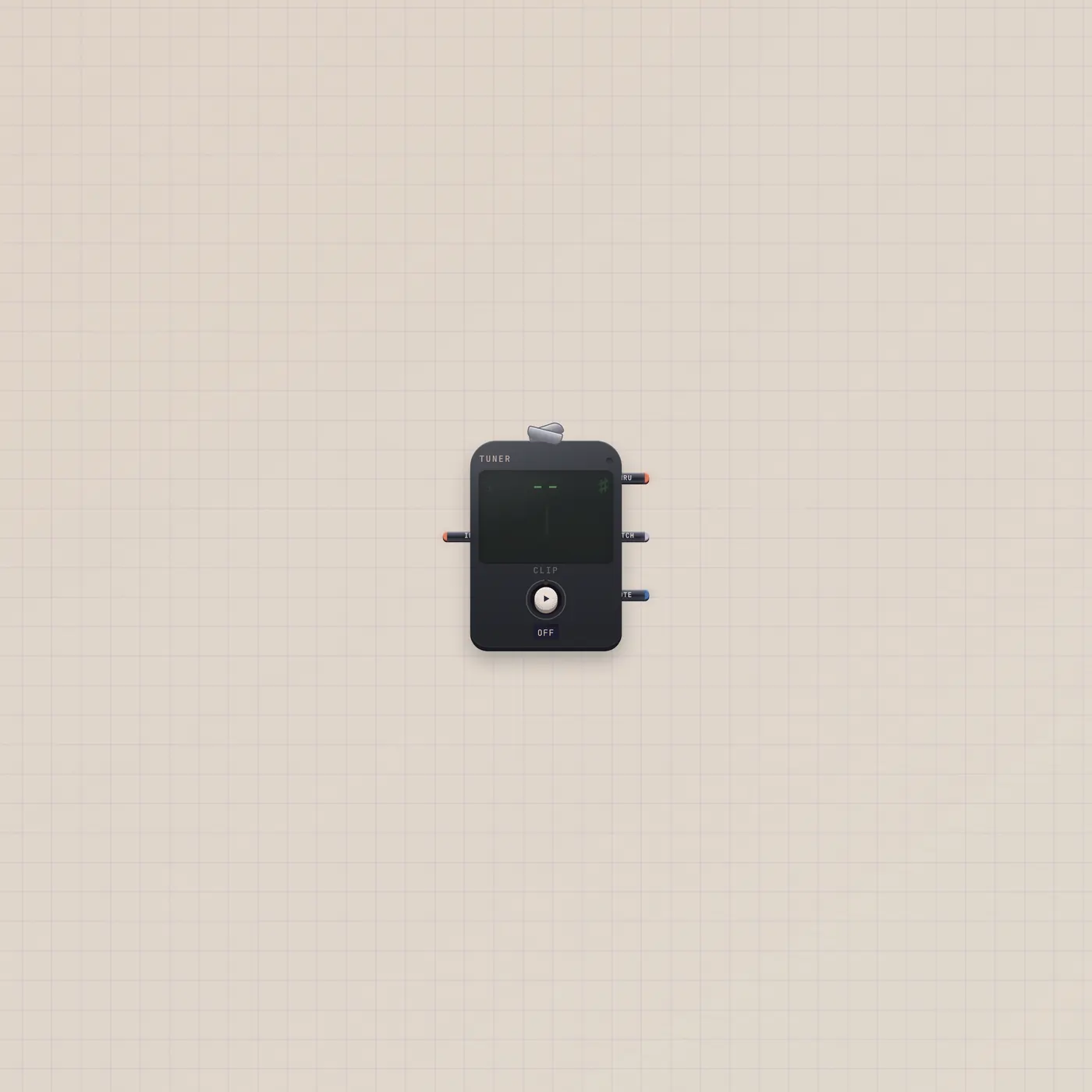
The Subtape Tuner is a clip-on chromatic tuner. Press Clip for the room mic, or patch Keys, Mic, or a synth. Needle, note, and cents — no speakers.
What it is
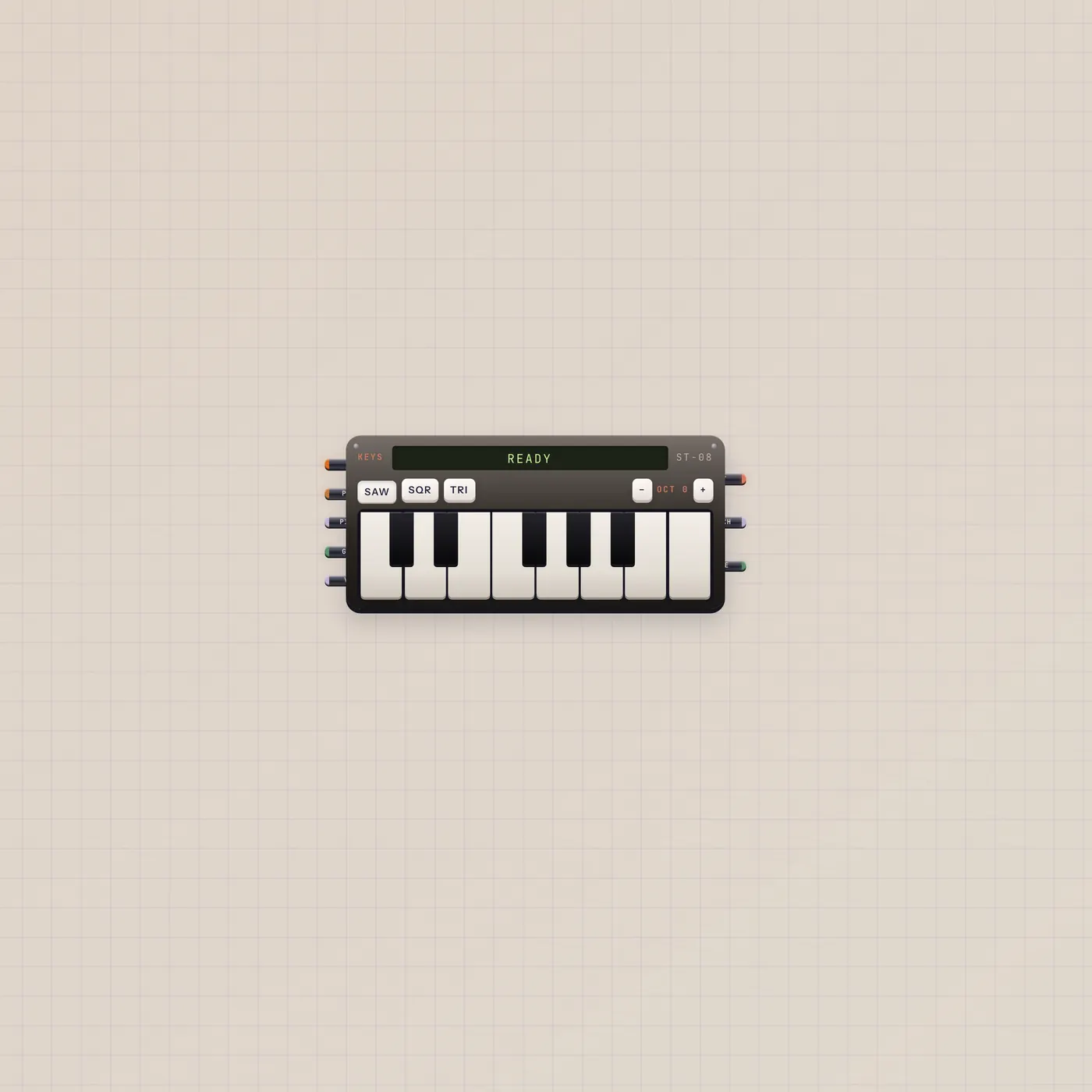
A clip-on chromatic tuner. Press Clip to listen to the room — the Tuner never plays that signal out of the speakers. Or patch Mic, Keys, MiniSynth, or Sampler into audio in; a cable clips it for you. The needle, note name, flats and sharps, and cents follow the pitch. A green lamp means in tune (±8¢). Audio out is a silent thru so you can sit it in a chain. Pitch CV uses the Keys mapping (C3–C5). Text out is the note name (A4) for Marquee, Speak, or TapeDoc.
How to use it
Drop a Tuner. Hit Clip and play into the laptop mic, or run a cable from Keys.audio or Mic.audio. Wider spans add a cents ladder; the widest adds an A4 reference knob. Do not patch Tuner into a speaker path if you only want a reading — thru is silent on purpose.
What to patch next
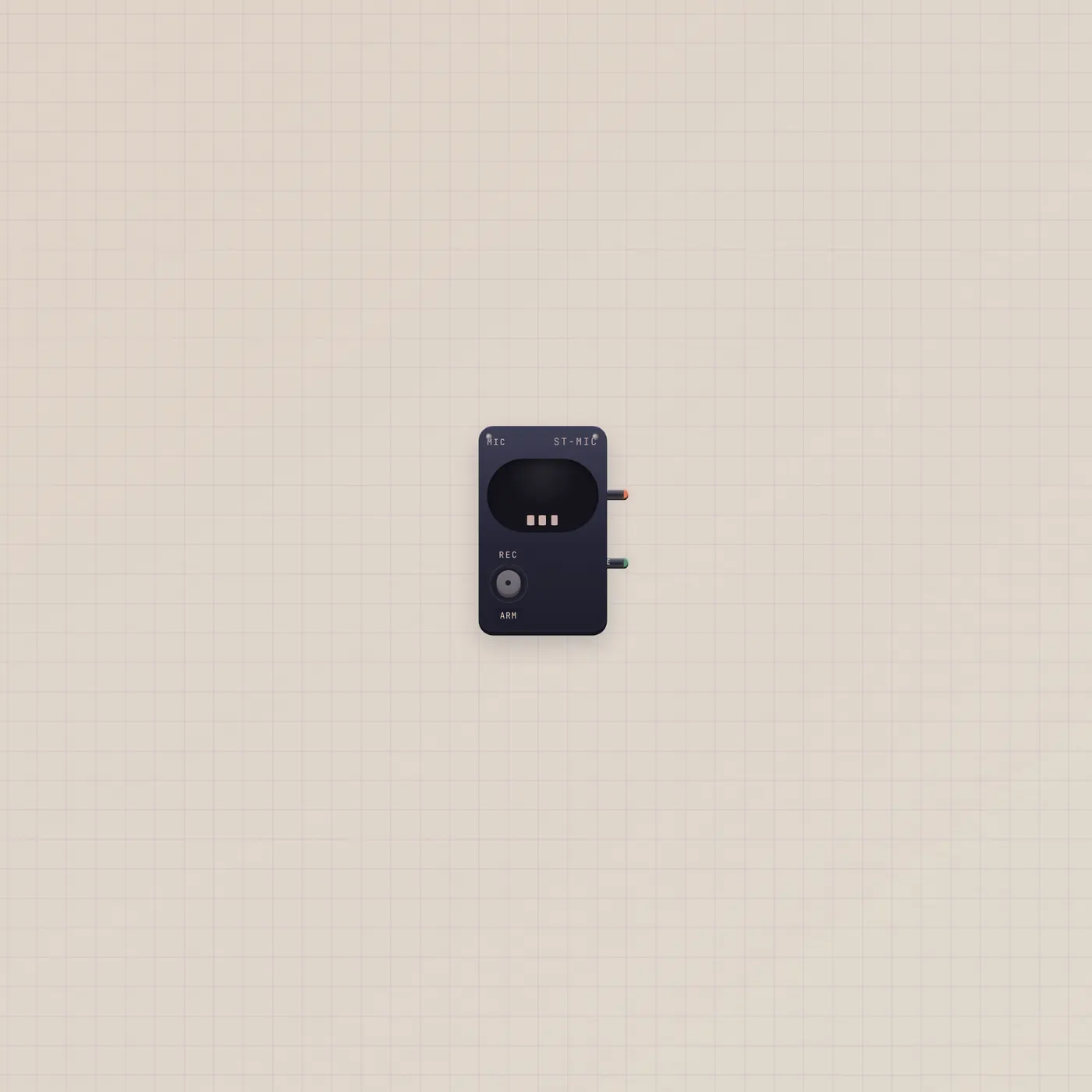
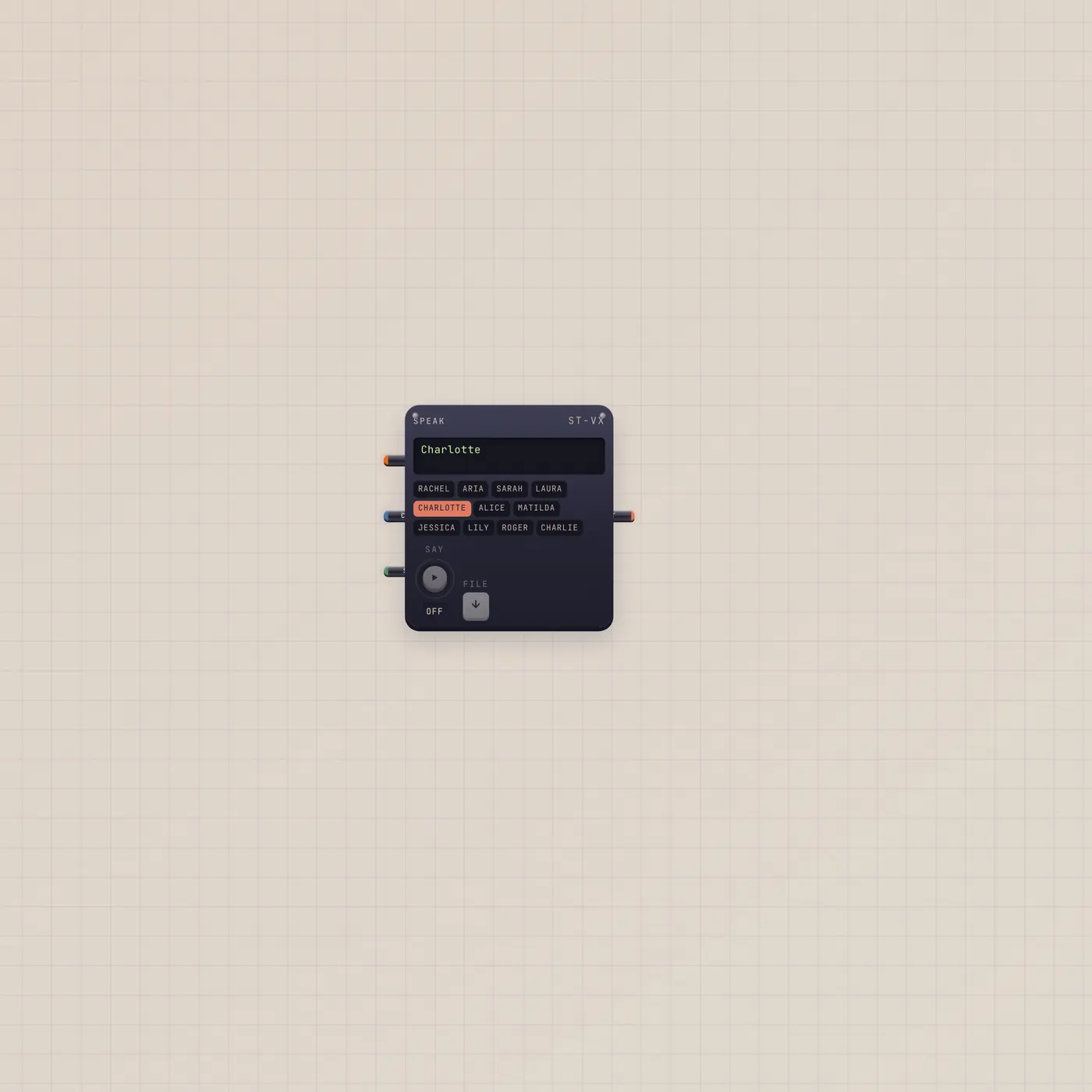
Mic plus Tuner is the Clip-on tuner group. Tuner.text into Speak announces the note. Tuner.value (pitch CV) can drive another Keys or MiniSynth if you want a pitch follower.
Ports
| Jack | Dir | Kind | Label |
|---|---|---|---|
| audio | in | audio | In |
| audio | out | audio | Thru |
| value | out | cv | Pitch |
| text | out | text | Note |
Questions
- Why is the Tuner silent?
- It is a tap, not a monitor. Playing the mic through speakers would feed back. Thru exists so you can leave it in a chain without stealing the speaker path.
- Can I tune a real instrument?
- Yes. Press Clip and play into the computer mic, or put a Mic widget on the desk and patch Mic.audio into Tuner.audio.
- What does the green lamp mean?
- The note is within eight cents of the reference. Default reference is A4 = 440 Hz.