Draw a kit. Hear a bar. Pal can write it.
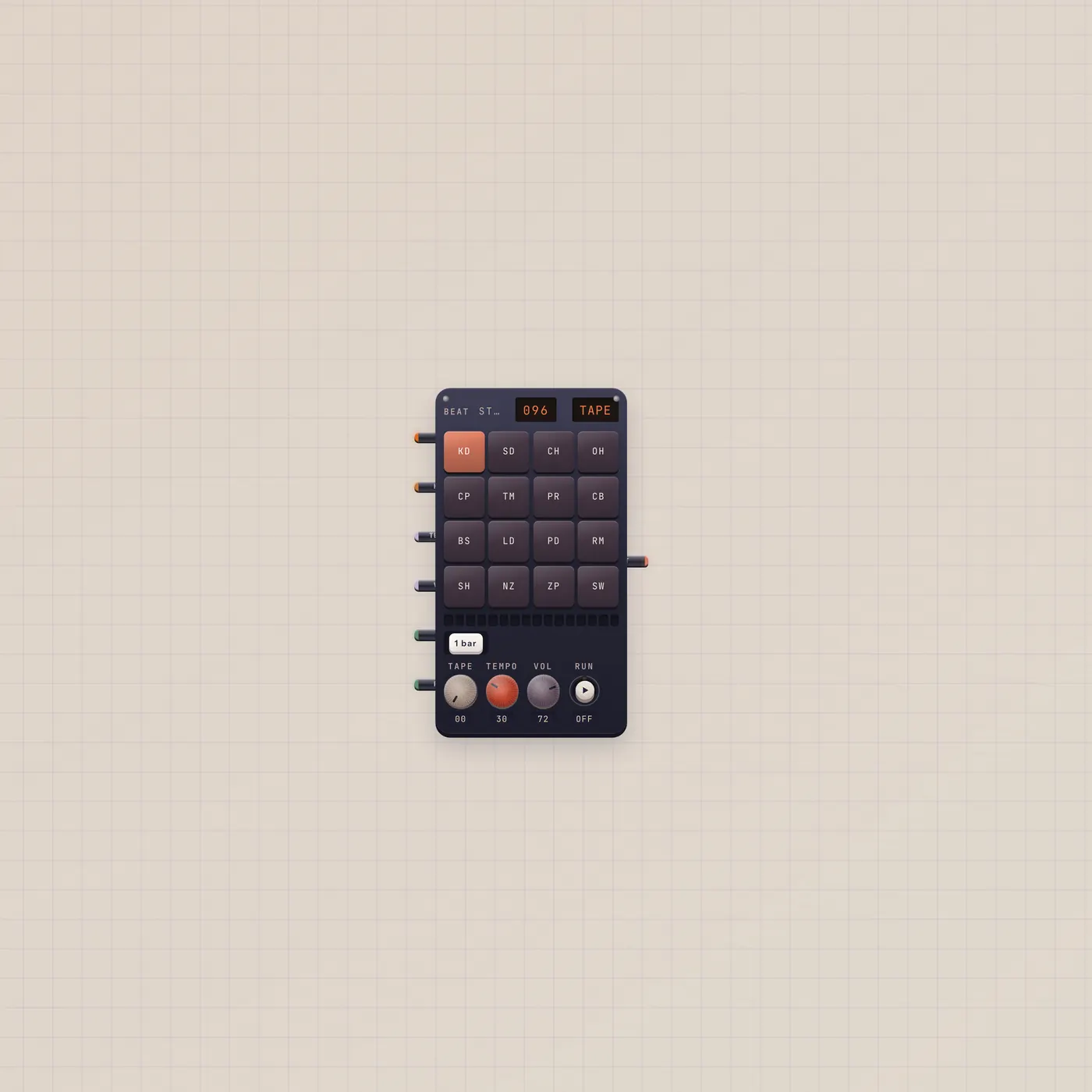
BeatPad is the Subtape loop box. Sixteen pads a bar, one to eight bars, factory kits or a Sampler pack. Pal.ai writes the groove. Audio out is the loop.

What it is
A 16-step-per-bar loop box, 1–8 bars. Voices are kd, sd, ch, oh, cp, tm, pr, cb, bs, ld, pd, rm, sh, nz, zp, sw. The Kit knob steps factory kits (tape, eighty, nine, dust, lofi, electro, room, chip) and saved sampler packs. AI in lets Pal writeBeat, setKit, and load pad samples. Sample in (Kit, fan-in) takes Sampler.sample. Tempo and Vol take CV. On holds play; Run is a pulse start. Audio out is the loop.
How to use it
Drop Beats. Draw hits. Hit play. Change bars with the bar key; swing lives on the rail. Patch Pal.ai into BeatPad.ai and ask for a groove — that is Patch a Pulse. Patch Sampler.sample into BeatPad.sample to play chops you recorded. A Knob on tempo or volume rides the loop. A Switch on On holds it running.
What to patch next
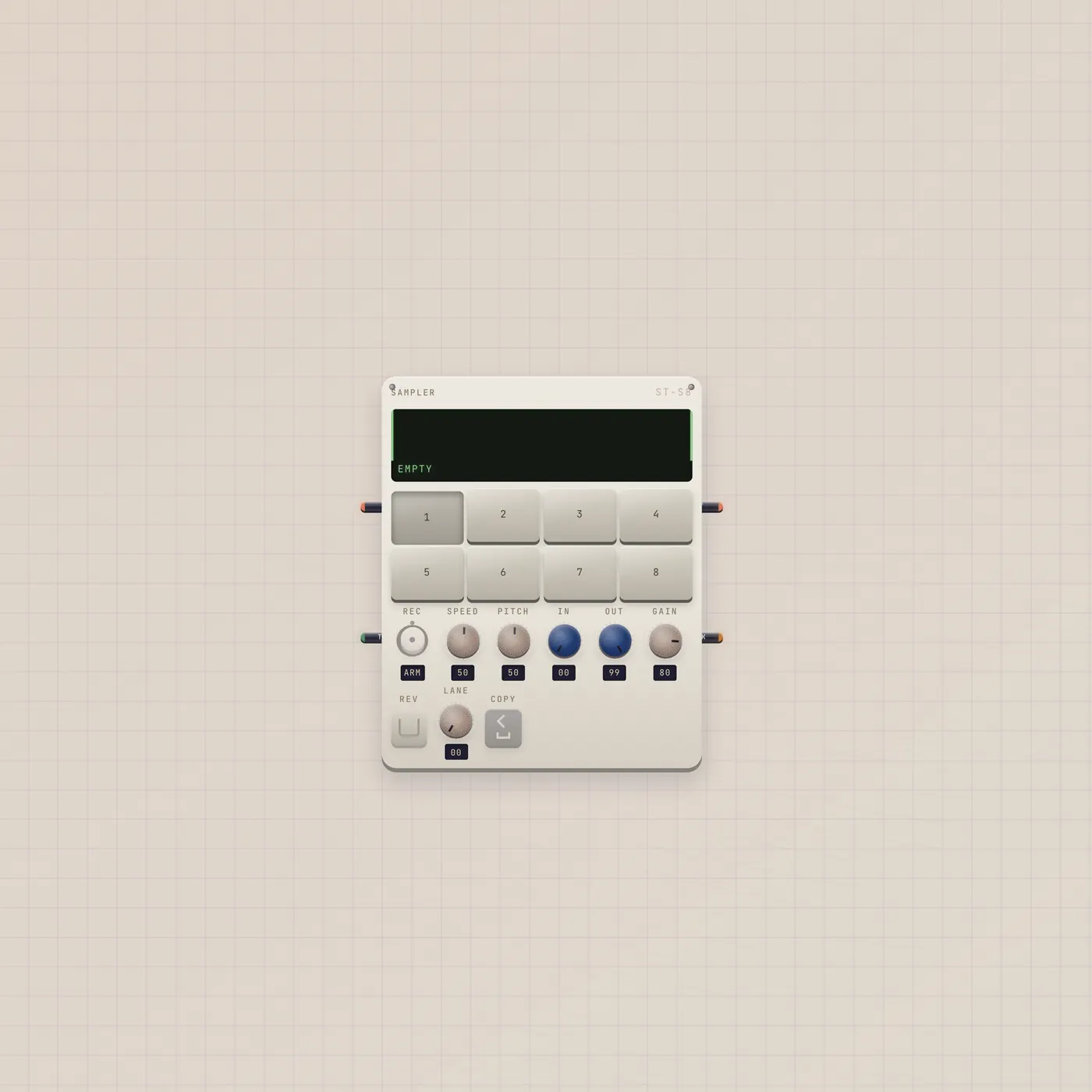
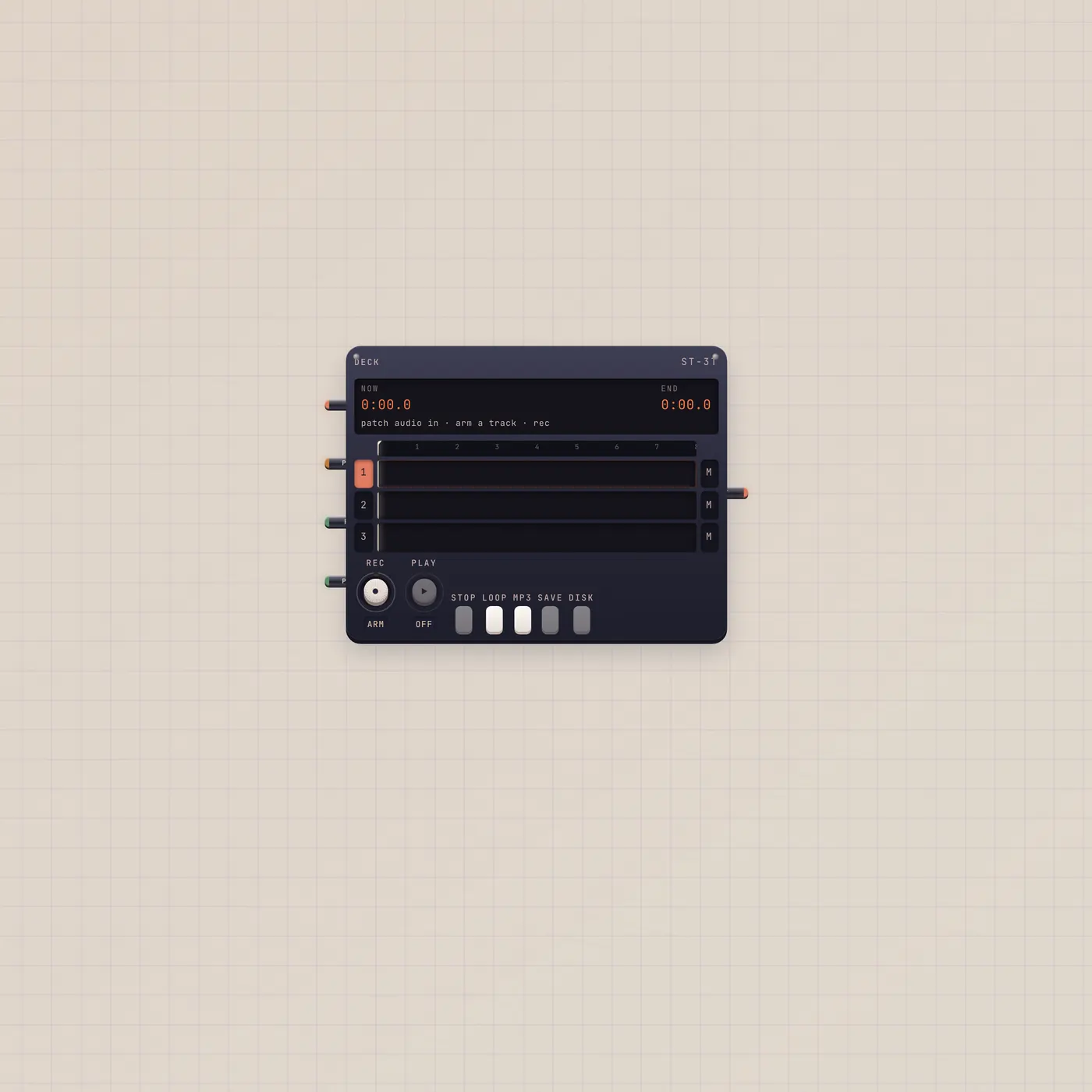
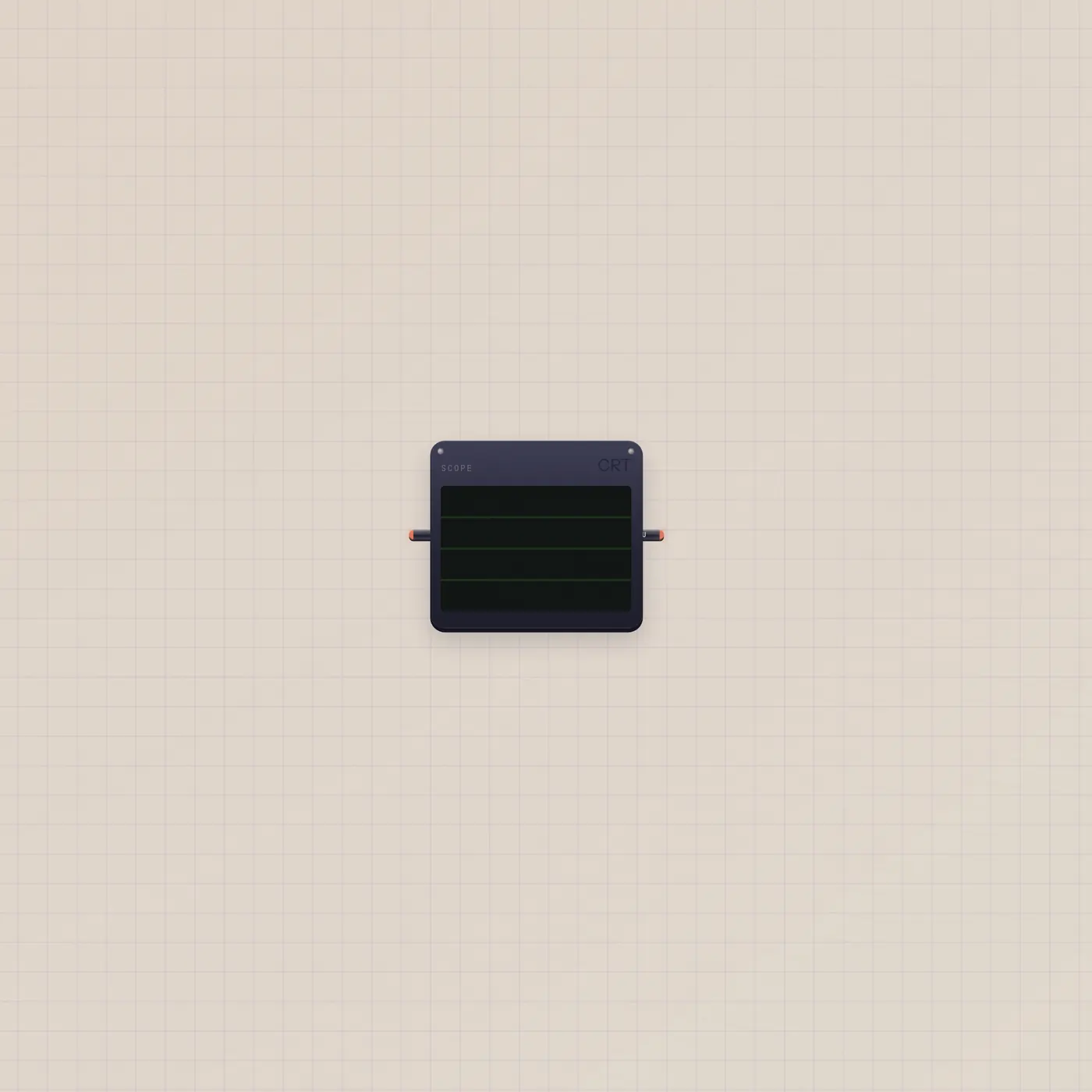
Pal.ai → BeatPad.ai writes the pattern. Sampler.sample → BeatPad.sample is Sample a Kit. BeatPad.audio → Deck.audio records the loop. BeatPad.audio → Scope.audio shows the hits.
Ports
| Jack | Dir | Kind | Label |
|---|---|---|---|
| ai | in | ai | AI |
| sample | in | sample | Kit |
| tempo | in | cv | Tempo |
| volume | in | cv | Vol |
| on | in | gate | On |
| run | in | gate | Run |
| audio | out | audio | Out |
Questions
- Does Pal play the pads?
- Pal writes a pattern and can change the kit. You still hit play, or leave autoplay on.
- Can I use my own hits?
- Yes. Record on the Sampler, then Sampler.sample → BeatPad.sample. Save the kit on the pad when you like it.
- On or Run?
- On is a hold — Switch.value. Run is a pulse start. Use On if you want it to stay playing.