Press. One pulse. Not a hold.
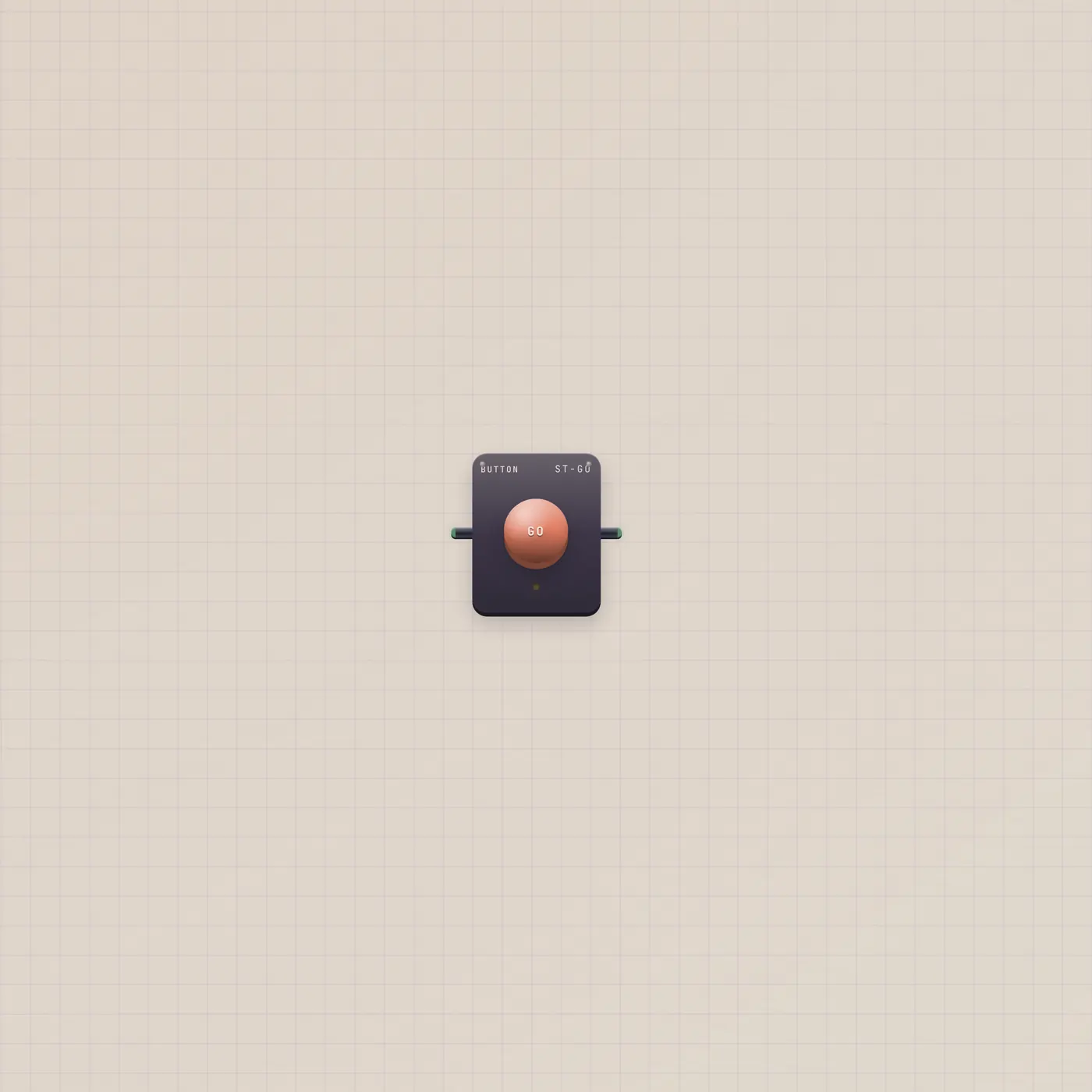
The Subtape Button is a GO plunger. Press or a rising gate in fires one short gate out. Patch it into Pal, Printer, Dice, or Timer. A Switch holds — Pal wants this.

What it is
A momentary plunger. Press fires a short gate pulse on Button.gate — true, then false — not a held switch. Gate in (Go) re-fires the same pulse, so Alarm.gate or Timer.gate can press it for you. Default caption is GO; rename it in Customize. The lamp lights for the pulse.
How to use it
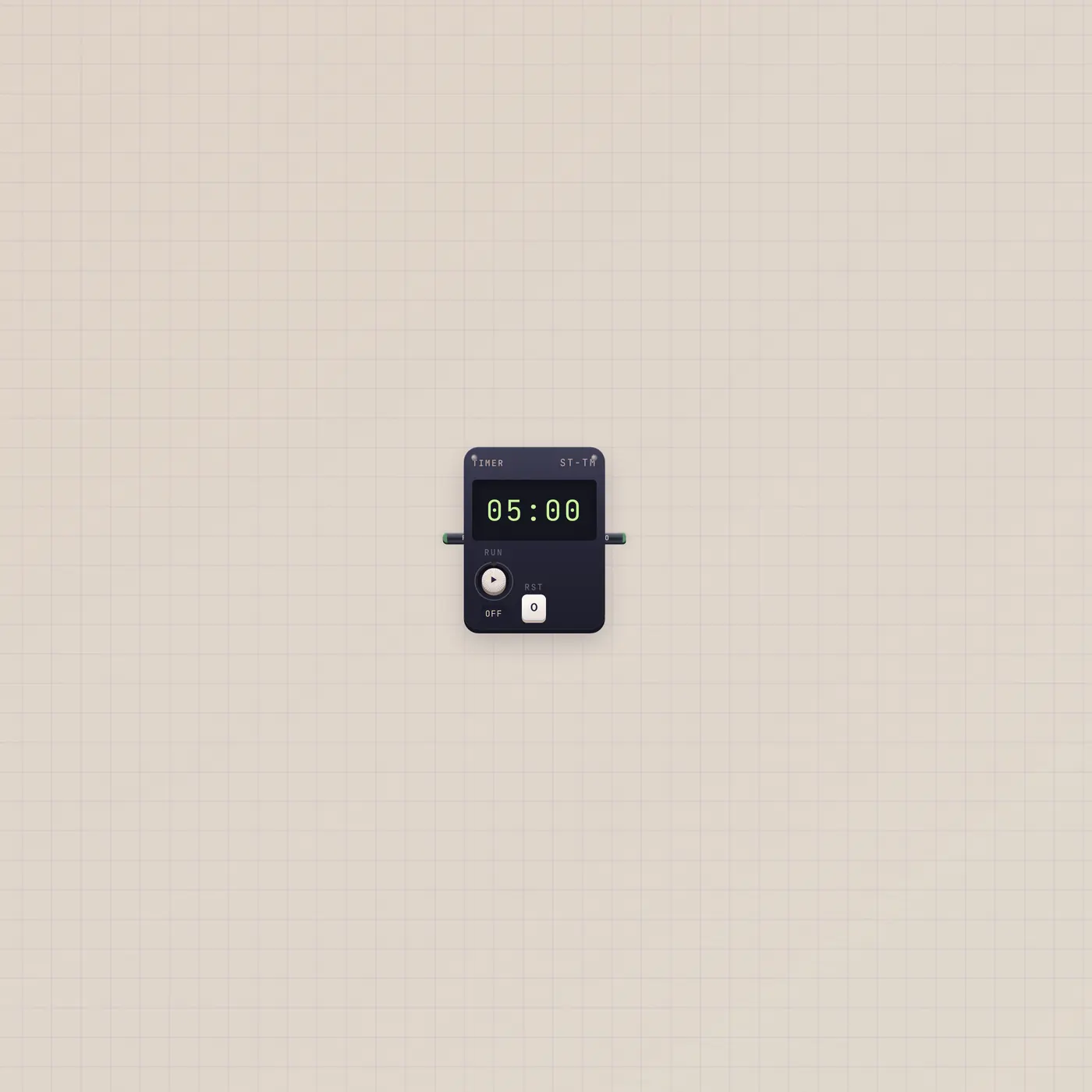
Drop a Button and press the dome. Patch Button.gate into Pal.gate, Printer.gate, StickerPrinter.gate, Camcorder.gate, Sampler.gate, Dice.gate, Timer.gate (Run), or Counter.up. Holding the dome still sends one shot. A Switch will not do this job.
What to patch next
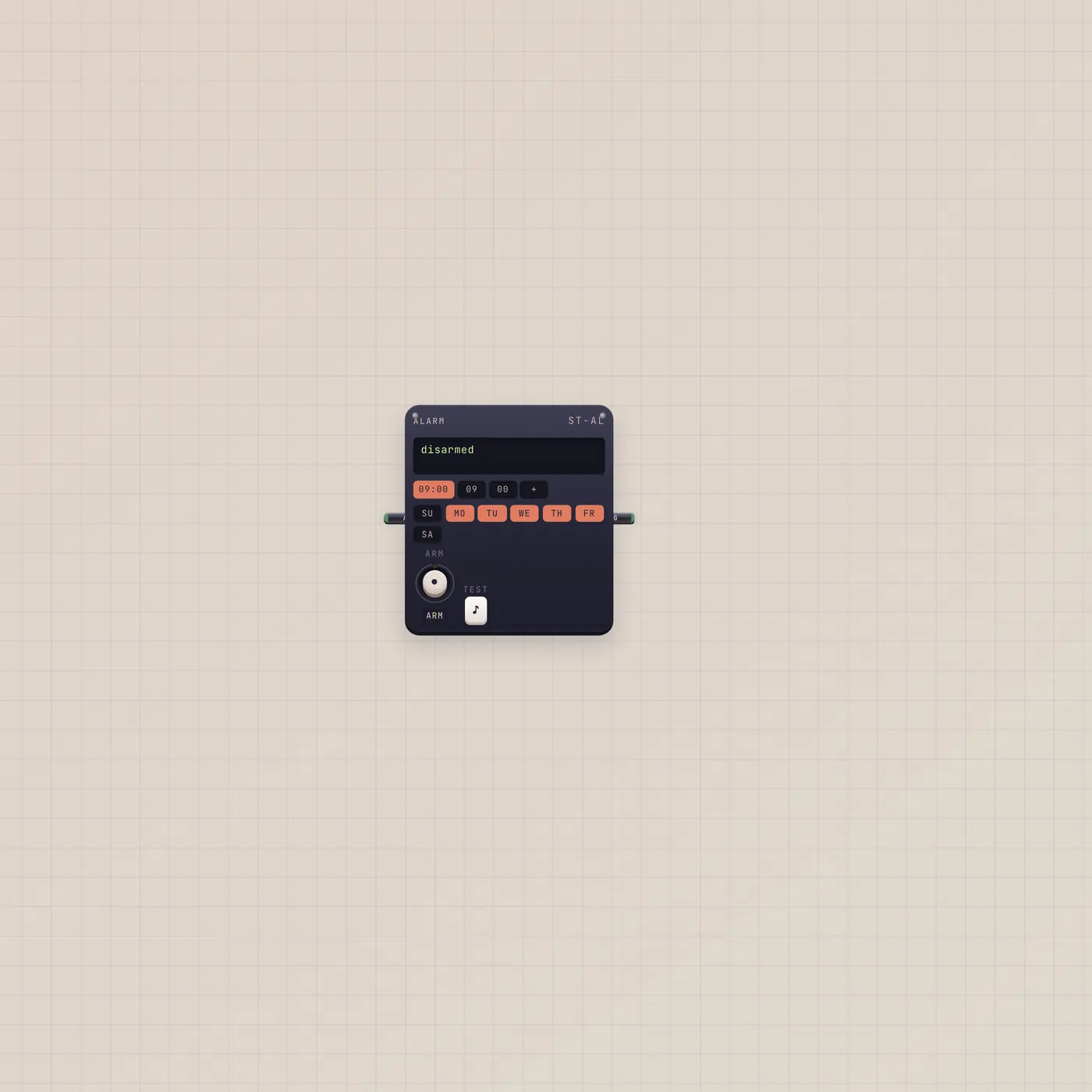
Button.gate → Pal.gate is Pulse Pal. Alarm.gate → Button.gate is a scheduled press. Timer.gate → Button.gate punches at zero. Put a Switch next to it only if something else needs a hold — BeatPad.on, not Pal.
Ports
| Jack | Dir | Kind | Label |
|---|---|---|---|
| gate | in | gate | Go |
| gate | out | gate | Go |
Questions
- Can I use a Switch instead?
- A Switch holds. Pal, Printer, and Dice want a pulse. Use Button.
- Is this the same as Pal's GO key?
- On Pal.gate, yes. Gate in re-runs the last ask, same as the key on the handheld.
- What does gate in do?
- A rising edge presses the plunger. Alarm.ring or Timer.zero can land here.