Use Case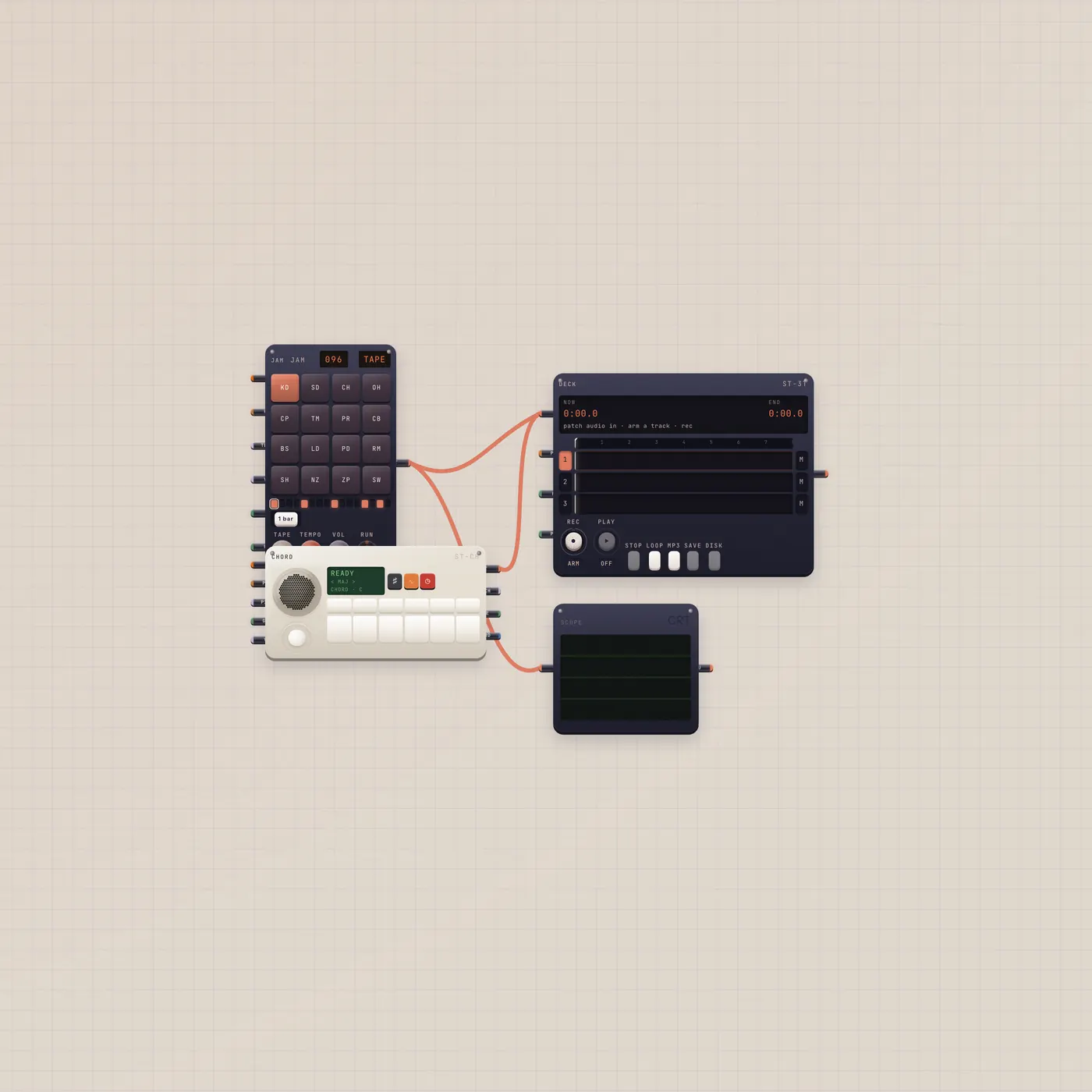
A loop, a chord, a four-track. Play.
BeatPad and MiniSynth already into Deck, Scope on the pad. No Pal. Press play, tilt the stick, arm a track. Always a new board.
What you can do today
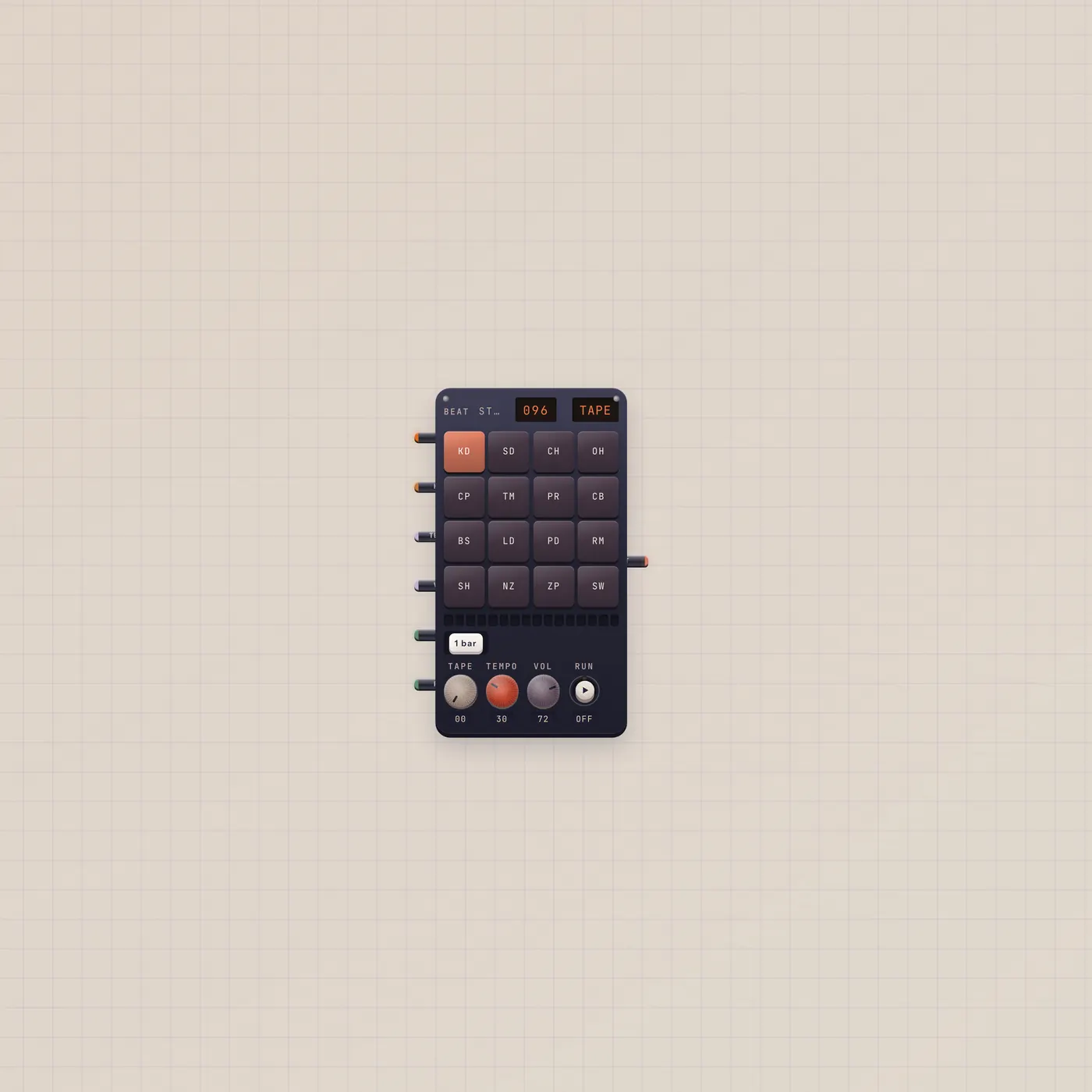
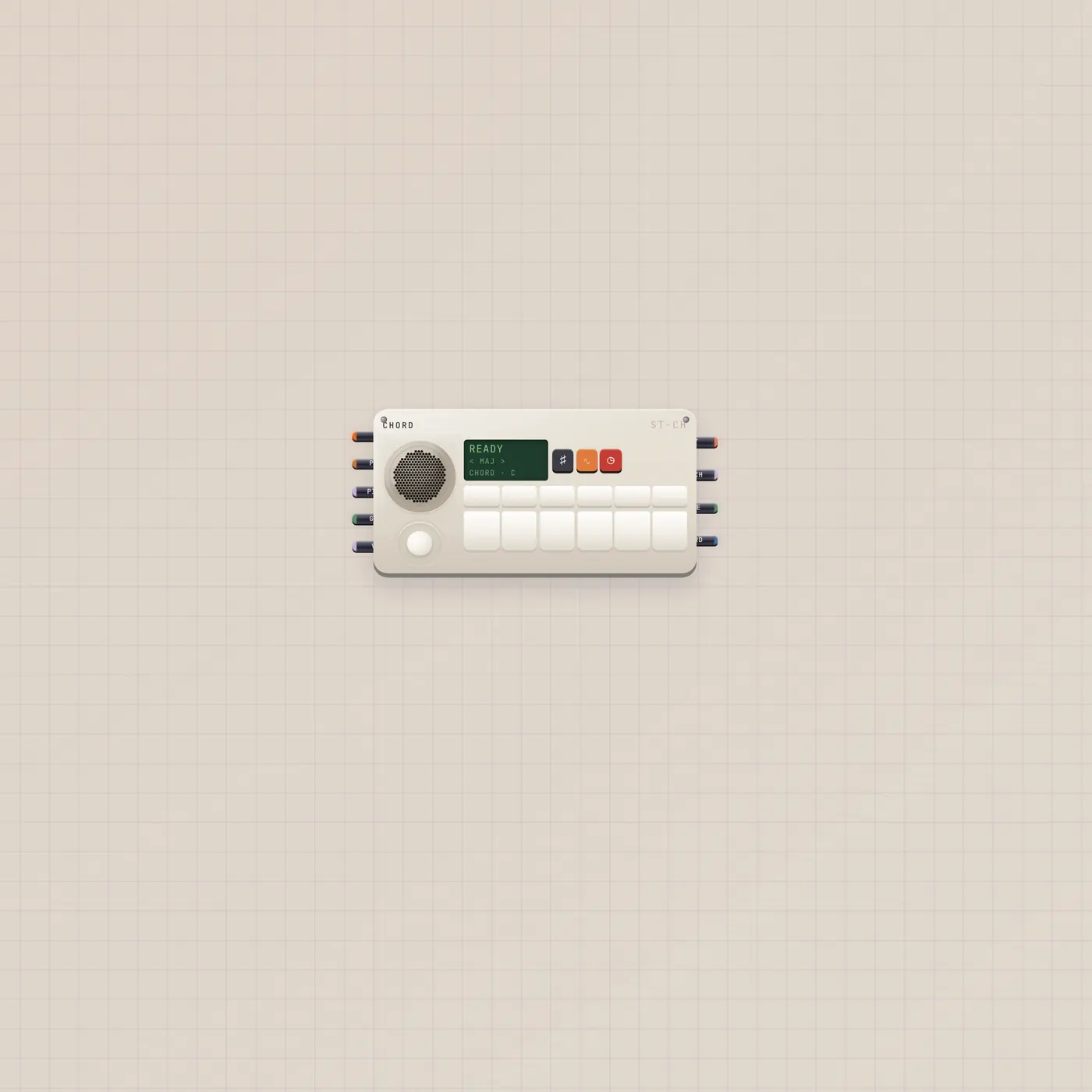
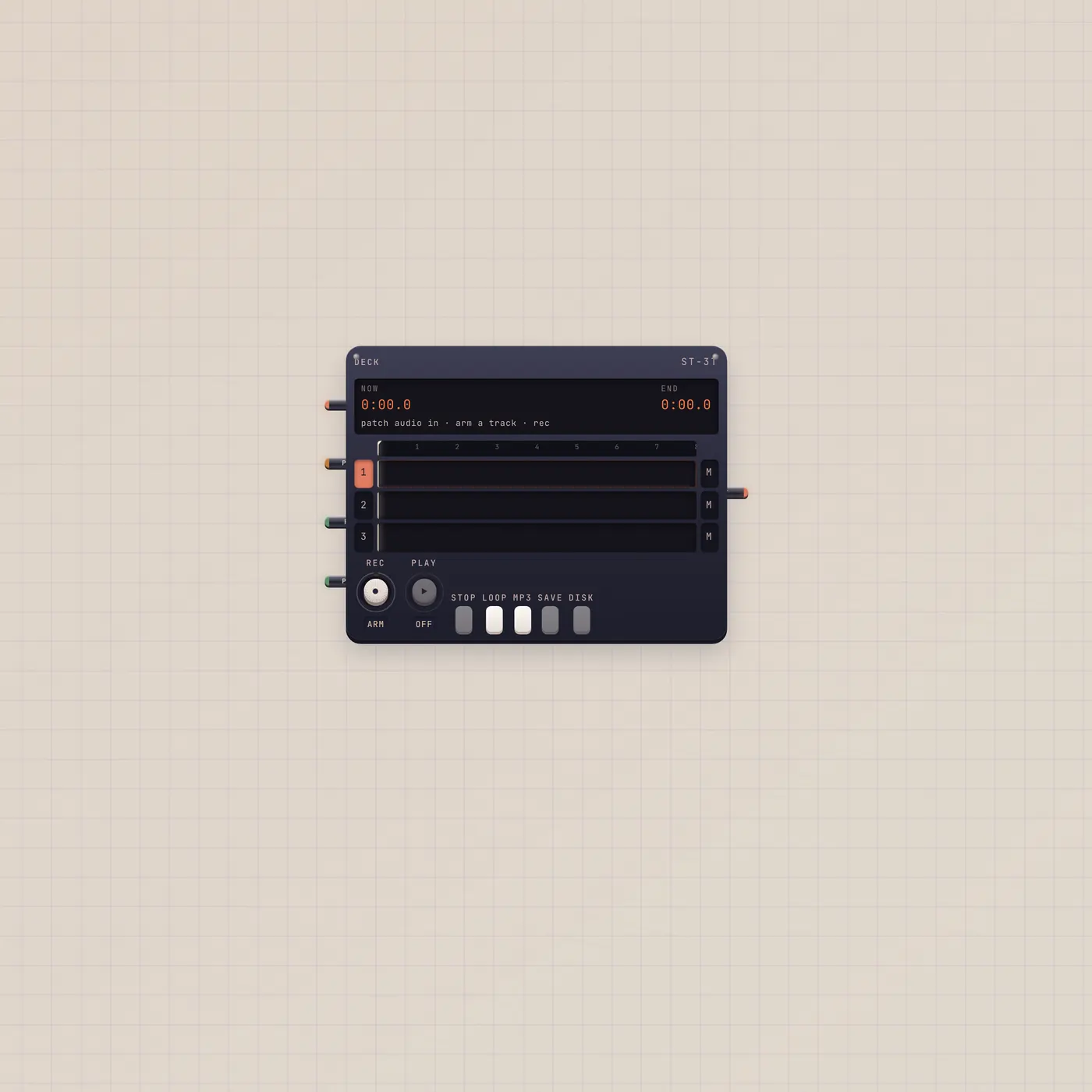
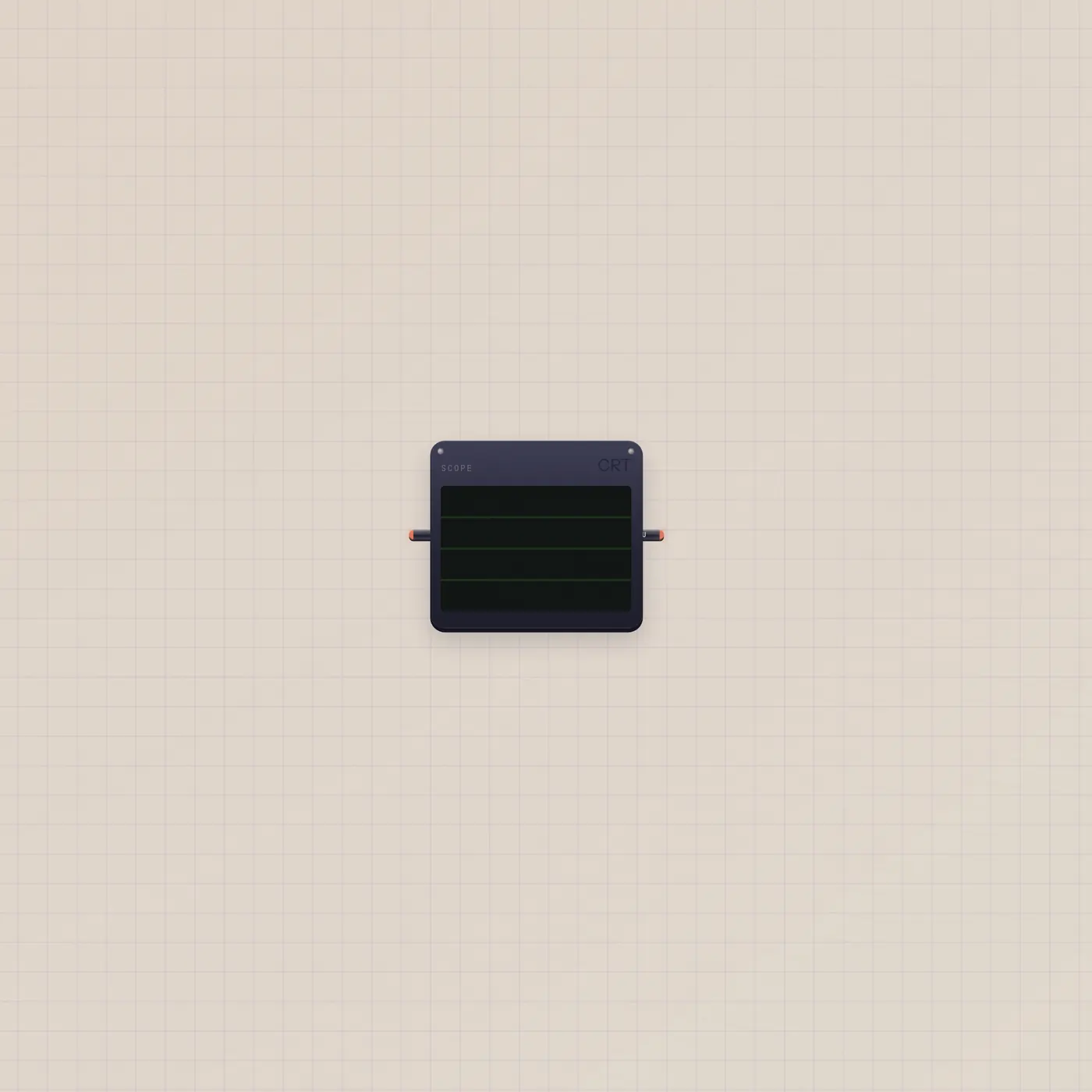
The BeatPad starts on a demo tape kit. Play chords on the MiniSynth — joystick quality, keys for root. Both audio ins are already on the Deck (fan-in). Scope shows the pad. Arm a track and record the jam.
What's on the floor
BeatPad.audio and MiniSynth.audio into Deck.audio. BeatPad.audio into Scope.audio. No Pal. This is a play desk.
Where to go next
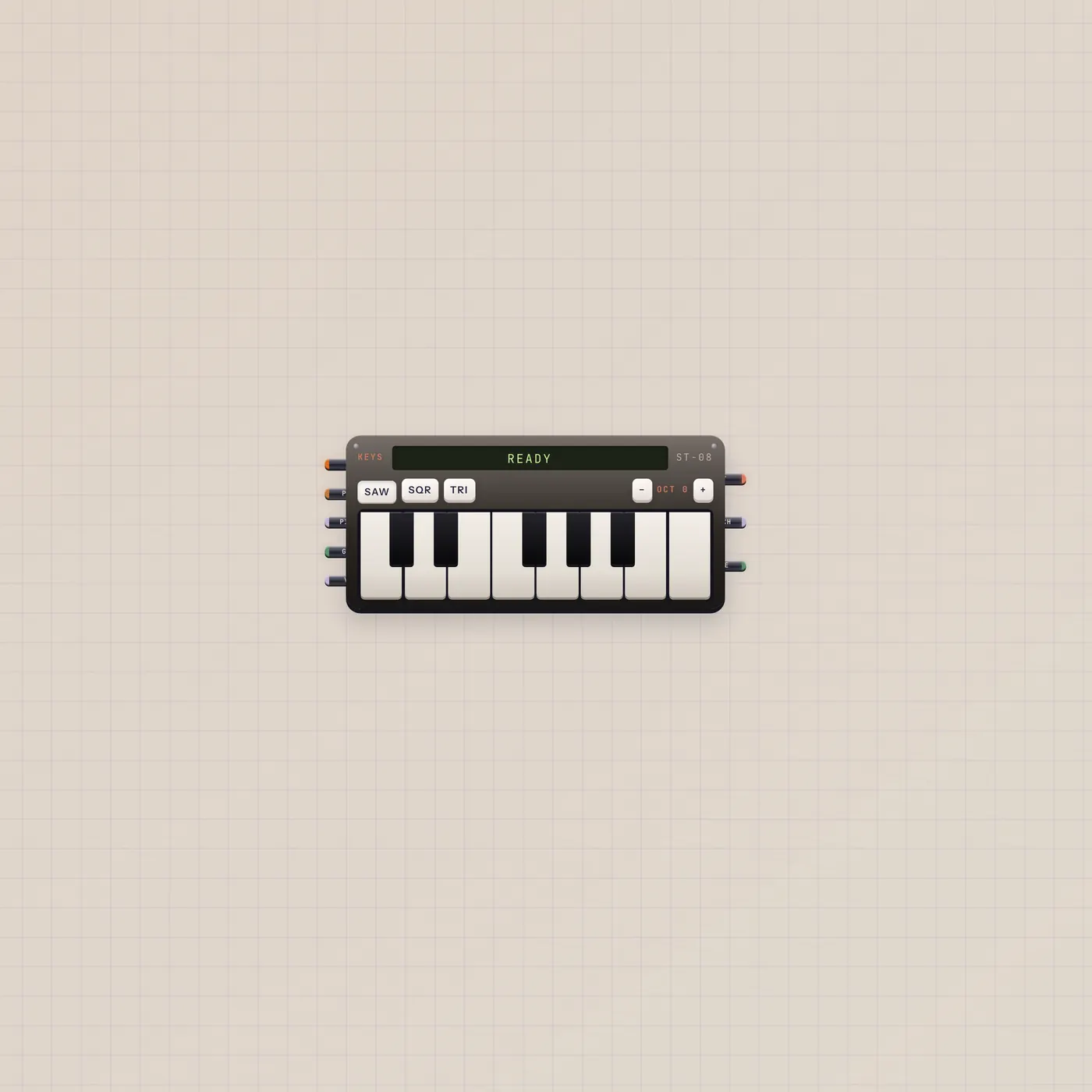
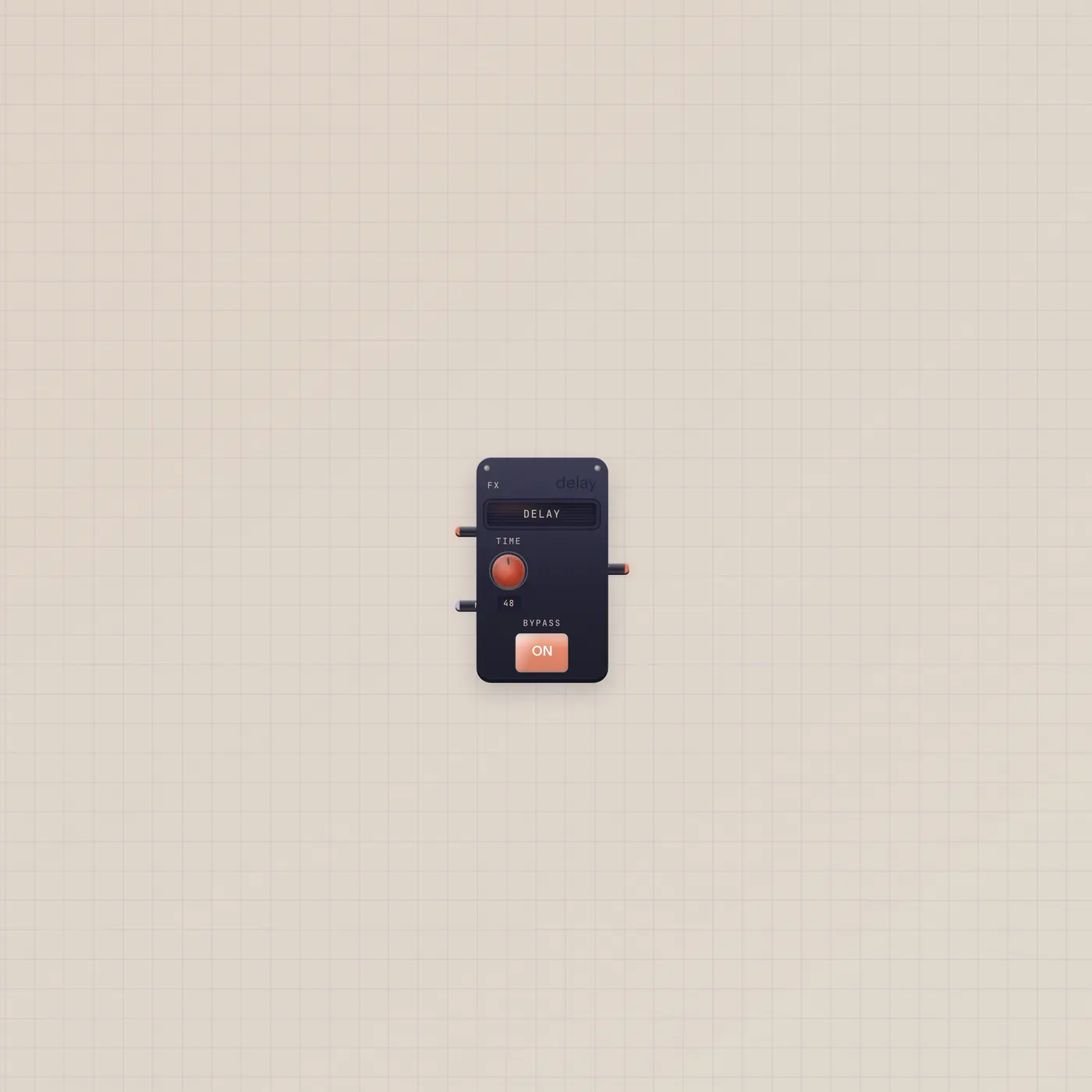
Add Keys if you want single notes over the loop. Patch BeatPad.audio into Effect for delay. Pal on BeatPad.ai is Patch a Pulse — a different job.

Questions
- Will this replace my Home desk?
- No. Use cases always create a new board.
- Why no Pal?
- Pal writes a beat. You play this one. Import Patch a Pulse when you want Pal to program the pad.
- How do I save the jam?
- Arm a Deck track, punch Rec, then save the tape to the shelf.