Component Group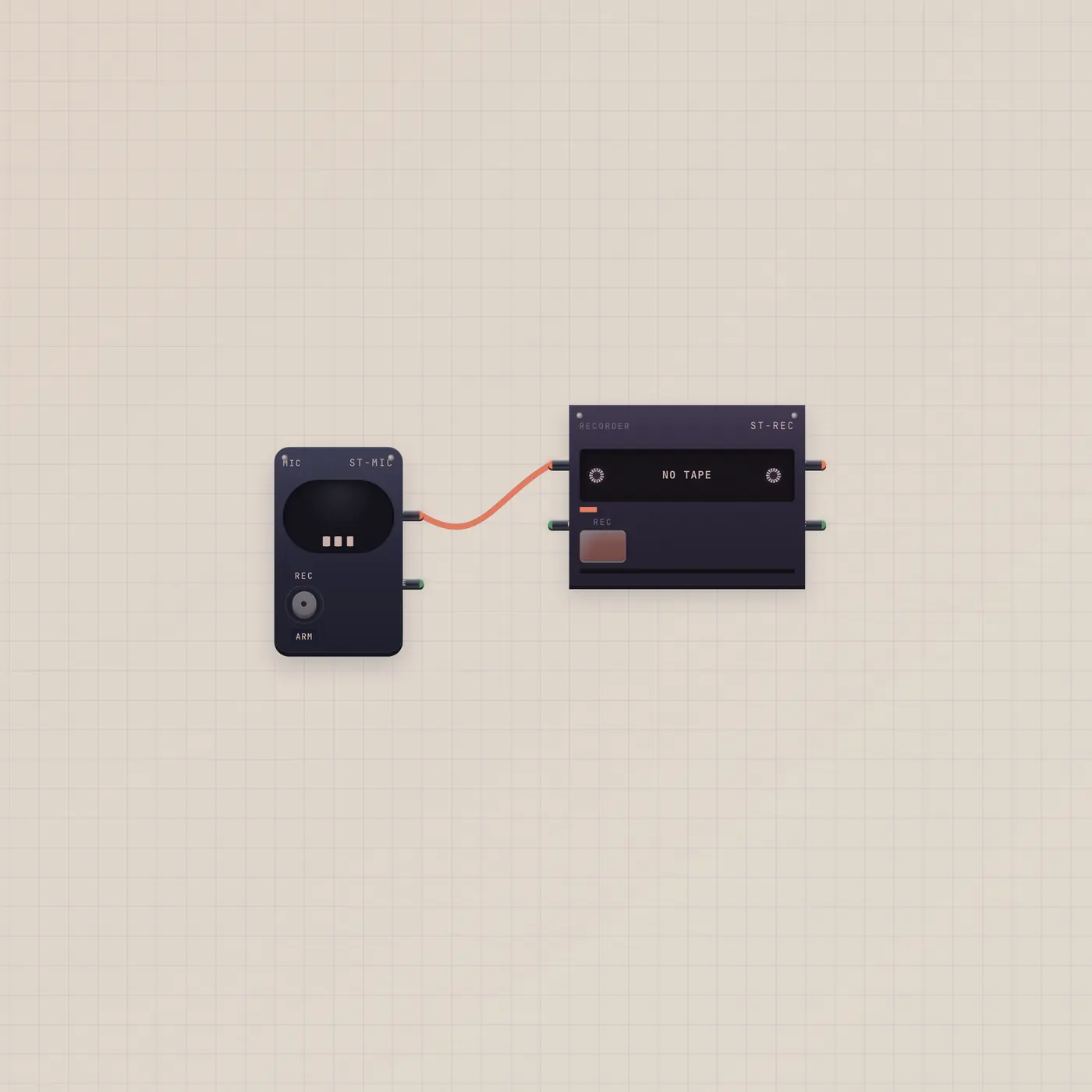
Capsule in. Cassette out.
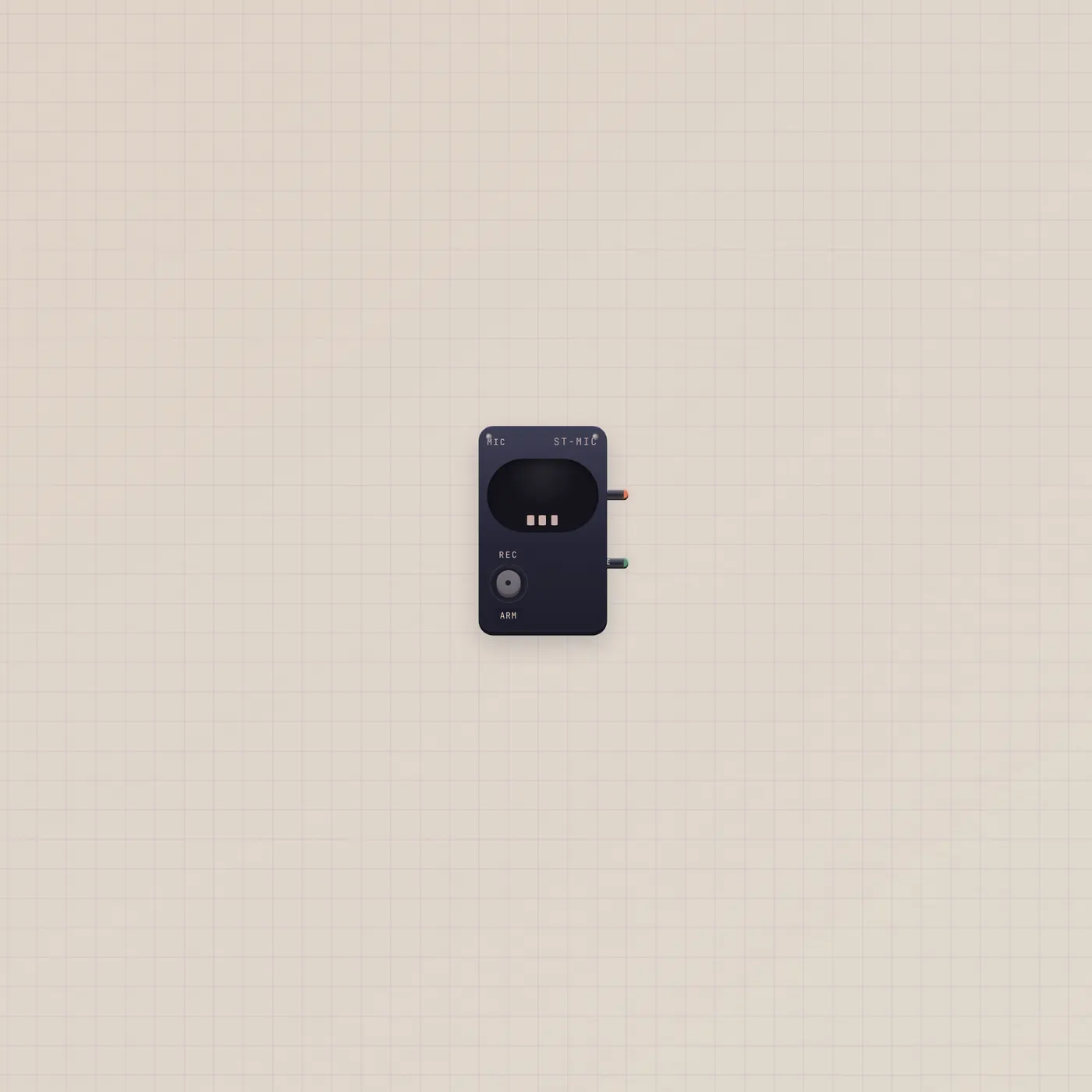
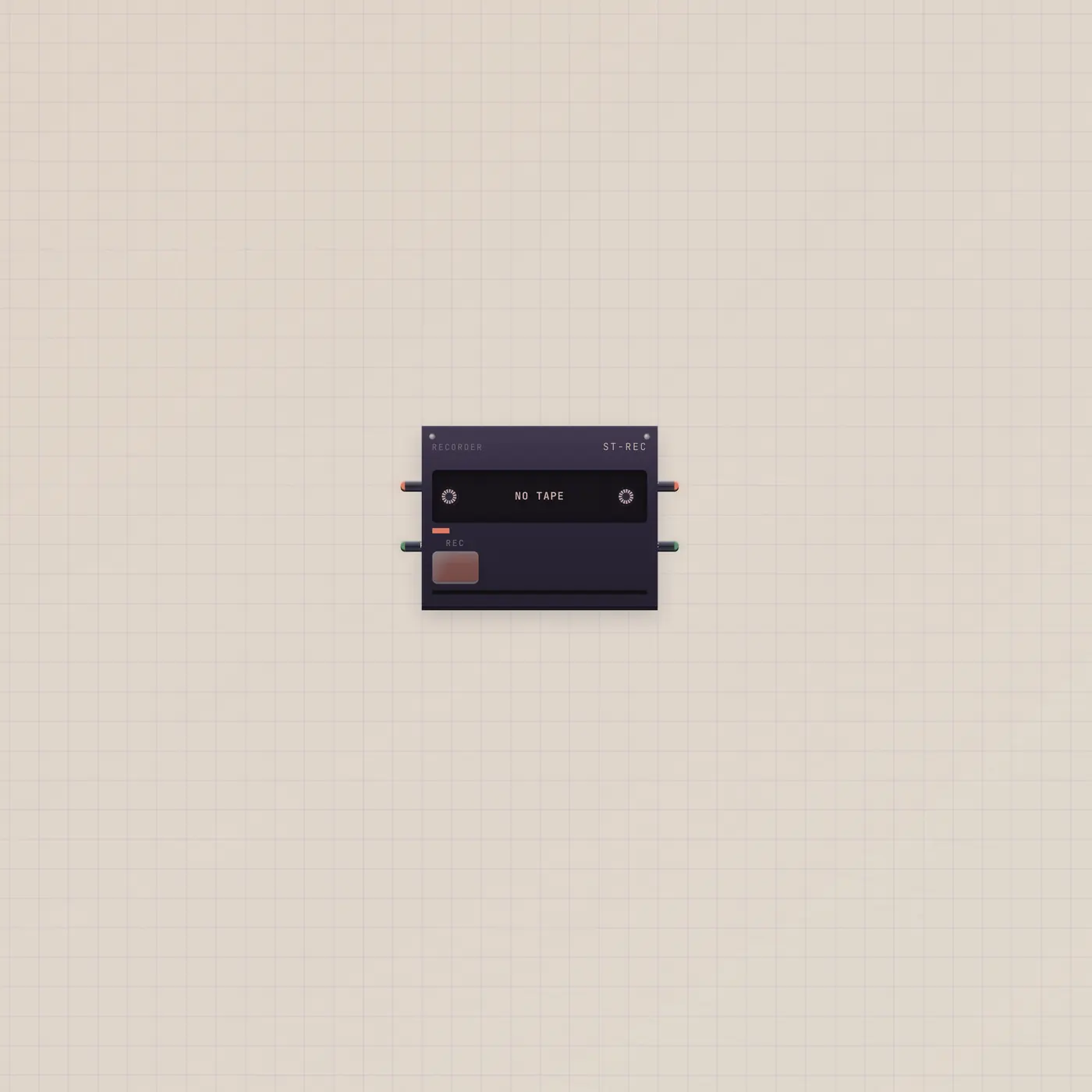
Mic audio into the Recorder. Hold Rec, talk or play, eject a named take. Drop it when you want a cassette instead of a Deck track.
What's wired
Mic.audio → Recorder.audio. The Recorder does not hear the room by itself — this cable is the input.
How to use it
Allow the mic. Hold Rec on the Recorder. Talk or play. Release. The take is named and lands in storage. Patch Recorder.audio into Deck or Tuner if you want to hear it back on the desk.
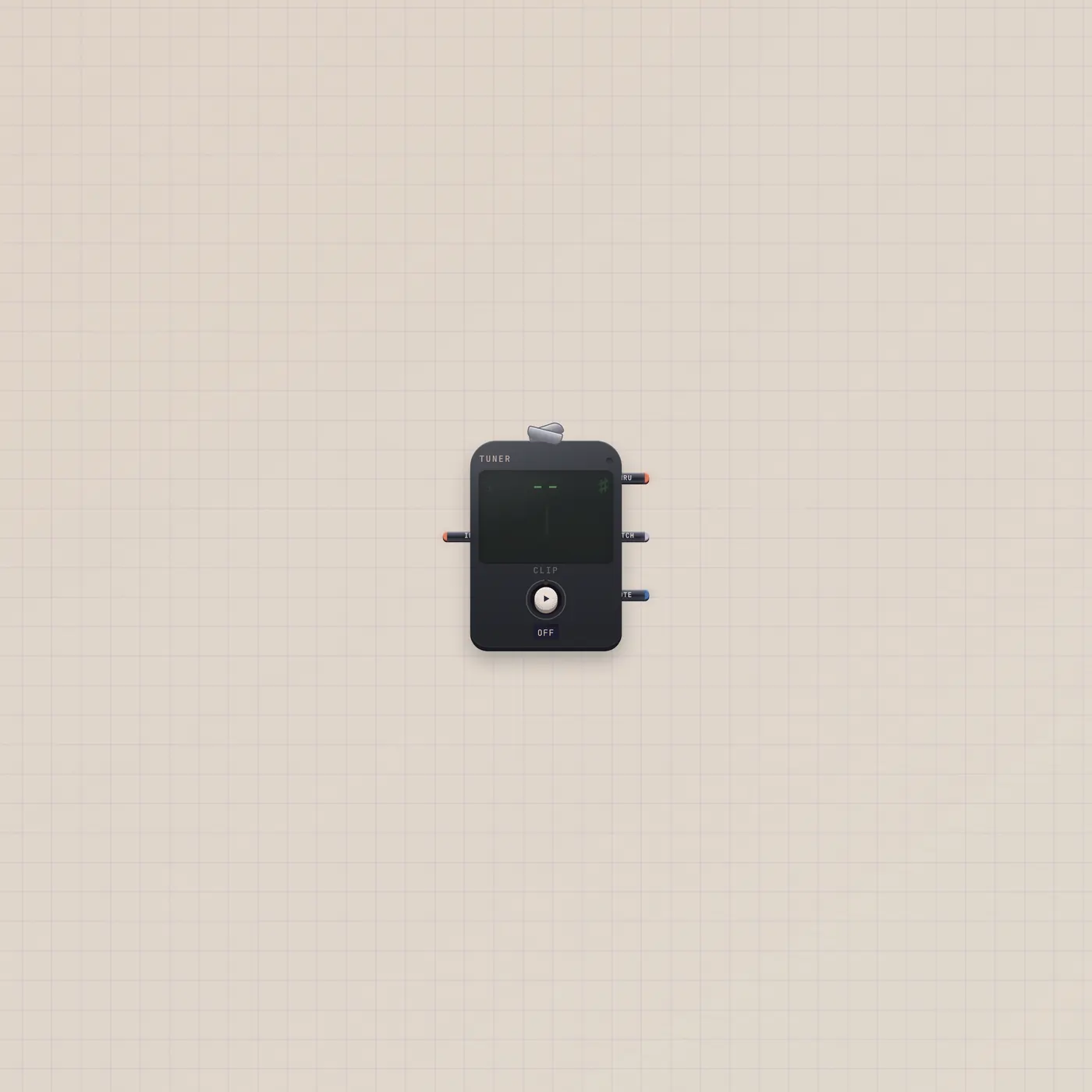
What you can add
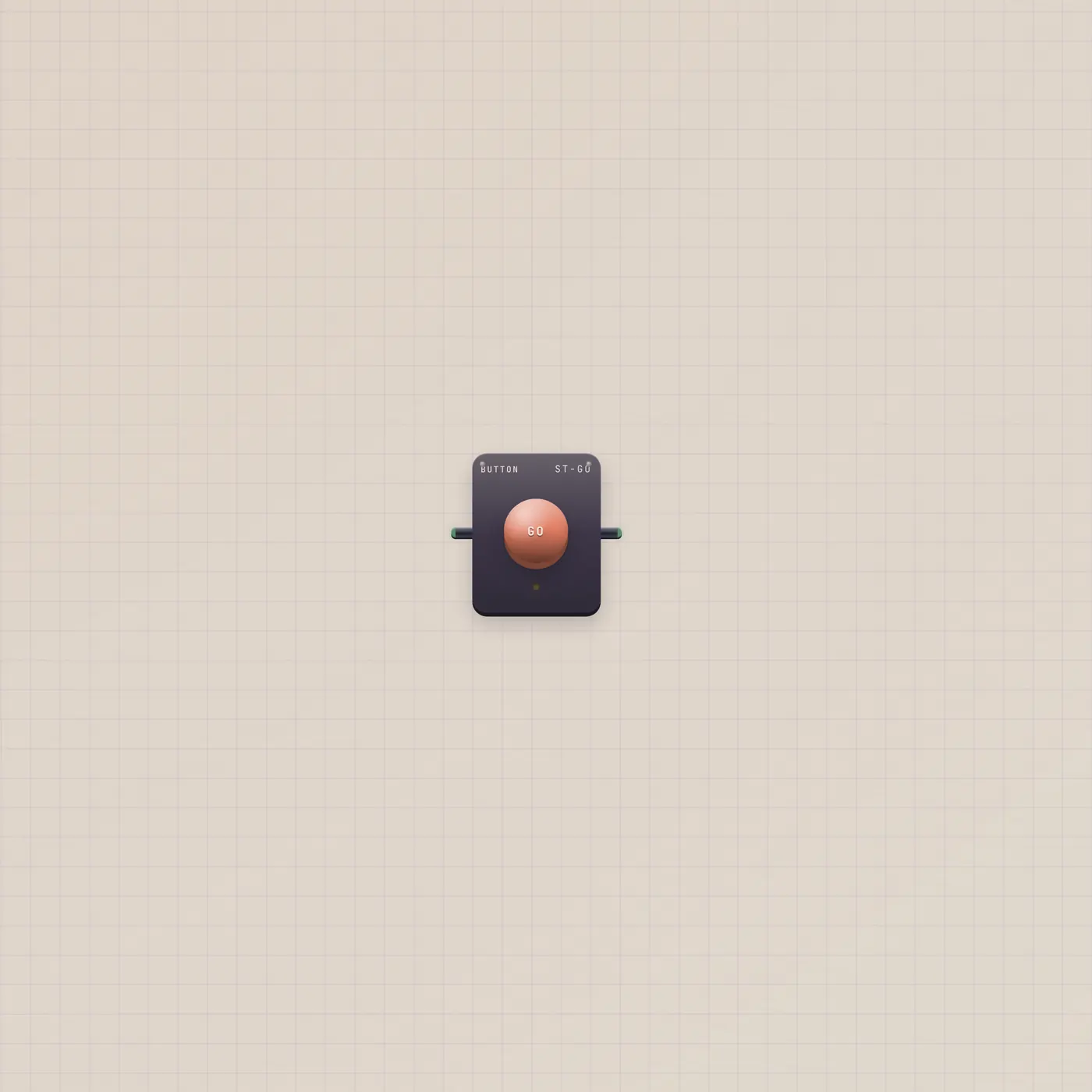
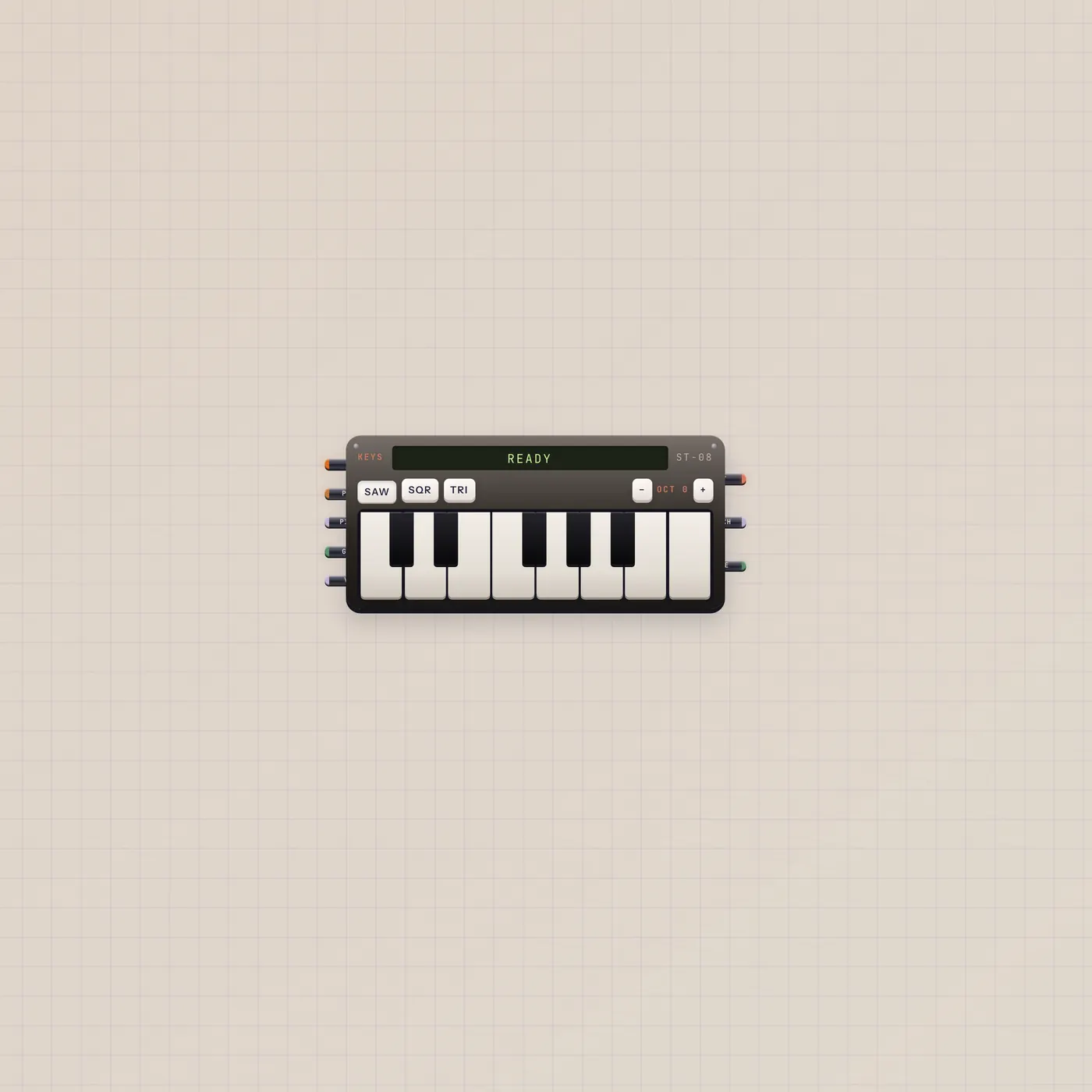
A Button on Recorder.rec is a remote punch. Keys.audio into the same Recorder.in (fan-in) records the keyboard with the capsule.
What’s wired
- mic.audio → rec.audio
Questions
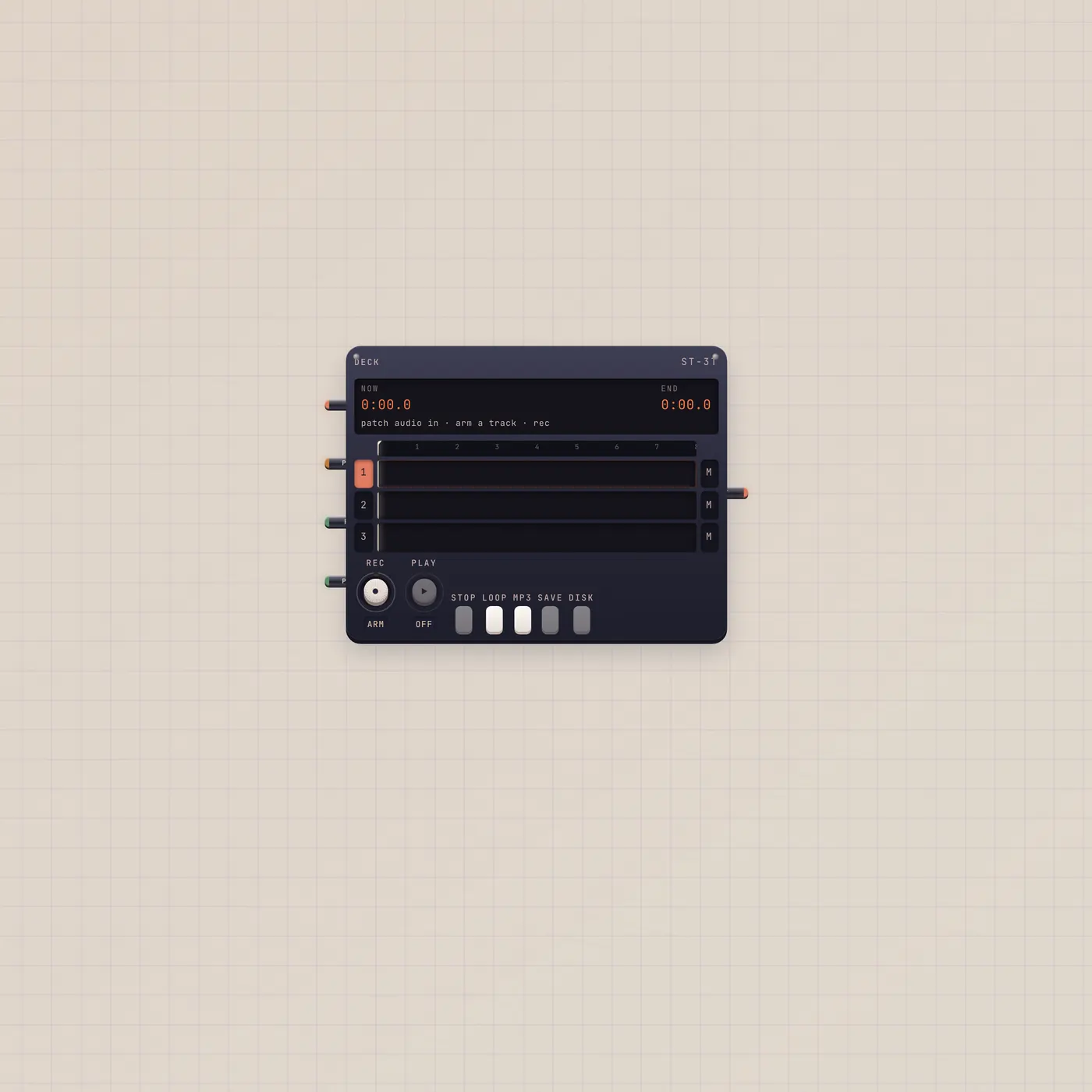
- Is this the same as Deck?
- Deck is four tracks with trim. Recorder is one cassette take. Use this when you want a single named file.
- Does it monitor the mic?
- No. The Mic does not play itself. You will not get feedback from this pair.
- Where does the take go?
- Studio storage. Open Usage and Storage to play or delete it.