A little tape keyboard with pitch, gate, and audio out
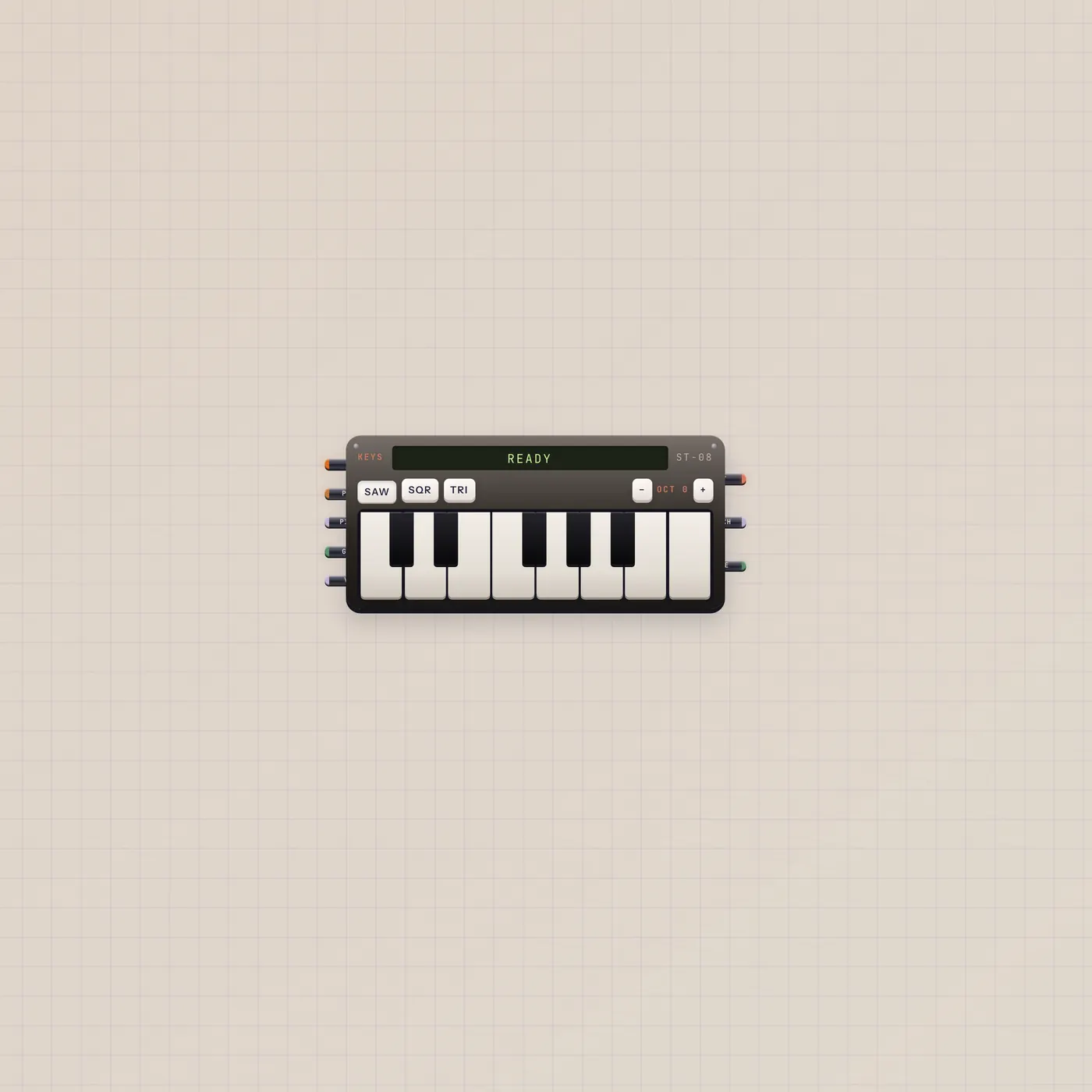
Keys is the Subtape keyboard. Play for audio out. Pitch and gate CV follow the held note. Patch into Tuner, Deck, Scope, or Effect. Wider spans add a second octave.
What it is
A Subtape keyboard. Click or play from the computer (click the keys first). Audio out is the tone. Pitch and gate CV out follow the held note. Pitch, gate, and vol in let another widget play it. Sample in mixes packs. Narrower has fewer keys; wider adds a second octave. Wave is saw, square, or triangle.
How to use it
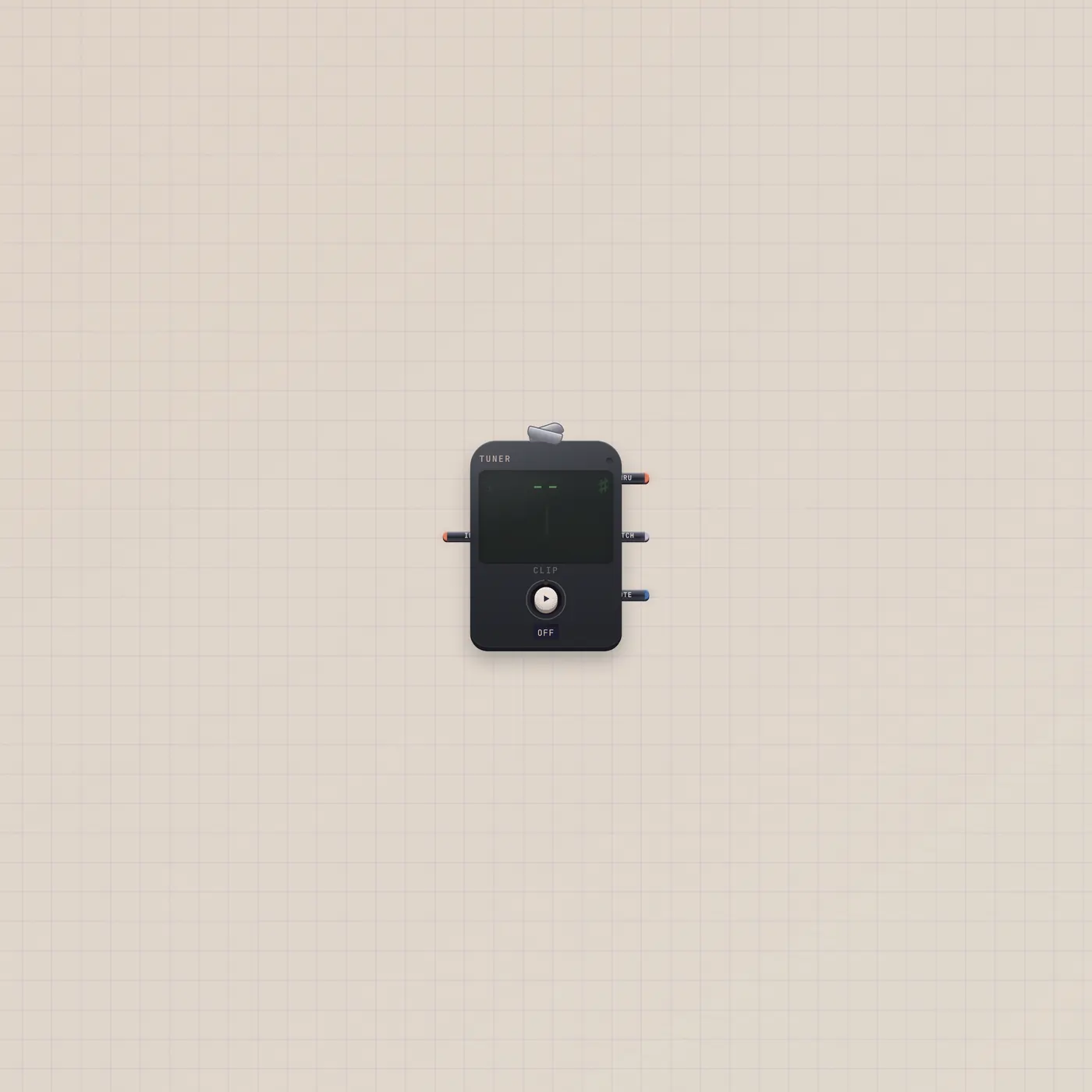
Drop Keys and play. Patch audio into Tuner to see the note, into Scope to see the wave, into Deck to record, or into Effect / Pan / Rack for a chain. Computer keys work after you click the keyboard — Z / X change octave. A click elsewhere lets go.
What to patch next
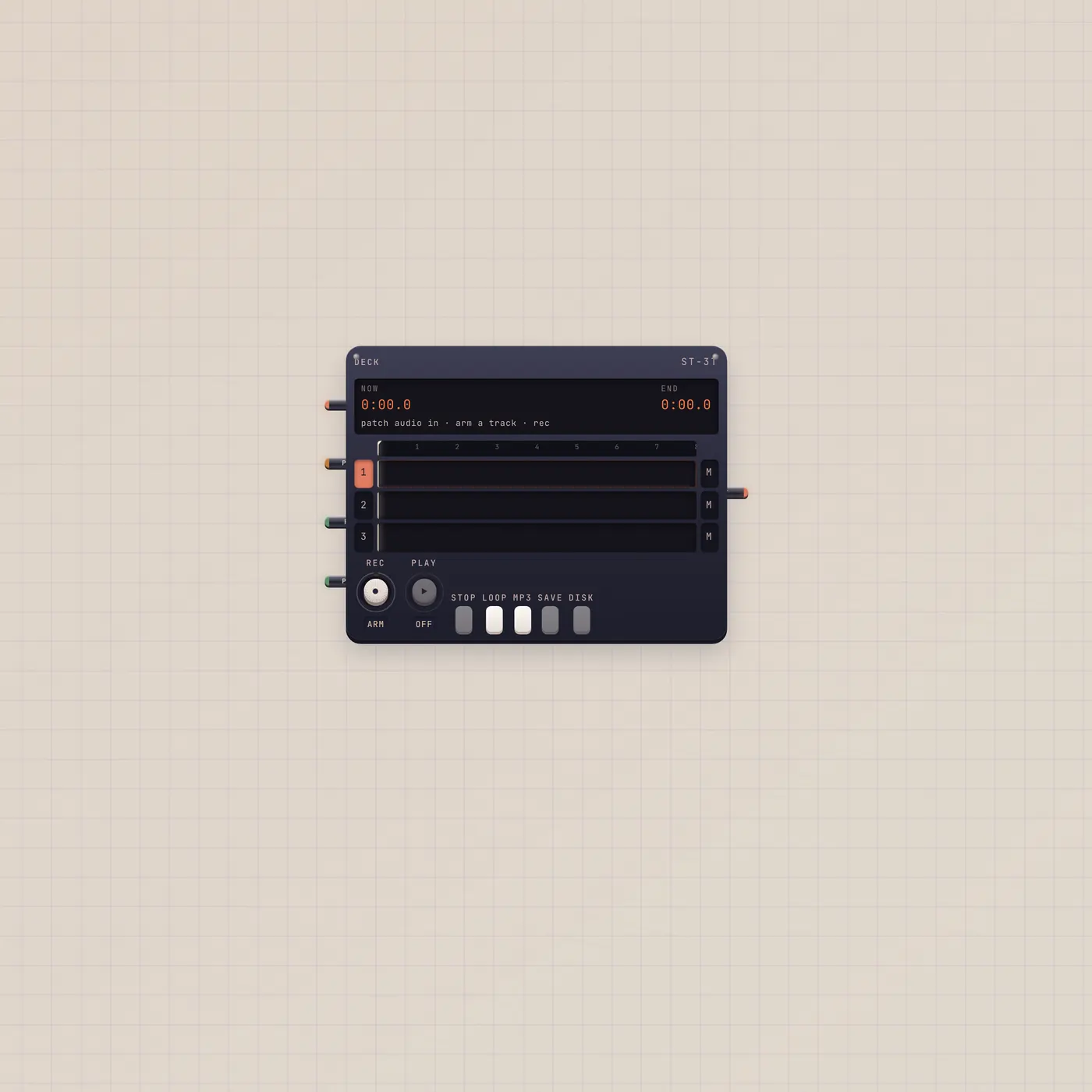
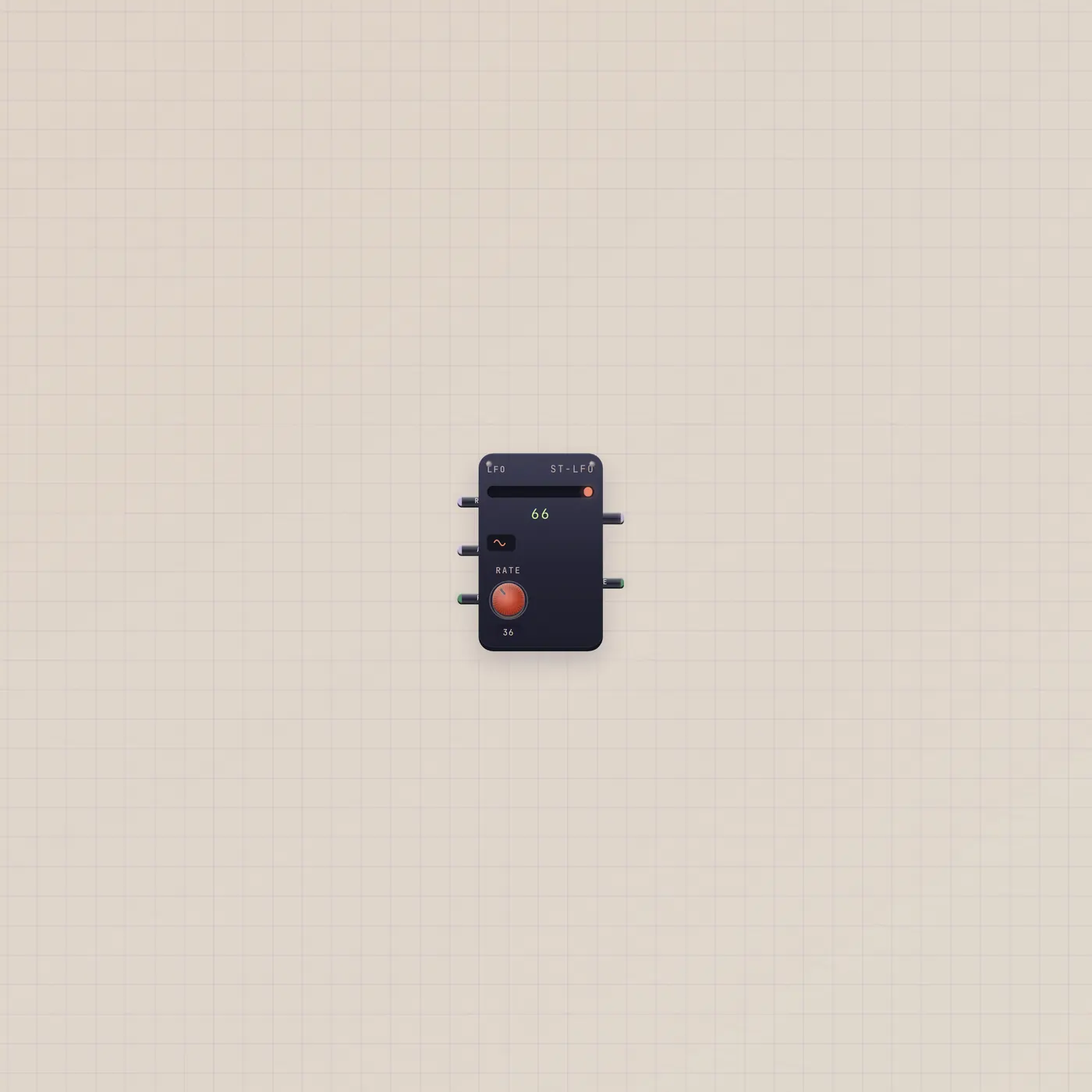
Keys.audio → Tuner.audio is a one-cable tuner. Keys.audio → Deck.In with a track armed records a take. Pal.ai → Keys.ai lets Pal set wave, octave, and volume. Pitch/gate in from Lfo or Button can drive notes.

Ports
| Jack | Dir | Kind | Label |
|---|---|---|---|
| ai | in | ai | AI |
| sample | in | sample | Pack |
| pitch | in | cv | Pitch |
| gate | in | gate | Gate |
| volume | in | cv | Vol |
| audio | out | audio | Out |
| pitch | out | cv | Pitch |
| gate | out | gate | Gate |
Questions
- Why don't my computer keys play?
- Click the keyboard first so it is armed. Then A–K and the black-key row play. Click the floor to release.
- Can I record what I play?
- Patch Keys.audio into Deck.In or Recorder.audio. Arm a Deck track and punch Rec, or hold Rec on the Recorder.
- What does sample in do?
- A Sampler pack mixed into Keys.sample layers those hits on the keyboard. Fan-in accepts more than one pack.