The page on the floor. Pal writes it through text, not ai.
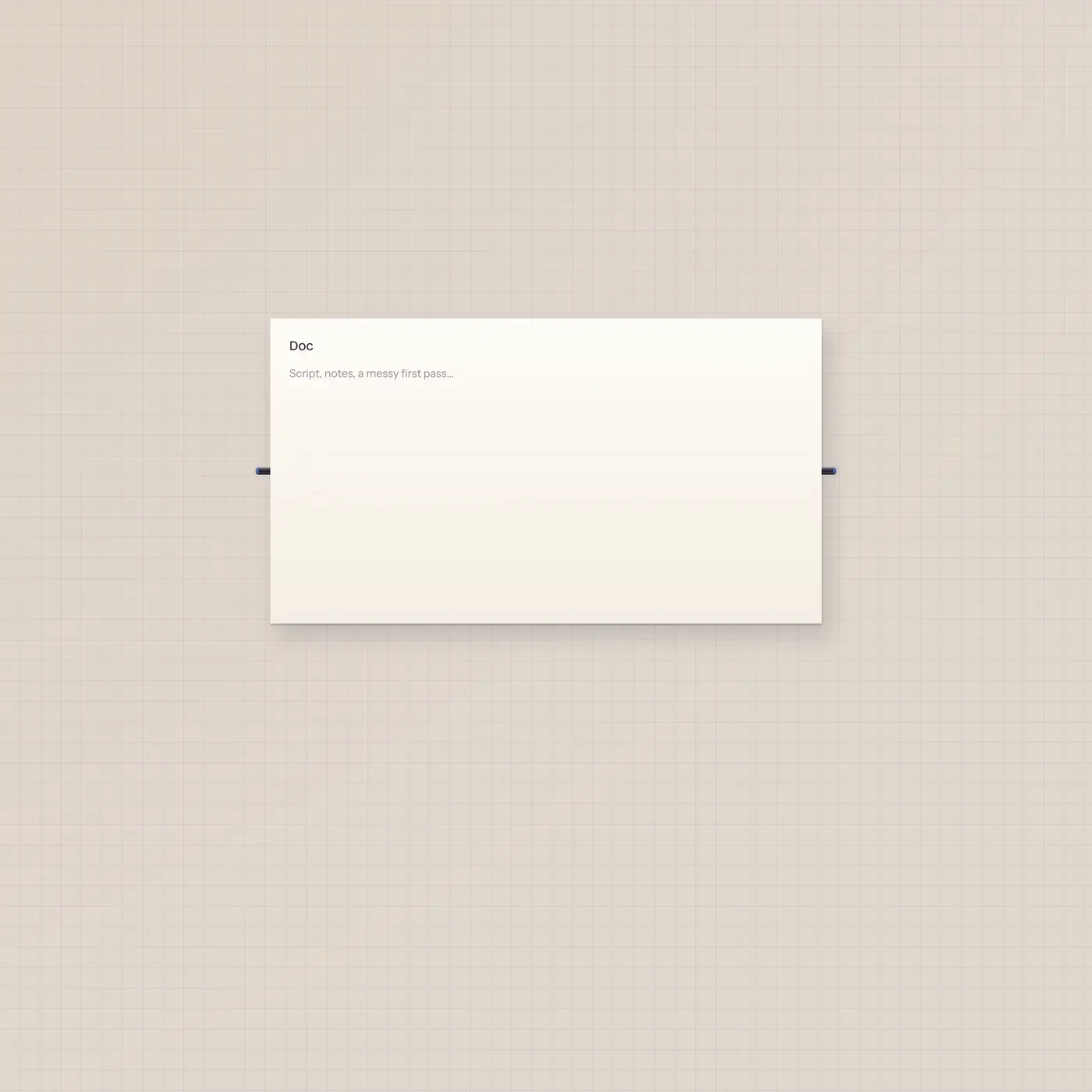
TapeDoc is the shared script. You type; Pal can write it too. Text in and text out — no ai jack. Pal.text → TapeDoc.text is the cable that lets writeDoc land.

What it is
A platen you and Pal both edit. It persists. Reuse a slug to keep the same page across boards. Text in replaces the body from a cable — Pal, Typewriter, Marquee, StickyPad, or Checklist. Text out is the plain page for Marquee, Speak, Printer, or Pal. There is no ai jack. Pal.ai will not land here.
How to use it
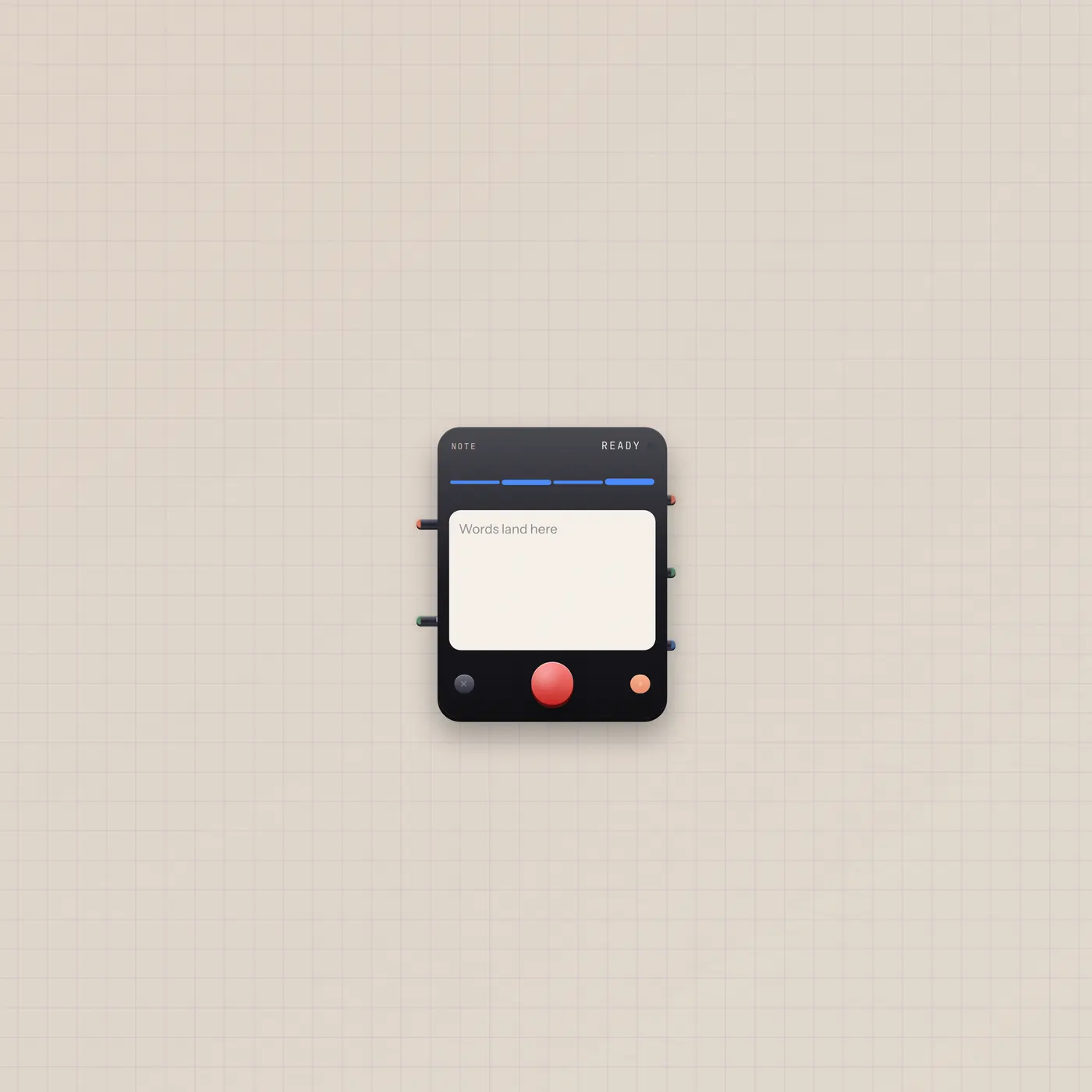
Drop a Doc and type. Paste markdown if you want headings. Patch Pal.text into TapeDoc.text so the handheld is a neighbor and writeDoc can fill the page — that is the Write the script desk. Typewriter.text into the same in jack dumps a transcript. A feed on text in owns the platen until you pull the cable.
What to patch next
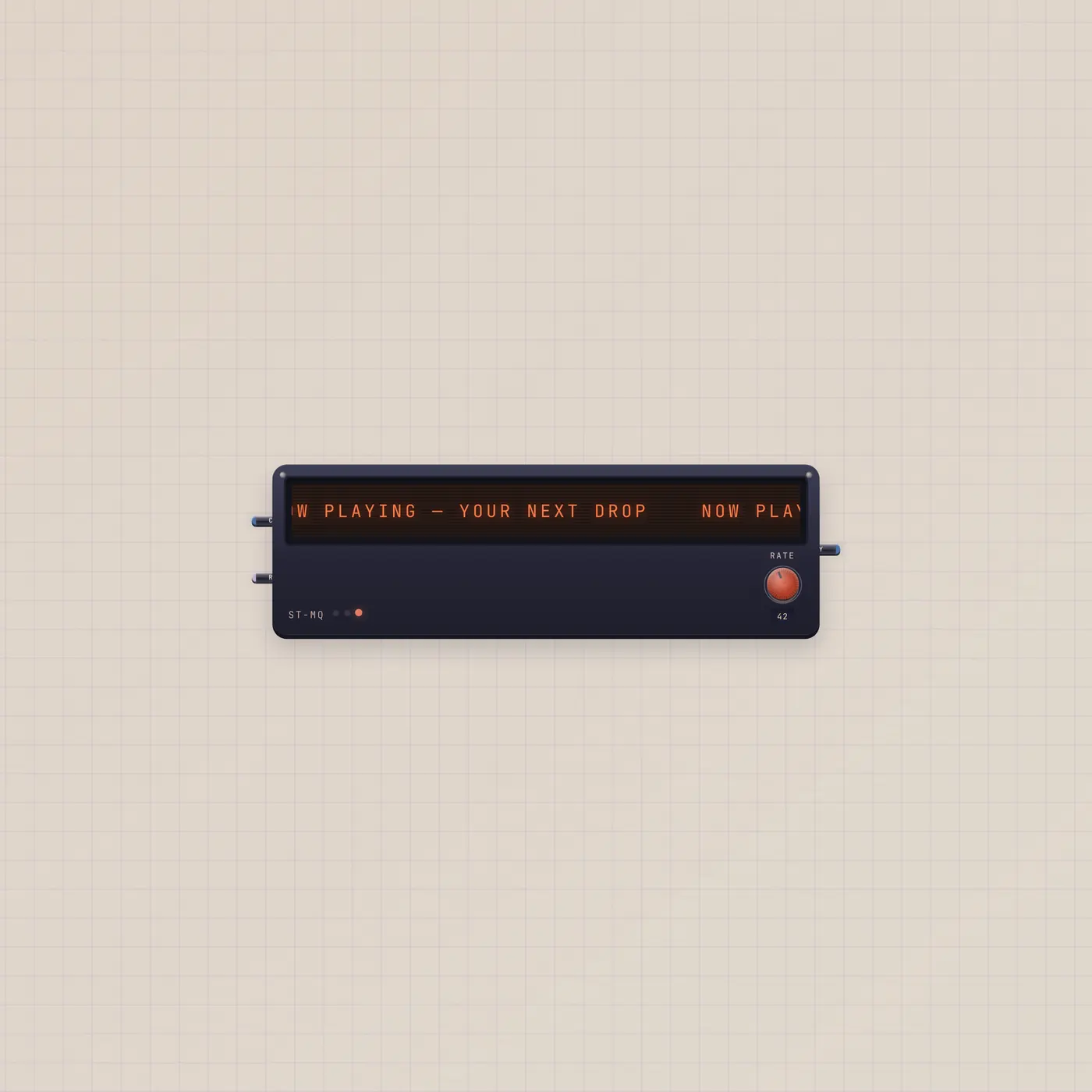
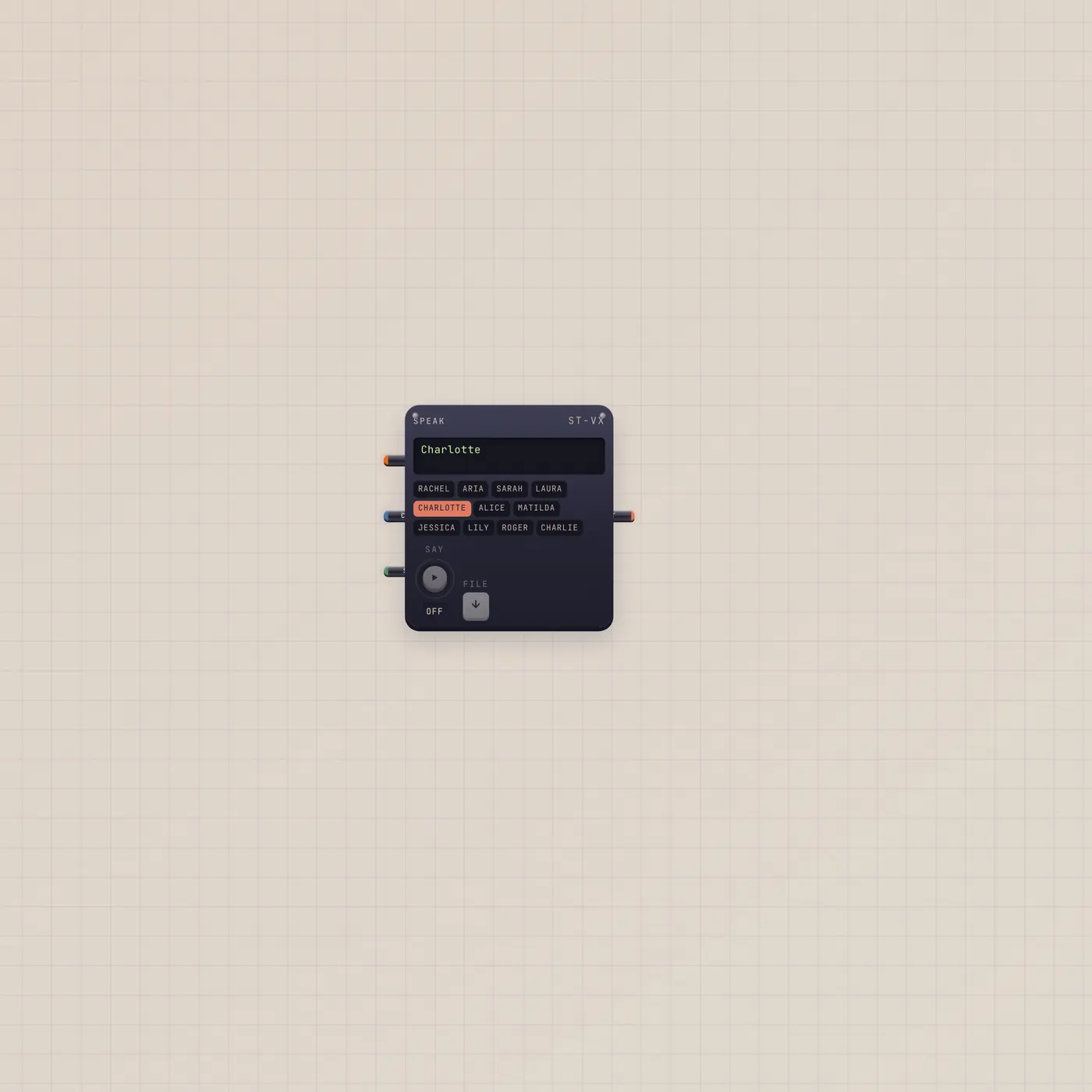
Pal.text → TapeDoc.text is the honest write cable. TapeDoc.text → Marquee.text crawls a line. The same Out into Speak.copy reads the page. Write the script already wires Pal, a GO button, Mic, the Doc, and Speak on a new board.
Ports
| Jack | Dir | Kind | Label |
|---|---|---|---|
| text | in | text | In |
| text | out | text | Out |
Questions
- Why isn't there an ai jack?
- The page is text. Pal.text → TapeDoc.text is the cable. That neighbor link is what unlocks writeDoc.
- Will two Docs titled Script share a body?
- Not by default. Each widget keeps its own page unless you set the same slug on purpose.
- Can I hear the page?
- Patch TapeDoc.text into Speak.copy. That render uses workspace AI quota.