Component Group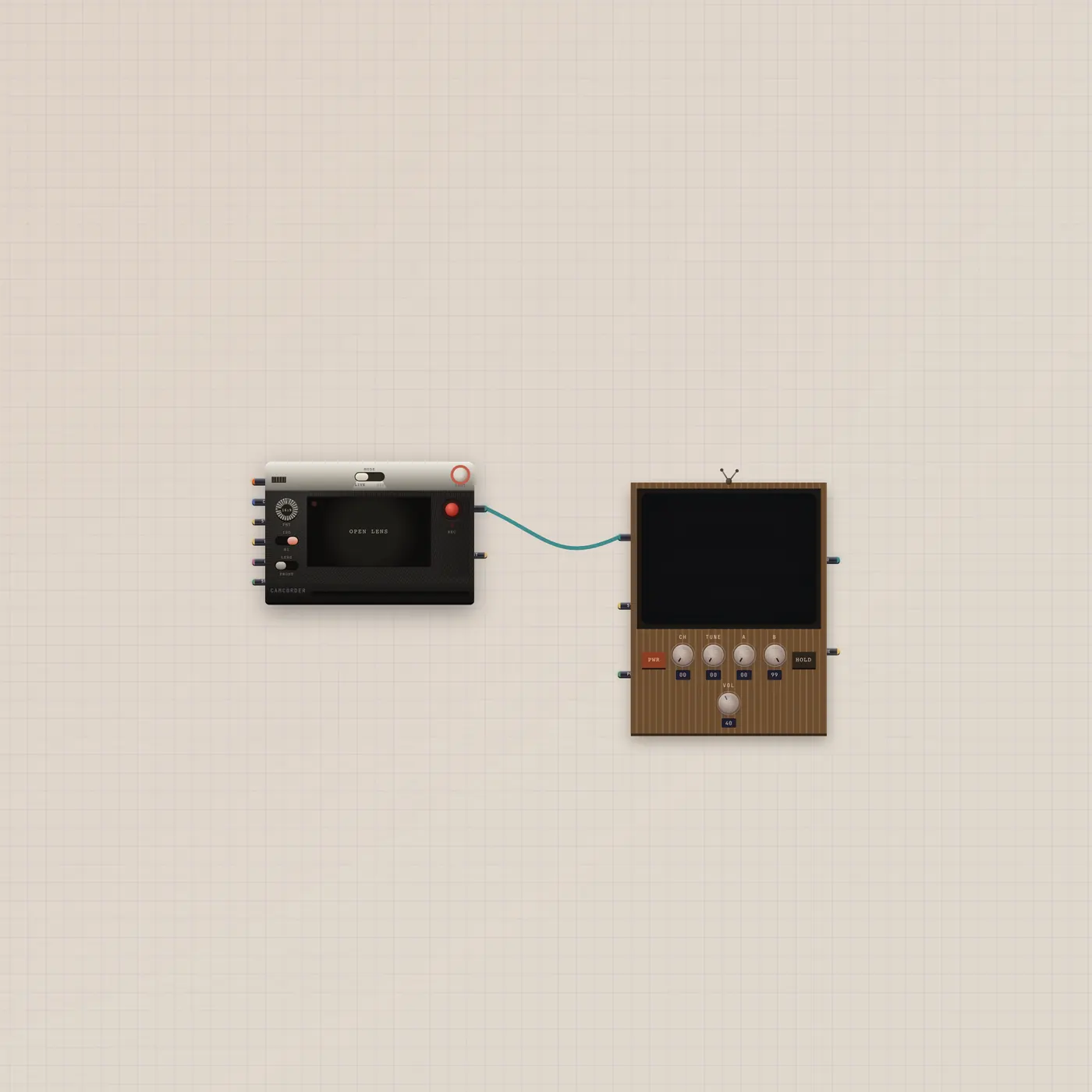
Point the camcorder. Watch the CRT.
Camcorder video into a CRT. Live camera or a generated clip on an old tube. Drop it on a board when you want to see the shot.
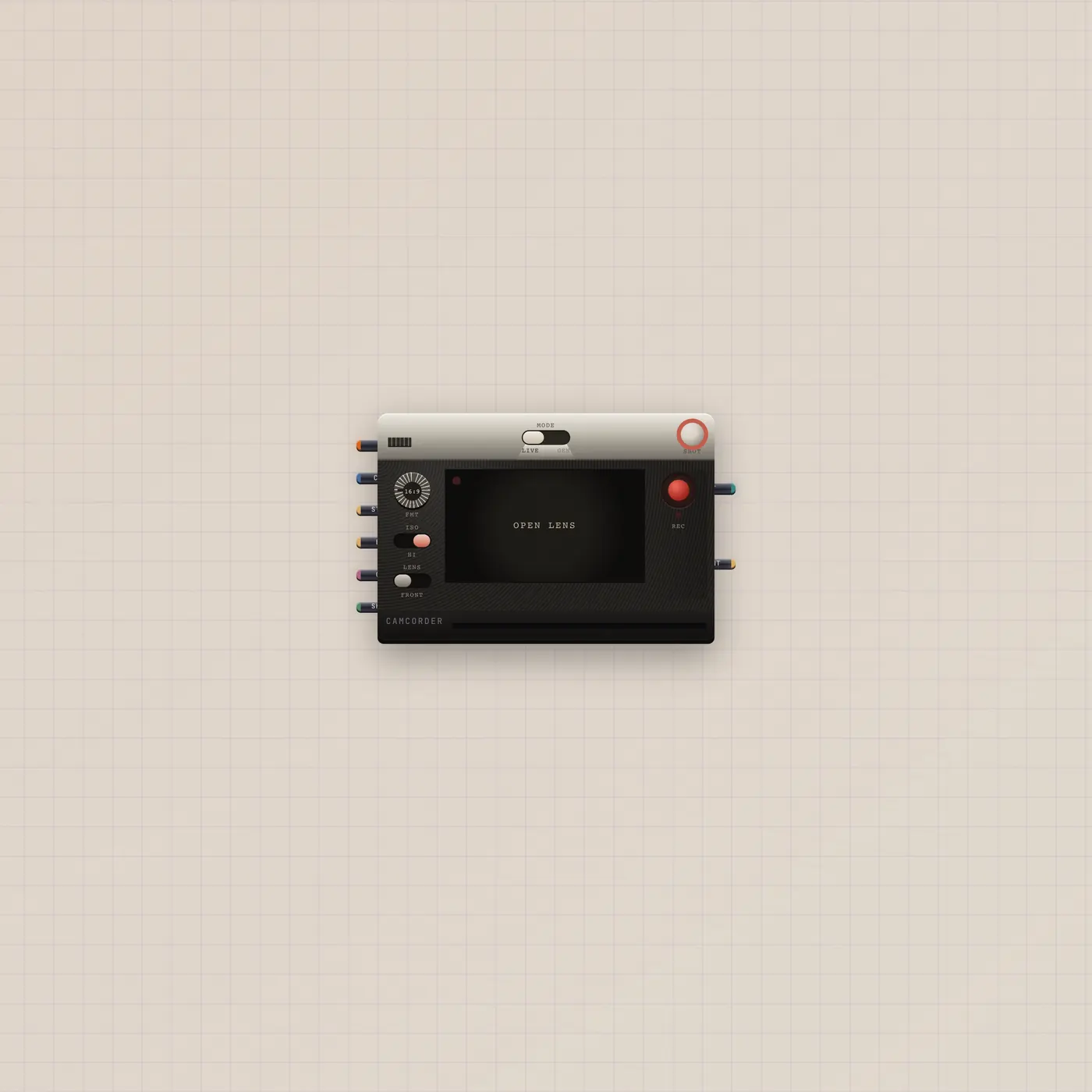
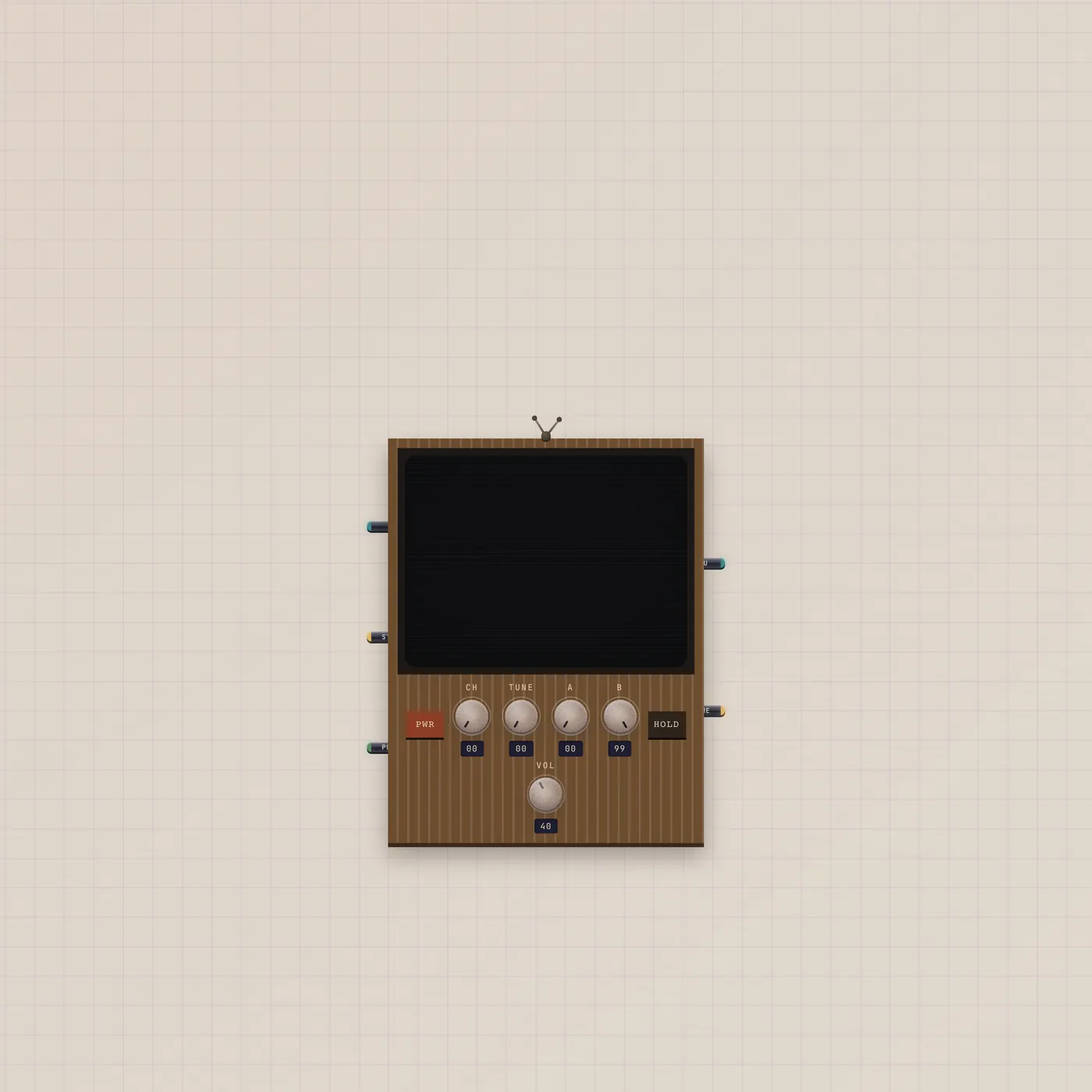
What's wired
Camcorder.video → CRT.video. The tube shows whatever the camcorder is holding — live lens or a generated clip.
How to use it
Allow the camera for live, or generate a clip on the camcorder. Power on the CRT. Knobs are brightness and hold, not a second player.
What you can add
CRT.thru → CuttingRoom.video if you want to cut. Pal.ai → Camcorder.ai generates a clip from a prompt.
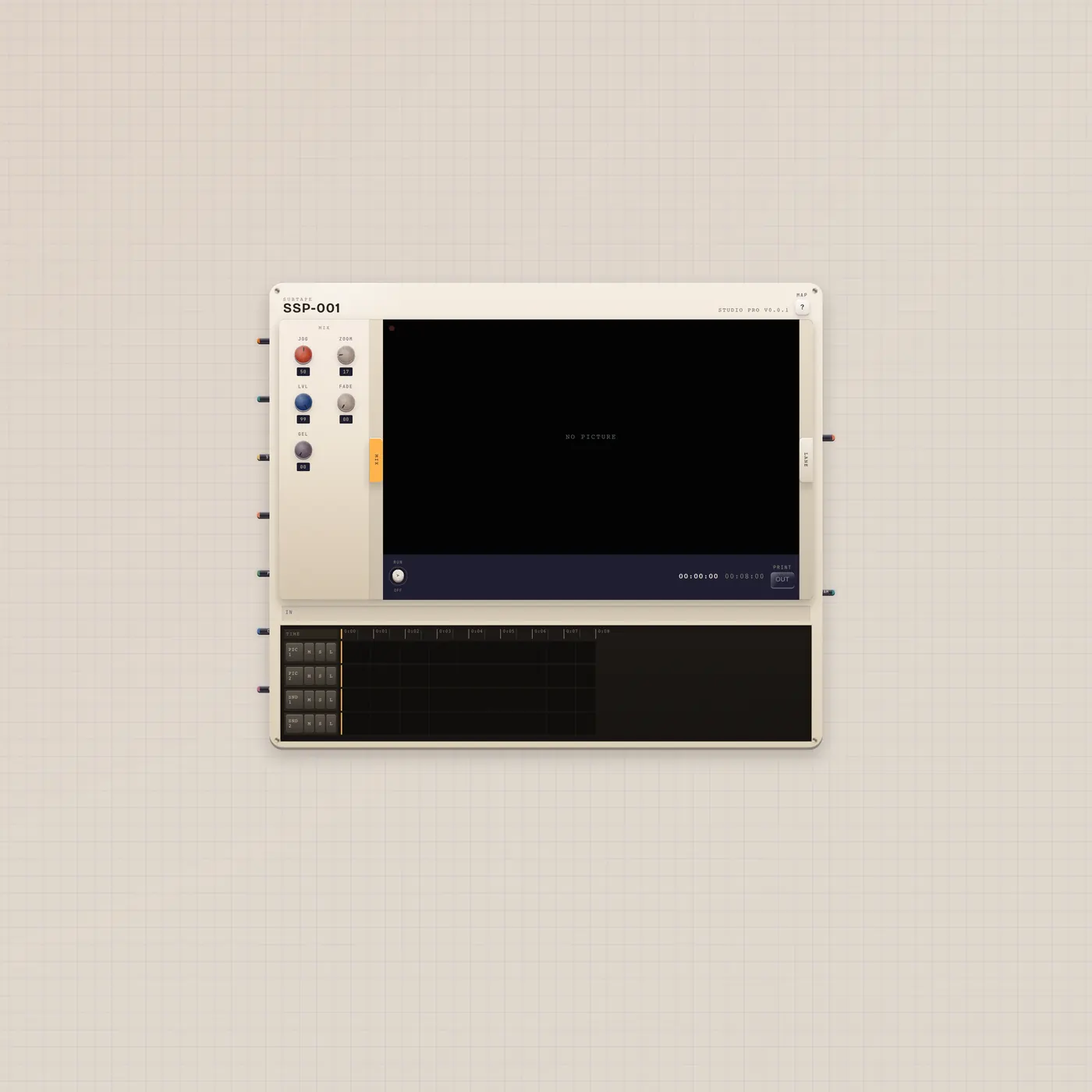

What’s wired
- cam.video → crt.video
Questions
- Is this a full edit desk?
- No. It is a watch pair. Import Cut the Reel when you want Pal on the CuttingRoom.
- Can I still generate a clip?
- Yes. The camcorder keeps its generate path. The CRT just shows it.
- Does the CRT record?
- No. Frame out is a still. Use CuttingRoom or Clip to keep a take.