Use Case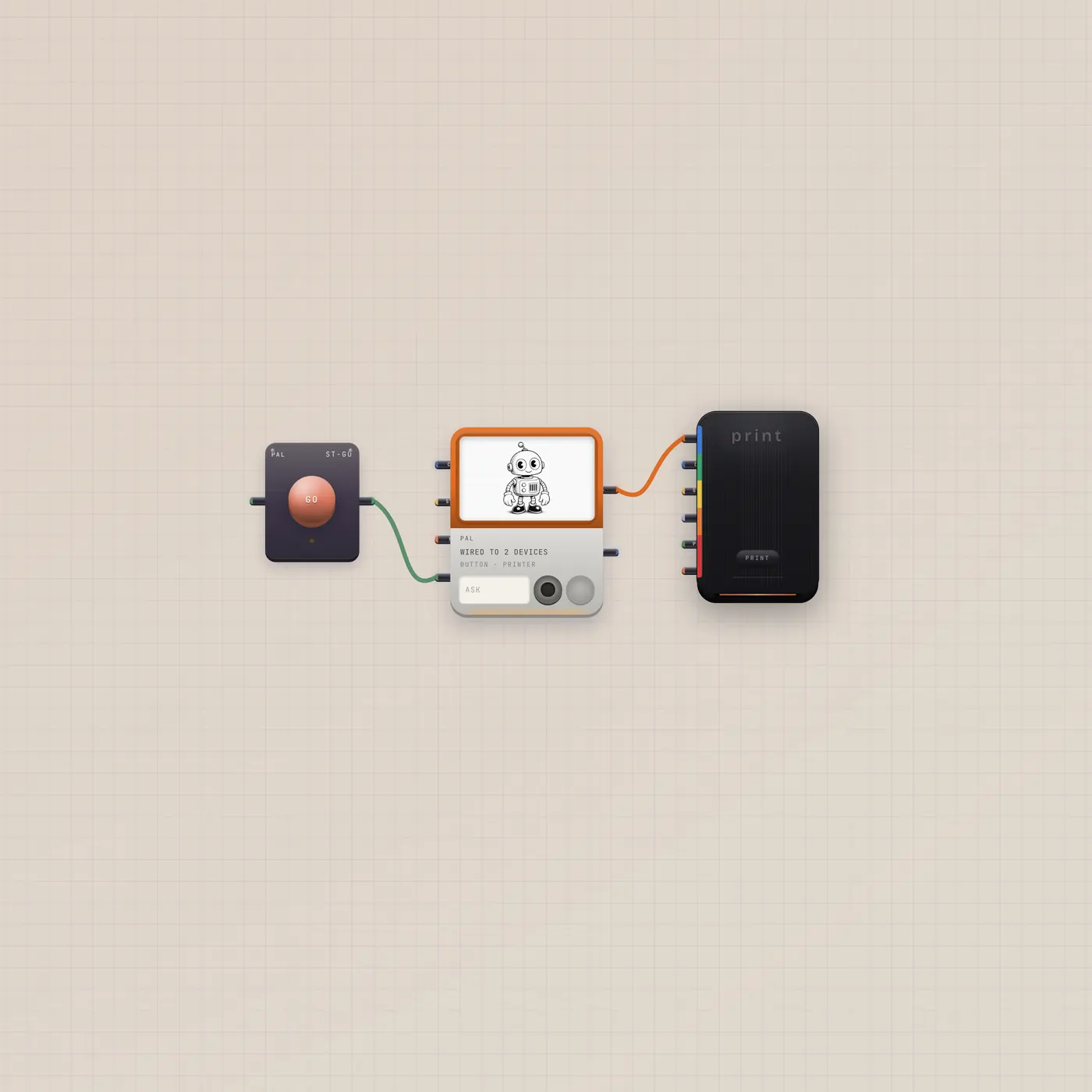
Ask Pal. The printer ejects a still.
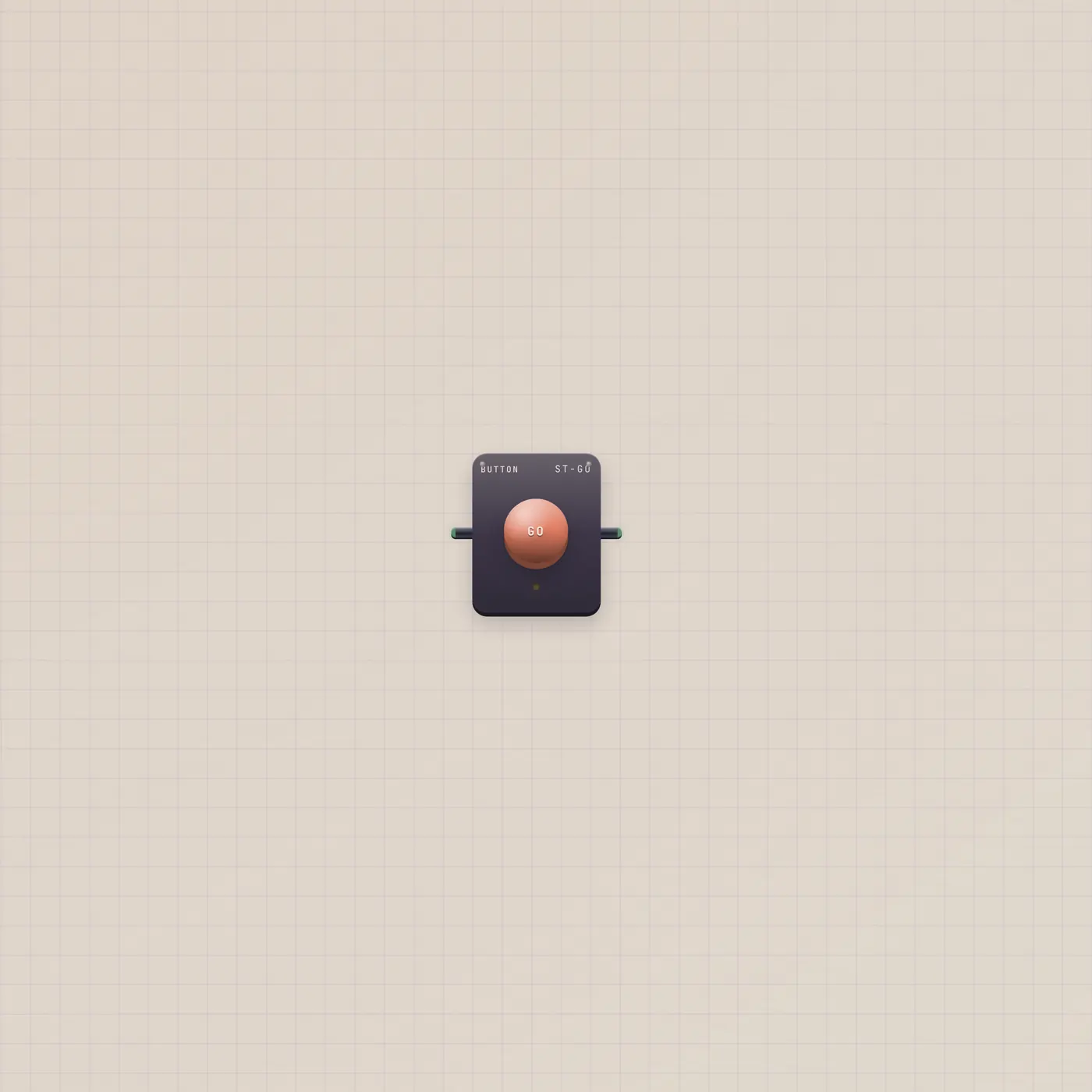
Pal.ai into the Printer, with a GO button. Ask for a picture. Press GO. A polaroid lands. Always a new board.

What you can do today
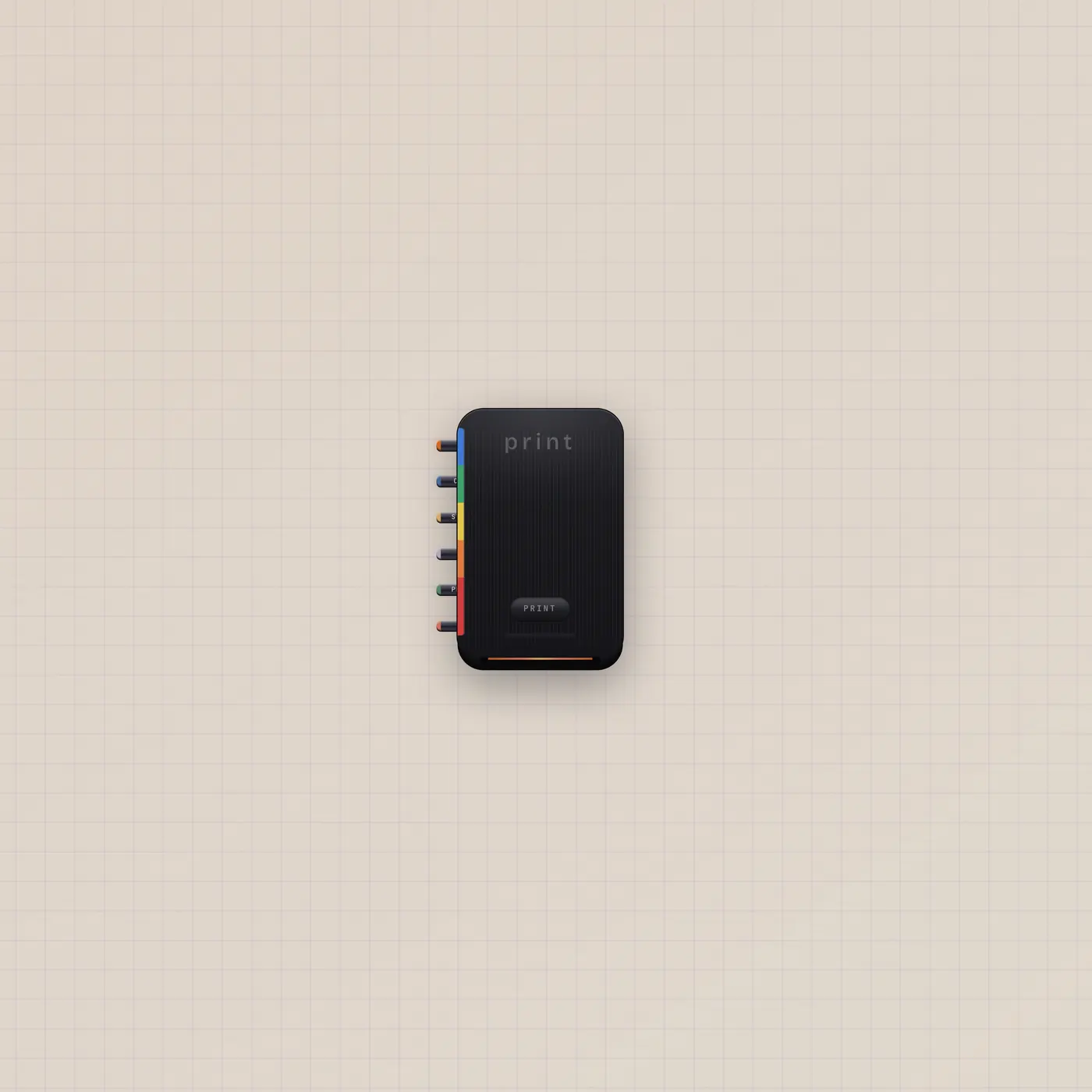
Ask Pal for a picture — a face, a set, a thumbnail. Press GO. Pal.ai is already in the Printer, so generateImage ejects a polaroid into storage.
What's on the floor
GO into Pal.gate, Pal.ai into Printer.ai. Gate on the printer is a second punch if you want a physical print key later.
Where to go next
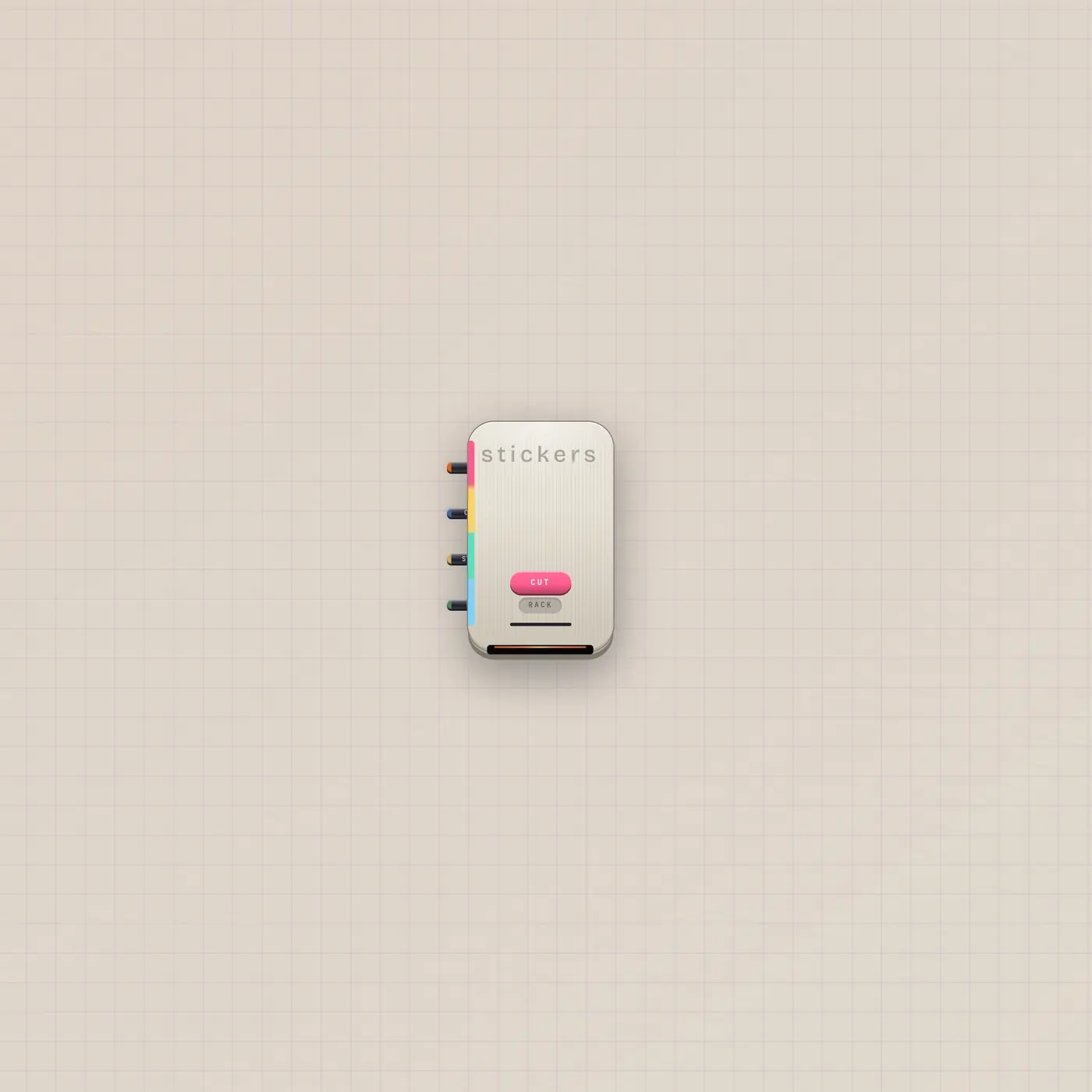
The printer ejects an Image polaroid — patch that Image.image into StickerPrinter.image to cut it. Cut a Sticker is the next whole board.
The devices
Questions
- Will this replace my Home desk?
- No. Use cases always create a new board.
- Where does the print go?
- Studio storage, and on the printer itself.
- Can Pal print text?
- Copy in is a caption feed. The picture still comes from generateImage.