See the wave. Thru still plays.
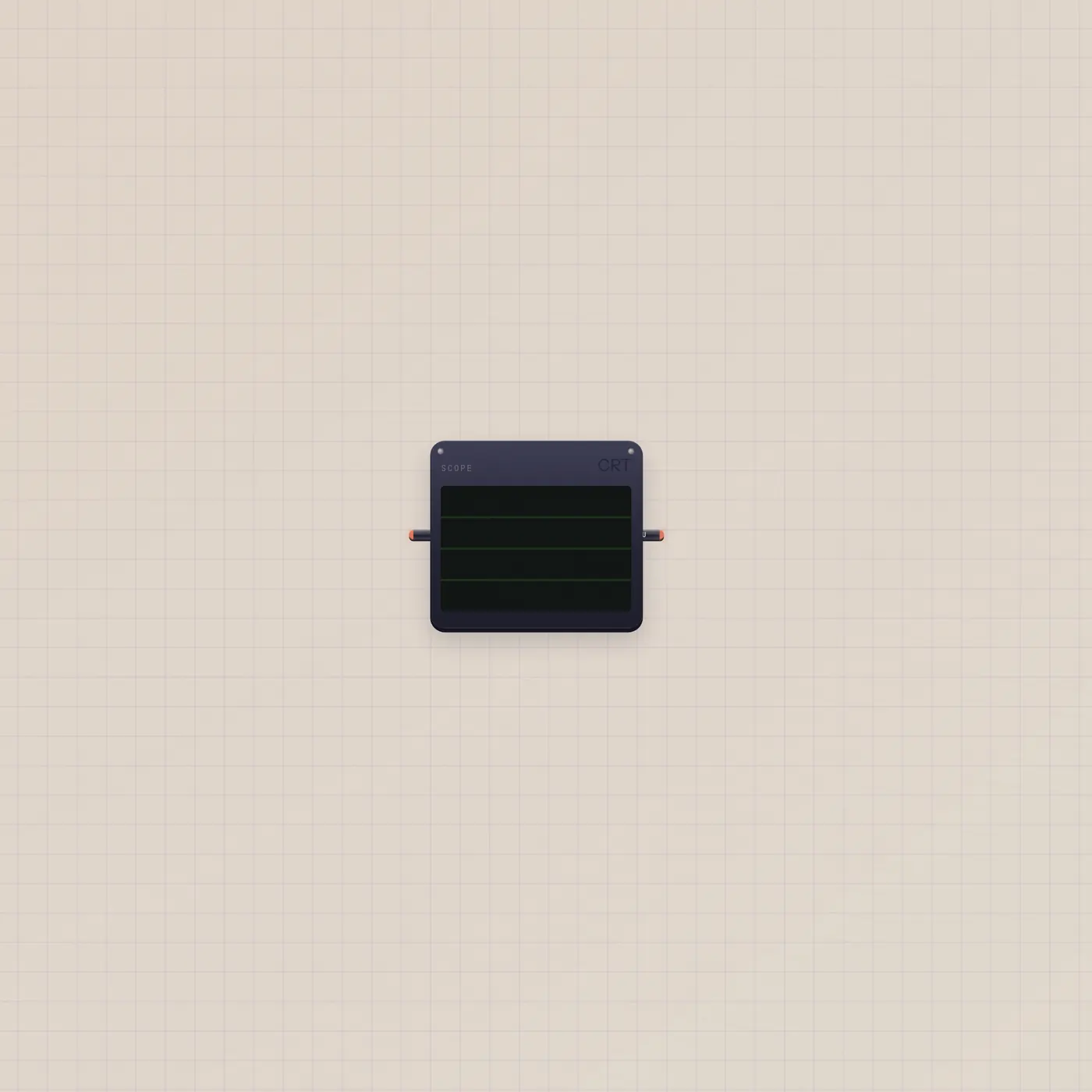
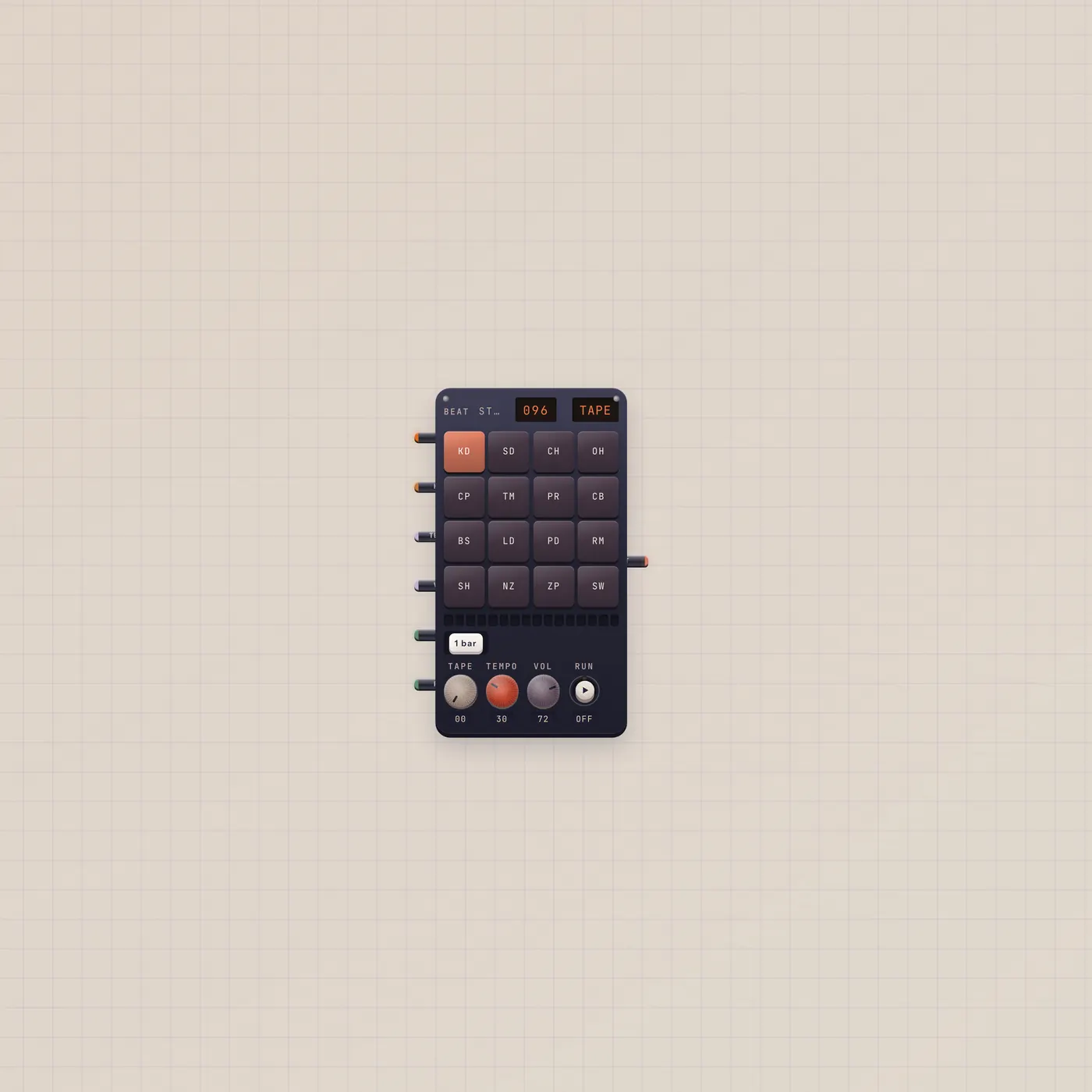
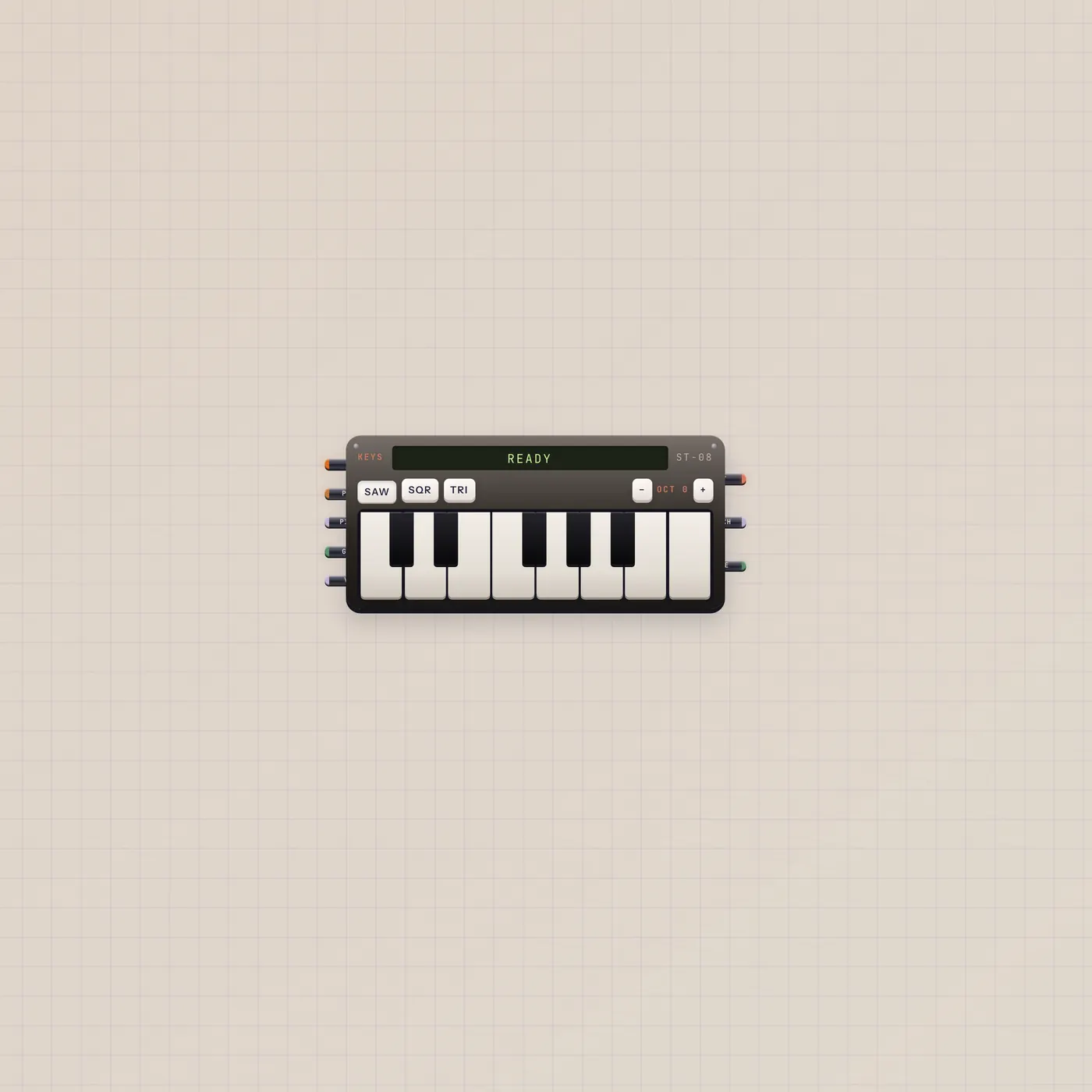
Scope is an audio visualizer. Patch BeatPad or Keys into audio in. Thru passes the signal so you can sit it in a chain and still hear it.
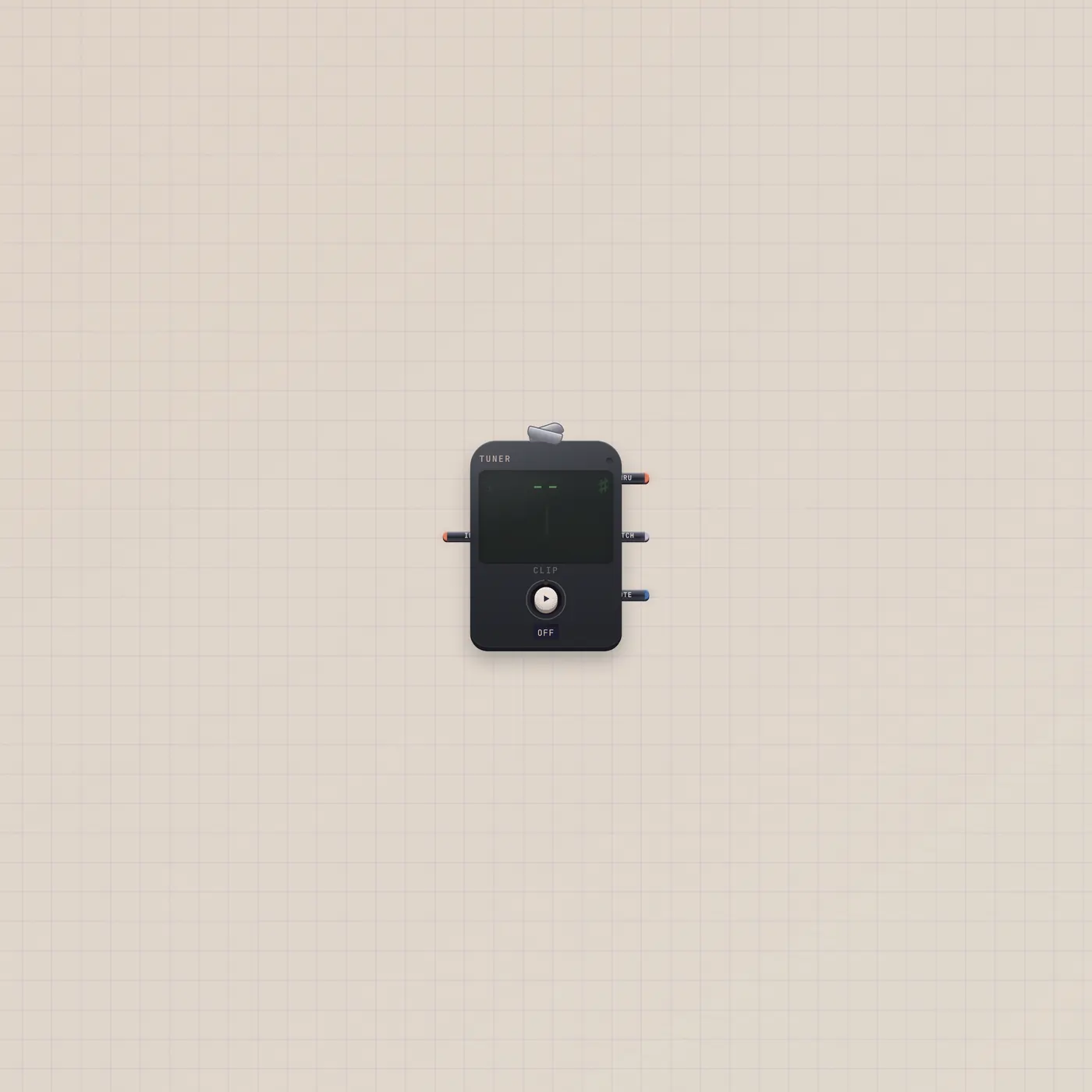
What it is
A visualizer. Audio in is fan-in — several cables sum. Modes include bars. Audio out is Thru: the same signal, so the Scope can sit between a source and a Deck without killing the speaker path. It does not tune — that is Tuner. It does not record.
How to use it
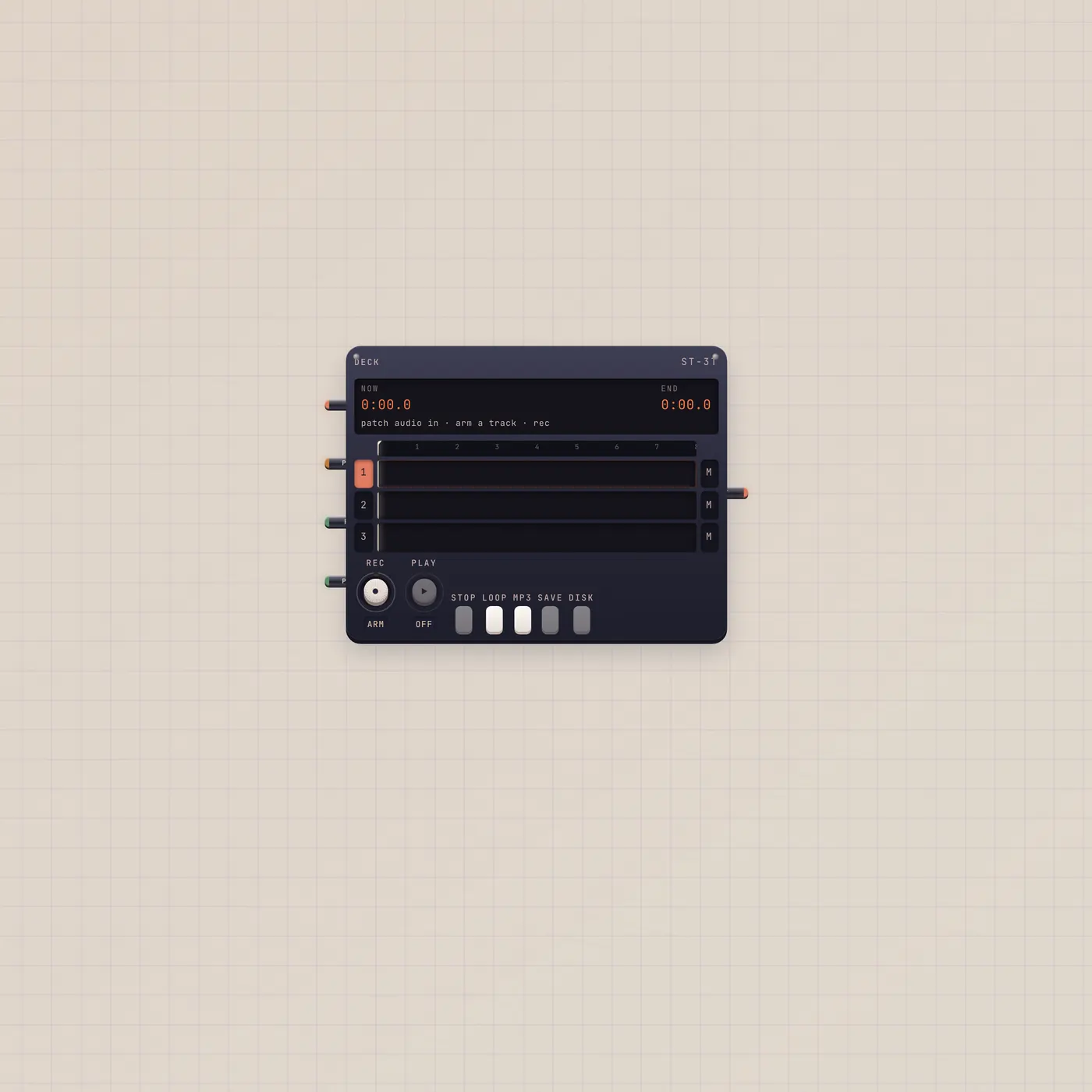
Patch BeatPad.audio or Keys.audio into Scope.audio. Watch. If you still want to hear it, Scope.audio → Deck.audio or leave the source also patched into the Deck (fan-in on Deck). Jam the Desk already puts Scope on the pad.
What to patch next
BeatPad.audio → Scope.audio is the obvious look. Sit it between Keys and Deck if you want the chain to stay audible. Tuner if you need a note name, not a picture.
Ports
| Jack | Dir | Kind | Label |
|---|---|---|---|
| audio | in | audio | In |
| audio | out | audio | Thru |
Questions
- Why is it silent?
- Thru must land on something that plays — Deck, Effect then Deck, or a player. The glass is not a speaker.
- Can two sources share it?
- Yes. Audio in is fan-in. They sum on the glass.
- Is this a tuner?
- No. Scope draws the wave. Tuner names the note.