New text arrives. It speaks once.
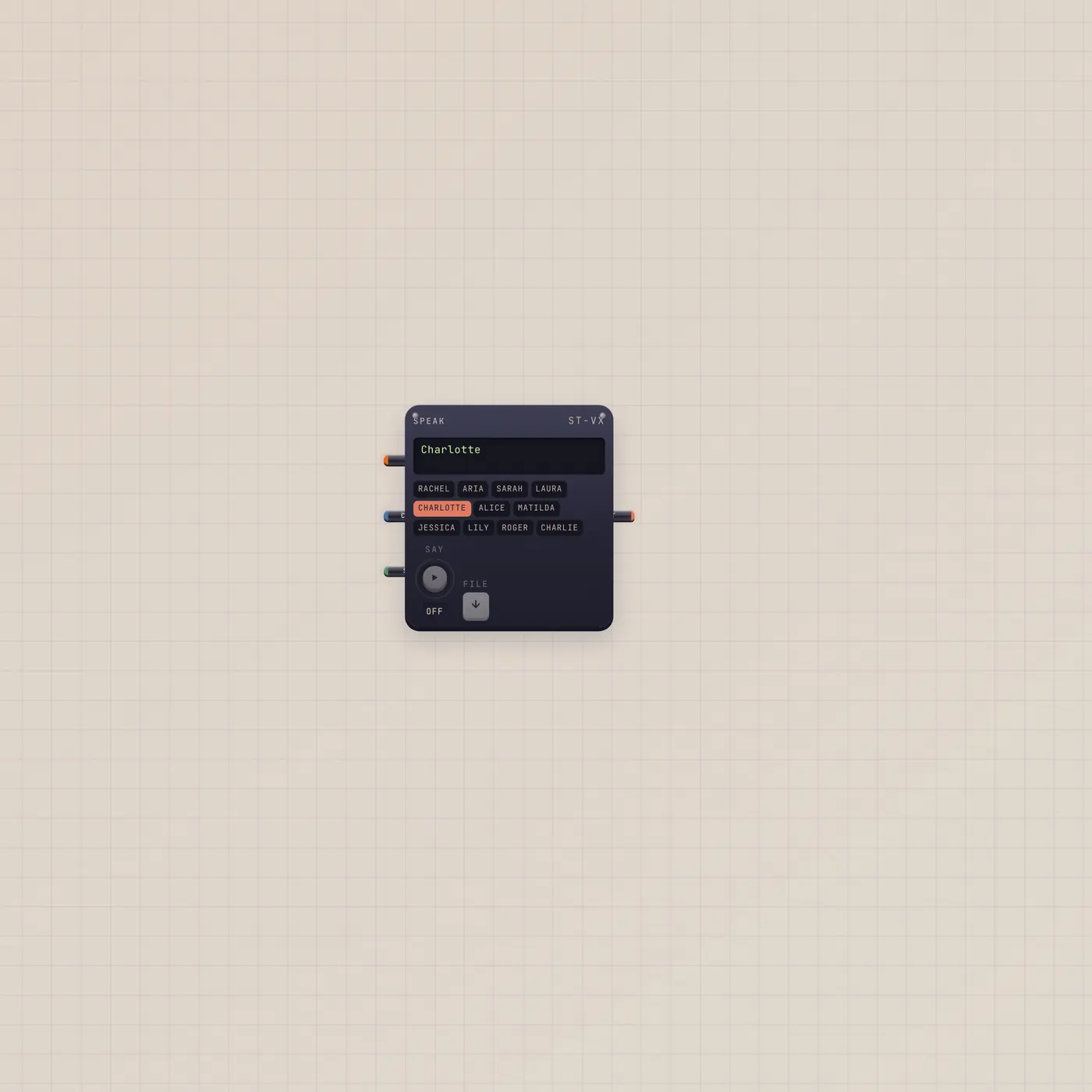
Speak reads patched copy out loud when new text first arrives. Repeat or gate in re-speaks a saved file. Pal.ai uses a realtime voice. Audio out is the take.

What it is
A reader. Text in (Copy, fan-in) is the line. It speaks once when new text first arrives — not on page load. Repeat, or gate in (Say), re-speaks a saved file when one exists. AI in from Pal uses a realtime voice model and stores the take. Audio out is that voice. Voice names live in Customize. The render uses workspace AI quota.
How to use it
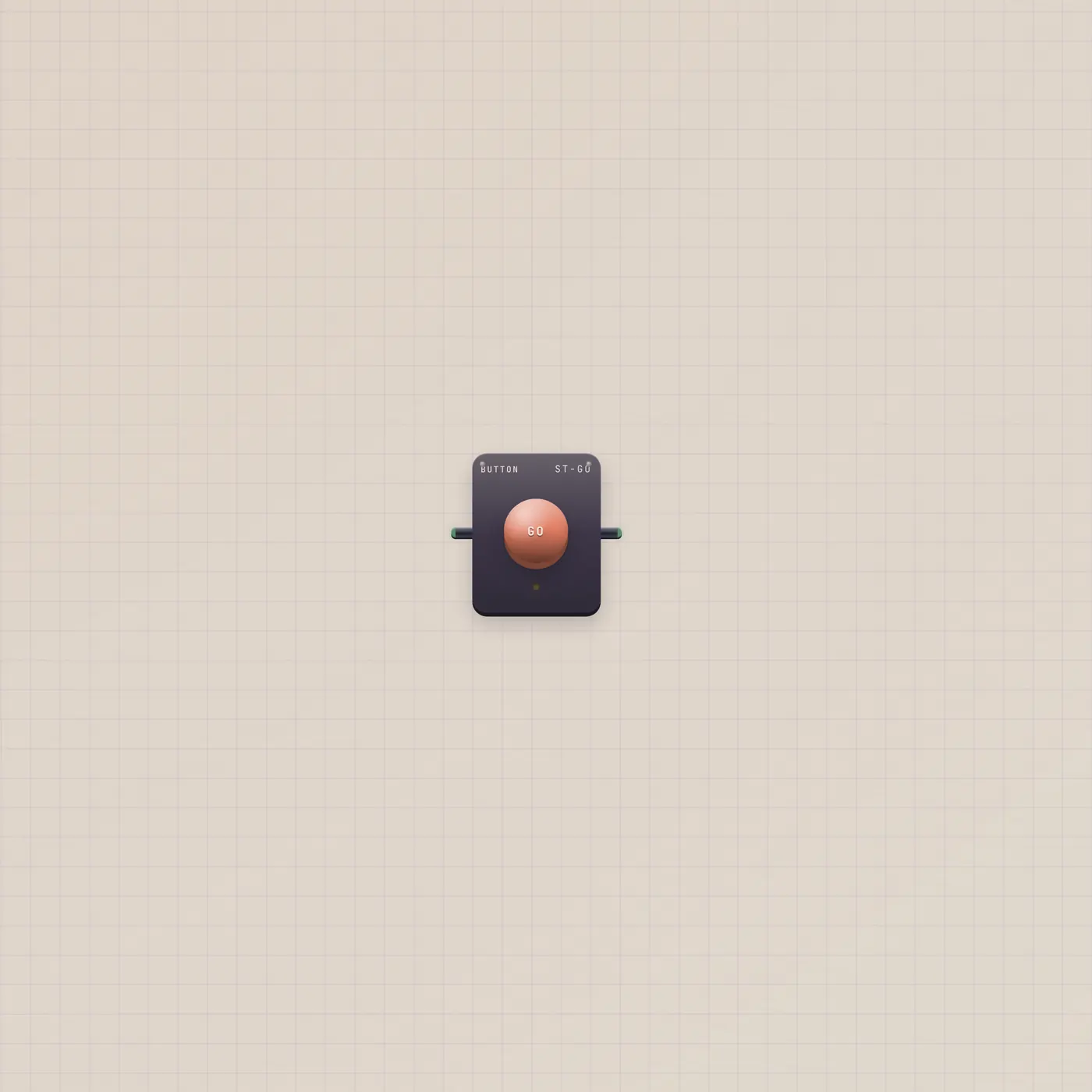
Patch Pal.text, TapeDoc.text, Tuner.text, or Checklist.text into Speak.text. The first new line speaks. A Button on Speak.gate says it again. Pal.ai → Speak.ai (or any Pal cable) switches to the realtime path. Change Charlotte or another verified voice in Customize.
What to patch next
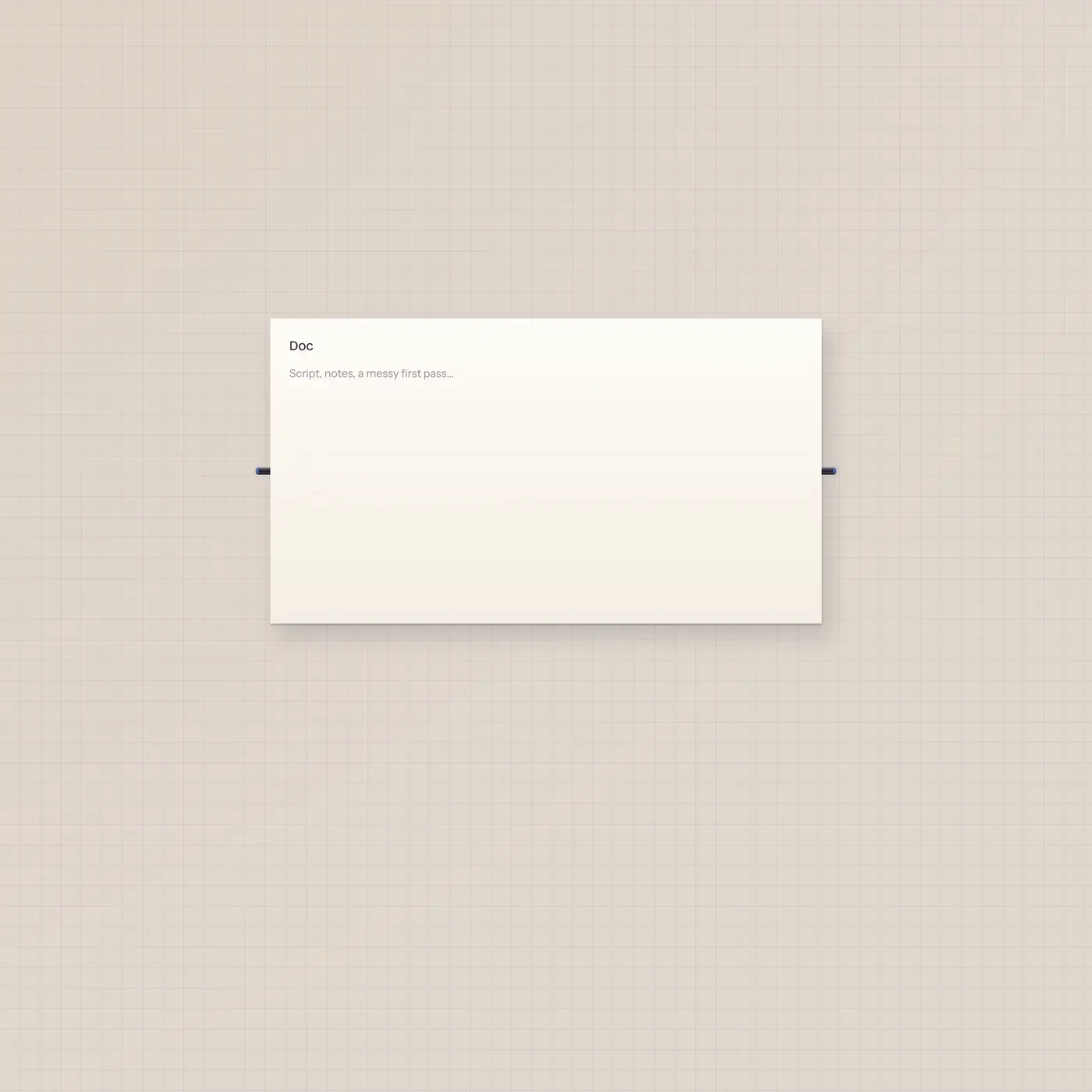
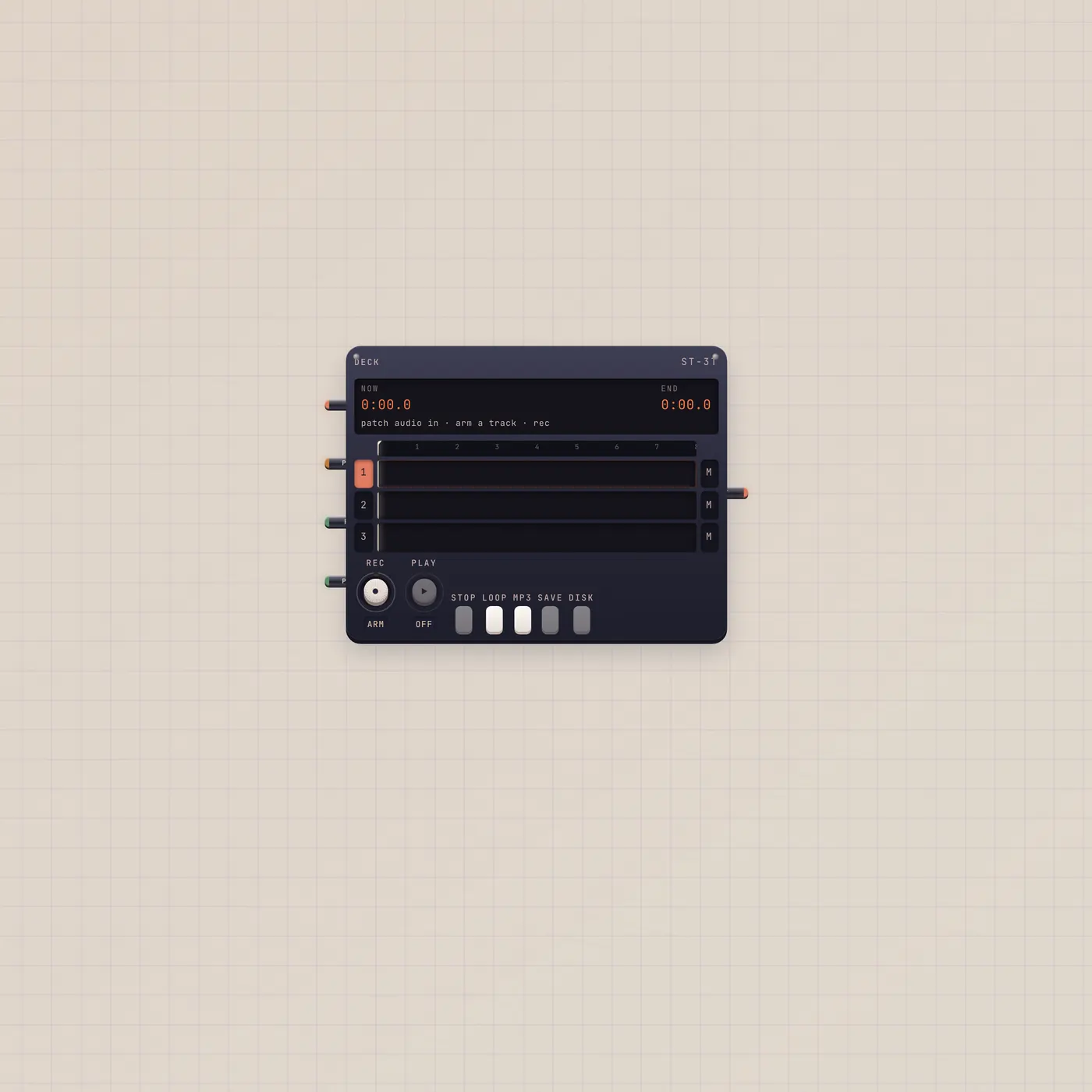
Pal.text → Speak.text is Pal to Speak. TapeDoc.text into the same jack reads the page. Speak.audio → Deck.audio records the reading. A Button on Say is a second take without new copy.
Ports
| Jack | Dir | Kind | Label |
|---|---|---|---|
| ai | in | ai | AI |
| text | in | text | Copy |
| gate | in | gate | Say |
| audio | out | audio | Out |
Questions
- Why didn't it speak on load?
- On purpose. It waits for new copy after the desk is open, so a refresh does not burn quota.
- Does it cost an AI action?
- Yes. Voice render uses the workspace quota. Pal's reply is a second hit if both run.
- Can Pal pick the voice?
- Pal.ai on Speak uses the realtime model. The named catalog voice is still yours in Customize.