Arm a track. Punch Rec. Save the tape.
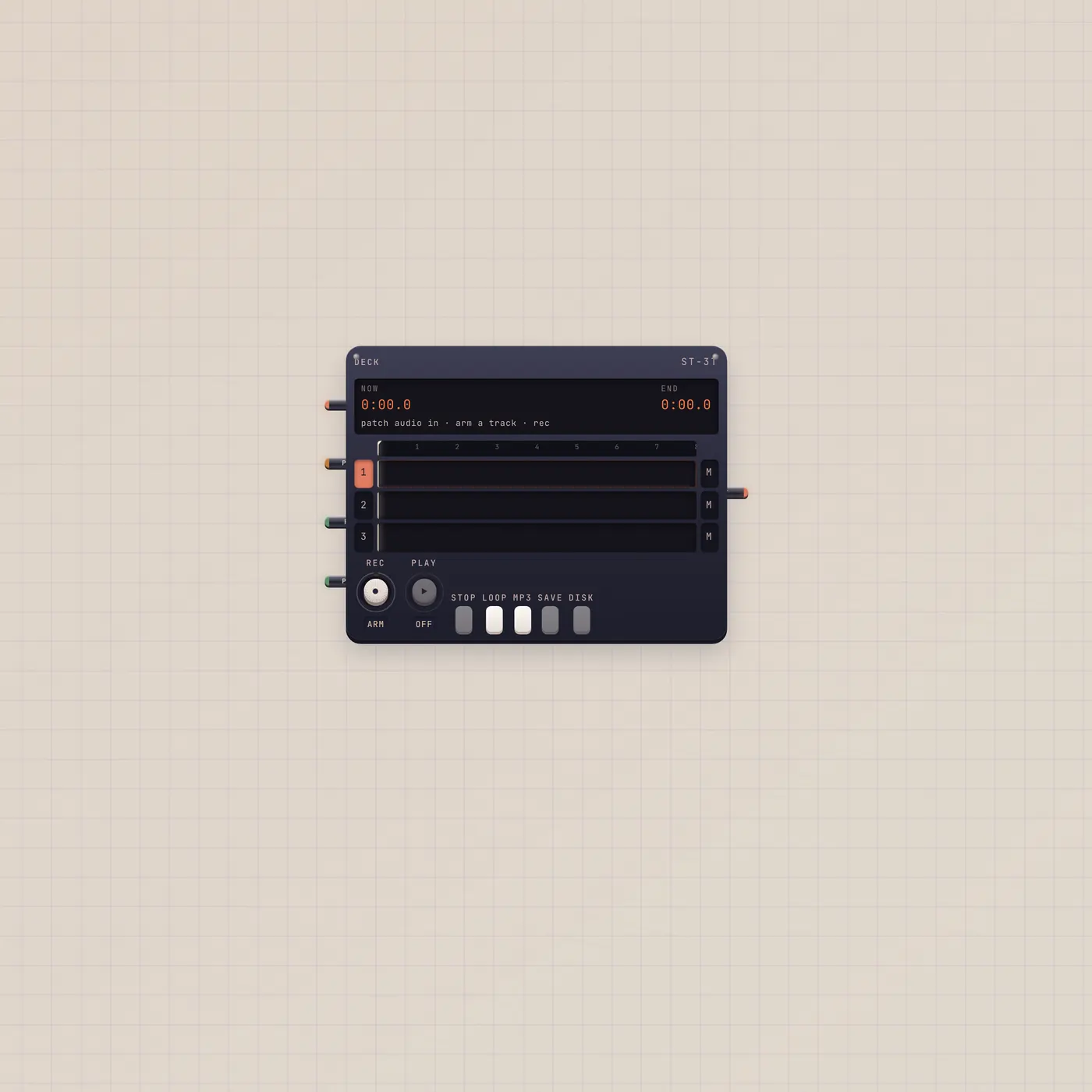
Deck is four-track tape. Fan-in audio to In. Arm a track, punch Rec, Play mixes unmuted tracks. Save shelves an mp3 or wav for Vinyl, Cassette, or Boombox.
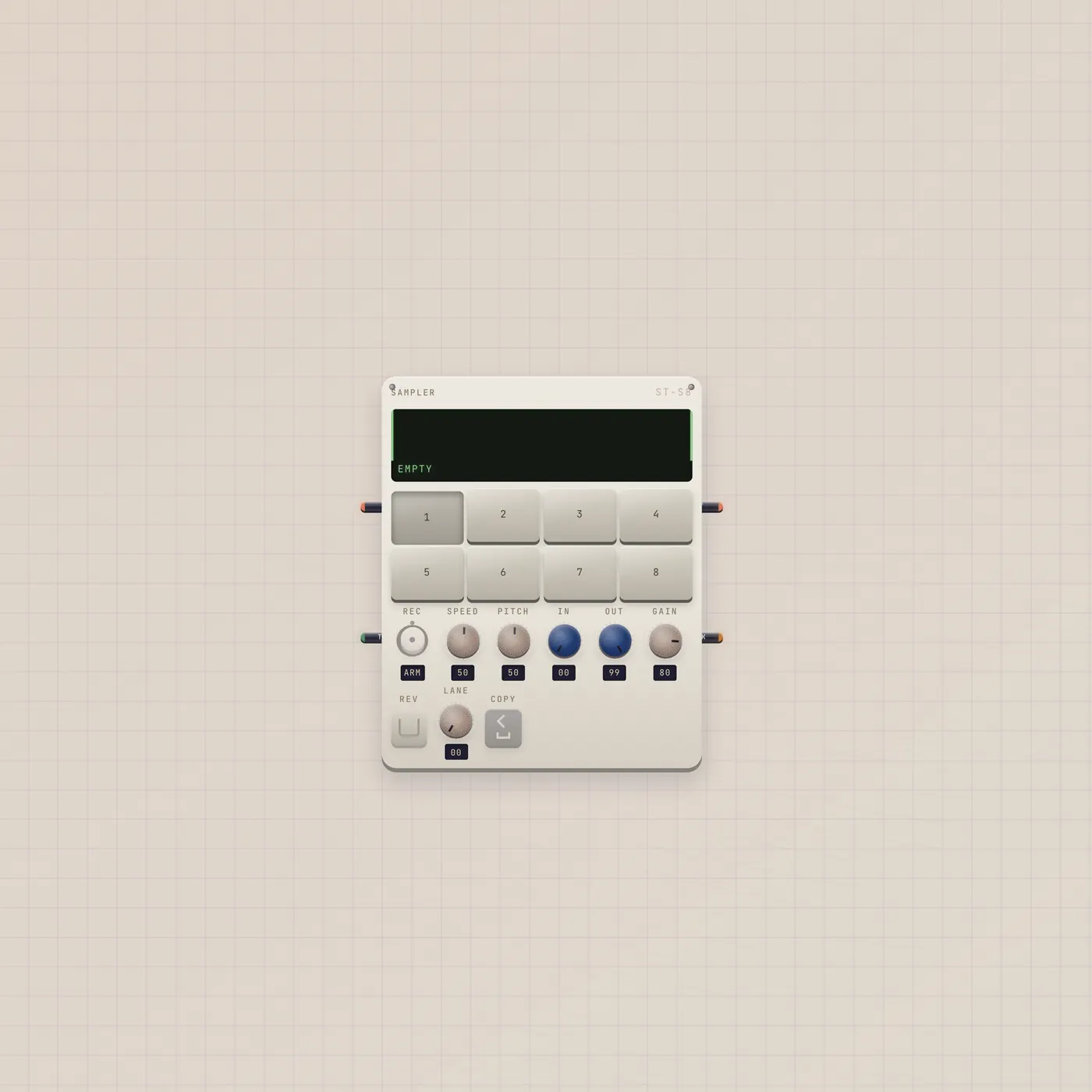
What it is
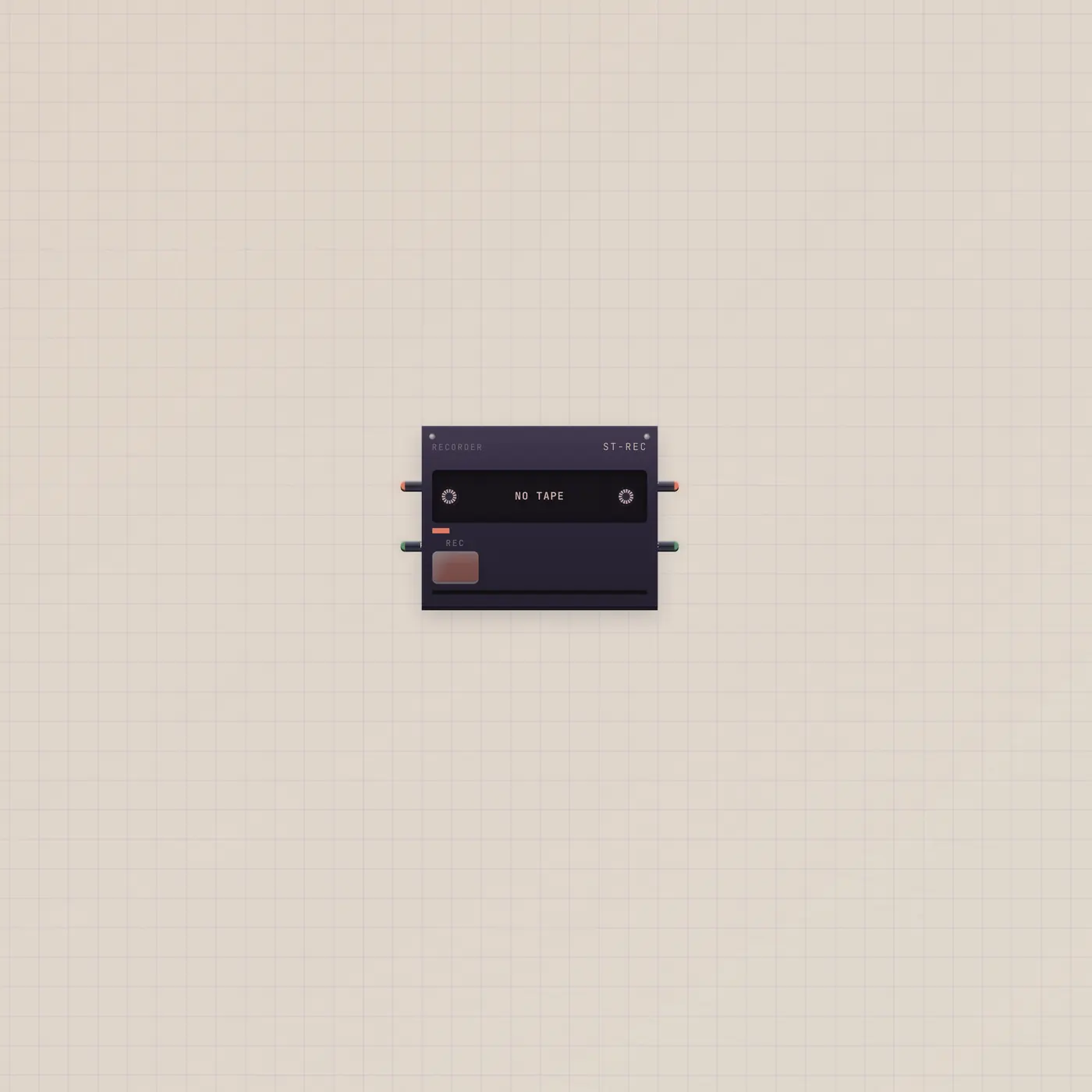
Four-track tape. Audio in (In, fan-in) sums Keys, BeatPad, Effect, Pan, Mic. Sample in (Pack) drops a Sampler pack onto the tracks. Rec gate punches from the playhead. Play gate starts the mix of unmuted tracks. Audio out is that mix. Save shelves an mp3 or wav on storage for Vinyl, Cassette, or Boombox. Disk downloads. This is not Recorder — Recorder is one cassette take that ejects a player.
How to use it
Patch sources into Deck.audio. Arm a track. Punch Rec. Play the mix. Save to the shelf when the take is the one. A Button on Rec is a remote punch. Sampler.sample → Deck.sample drops chops onto the tracks.
What to patch next
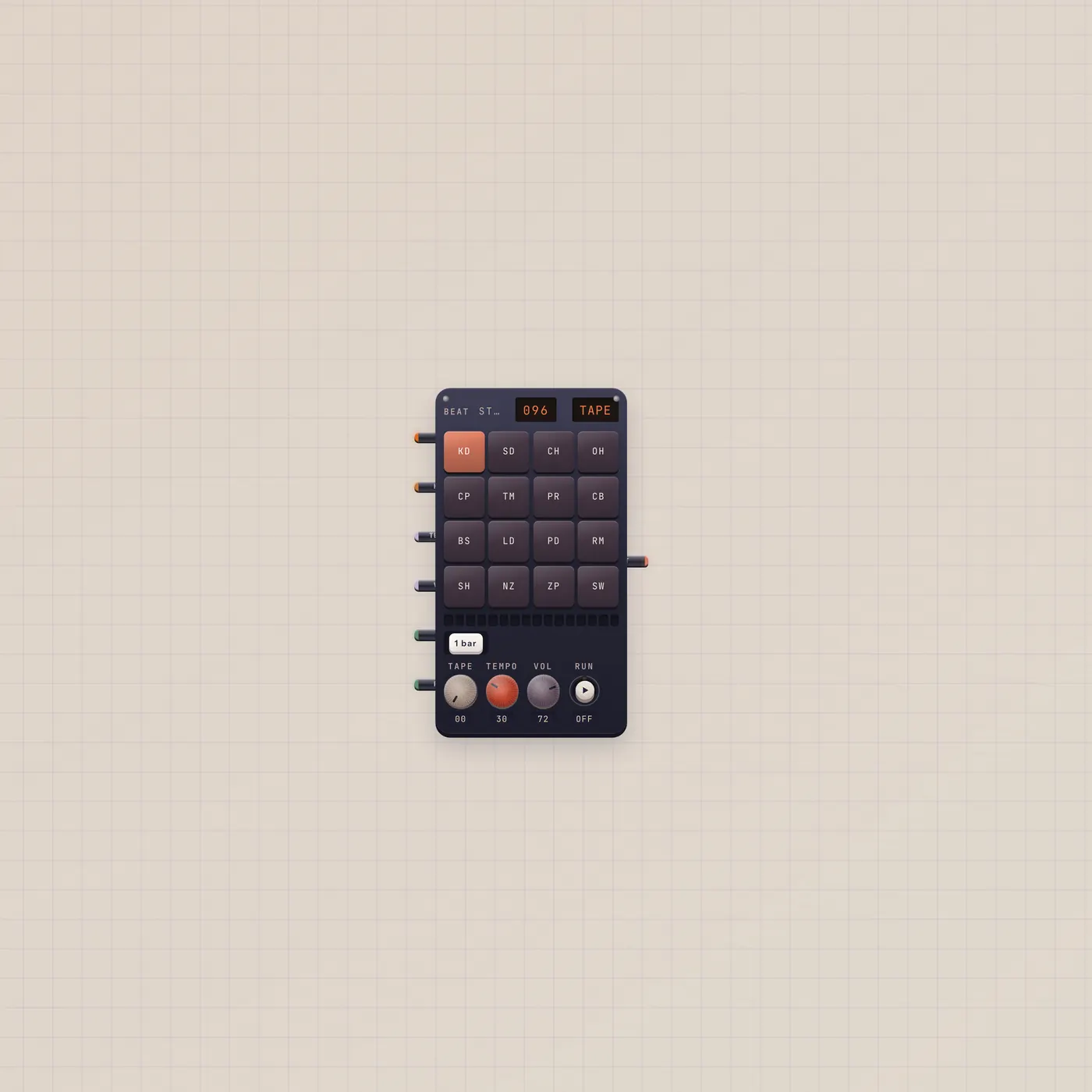
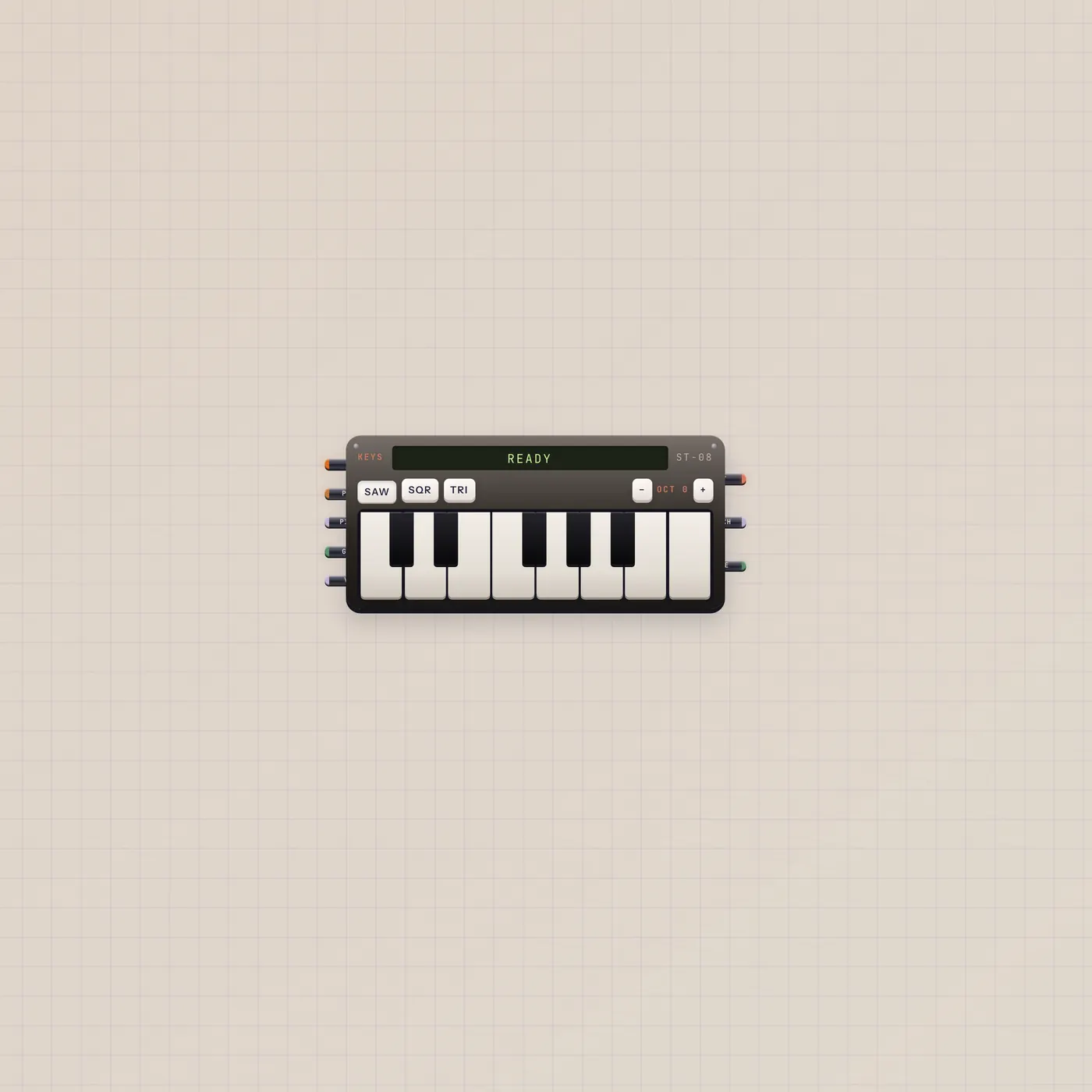
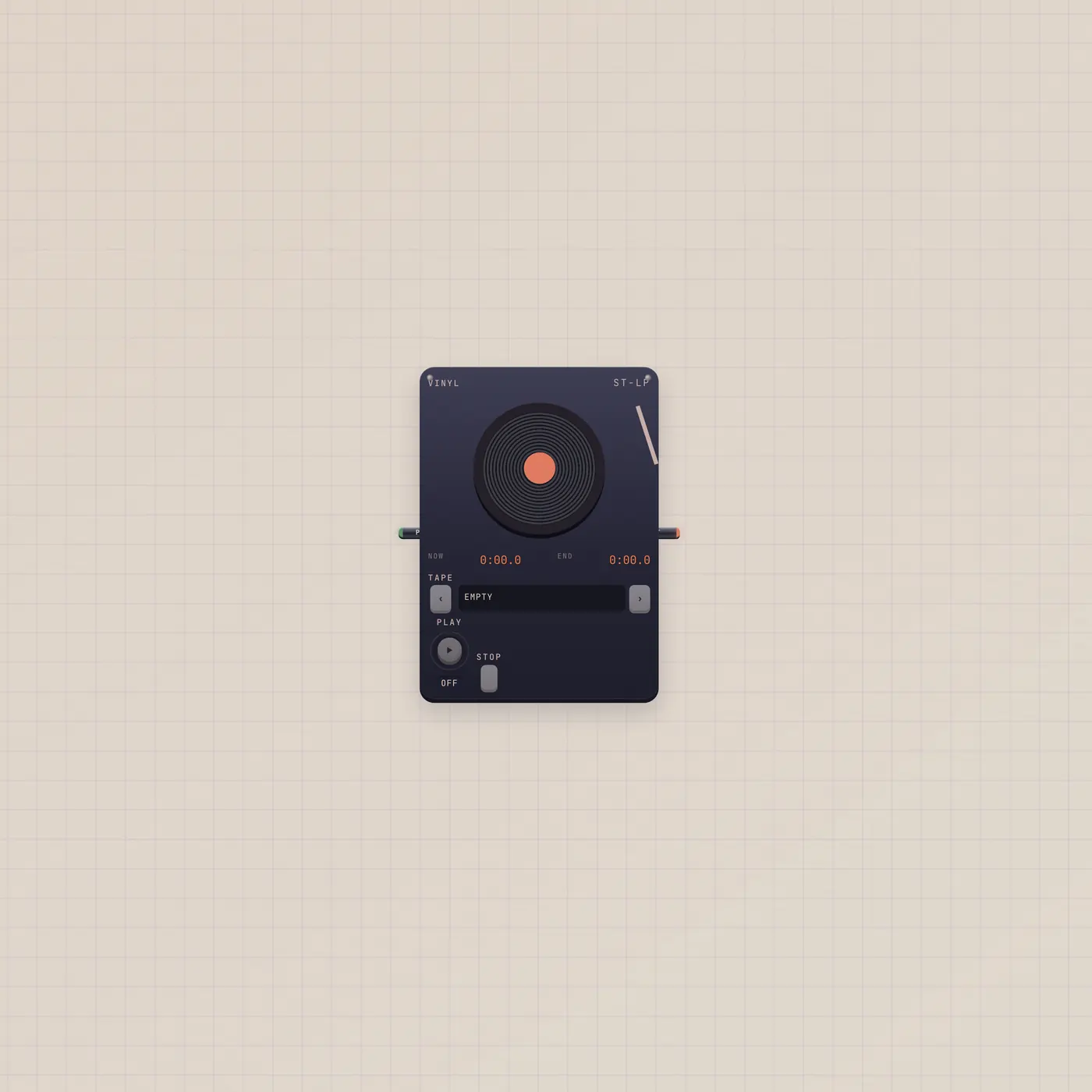
BeatPad and MiniSynth into Deck is Jam the Desk. Keys into Deck and Tuner is Tune and Take. Load the saved tape on Vinyl, Cassette, or Boombox. Recorder if you want one named cassette instead of four tracks.
Ports
| Jack | Dir | Kind | Label |
|---|---|---|---|
| audio | in | audio | In |
| sample | in | sample | Pack |
| rec | in | gate | Rec |
| play | in | gate | Play |
| audio | out | audio | Out |
Questions
- Deck or Recorder?
- Deck is four tracks with trim and a shelf save. Recorder is one cassette take that ejects a Cassette.
- Where does Save go?
- Studio storage. Vinyl, Cassette, and Boombox load that shelf.
- Can two sources record at once?
- Yes. Audio in is fan-in. They sum onto the armed track.