Arm a pad. Record. Send the pack.
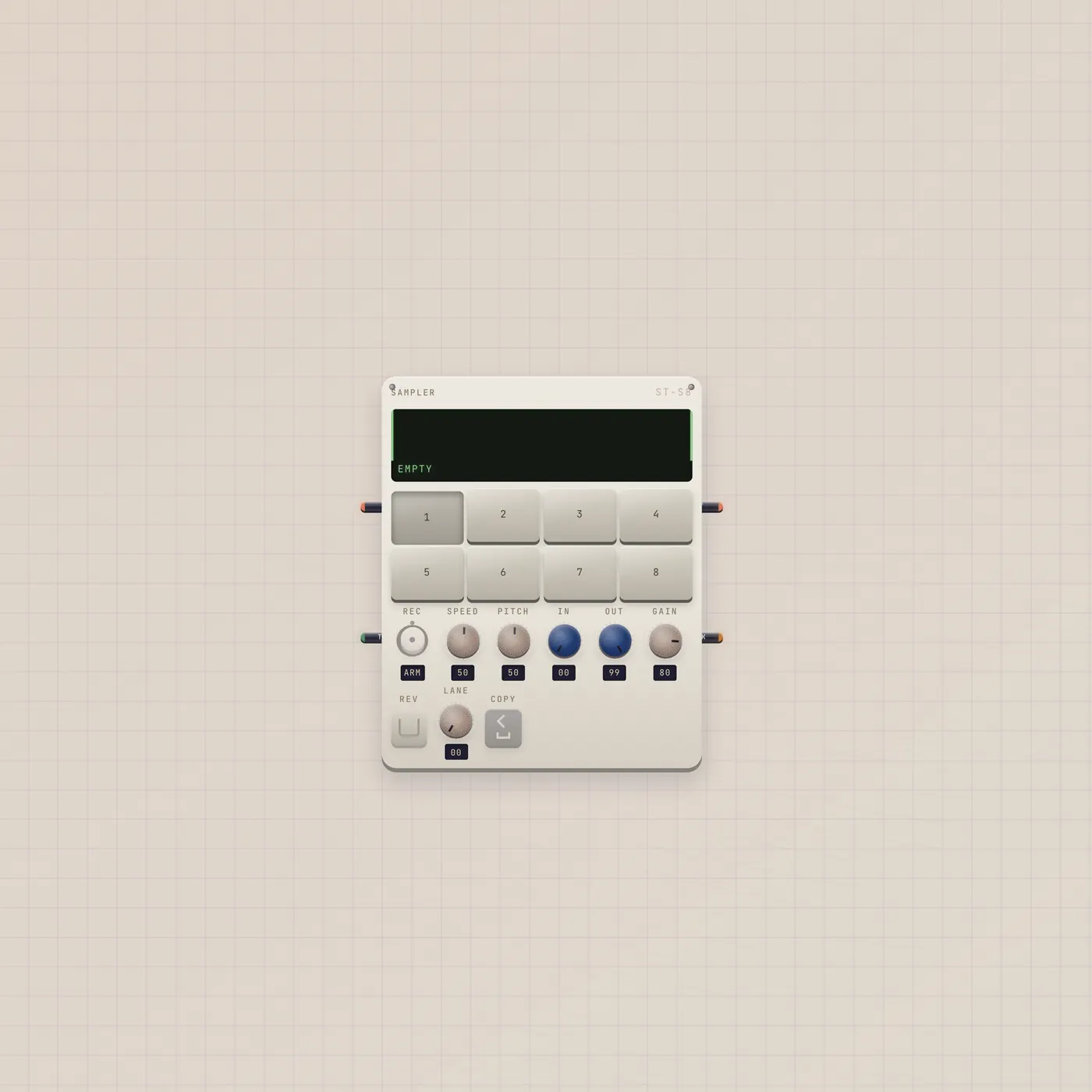
Sampler is a pocket sampler. Patch a live source, arm a pad, record up to 30s. Pack out lands on BeatPad, Deck, Keys, or MiniSynth. Gate in triggers the selected pad.
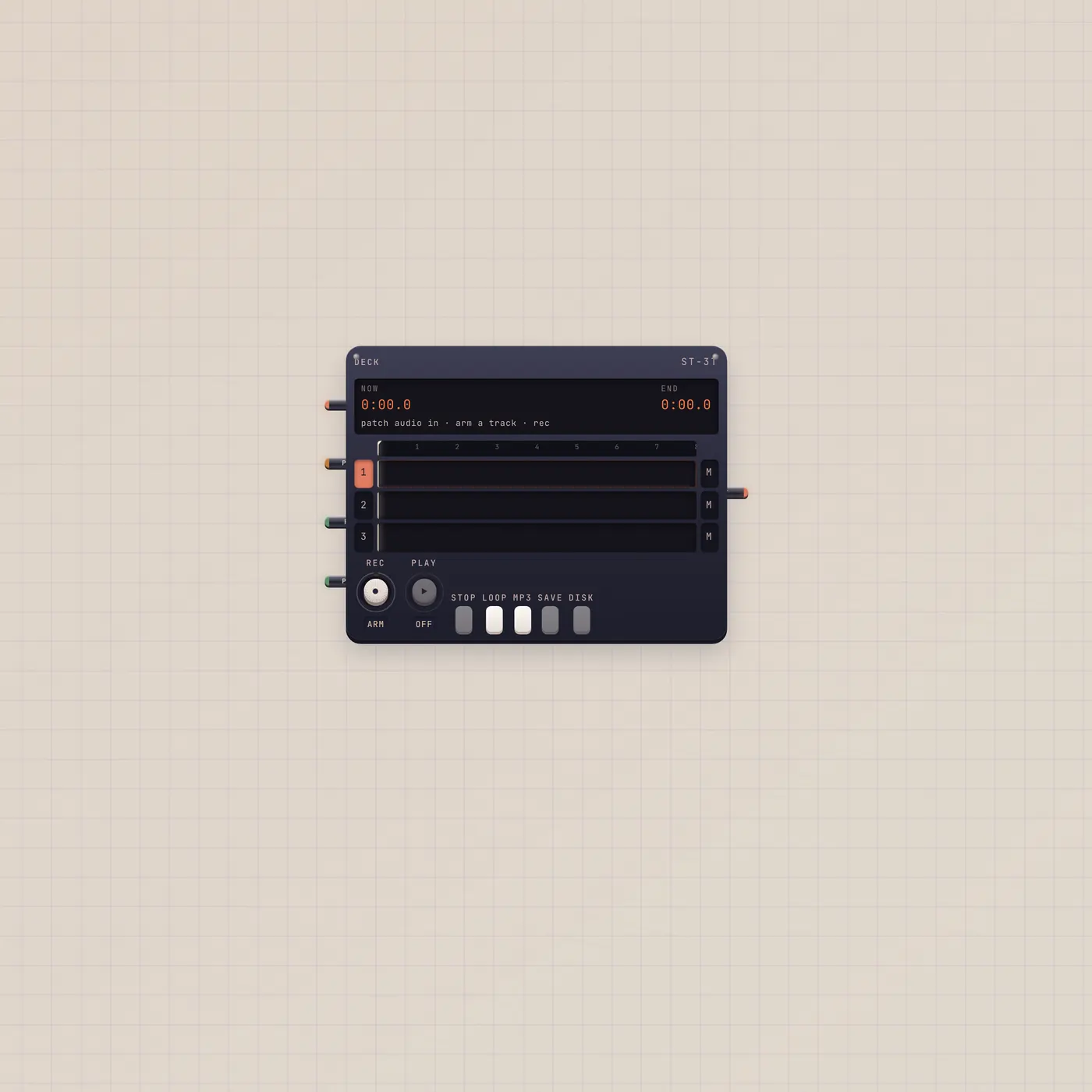
What it is
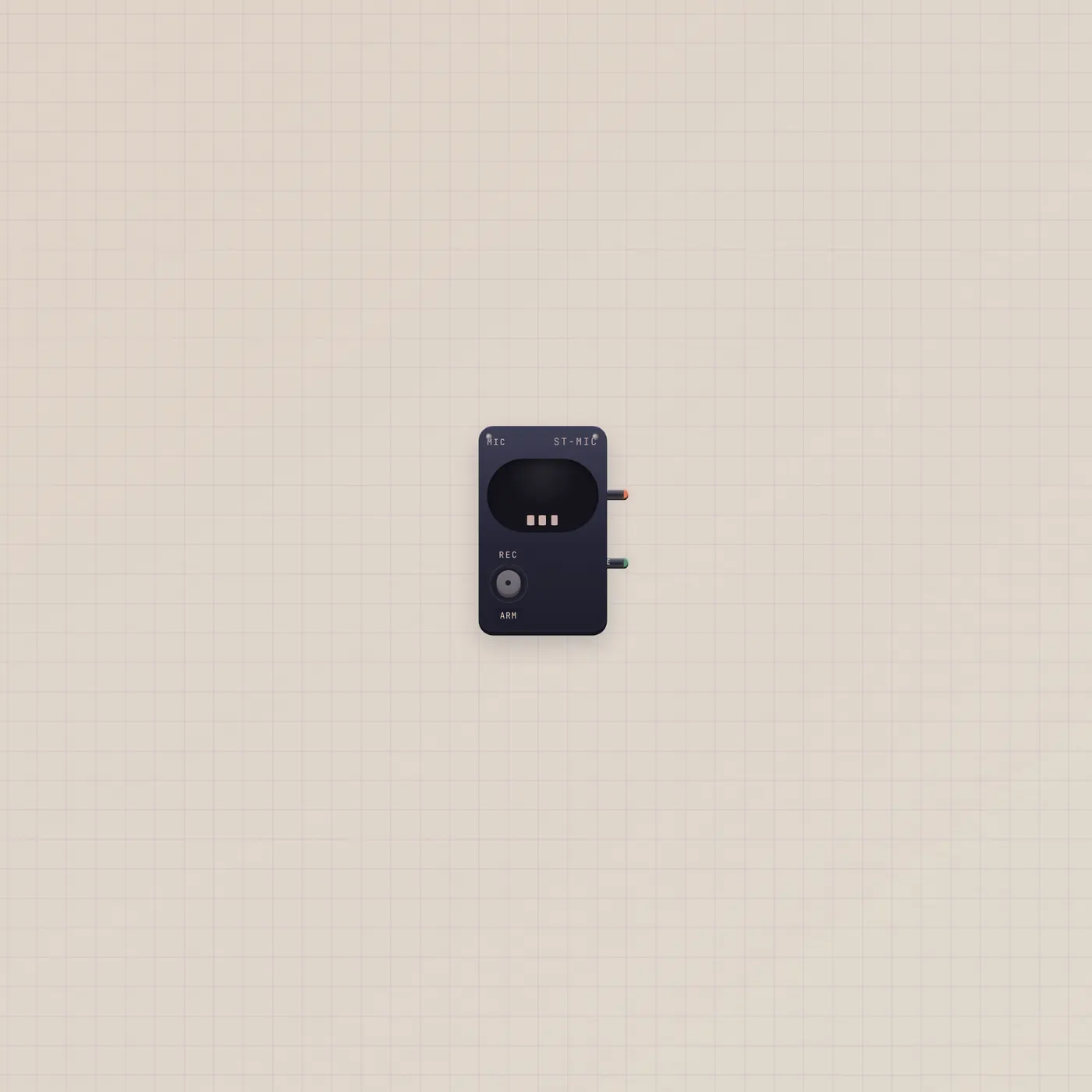
A pocket sampler. Audio in (fan-in) is the source — Mic, Keys, BeatPad, MiniSynth. Arm a pad and record up to 30 seconds. Audio out is a live thru of pad hits. Sample out (Pack) patches into BeatPad.sample, Deck.sample, Keys.sample, or MiniSynth.sample. Gate in (Trig) triggers the selected pad. There is no AI jack — Pal does not chop for you.
How to use it
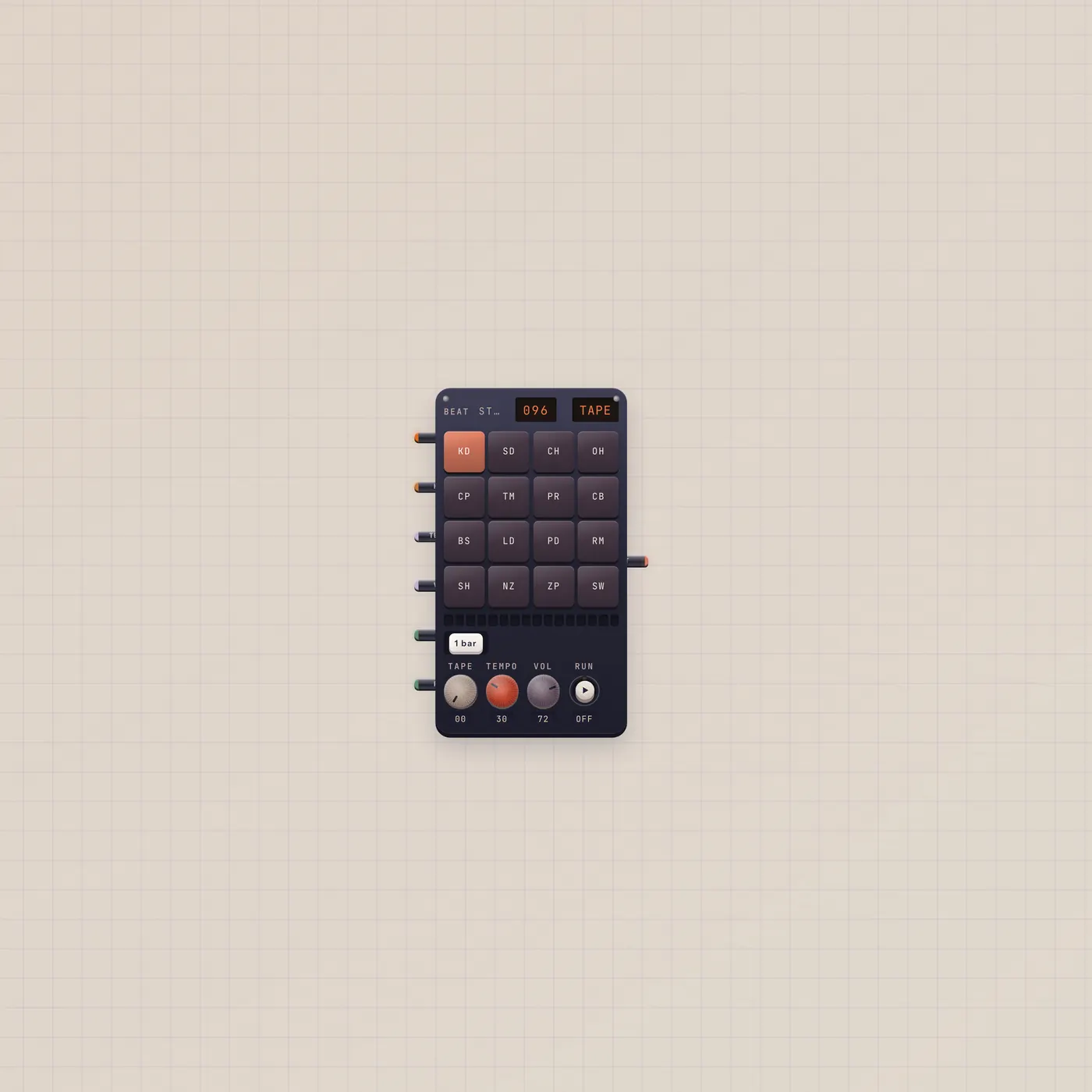
Patch Mic.audio into Sampler.audio. Arm a pad. Record a hit. Repeat. Patch Sampler.sample into BeatPad.sample so those chops become the kit — that is Sample a Kit. A Button on Trig fires the selected pad. Thru into Deck if you want the hits on a track.
What to patch next
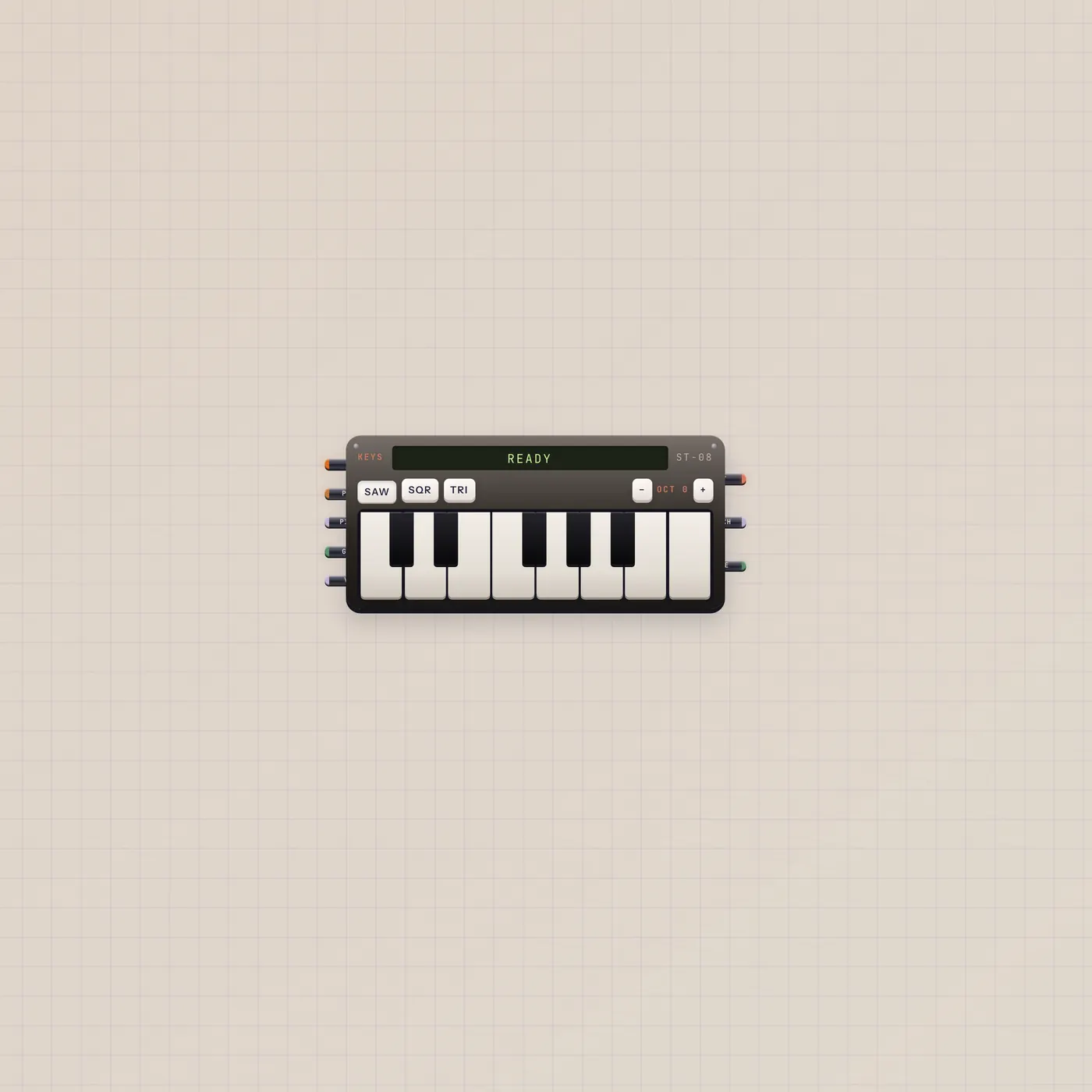
Mic.audio → Sampler.audio, Sampler.sample → BeatPad.sample is the kit desk. The same Pack into Keys.sample layers hits on the keyboard. Deck.sample drops the pack on four-track.
Ports
| Jack | Dir | Kind | Label |
|---|---|---|---|
| audio | in | audio | In |
| gate | in | gate | Trig |
| audio | out | audio | Out |
| sample | out | sample | Pack |
Questions
- Can Pal write the chops?
- No. You record the pads. Pal can write a pattern on the BeatPad after the pack is in.
- How long is a pad?
- Up to 30 seconds.
- Does Pack replace the factory kit?
- On BeatPad, yes — those pads become the kit while the cable is in. Save the kit on the pad to keep it.