Component Guide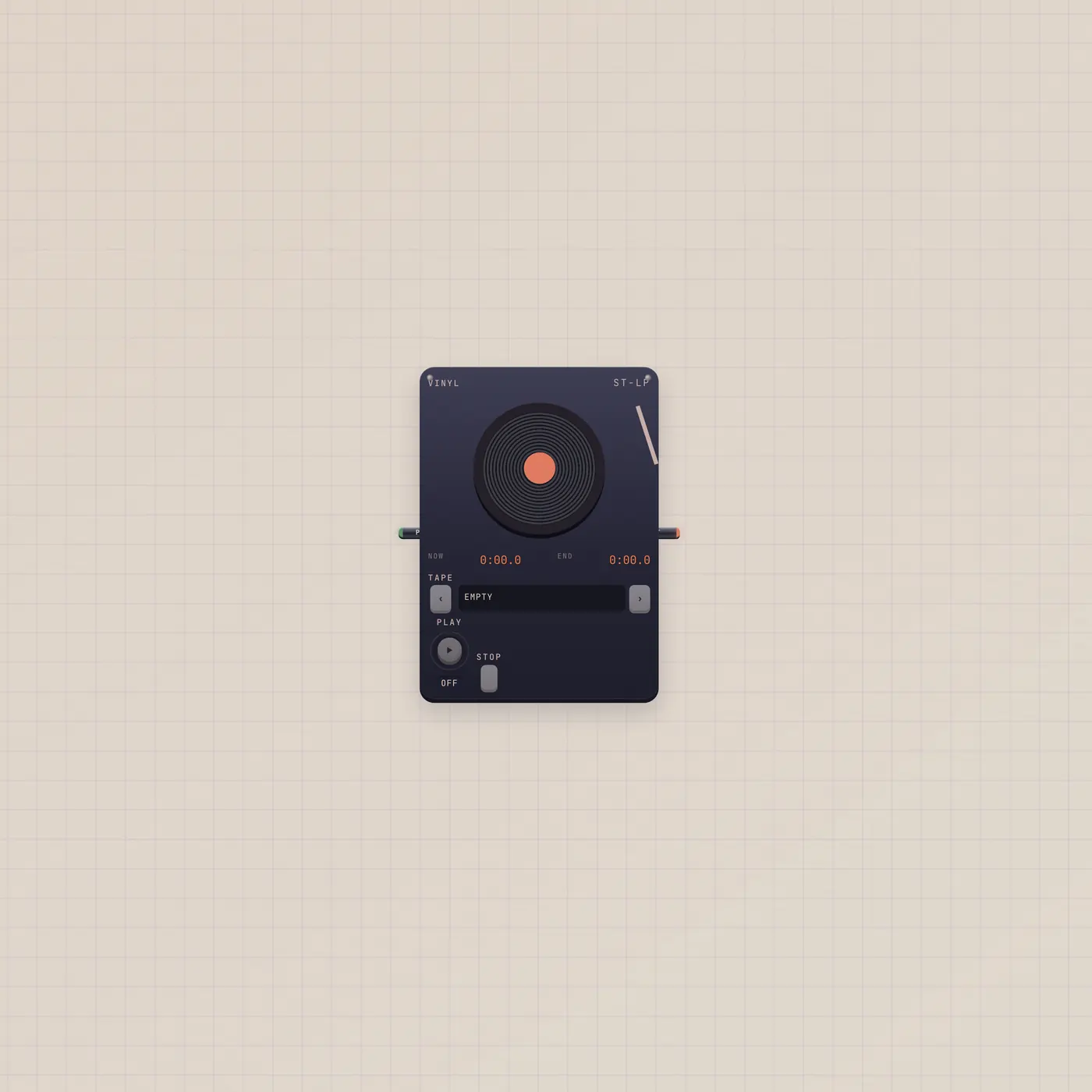
Load a tape. Drop the needle.
Vinyl is a record player for tapes you saved from the Deck. Same shelf as Cassette and Boombox. Play gate starts and stops. Audio out to Scope, Deck, or Effect.
What it is
A record player. It loads a saved tape from the shelf — the same shelf Cassette and Boombox use. Play gate in starts and stops. Audio out is the record. There is no audio in. You cannot record onto Vinyl; Deck Save is how a tape gets here. Face is vinyl.
How to use it
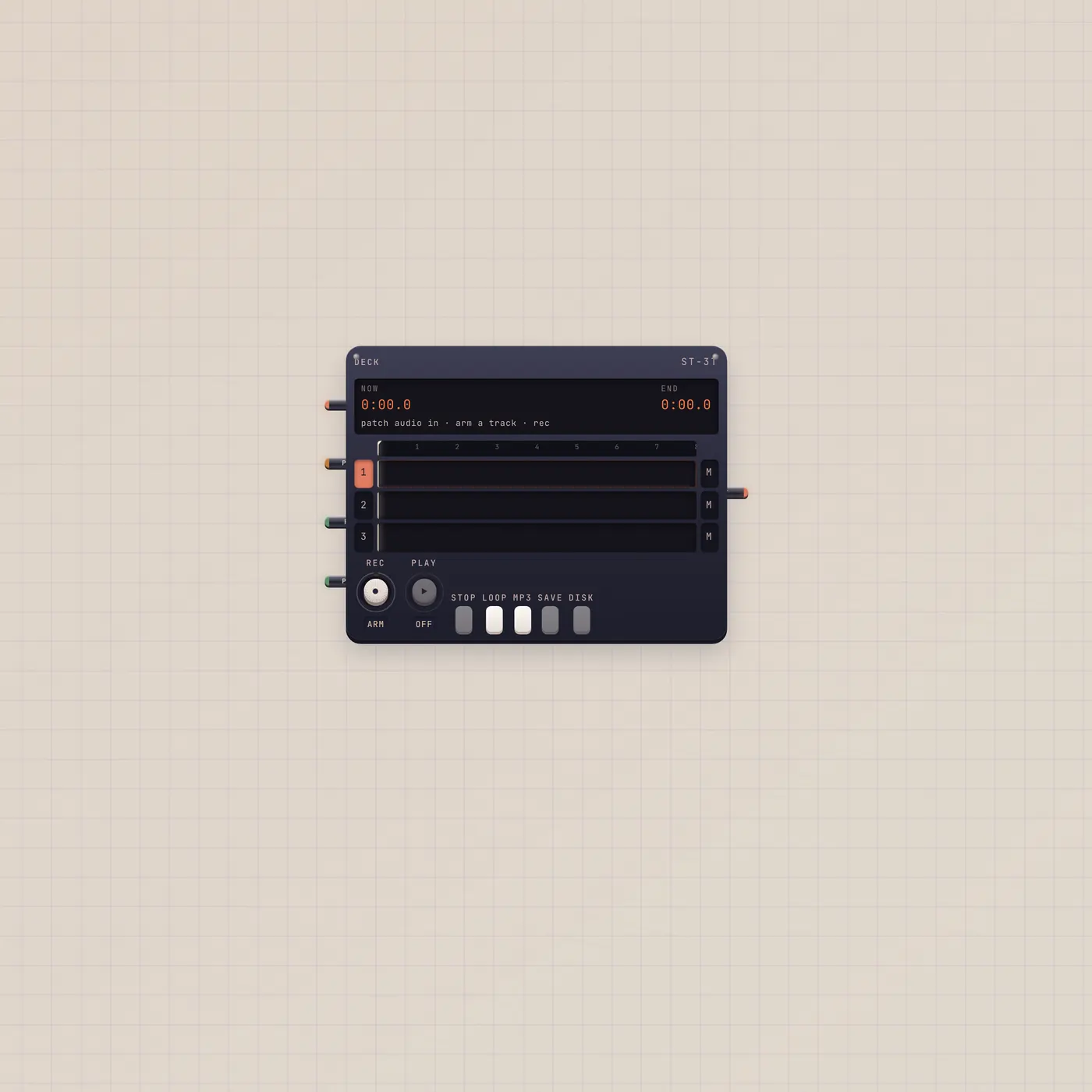
Save a take on the Deck. Drop Vinyl. Load that tape. Play. Patch audio into Scope or back into Deck if you want to reprint it. A Button on Play is a remote start.
What to patch next
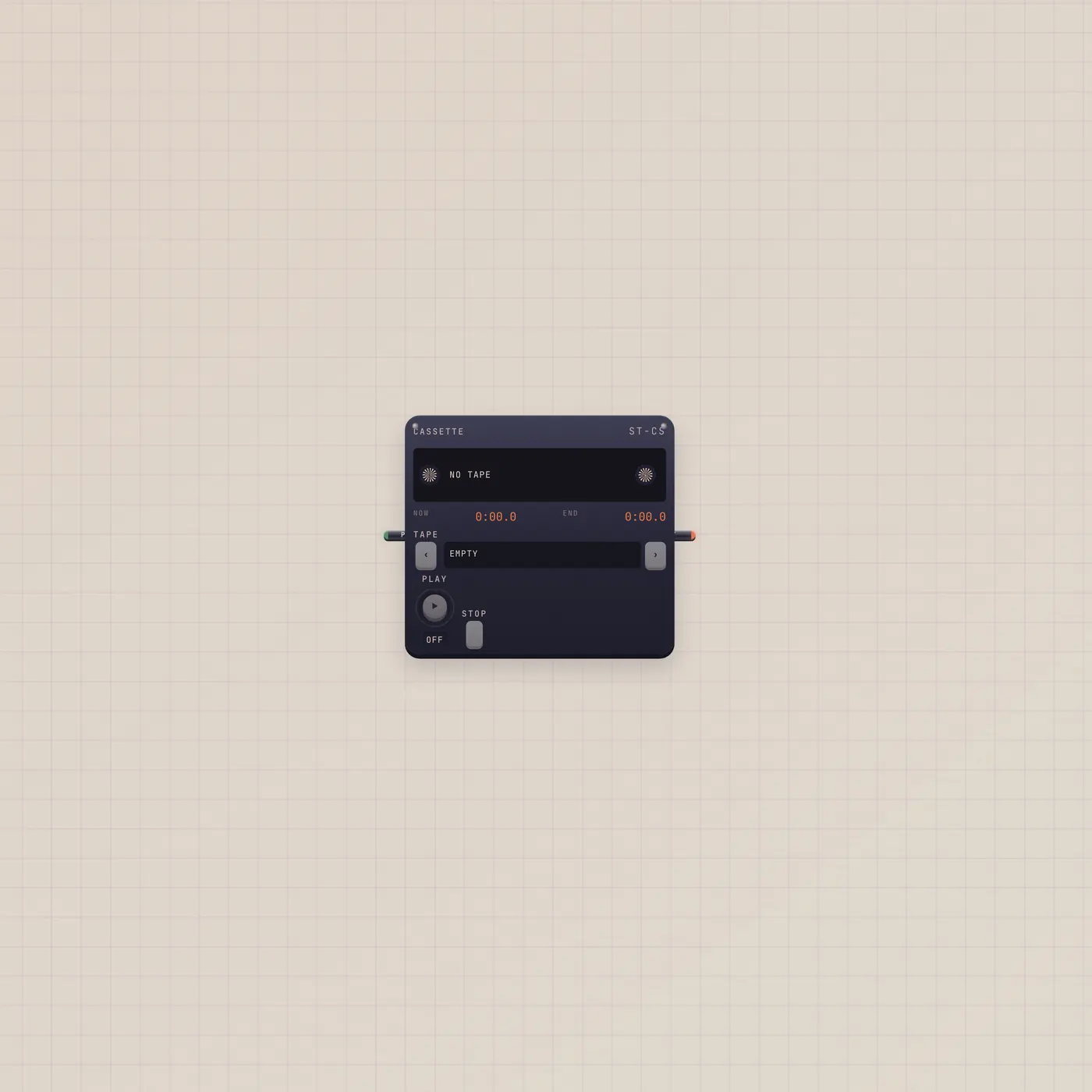
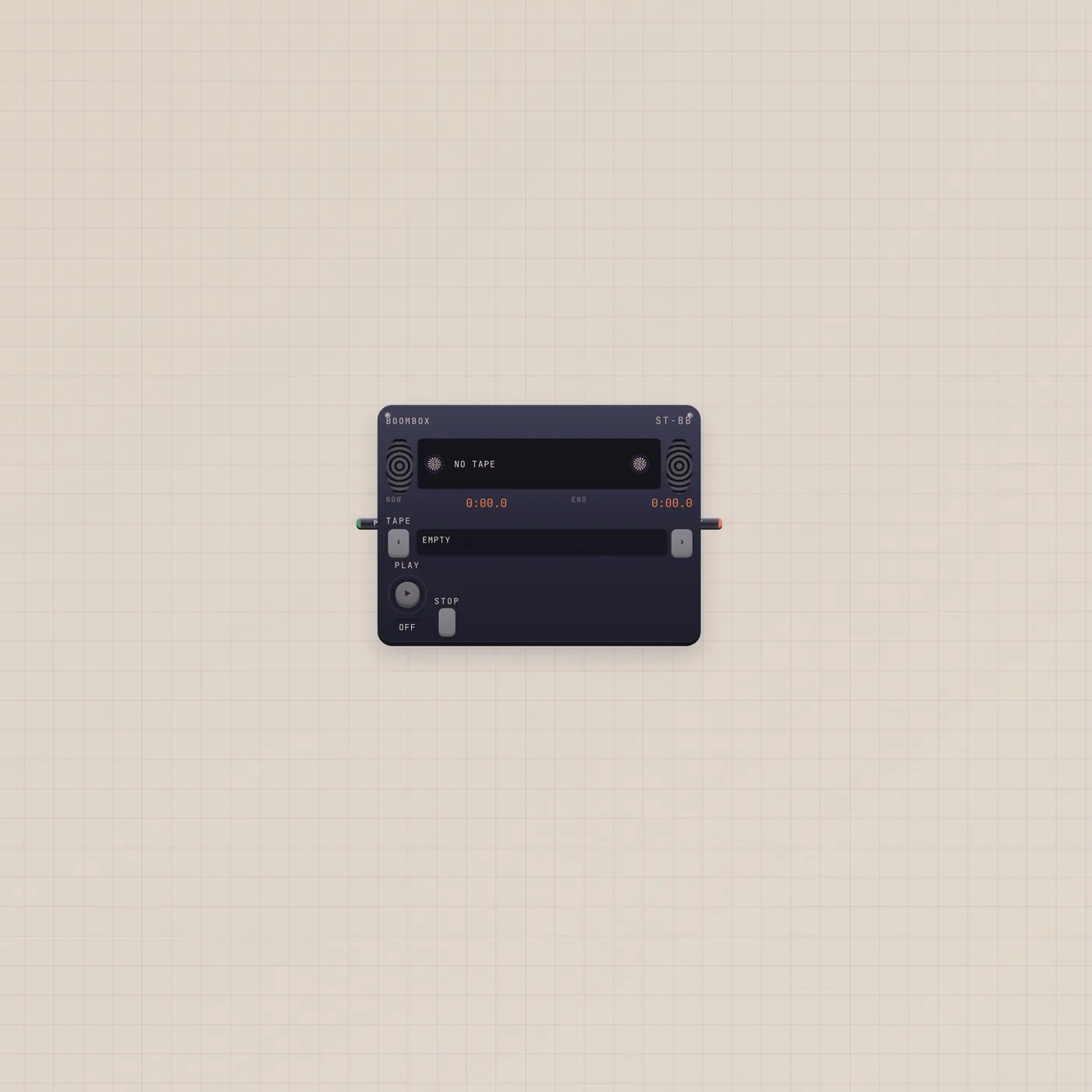
Deck Save, then load Vinyl. Vinyl.audio → Scope.audio to see it. Cassette or Boombox if you want a different face on the same shelf. Effect if you want the record wet.
Ports
| Jack | Dir | Kind | Label |
|---|---|---|---|
| play | in | gate | Play |
| audio | out | audio | Out |
Questions
- Can I record onto the record?
- No. Save on the Deck. Vinyl only plays.
- Is this a different library from Cassette?
- No. One shelf. Three faces.
- Does it need a cable to play?
- No. Play on the face, or a gate on Play. Audio out is only if you want the signal elsewhere.