Pick a channel. Watch the tube.
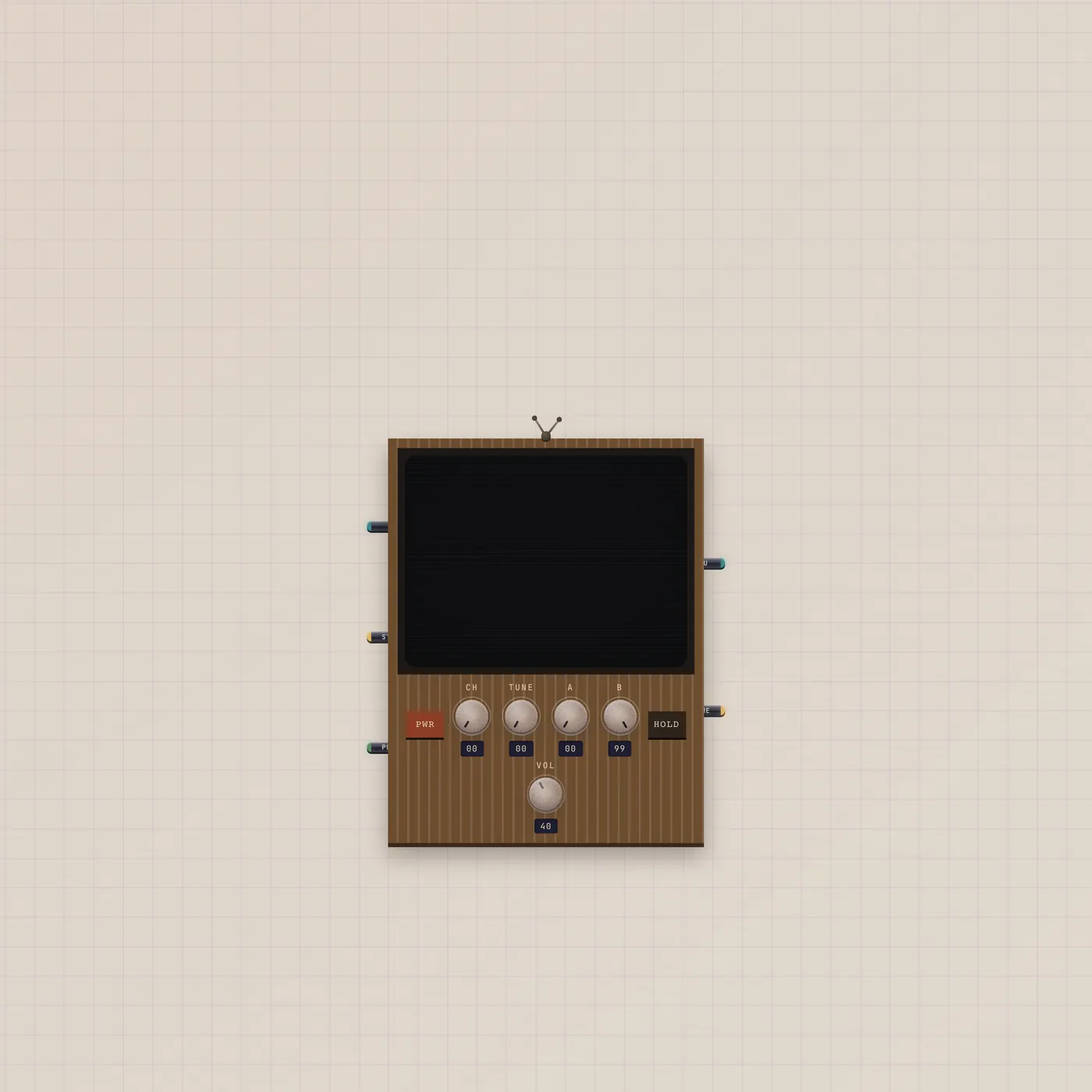
CRT is a wood-grain television. Video in and image in are channels. Gate in is power. Thru is the selected take trimmed to the A/B loop. Frame out is the current still.
What it is
A wood-grain CRT. Video in is fan-in — each cable is a channel the Channel knob selects. Image in is fan-in stills, each a channel with the video cables. Gate in (Power) toggles the tube. Video out (Thru) republishes the selected channel trimmed to the A/B loop. Image out (Frame) is the current frame. Hold freezes the picture. Knobs are brightness, hold, loop, and volume — not a second player.
How to use it
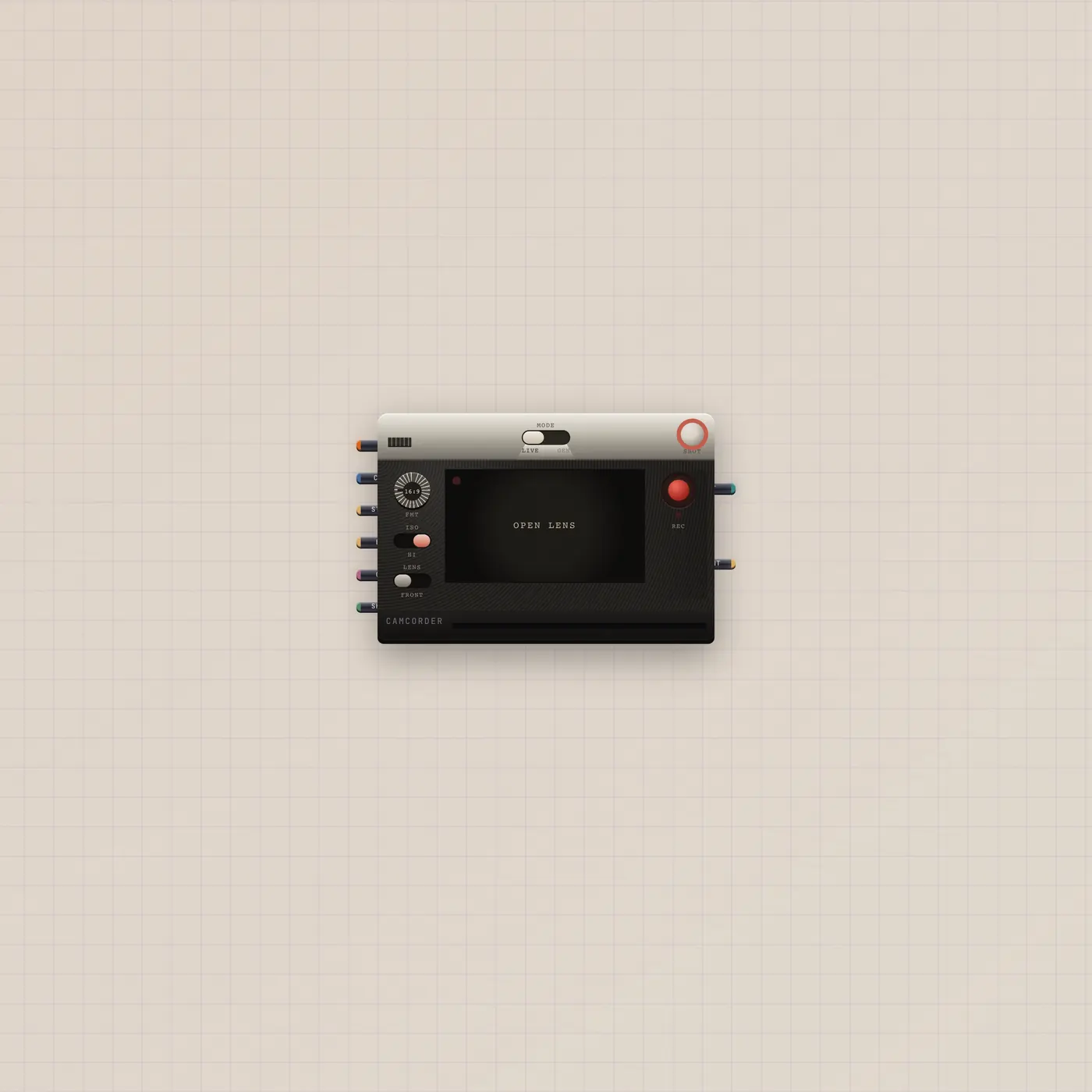
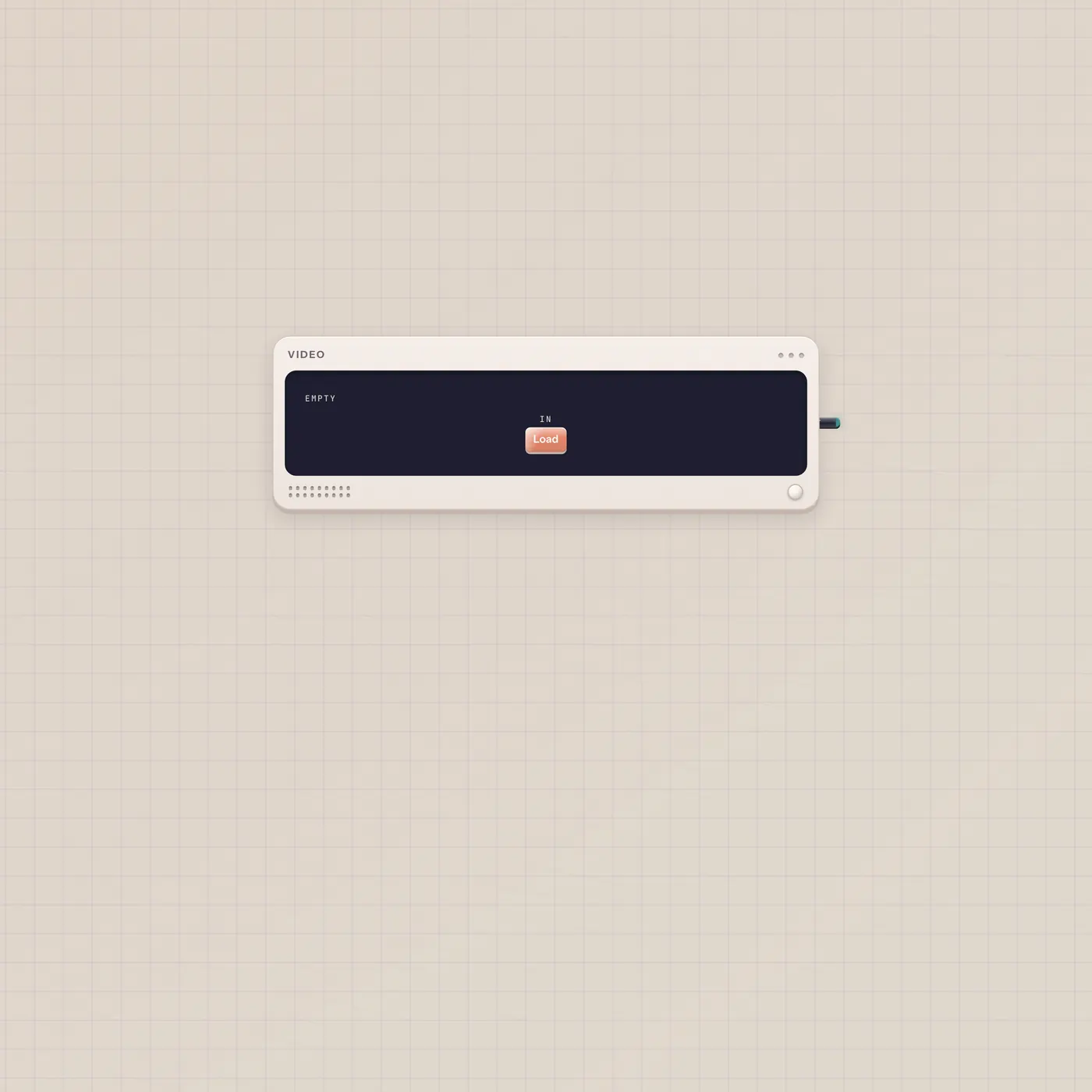
Patch Camcorder.video or Clip.video or Video.video into Crt.video. Power on. Turn Channel if more than one cable is in. Hold to freeze. Patch Thru into CuttingRoom.video if you want that trimmed take on the mixer. Frame out into Printer.image or Image if you want the still.
What to patch next
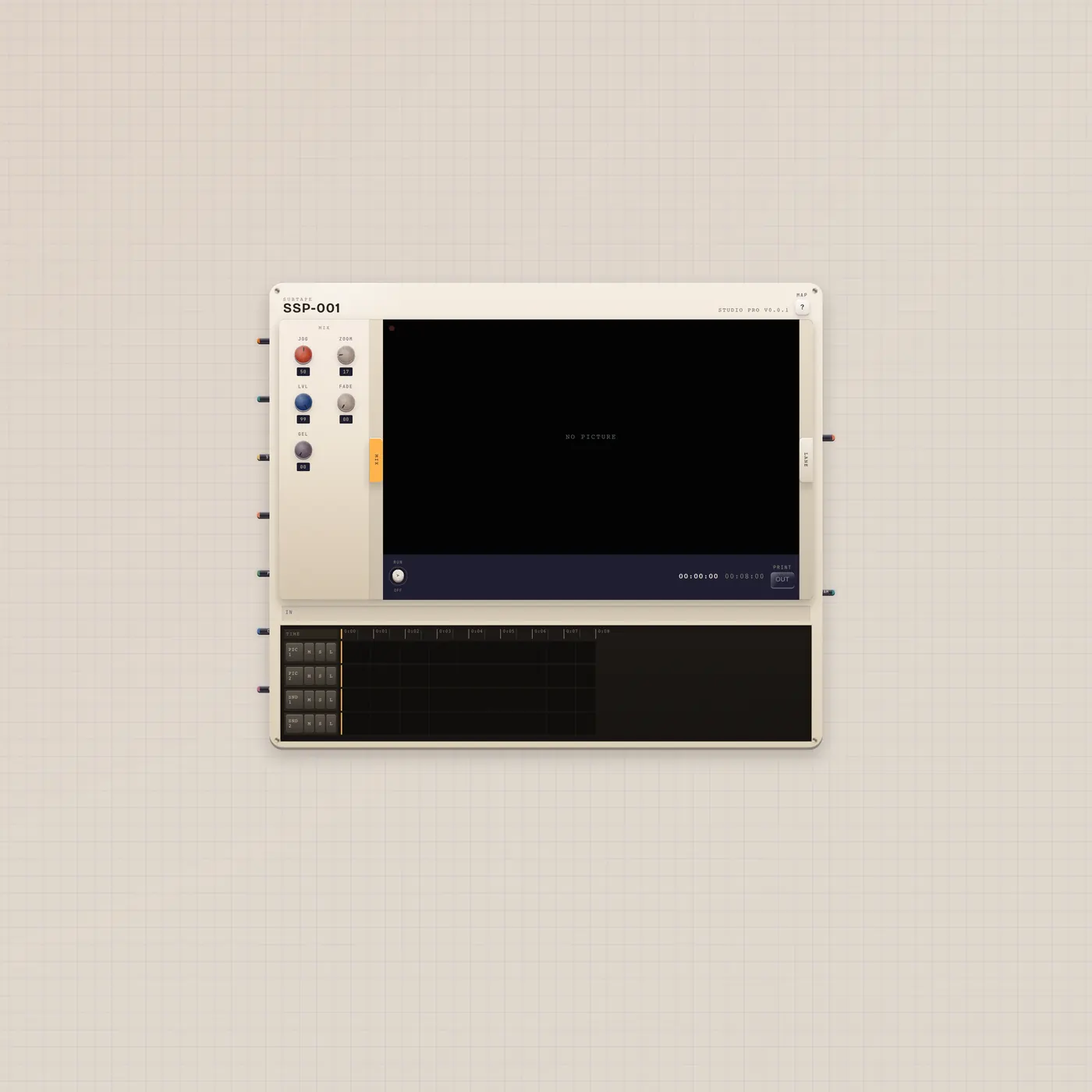
Camcorder.video → Crt.video is Camcorder to CRT. CuttingRoom.video → Crt.video is program on the tube. Crt.video → CuttingRoom.video sends the trimmed channel back. Crt.image into Printer if you want that frame as a polaroid.
Ports
| Jack | Dir | Kind | Label |
|---|---|---|---|
| video | in | video | In |
| image | in | image | Still |
| gate | in | gate | Power |
| video | out | video | Thru |
| image | out | image | Frame |
Questions
- Does the CRT record?
- No. Thru is a trimmed watch. Frame out is a still. Use CuttingRoom or Clip to keep a take.
- Why is it black?
- Power is off, or no cable is in, or the selected channel is empty. Flip Power. Check Channel.
- Can stills and clips share it?
- Yes. Video cables and image cables are all channels. The knob picks one.