A still on the floor. Image out.
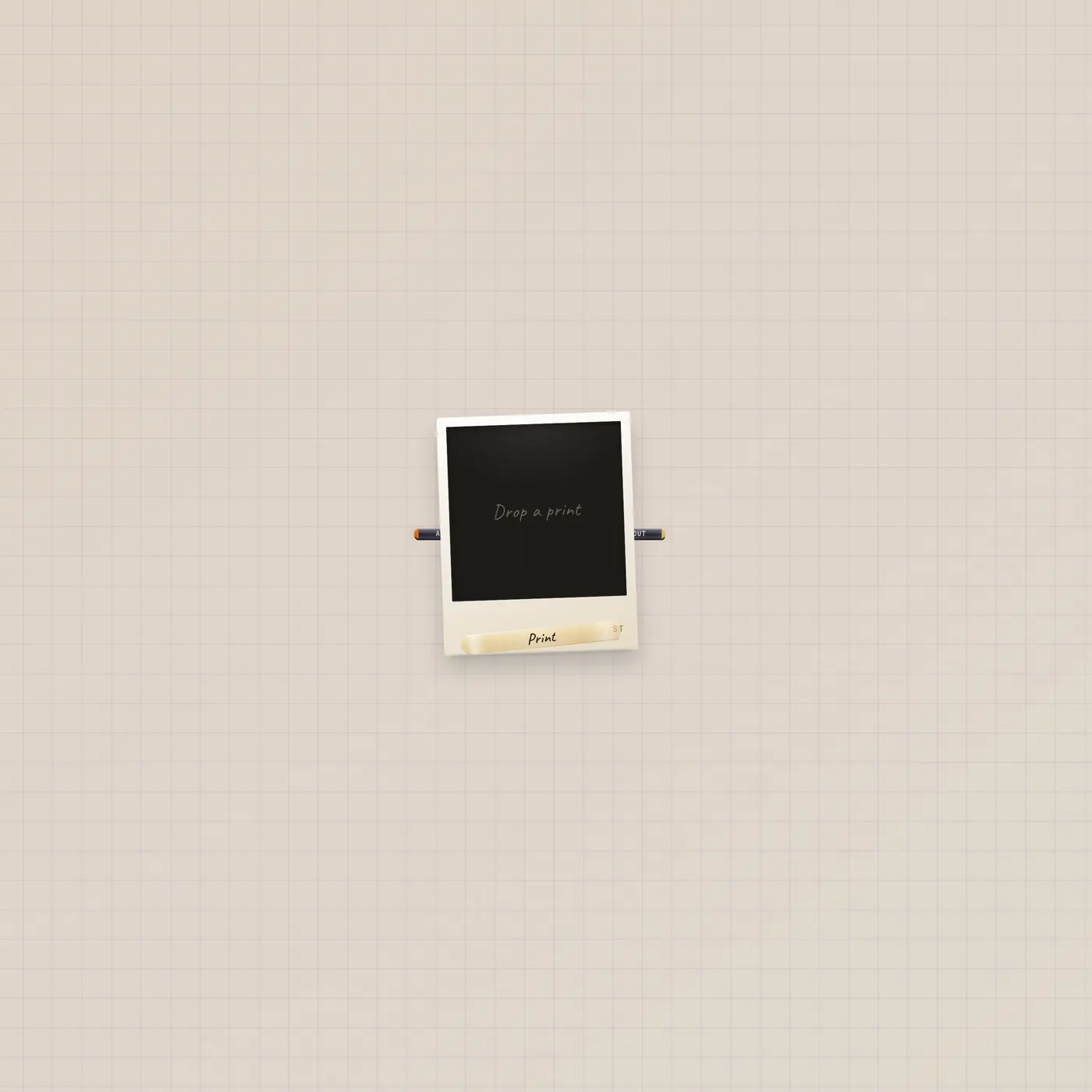
Image is a polaroid print. Drop, paste, or stick a URL. Pal.ai can generateImage. Image out patches into Camcorder, Printer, Lens, or the Cutting Room.

What it is
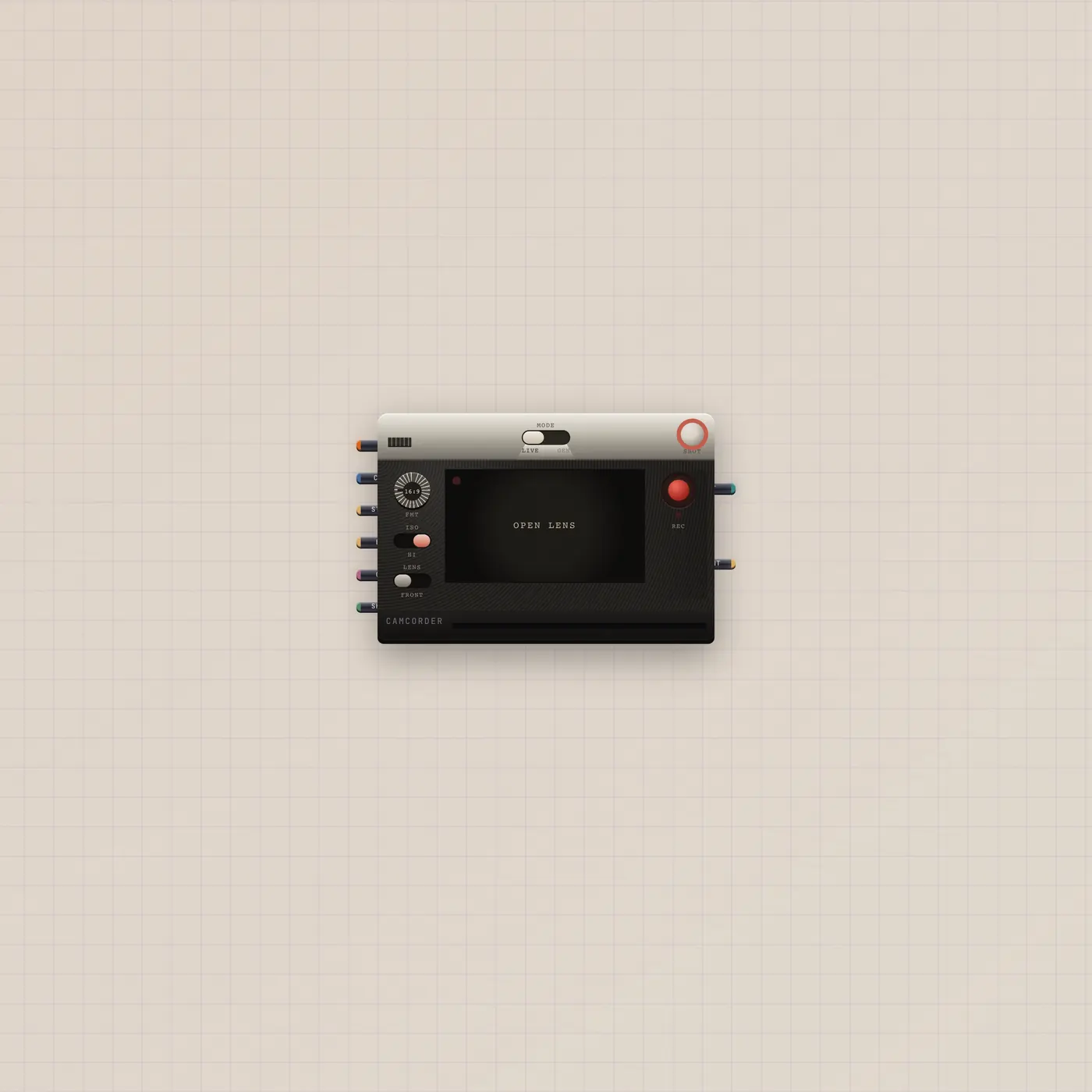
A polaroid print. src is an https image URL. Title is the tape label. AI in lets Pal generateImage. Image out patches into Camcorder.image (first frame), Camcorder.end (last frame), Printer.image, StickerPrinter.image, Lens.image, or CuttingRoom.image. Creators add these by drop, paste, URL, or the printer eject. Empty Image widgets with no src are just a bezel.
How to use it
Drop a print, paste a URL, or let the Printer eject one. Patch Pal.ai into Image.ai if you want Pal to fill this bezel instead of the printer. Patch image out into Camcorder.still for a first frame, or into the sticker press to cut it.
What to patch next
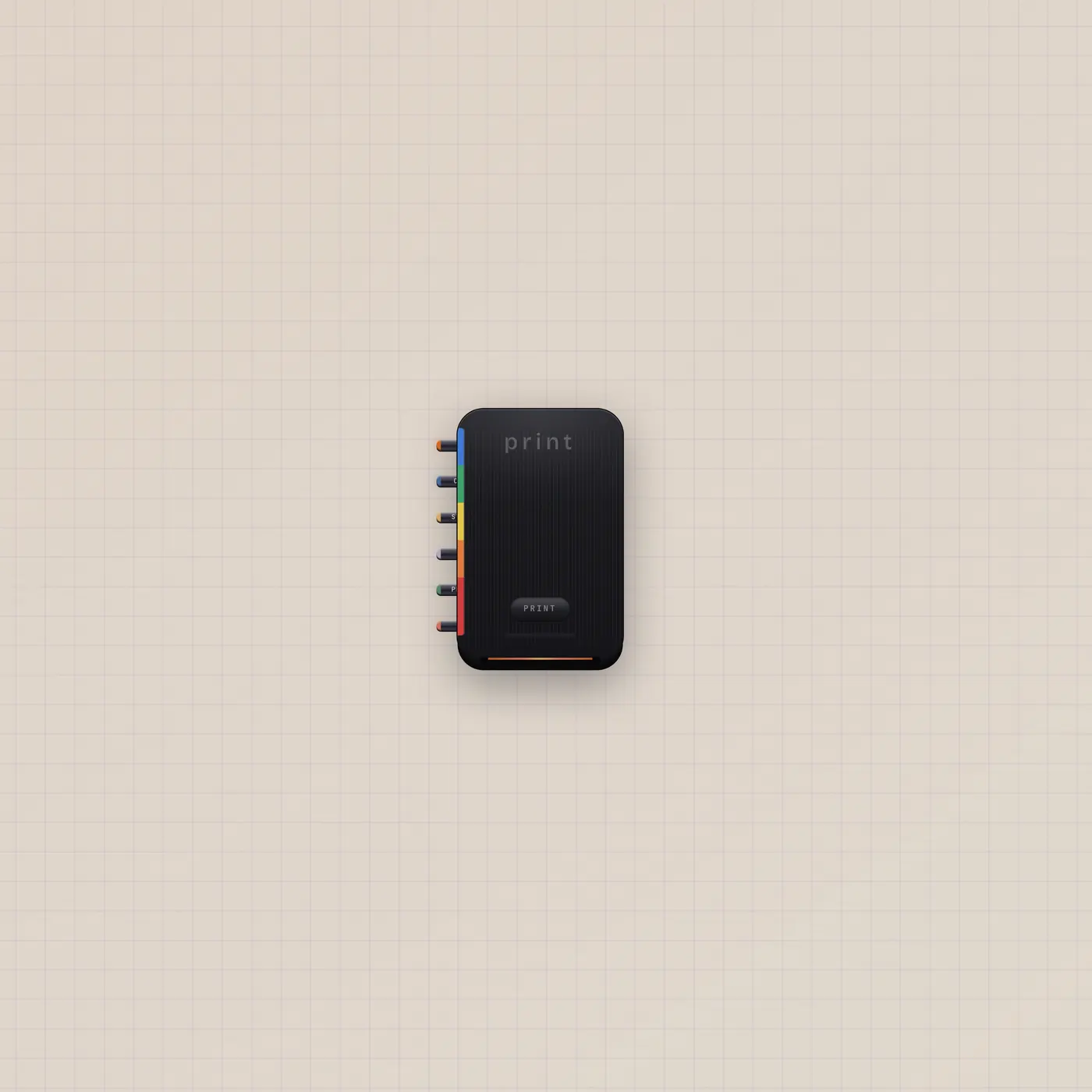
Image.image → Camcorder.image is a keyed first frame. Image.image → StickerPrinter.image cuts it. Image.image → Lens.image tints a reference. Printer if you wanted the machine that ejects these.
The devices
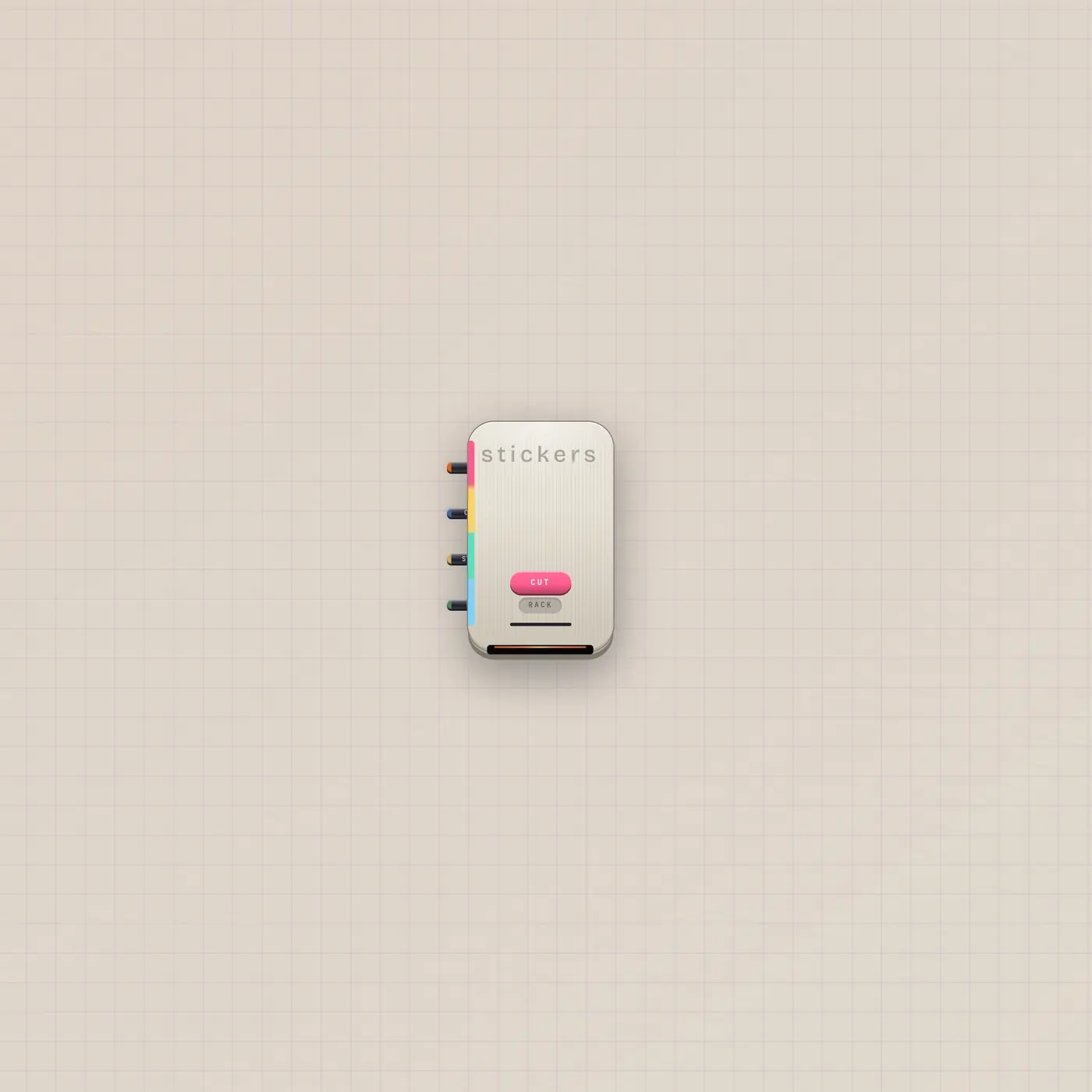
Ports
| Jack | Dir | Kind | Label |
|---|---|---|---|
| ai | in | ai | AI |
| image | out | image | Out |
Questions
- Image or Printer?
- Printer is the machine. Image is the polaroid. Pal can generate on either. The printer ejects an Image.
- Can I use two stills as start and end?
- On Camcorder, two stills on Still read as start then end. Or patch the second into End.
- Does it play?
- No. It is a still. Clip and Camcorder hold motion.