Flip the sheet. Style out.
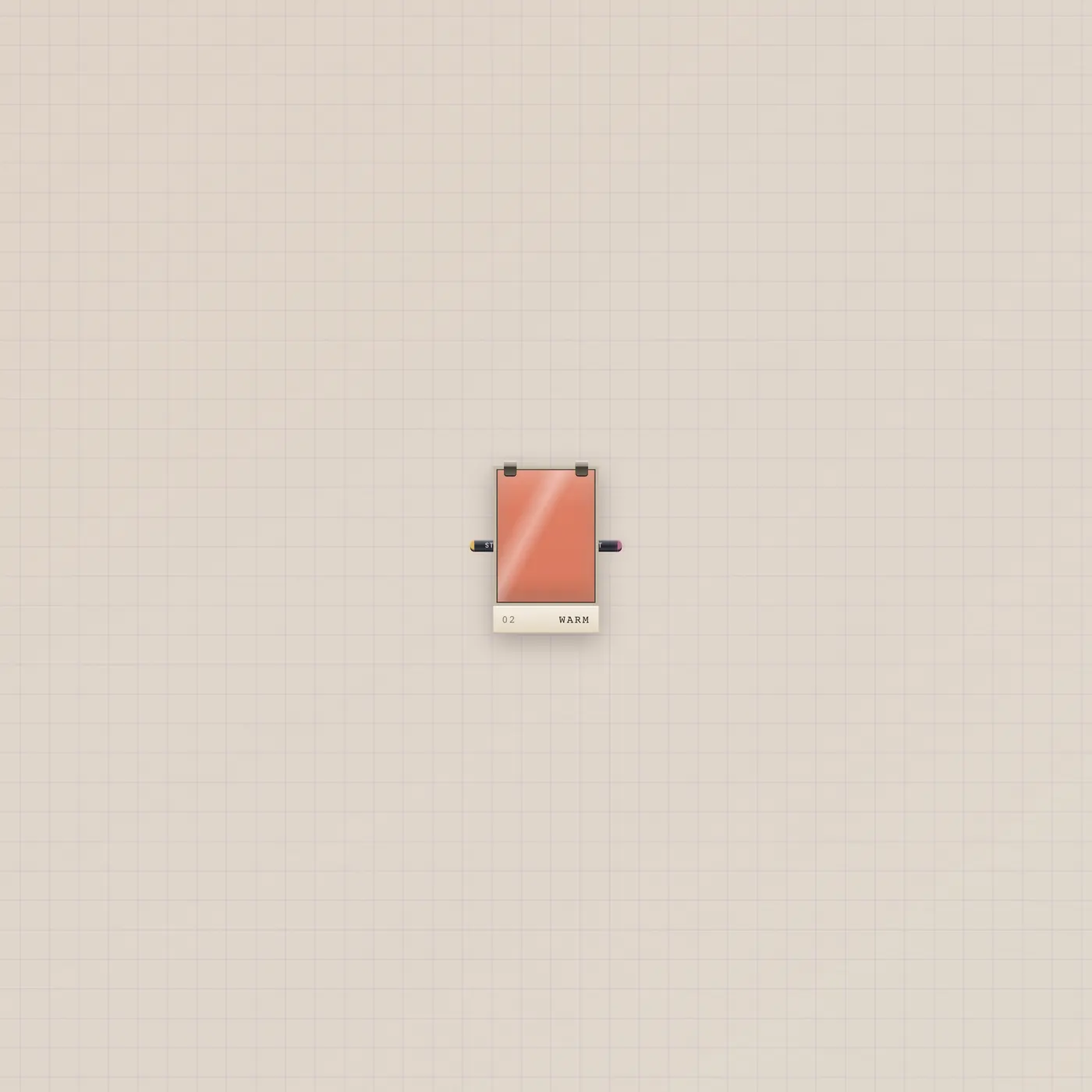
Lens is a lighting gel, labeled Gel. Drag the sheet to flip looks. Image in is an optional reference. Style out patches into Camcorder or the Cutting Room.
What it is
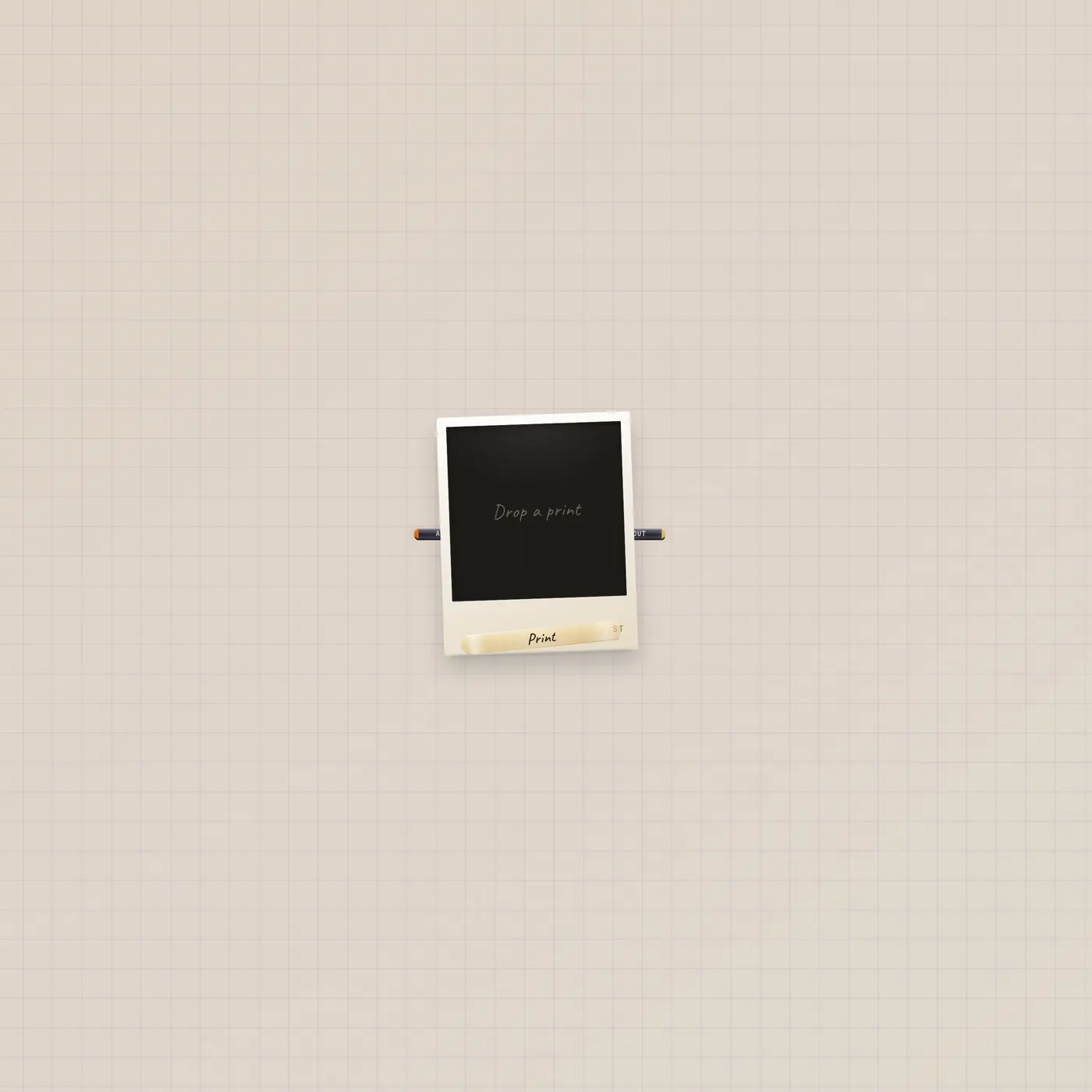
A lighting gel. The tray calls it Gel; the type is Lens. Looks: warm, cool, bleach, night, super 8, vhs, chrome, rose, mono, candy, fog, punch. Drag or click the sheet to flip them. Image in (Still, fan-in) is an optional reference still. Style out (Out) patches into Camcorder.style or CuttingRoom.style. There is no video jack and no AI jack. The gel does not play a take.
How to use it
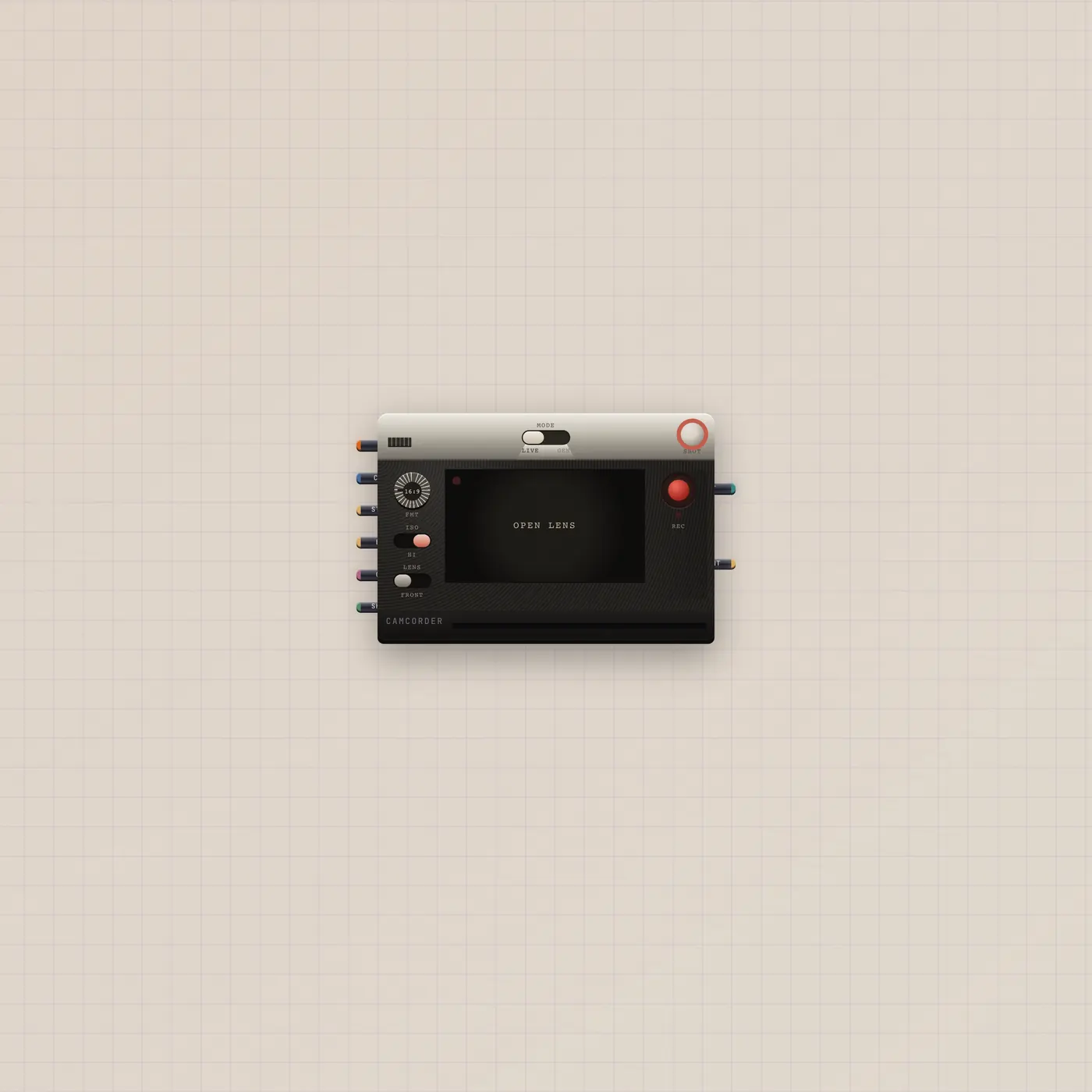
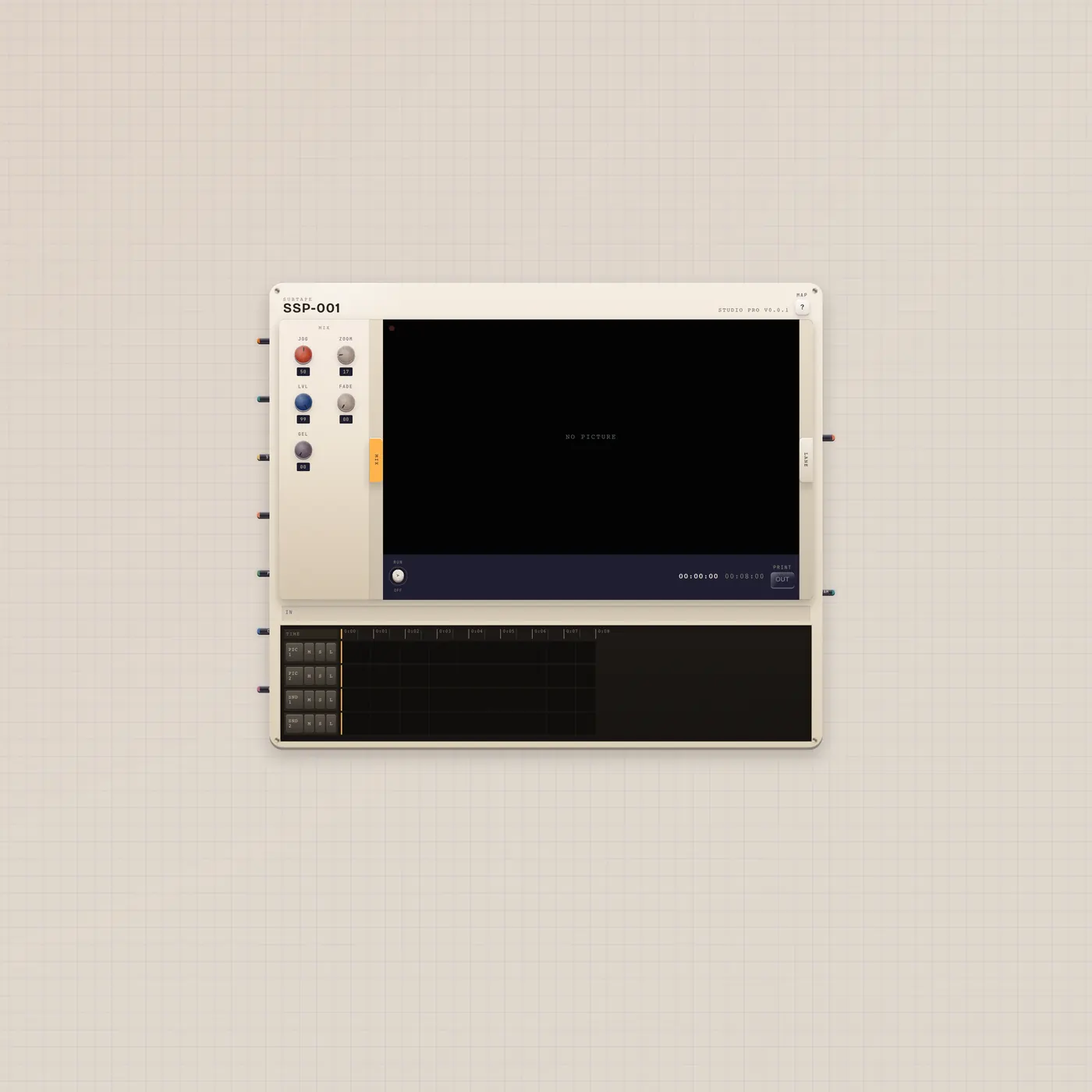
Drop Gel. Flip the sheet until the look is right. Patch Lens.style into Camcorder.style before you generate, or into CuttingRoom.style to grade program. An Image on Still is a reference, not the output.
What to patch next
Lens.style → Camcorder.style tints the generate. Lens.style → CuttingRoom.style grades the mixer. Image.image → Lens.image if the gel should see a still. CRT watches the result, not the gel.
Ports
| Jack | Dir | Kind | Label |
|---|---|---|---|
| image | in | image | Still |
| style | out | style | Out |
Questions
- Why is it called Lens in the type?
- The tray label is Gel. The widget type is Lens. Same sheet.
- Can I patch this into a CRT?
- No. Style is not video. Land style on Camcorder or CuttingRoom, then watch program on the tube.
- Does it use quota?
- The gel does not. The generate or cut it grades might.