Write on the pad. Rip a corner. The note lands.
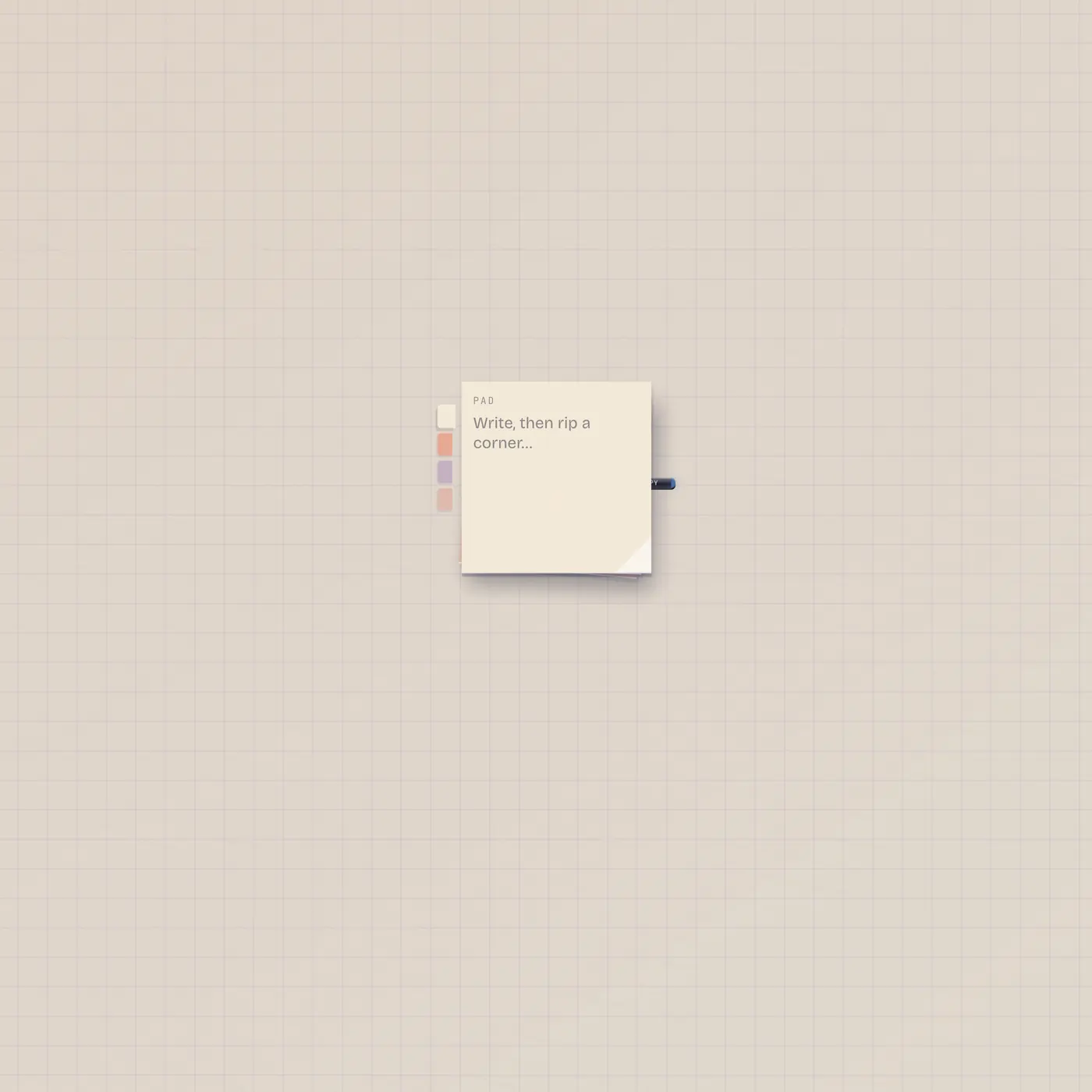
StickyPad is a stack of square stickies. Type a draft, pick a color, rip a corner onto the floor. Text out is the live draft — Speak, Marquee, or Printer can take it.

What it is
A pad of square stickies — cream, coral, mauve, or rose. You write the draft on the pad. Rip the corner to peel a note onto the floor; that note is decor, not a cable. Text out (Copy) is whatever is still on the pad, not the ripped scraps. There is no text in. Pal does not rip notes for you.
How to use it
Drop Stickies. Type. Pick a color. Drag the ripped corner onto empty floor, or let go to drop near the pad. The pad clears after a rip. Leave a line on the pad if you want the cable live — patch StickyPad.text into Speak, Marquee, Printer.text, Pal.text, or TapeDoc.text.
What to patch next
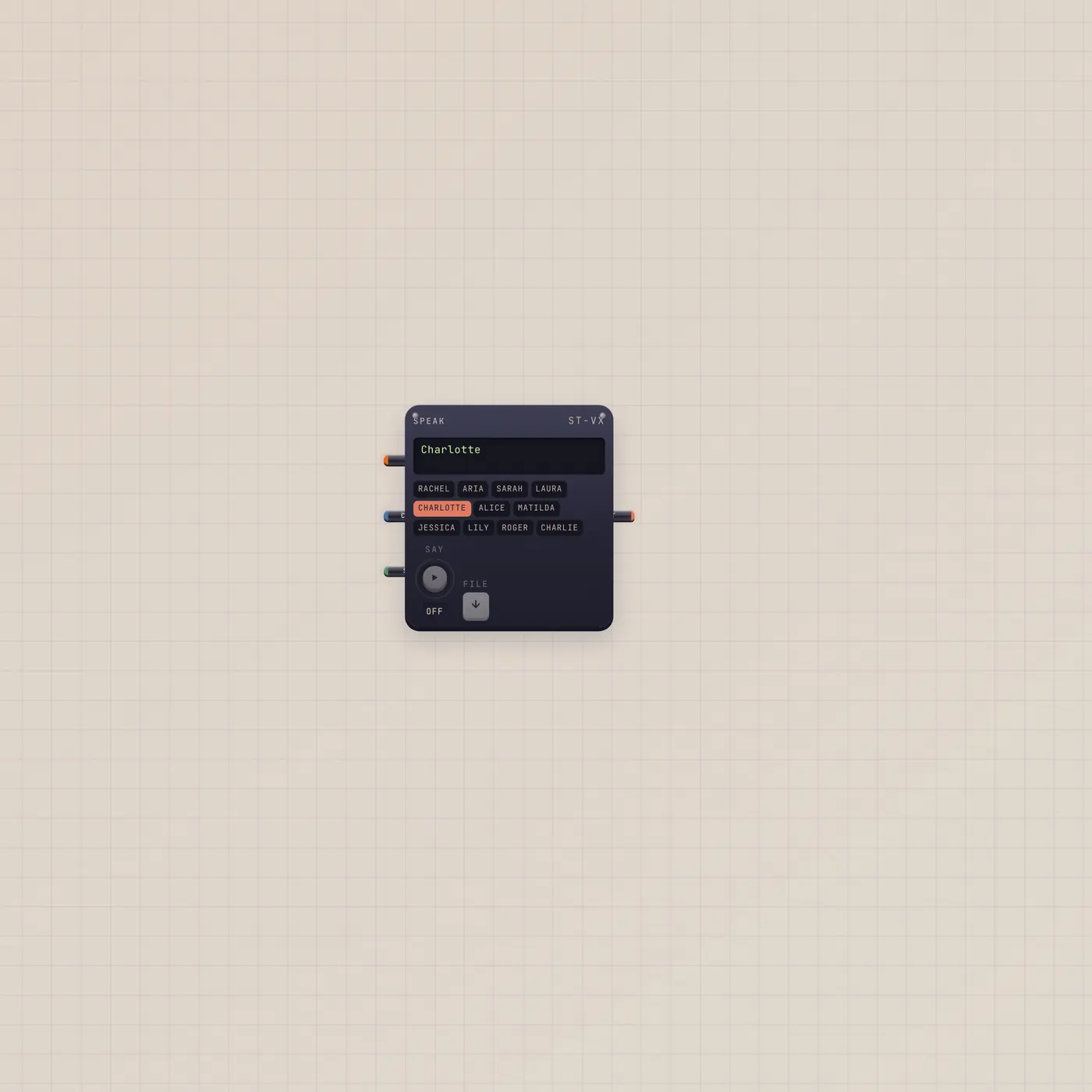
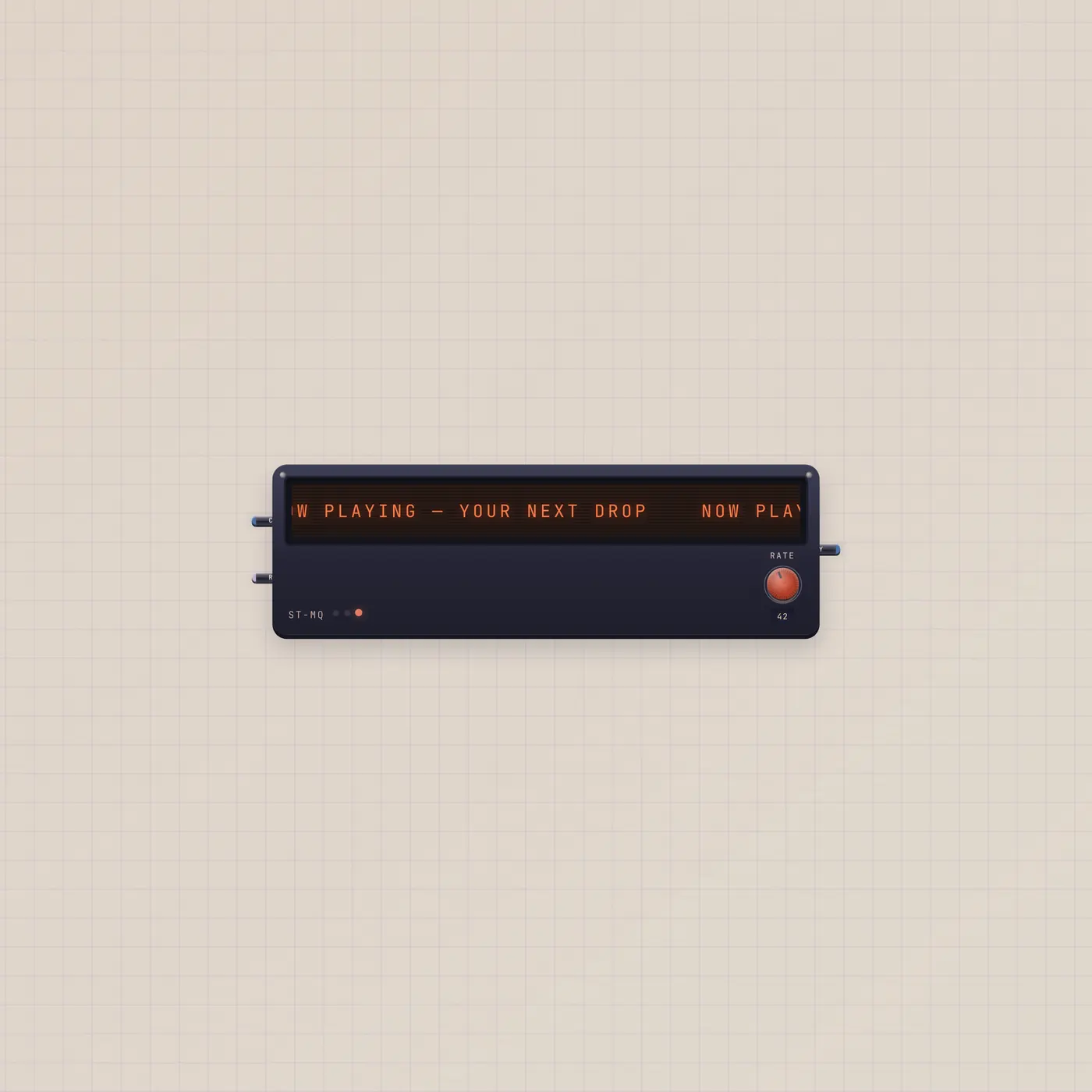
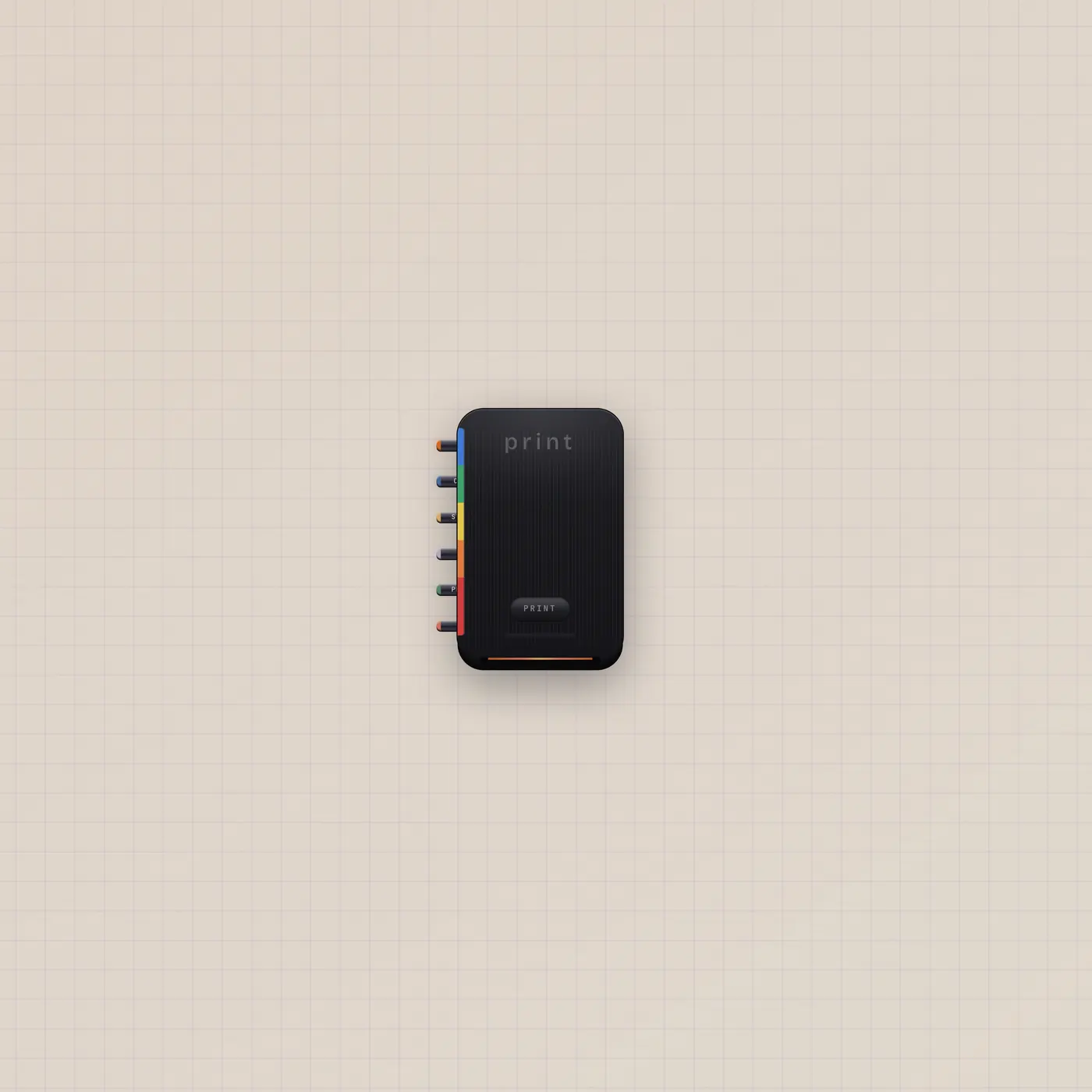
StickyPad.text → Speak.copy reads the draft. The same Copy out into Marquee.text crawls it. Printer.text takes the line as print copy. Pal.text in can see the draft as context — Pal still will not peel the stack.
Ports
| Jack | Dir | Kind | Label |
|---|---|---|---|
| text | out | text | Copy |
Questions
- Does ripping send the note down a cable?
- No. A rip places a floor note. Text out is the draft still sitting on the pad.
- Can Pal write on the pad?
- Pal can read StickyPad.text if you patch it into Pal.text. Pal does not rip corners or invent loose notes.
- Where do ripped notes go?
- Onto the board floor as stickies. They are not widgets and they have no jacks.