A crawl of copy. Type it, or feed it.
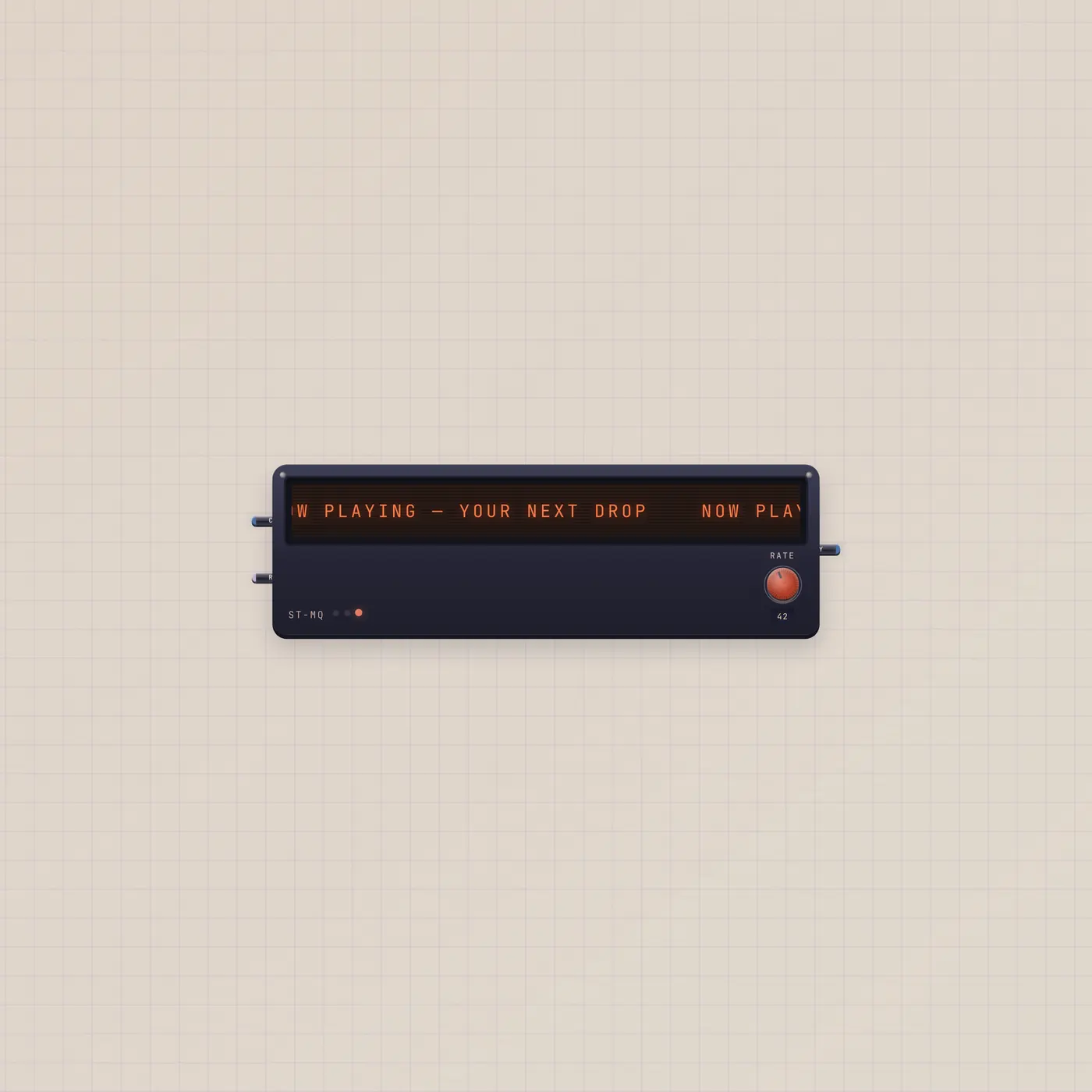
The Subtape Marquee scrolls a line of tape text. Edit it on the bezel, or patch text in from a TapeDoc. Rate is a CV jack — or the Rate knob — for crawl speed.

What it is
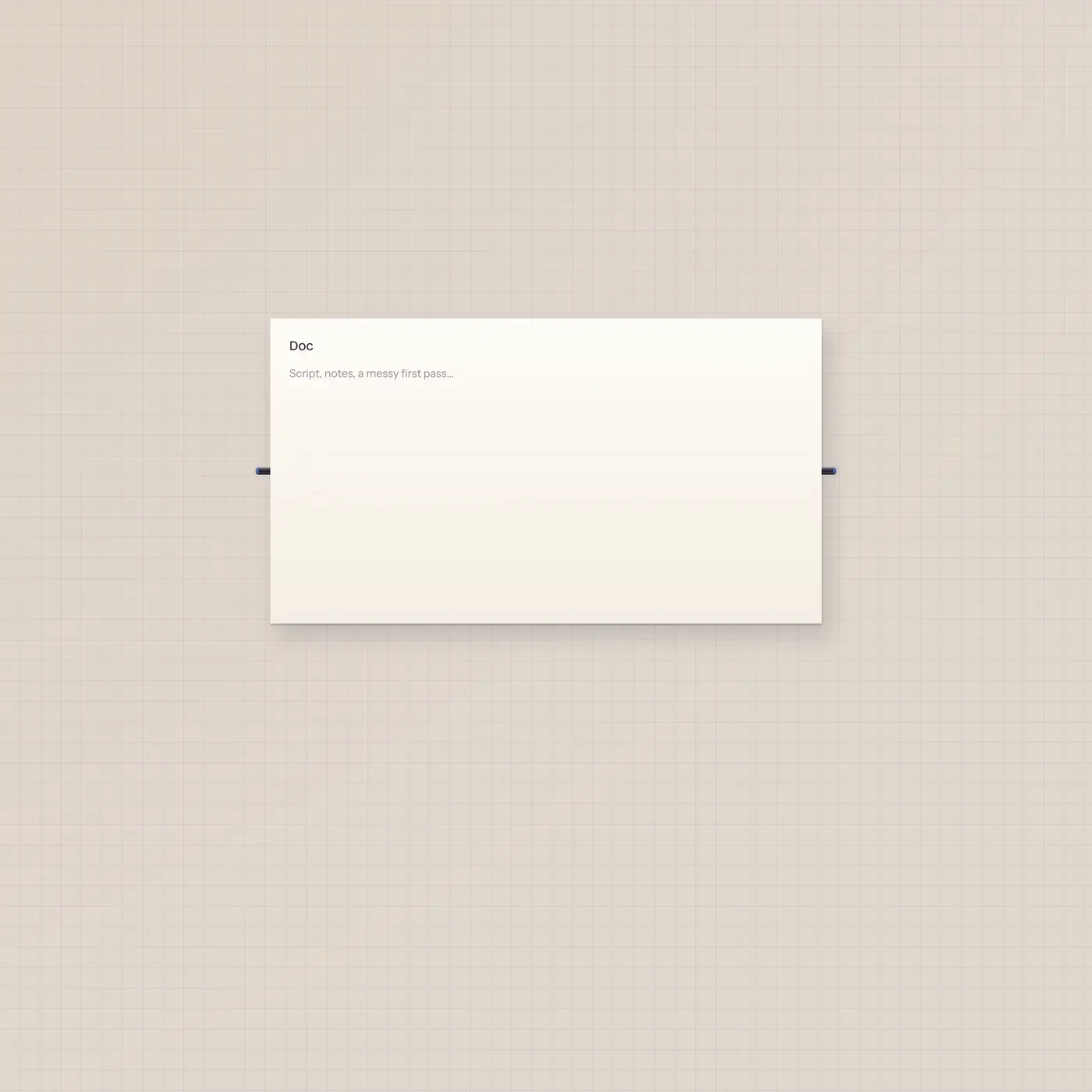
A tape crawl. Click the bezel to type when nothing is patched into text in. Text in (Copy) plays a live feed from TapeDoc, Pal, StickyPad, Checklist, Typewriter, Tuner, or Dice — the cable owns the line, so the bezel stops editing. Text out republishes that same string so another doc or Speak can take it. Rate in is CV for scroll speed; the Rate knob does the same job with no cable.
How to use it
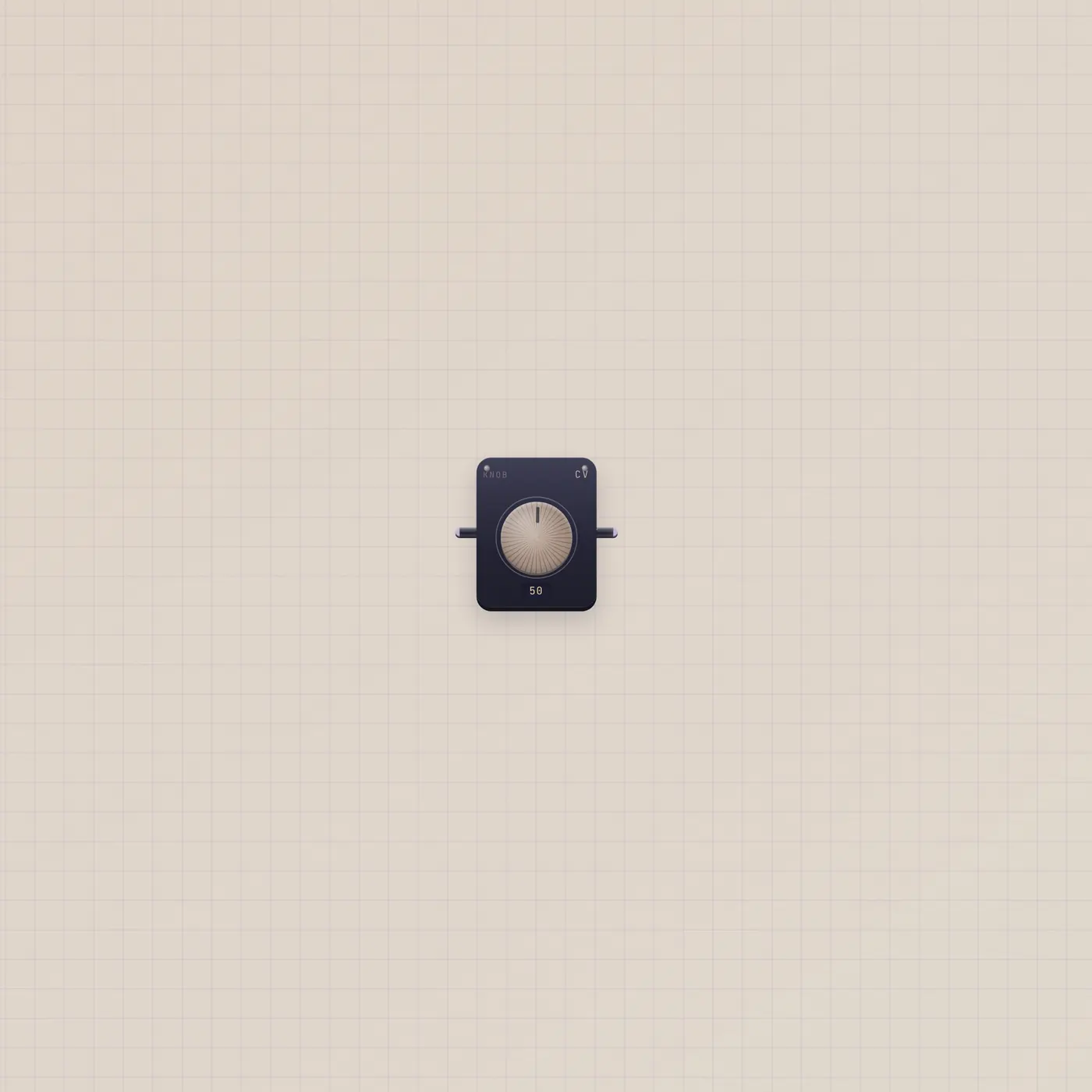
Drop a Marquee. Click the glass and type if you just want a bumper. Patch TapeDoc.text into Marquee.text to scroll the page as it changes. Pal.text into the same jack crawls the last reply. A Knob.value or Lfo.value on Marquee.rate rides the crawl. Unpatch text in to get the bezel back.
What to patch next
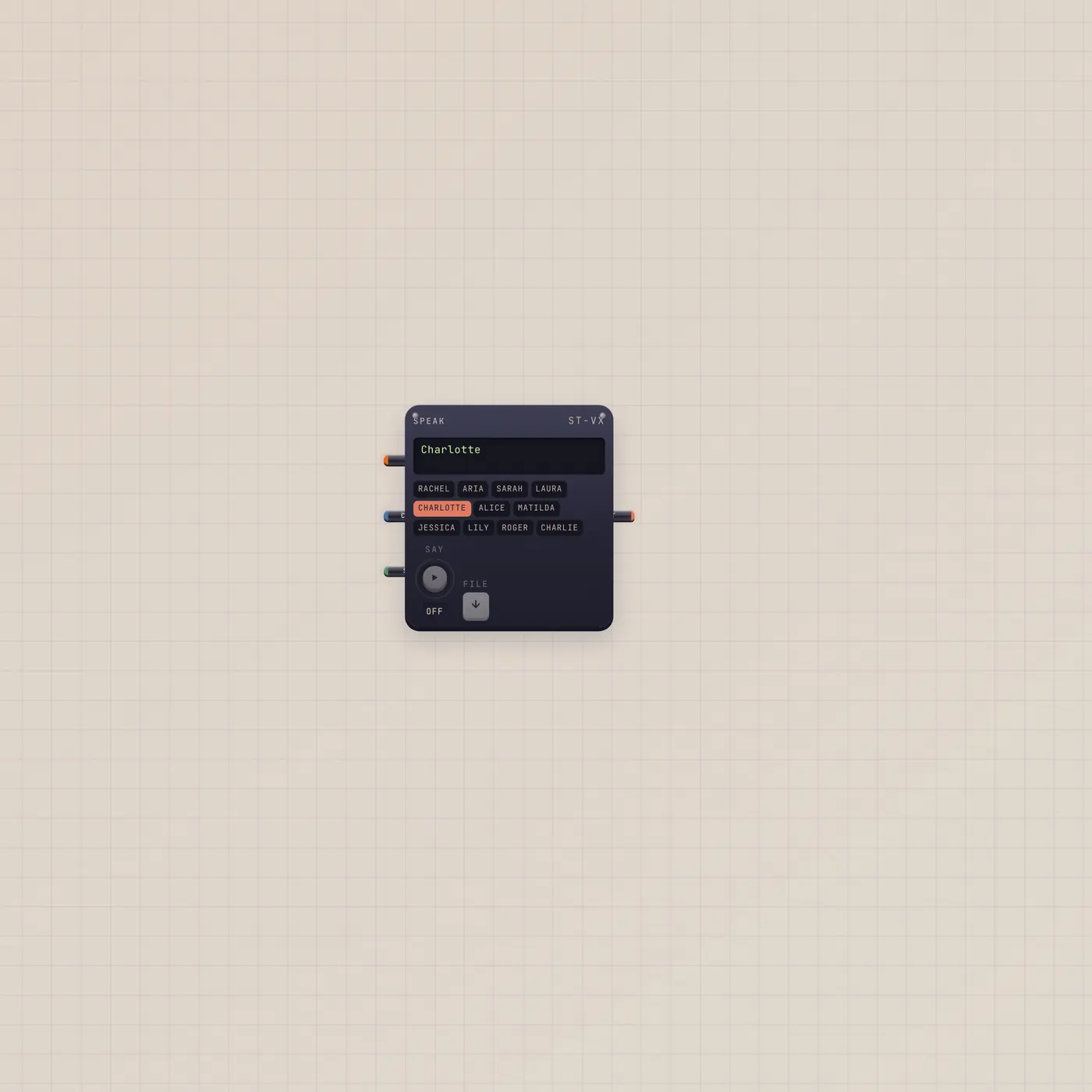
TapeDoc.text → Marquee.text is the writing-desk crawl. Marquee.text into Speak reads the line out loud. Knob.value into Marquee.rate if you want a hand on speed. Pal.text into the same Copy in if the crawl should follow the handheld.
Ports
| Jack | Dir | Kind | Label |
|---|---|---|---|
| text | in | text | Copy |
| rate | in | cv | Rate |
| text | out | text | Copy |
Questions
- Why can't I edit the marquee?
- A text cable is in. The feed owns the line. Pull the cable, then click the bezel.
- Does Rate need a cable?
- No. The Rate knob is enough. Patch Knob.value or Lfo.value into Marquee.rate when you want another device to drive speed.
- Can the crawl write a TapeDoc?
- Yes. Marquee.text out into TapeDoc.text. The page follows the line on the glass.