Tap a line. The open list is the cable.
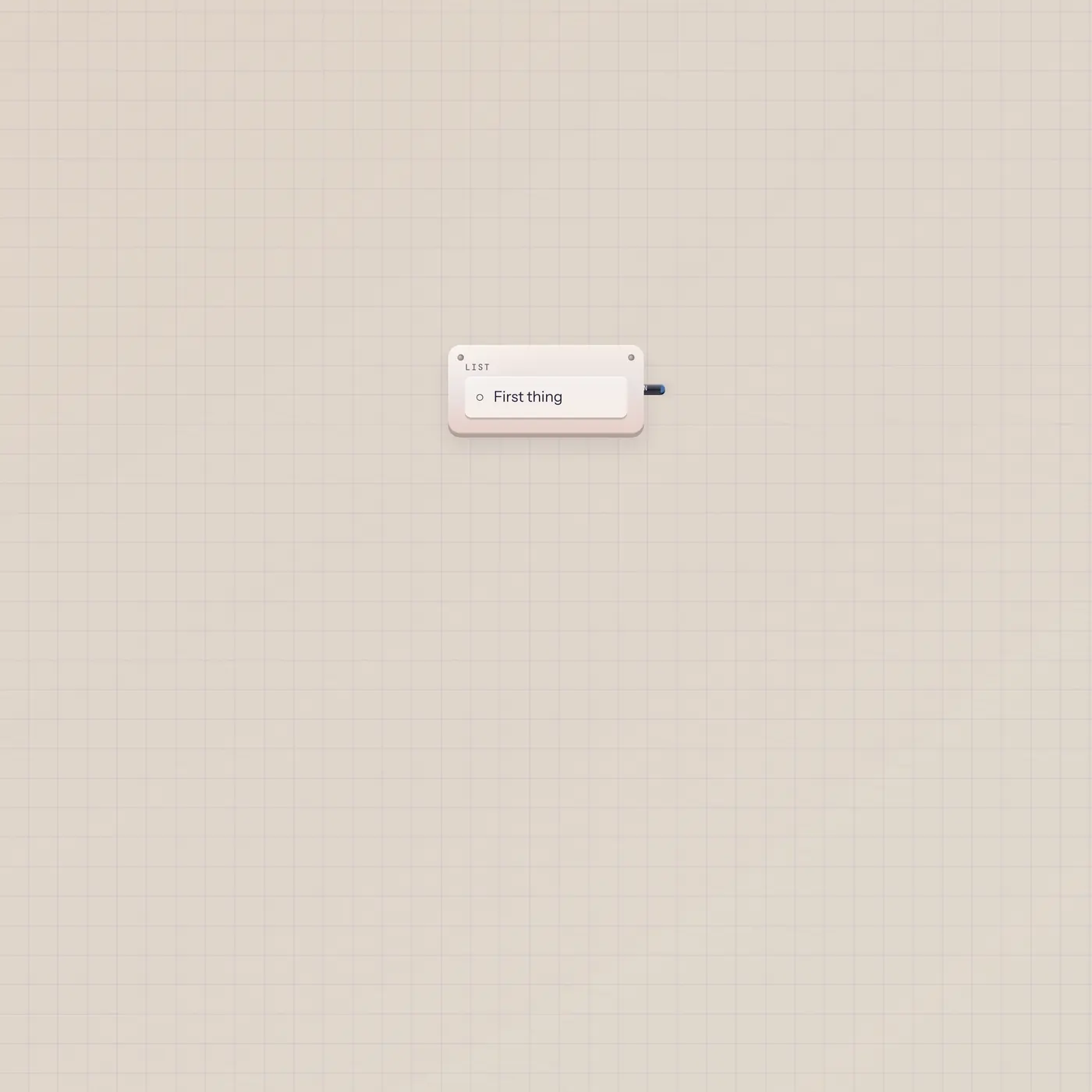
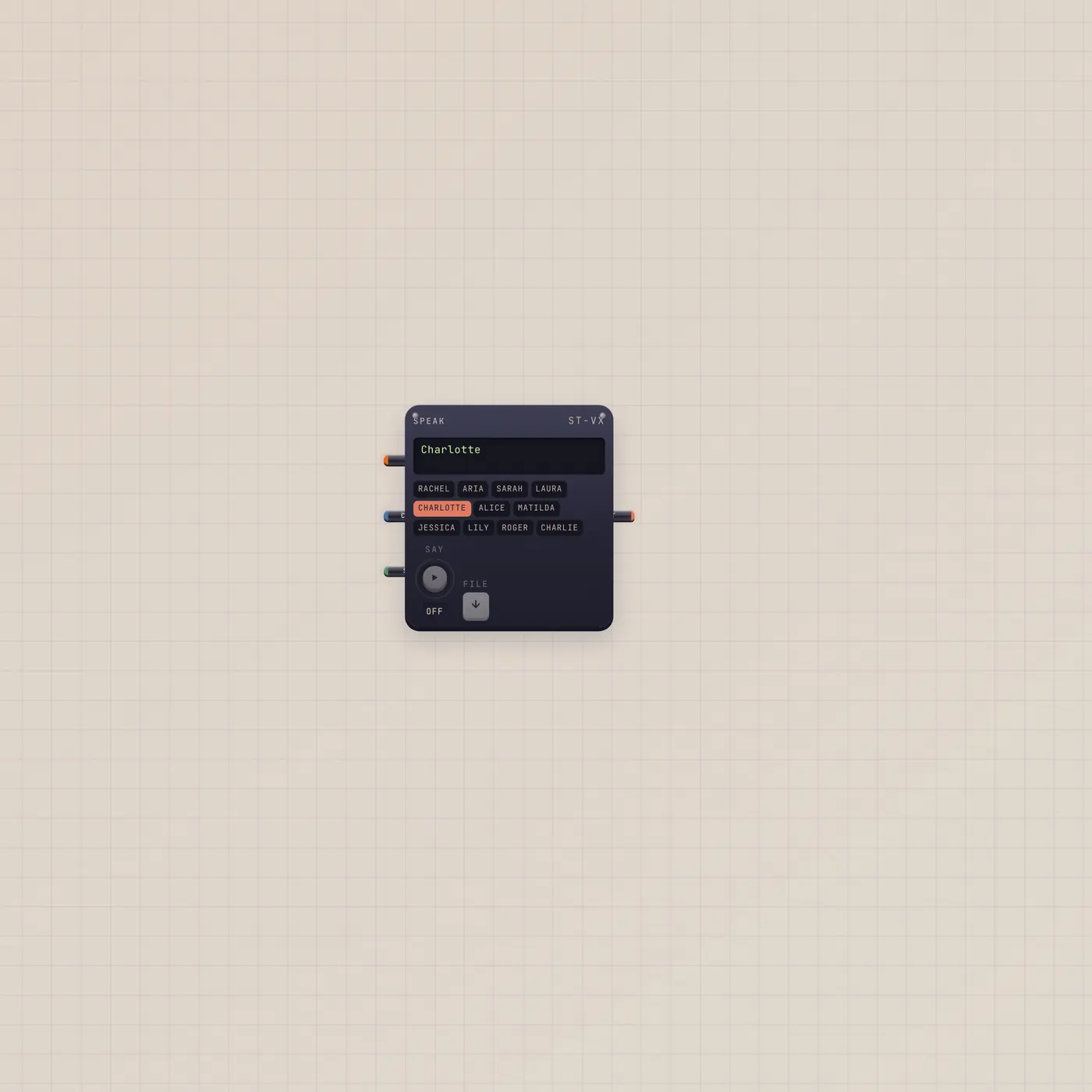
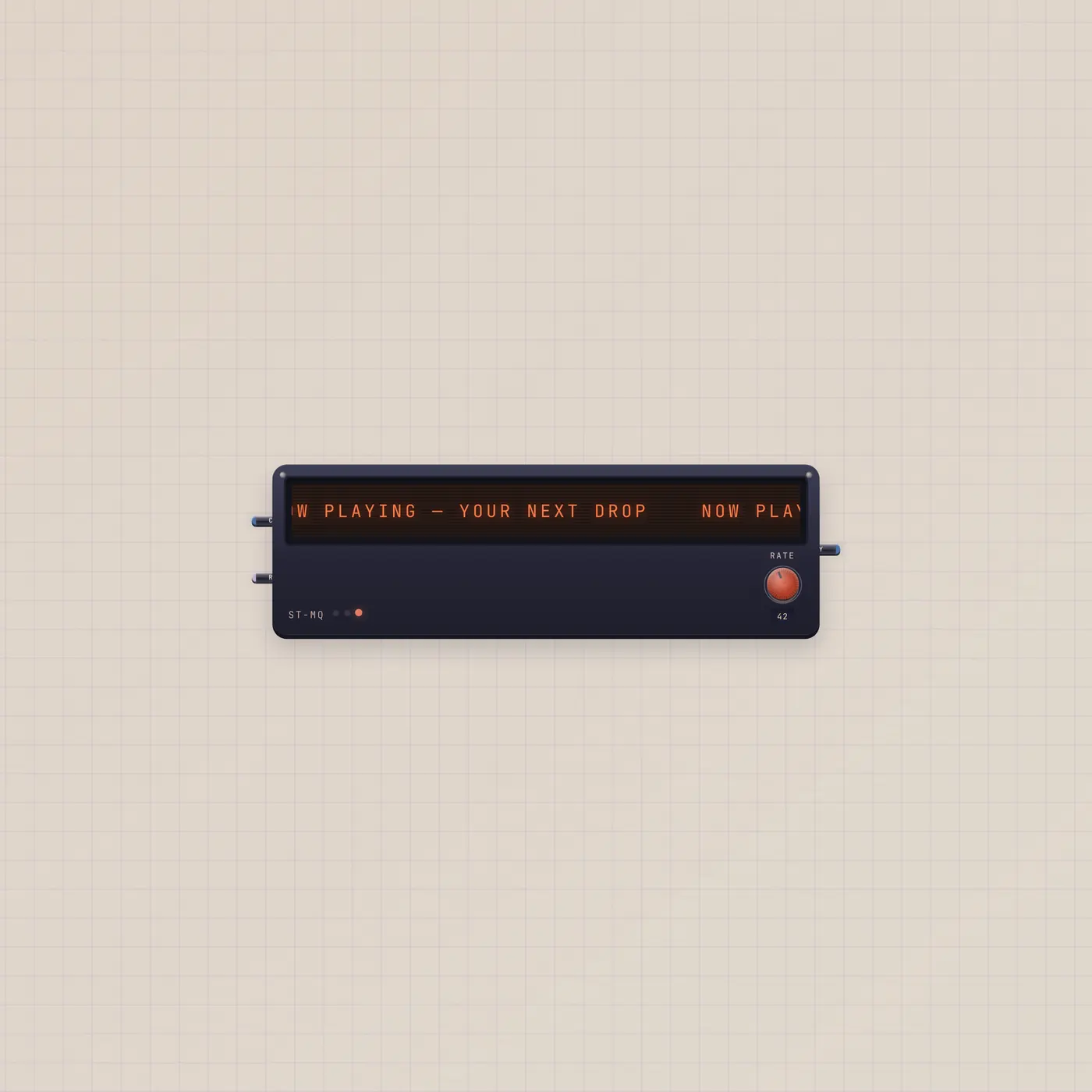
Checklist is a hardware list. Add lines, tap to check them. Text out (Open) is the unchecked labels, one per line — Speak, Marquee, or Printer can take that string.

What it is
A list module. You add lines and tap them done. Text out (Open) publishes only the unchecked labels, stacked one per line. Checked rows drop off the cable. There is no text in and no gate. The list is the work; the jack is the leftover.
How to use it
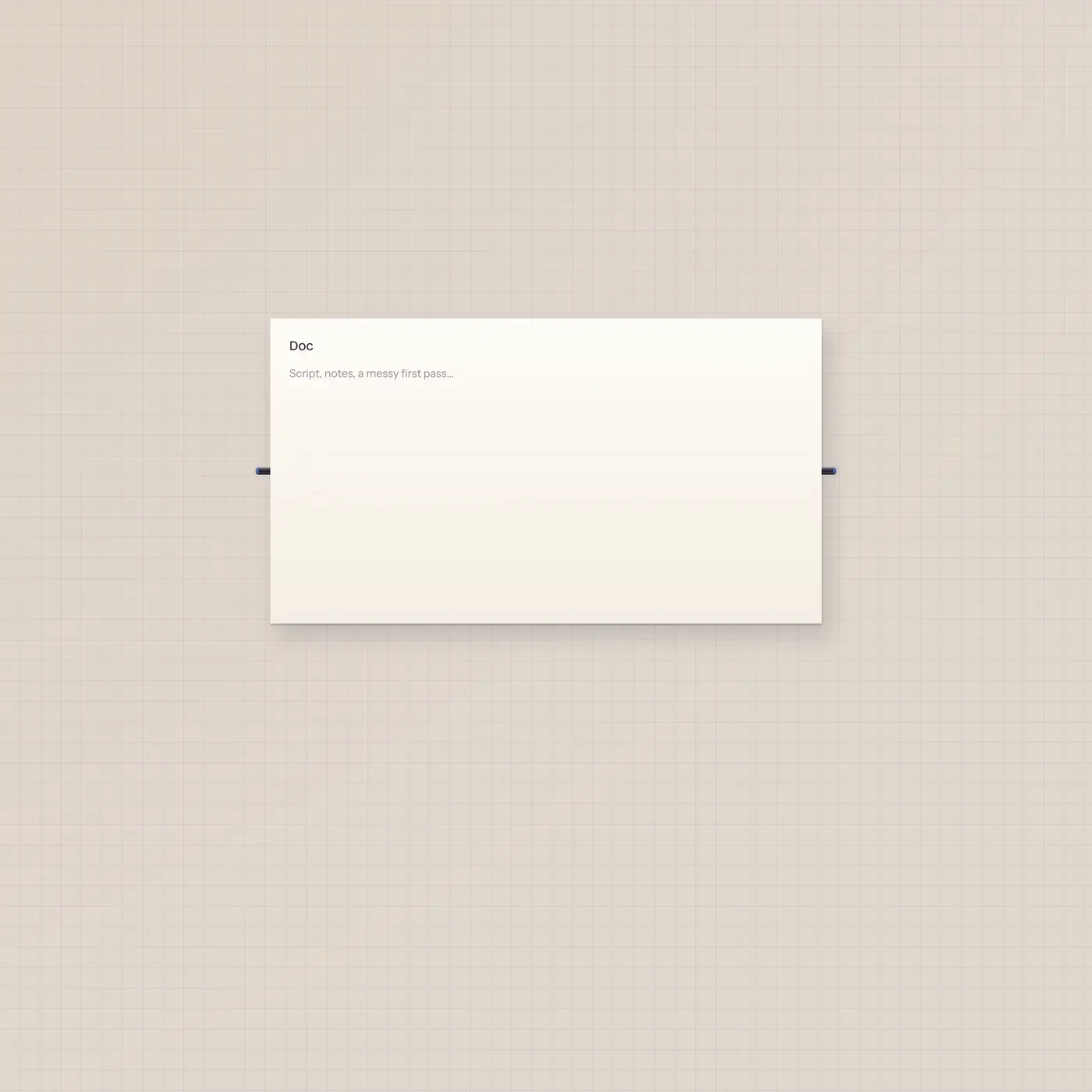
Drop a List. Type a line and hit Add. Tap a row to check or uncheck it. Patch Checklist.text into Speak to hear what's still open, into Marquee.text to crawl the leftovers, or into Pal.text so the handheld sees the open work. A TapeDoc next to it holds the script; the list stays the next actions.
What to patch next
Checklist.text → Speak.copy reads the open lines. The same Open out into Marquee.text scrolls them. Pal.text in treats the list as ask context. Leave TapeDoc unpatched to the list — the Doc has its own page; this jack is only the unchecked remainder.
Ports
| Jack | Dir | Kind | Label |
|---|---|---|---|
| text | out | text | Open |
Questions
- Why did the cable go quiet?
- Every line is checked. Open is empty. Uncheck a row or add a new one.
- Does the list take text in?
- No. You add lines on the module. Pal can read Open if you patch Checklist.text into Pal.text.
- Is this the same as a StickyPad?
- No. Stickies rip onto the floor. The list stays on the module and only publishes what is still open.