Patch a prompt. Print ejects a still.
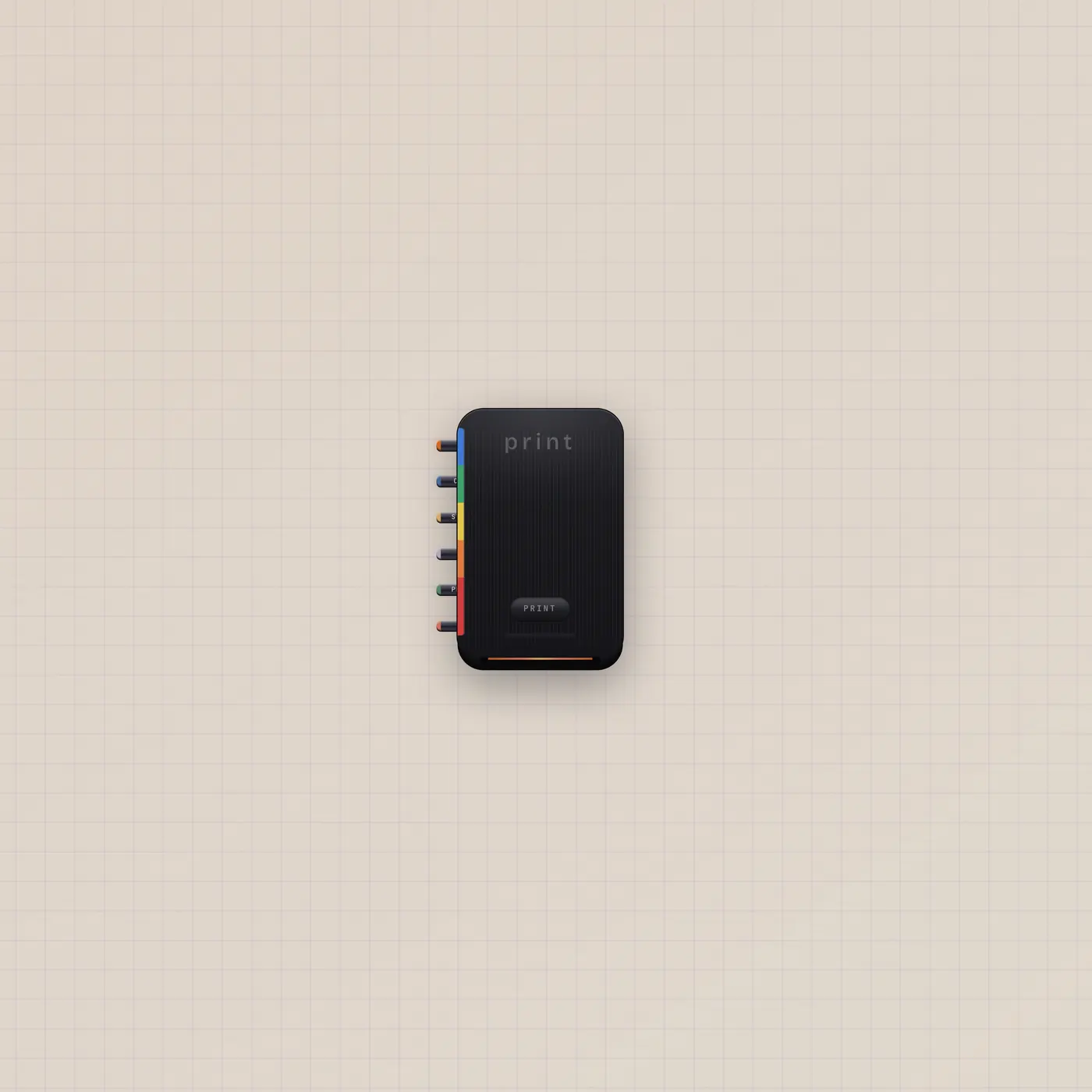
Printer is instant film. Text, image, CV, gate, and audio join one prompt. Print — or a rising gate — develops a still and ejects an Image polaroid. Pal.ai generates.
Patch with

What it is
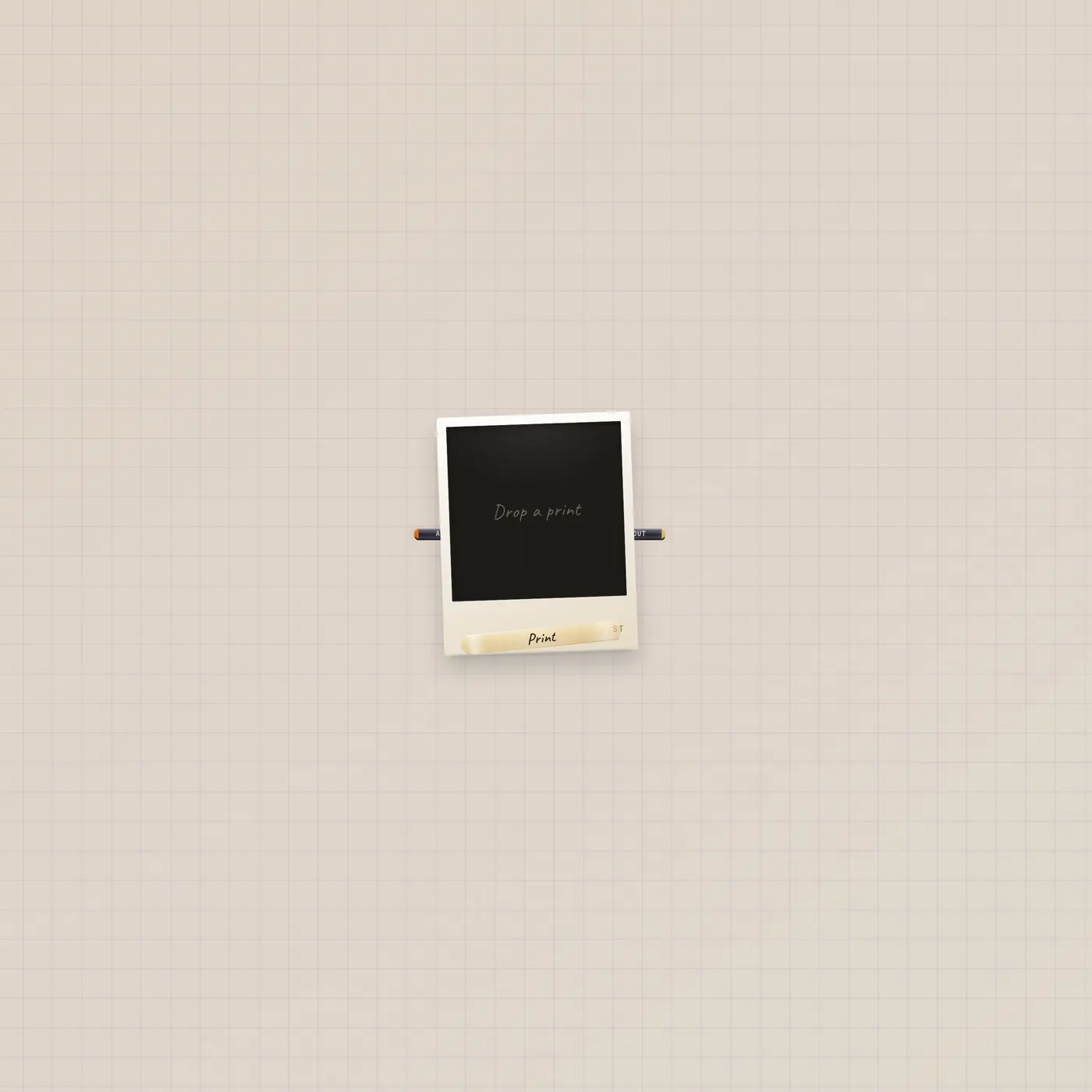
An instant-film printer. AI in lets Pal generateImage. Text in (Copy, fan-in) is caption and prompt. Image in (Still, fan-in) is a generation reference. CV in joins the prompt as a number. Gate in (Print) is a punch — same as the Print key. Audio in joins the prompt too. There is no image out on the printer itself — a finished print ejects a new Image widget below the machine.
How to use it
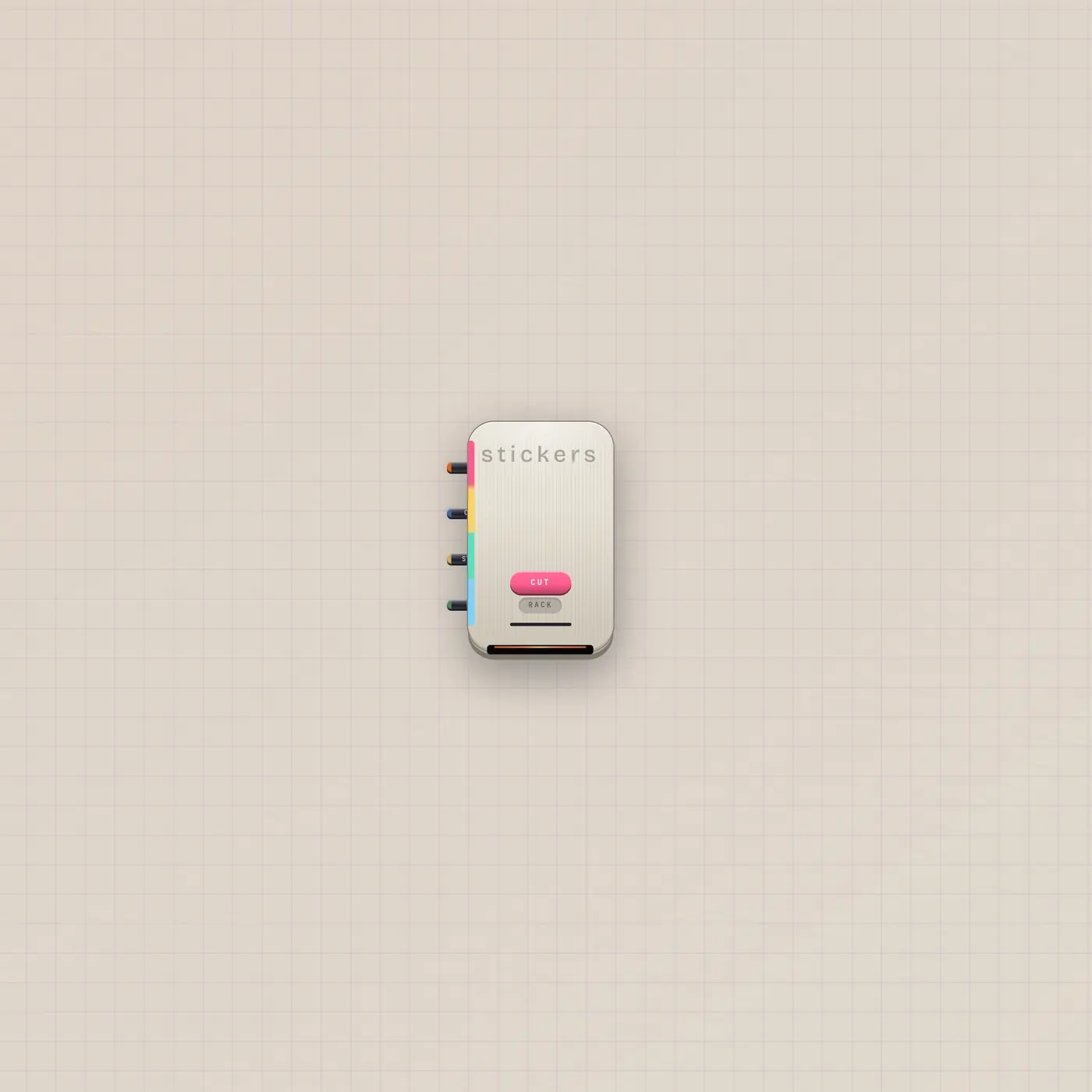
Patch Pal.ai into Printer.ai and ask for a picture — that is Print a Still. Or type on the printer and hit Print. A Button on Printer.gate is a second punch. Drop the ejected Image onto StickerPrinter.still if you want to cut it.
What to patch next
Pal.ai → Printer.ai is Print a Still. The ejected Image.image → StickerPrinter.image cuts that polaroid. ScratchPad.image into Still if you want the ink as a reference. Camcorder.image if the reference is a frame.
The devices
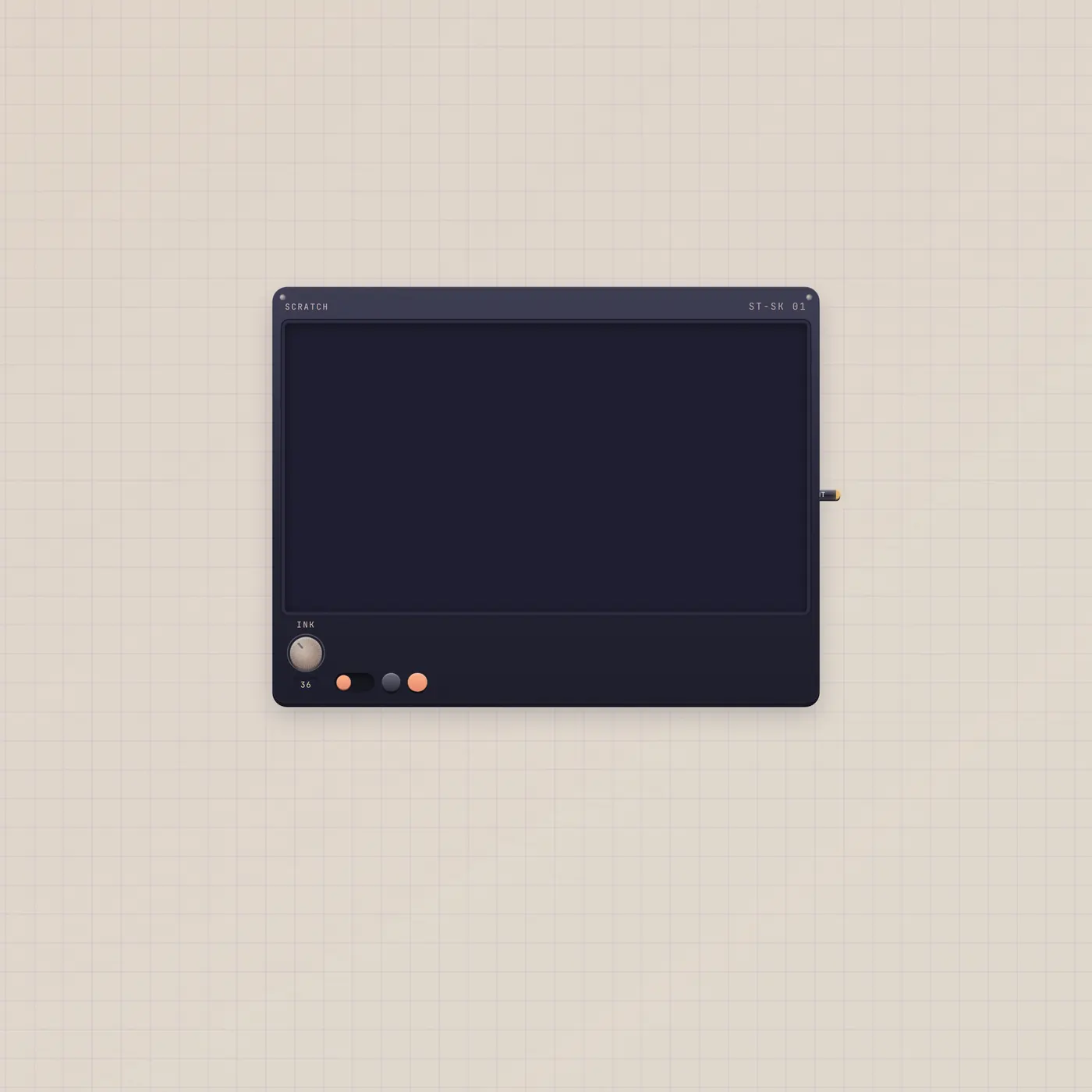
Ports
| Jack | Dir | Kind | Label |
|---|---|---|---|
| ai | in | ai | AI |
| text | in | text | Copy |
| image | in | image | Still |
| cv | in | cv | CV |
| gate | in | gate | |
| audio | in | audio | In |
Questions
- Where is the picture jack out?
- There isn't one. The machine ejects an Image polaroid. Patch that widget onward.
- Does Print use quota?
- Yes. generateImage uses the workspace AI budget.
- Can I print only text?
- Copy in is a caption feed. The picture still comes from generateImage. A text-only sticker is the press, not this printer.