Draw. Snapshot. Print the pad as an image.
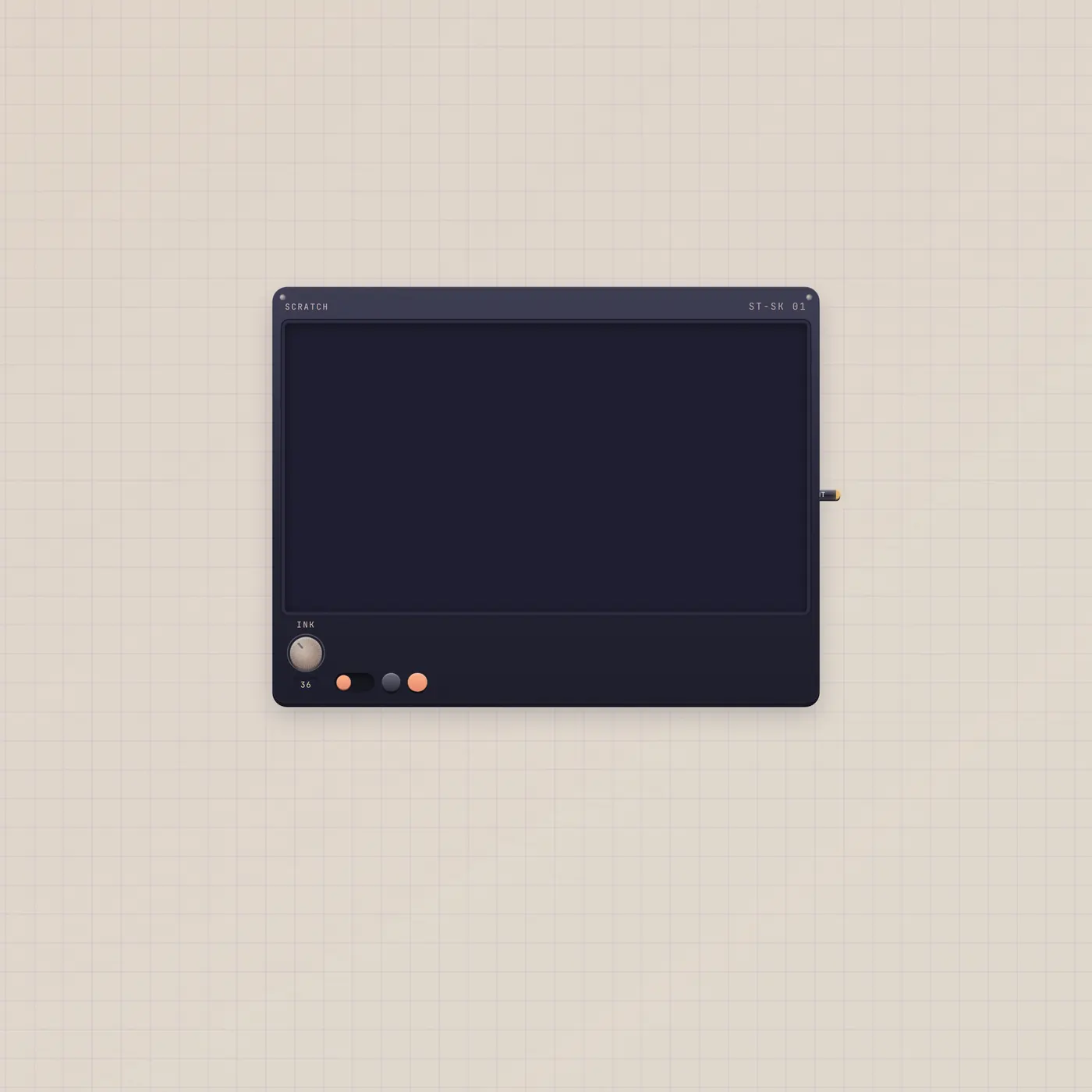
ScratchPad is a visual whiteboard. Ink, erase, keep snapshots. Image out (Print) publishes the live pad for Printer, StickerPrinter, or Pal.
Patch with

What it is
A drawing platen, not a text page. Strokes persist. Snapshots stay so Pal can look at an older take. Reuse a slug only when you mean two pads to share ink. Image out (Print) is the live pad as a still. There is no text jack and no ai jack. Pal sees the drawing through Pal.image (Still), not through copy.
How to use it
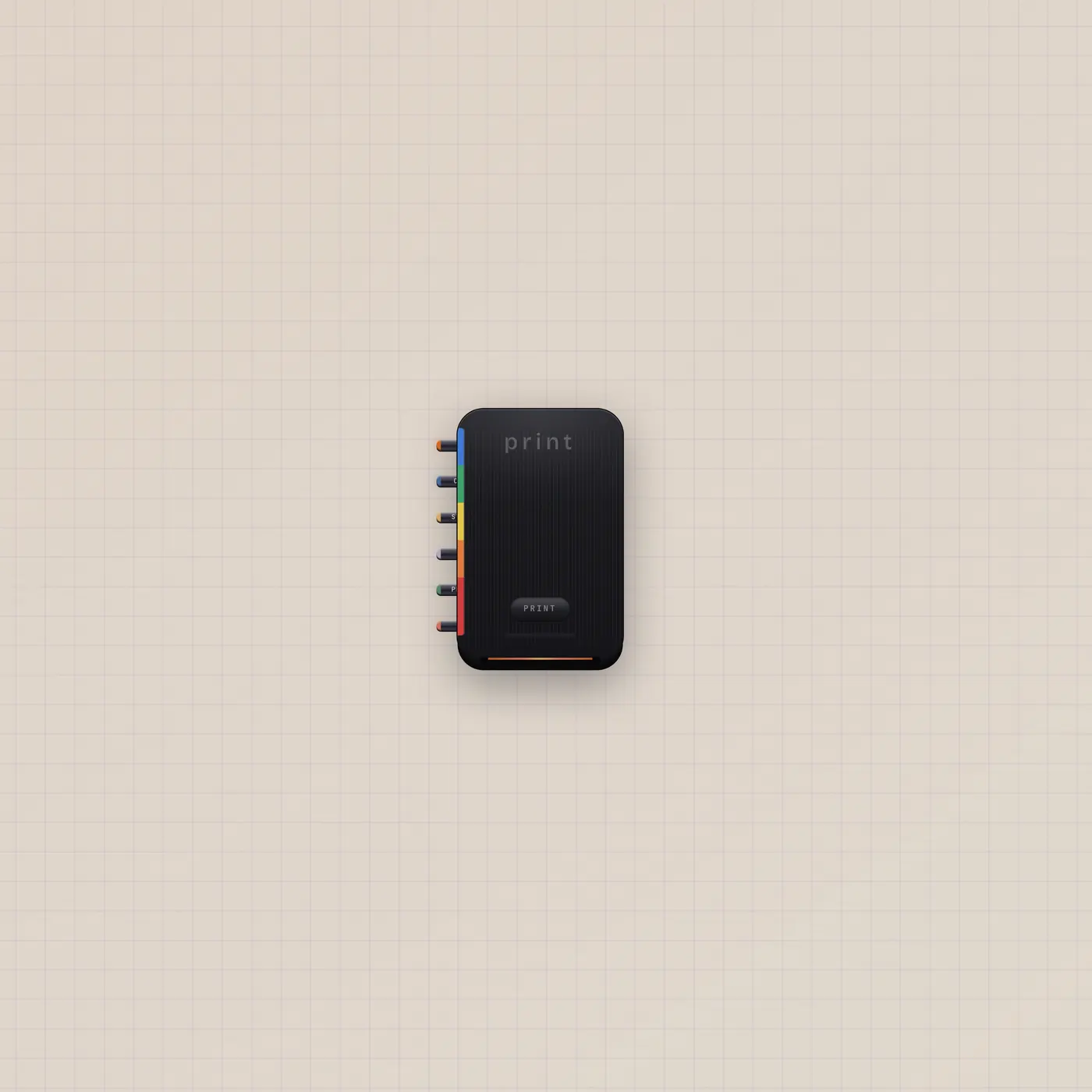
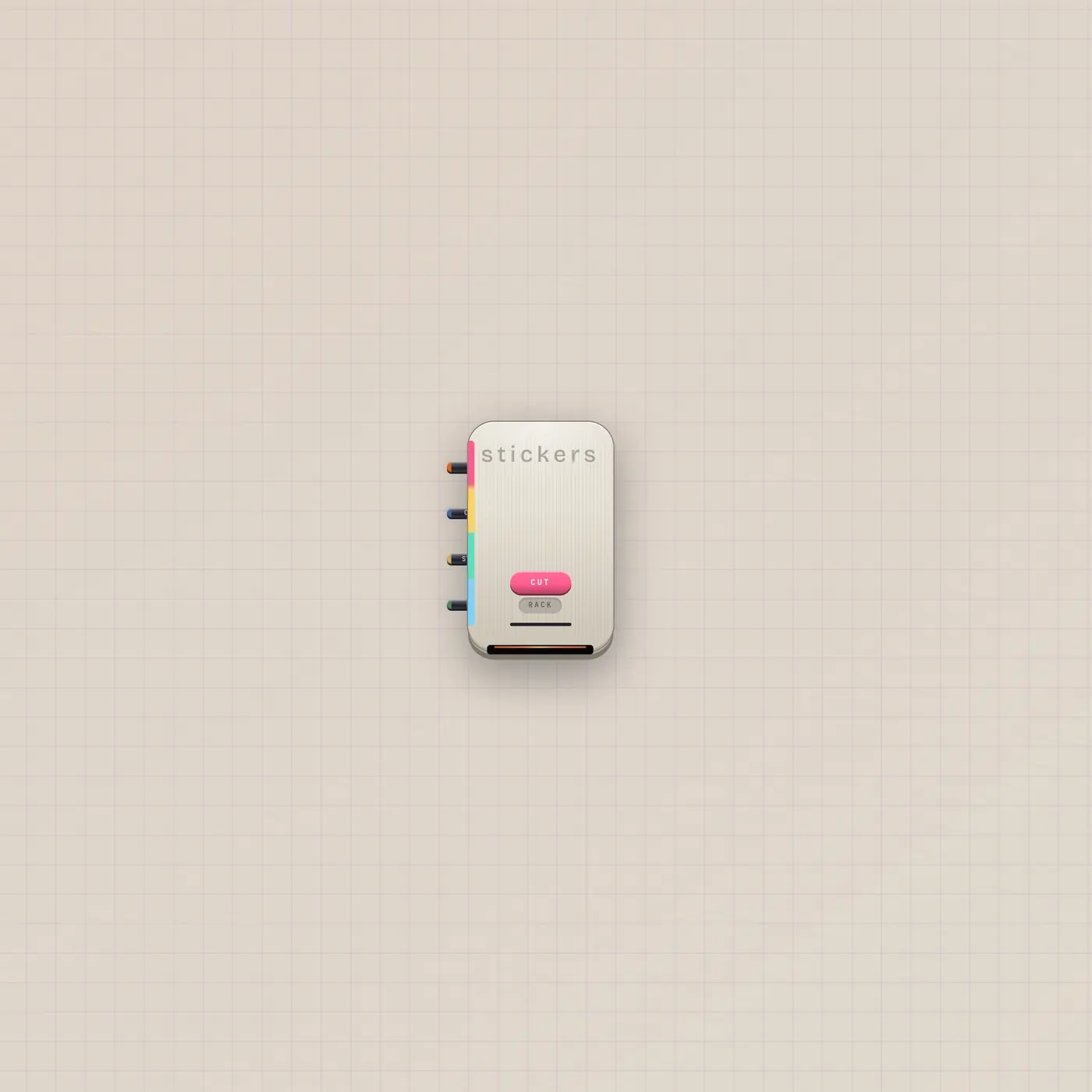
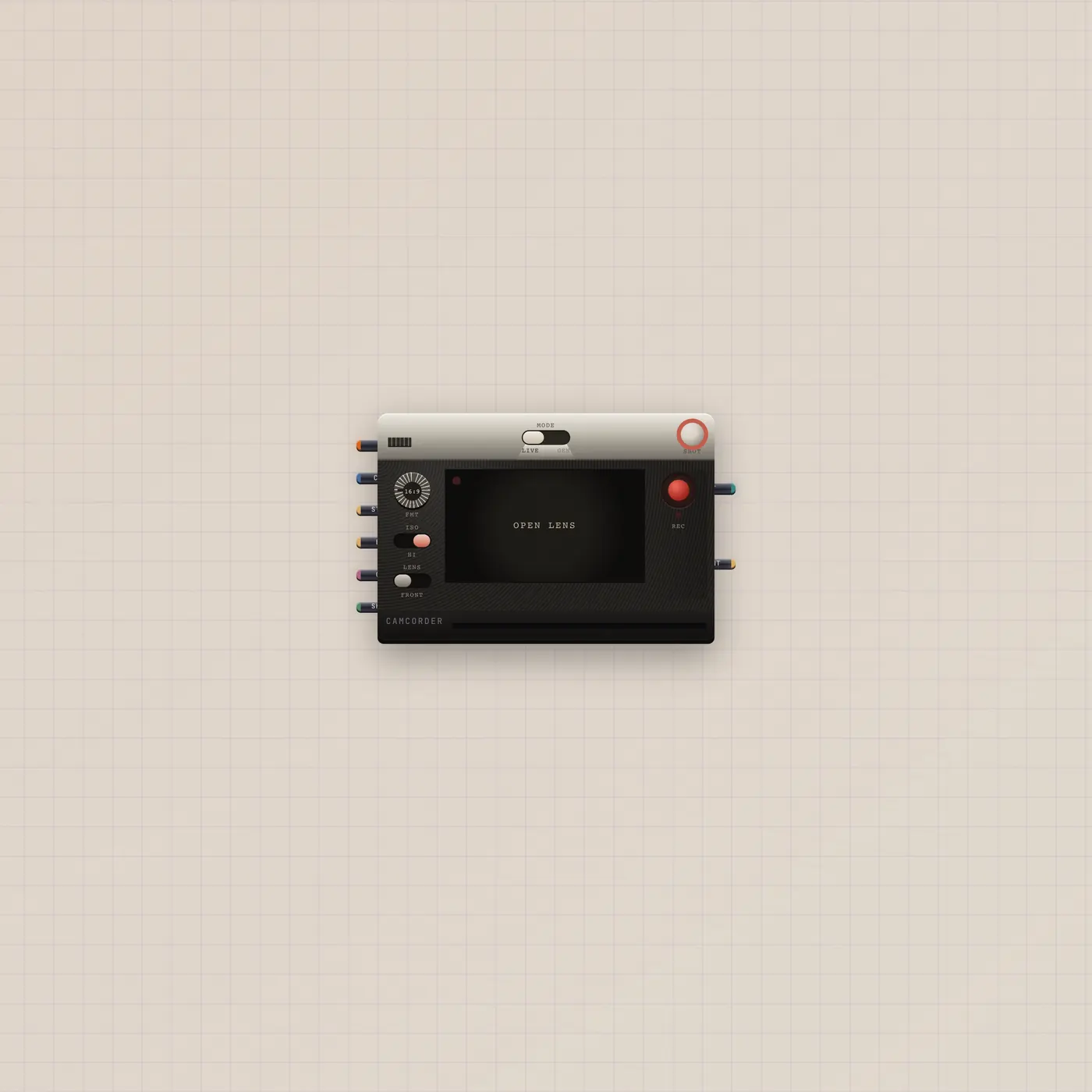
Drop Scratch. Draw. Flip to erase. Hold a snapshot when the sketch matters. Patch ScratchPad.image into Printer.image to polaroid the pad, into StickerPrinter.image to cut it, or into Pal.image so the handheld can talk about the ink. Camcorder.image or CuttingRoom.image will take the same still.
What to patch next
ScratchPad.image → Printer.image prints the pad. The same Print out into StickerPrinter.image cuts a die-cut. Pal.image in is how Pal looks at the sketch. Park a TapeDoc beside it for words — do not look for a text jack on Scratch.
The devices
Ports
| Jack | Dir | Kind | Label |
|---|---|---|---|
| image | out | image |
Questions
- Can I patch this into a TapeDoc?
- No. ScratchPad has image out, not text. The Doc wants a text cable. Pal can look at the pad on Pal.image and write the Doc on Pal.text.
- Do two pads titled Scratch share strokes?
- No. Ink keys to the widget unless you set the same slug on purpose.
- What does Print actually send?
- A still of the live pad. Printer, StickerPrinter, Pal, Camcorder, and CuttingRoom all take image.