Copy is style. The bite is the cut.
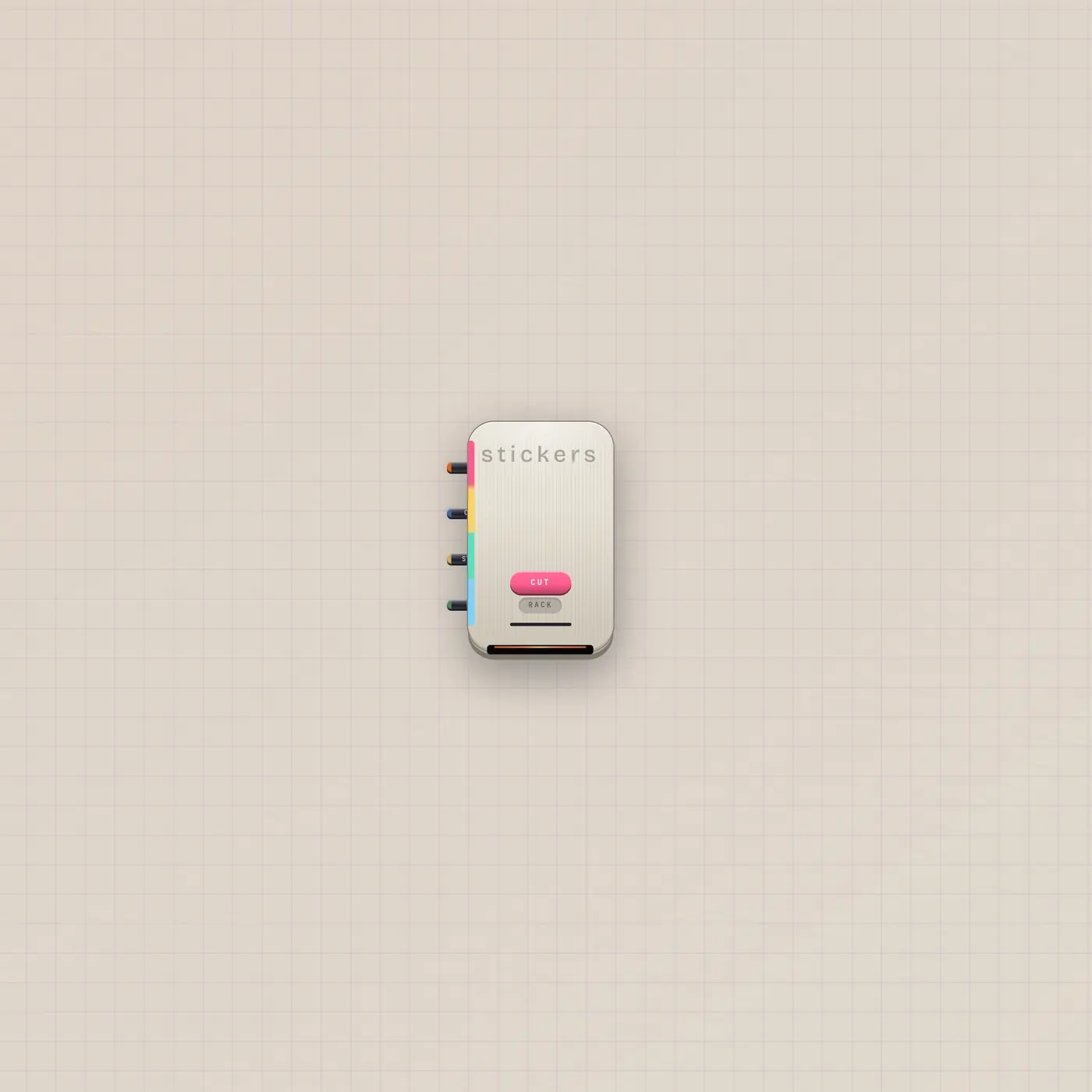
StickerPrinter is a die-cut press. Patch a still to cut that subject. Copy in is style only. Pal.ai runs cutSticker. Gate in is Cut.

What it is
A die-cut sticker press. AI in lets Pal cutSticker. Text in (Copy, fan-in) is style only — it does not become the subject if a still is patched. Image in (Still, fan-in) is the subject. Gate in (Cut) punches the bite. CUT illustrates a patched photo, then vectorizes that illustration. Copy alone still cuts a text-to-vector sticker. The rack button opens the sticker tray. There is no image out — the cut peels onto the floor.
How to use it
Patch Pal.ai into StickerPrinter.ai and ask for a cut — that is Cut a Sticker. Or patch Image.image into StickerPrinter.image and hit Cut to bite that polaroid. A Button on Cut is a remote punch. Do not expect the copy jack to rewrite a face that is already on Still.
What to patch next
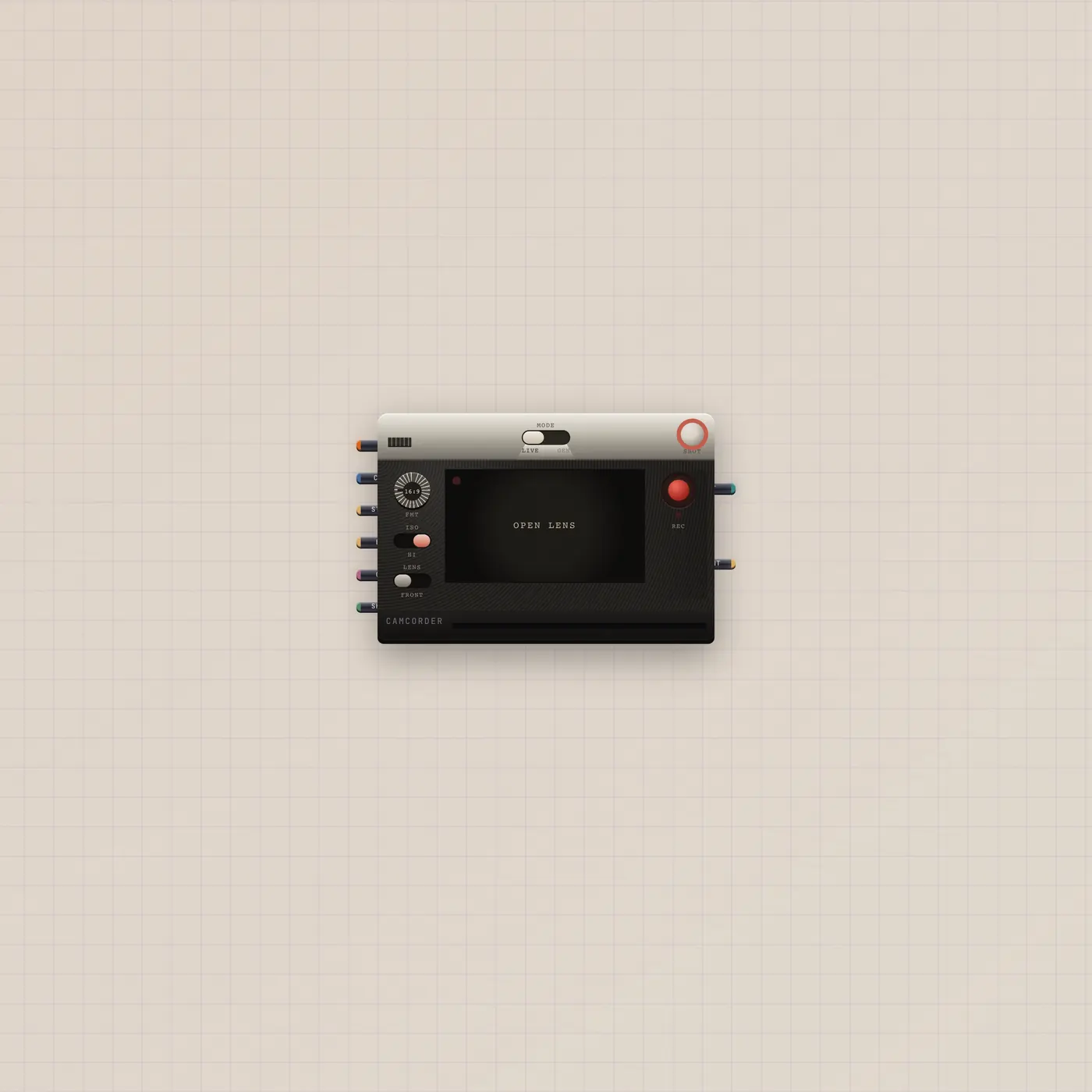
Pal.ai → StickerPrinter.ai is the prompt cut. Image.image → StickerPrinter.image cuts a print you already have. Printer first if you want a polaroid, then that Image into Still. Camcorder.image if the subject is a frame.
Ports
| Jack | Dir | Kind | Label |
|---|---|---|---|
| ai | in | ai | AI |
| text | in | text | Copy |
| image | in | image | Still |
| gate | in | gate | Cut |
Questions
- Why did it ignore my caption?
- A still is in. Copy is style only. Unpatch Still if you want a text-to-vector cut.
- Does a cut use quota?
- Yes. Sticker cuts use the workspace AI budget.
- Can I patch the sticker into a CRT?
- No image out. The cut is a floor sticker. Keep the source Image if you still need a still cable.