Hold Rec. Talk. The card types.
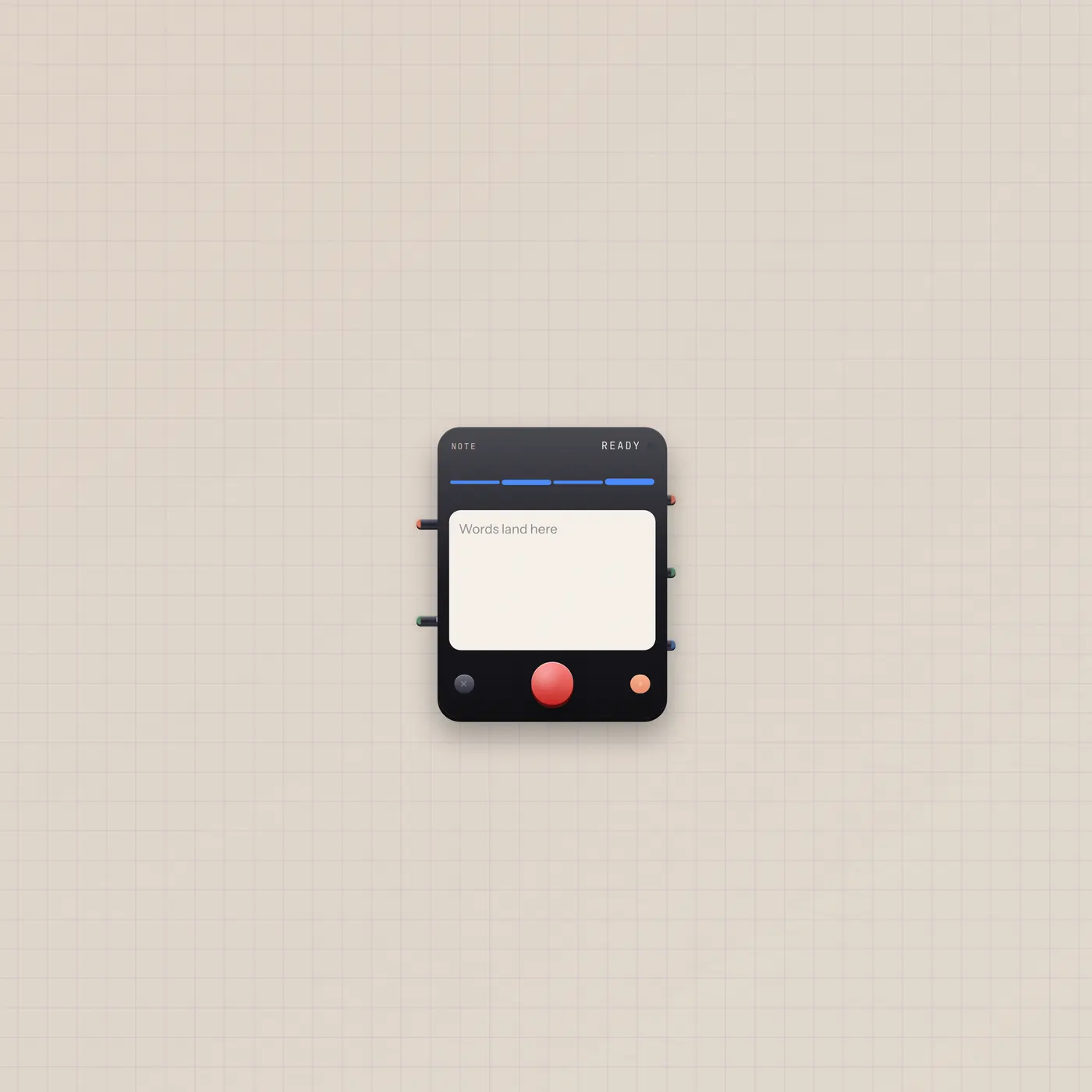
Typewriter is a handheld note recorder, labeled Note on the desk. Built-in mic unless you patch audio in. Rec gate starts and stops. Text out is the transcript for TapeDoc, Speak, or Marquee.

What it is
A note recorder that types onto its paper card. With no audio cable it opens the room mic. Audio in (fan-in) locks it to Mic, Sampler, Keys, or Deck instead. Rec gate in starts and stops the take — same as the Rec key. Live gate out is high while rolling. Audio out is a silent thru of the input, not a monitor. Text out (Copy) is the transcript.
How to use it
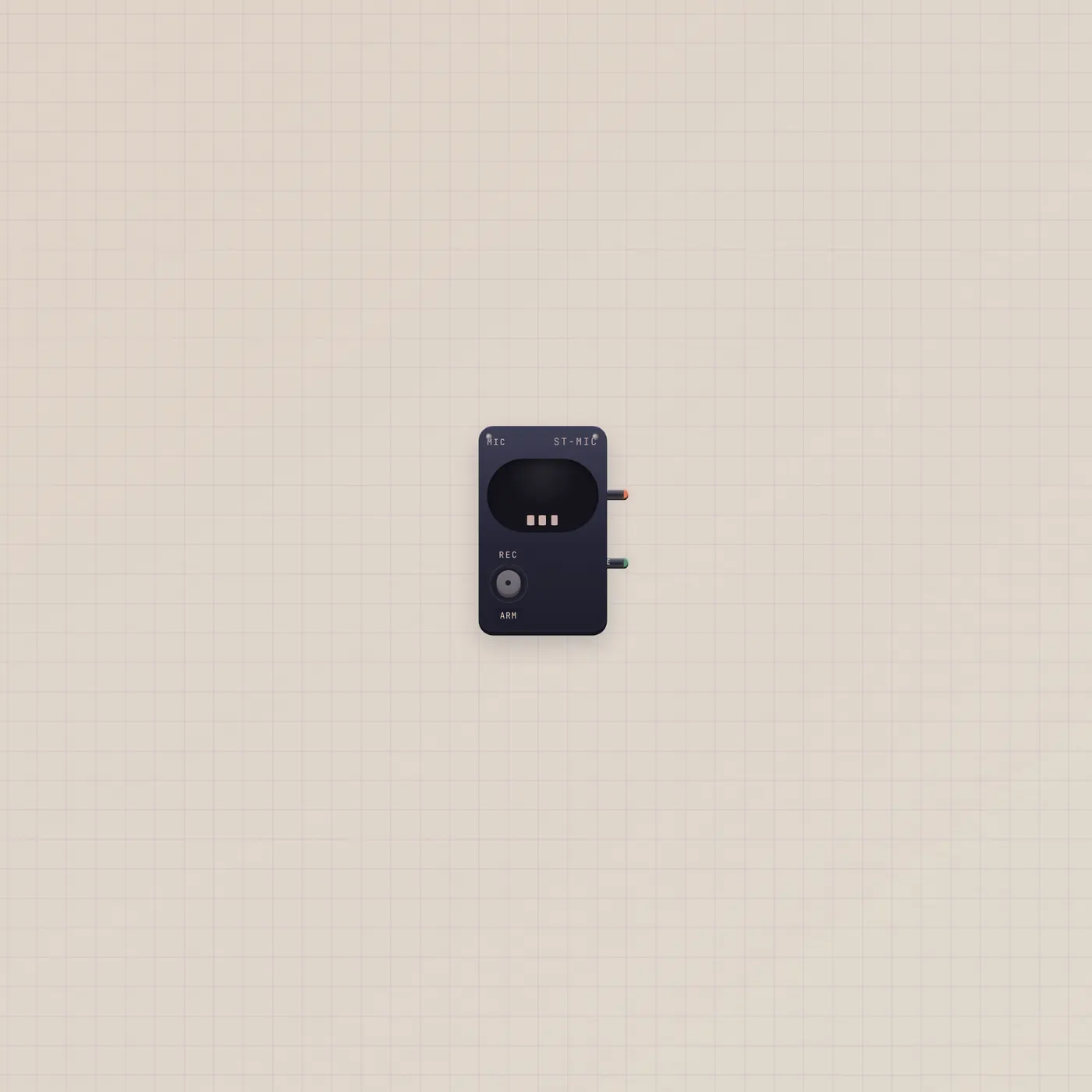
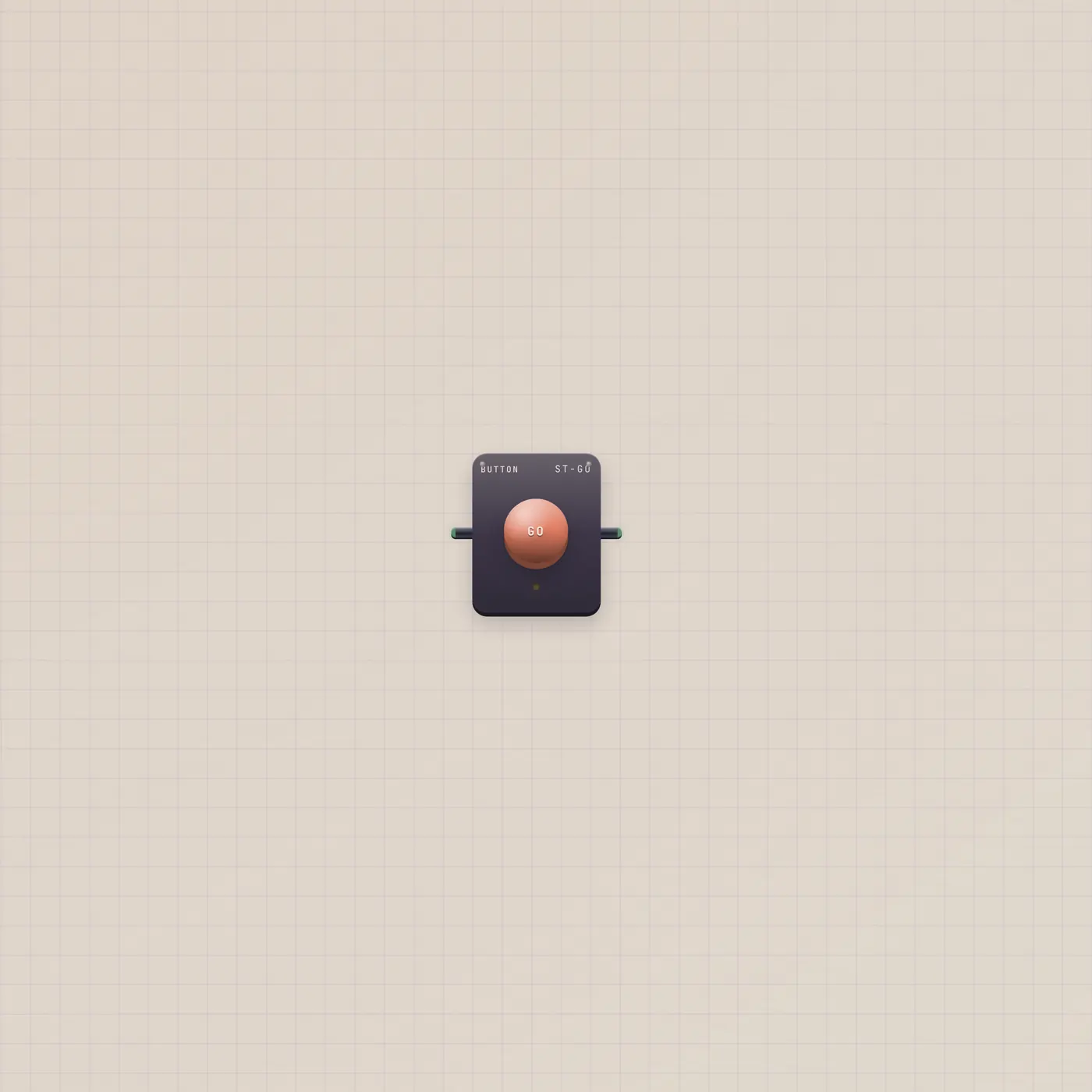
Drop Note. Press Rec and talk, or patch Button.gate into Typewriter.gate for a plunger. Patch Mic.audio into Typewriter.audio when you want this capsule, not the room. When the card has a line, patch Typewriter.text into TapeDoc.text, Speak.copy, Marquee.text, or Pal.text.
What to patch next
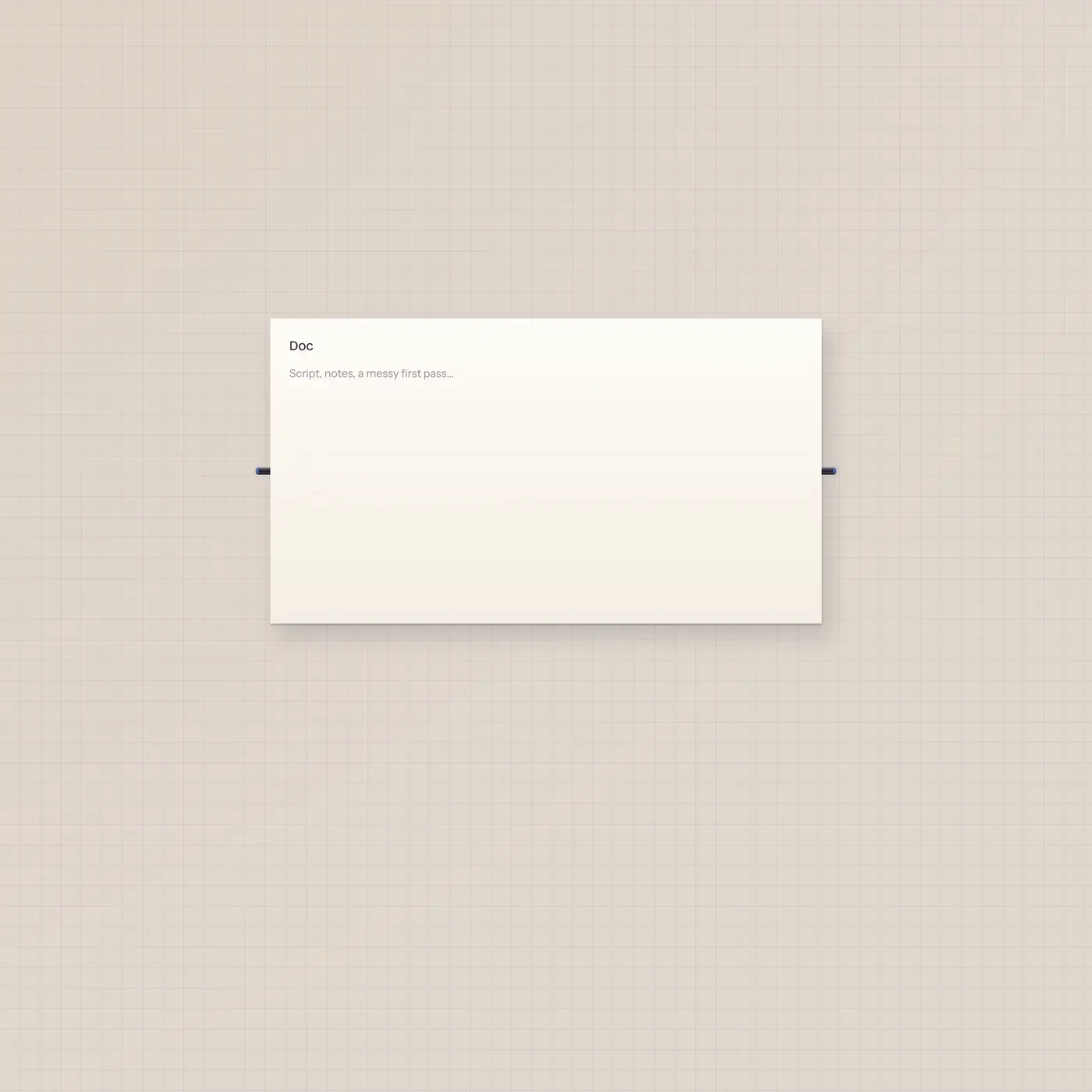
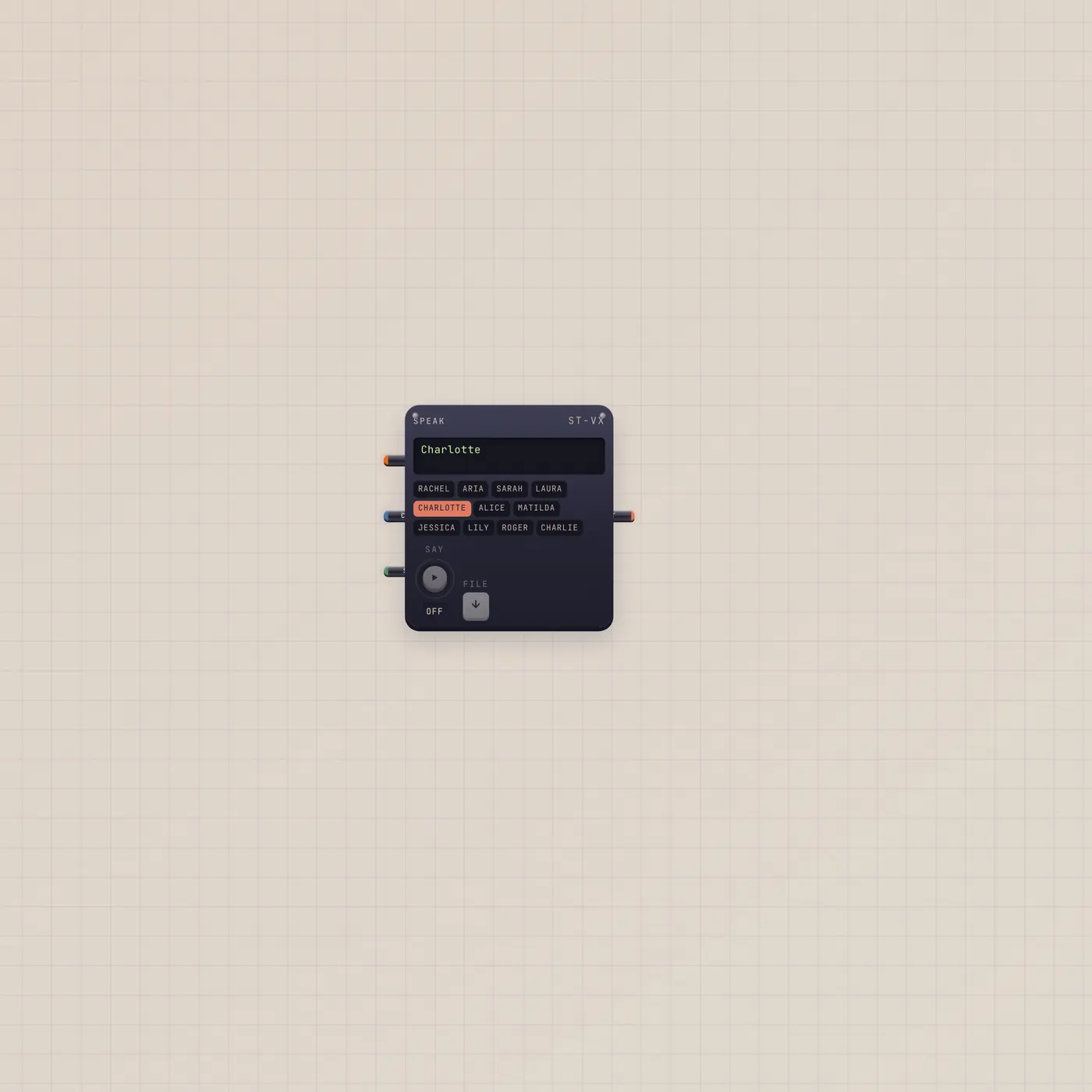
Mic.audio → Typewriter.audio is a dedicated capsule. Typewriter.text → TapeDoc.text dumps the transcript on the page. The same Copy out into Speak.copy reads it back. A Button on Rec gate is hands-free start and stop.
Ports
| Jack | Dir | Kind | Label |
|---|---|---|---|
| audio | in | audio | In |
| gate | in | gate | Rec |
| audio | out | audio | Thru |
| gate | out | gate | Live |
| text | out | text | Copy |
Questions
- Why don't I hear myself?
- Thru is silent on purpose. The card is the output. Patch text into Speak if you want the words read.
- Does it need a Mic widget?
- No. Rec uses the room mic until you patch audio in. Patch Mic.audio when you want this capsule only.
- Can Pal drive Rec?
- Pal has no cable into Rec. Use the Rec key, or Button.gate → Typewriter.gate. Pal can read the transcript if you patch Typewriter.text into Pal.text.