One number. Turn it, or follow a cable.
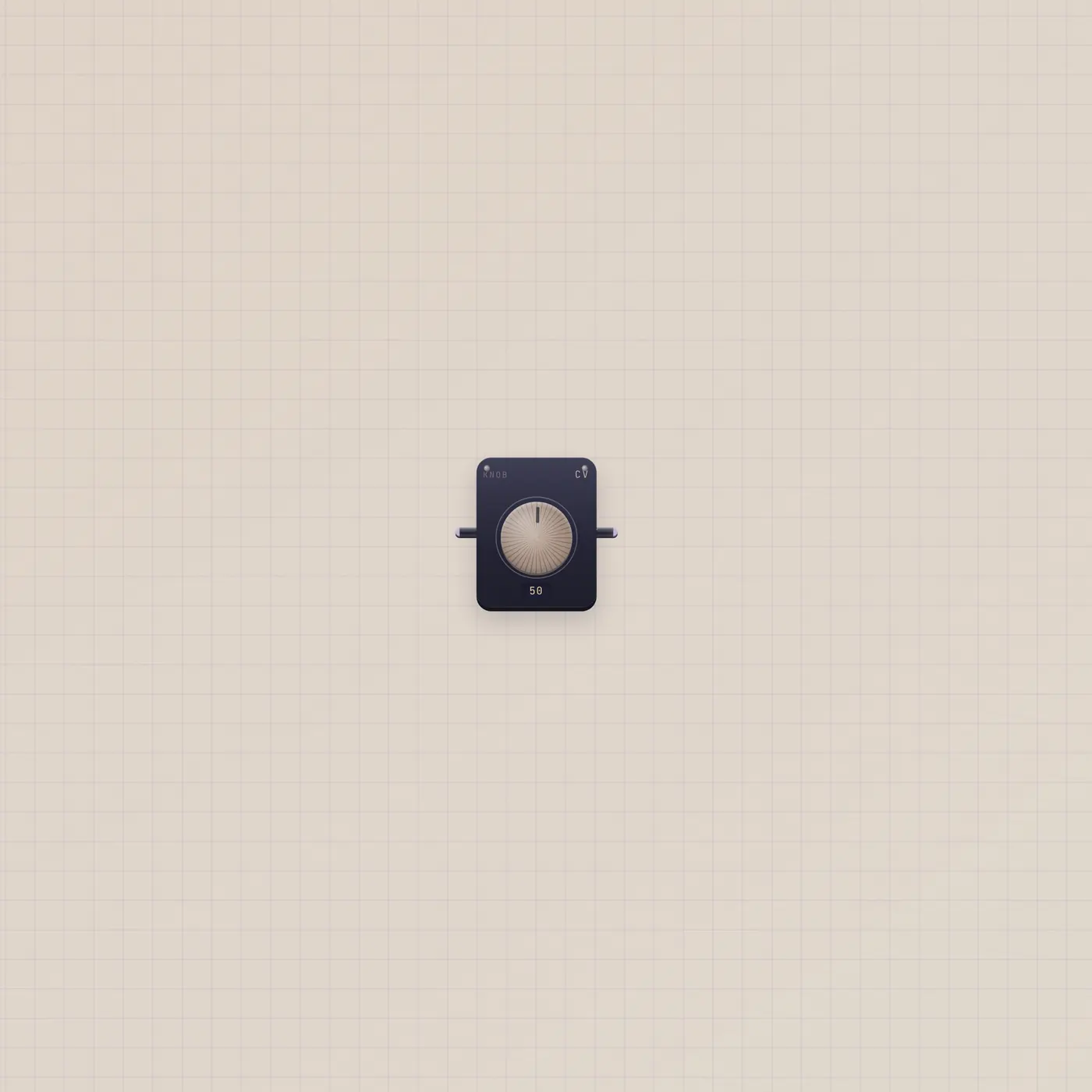
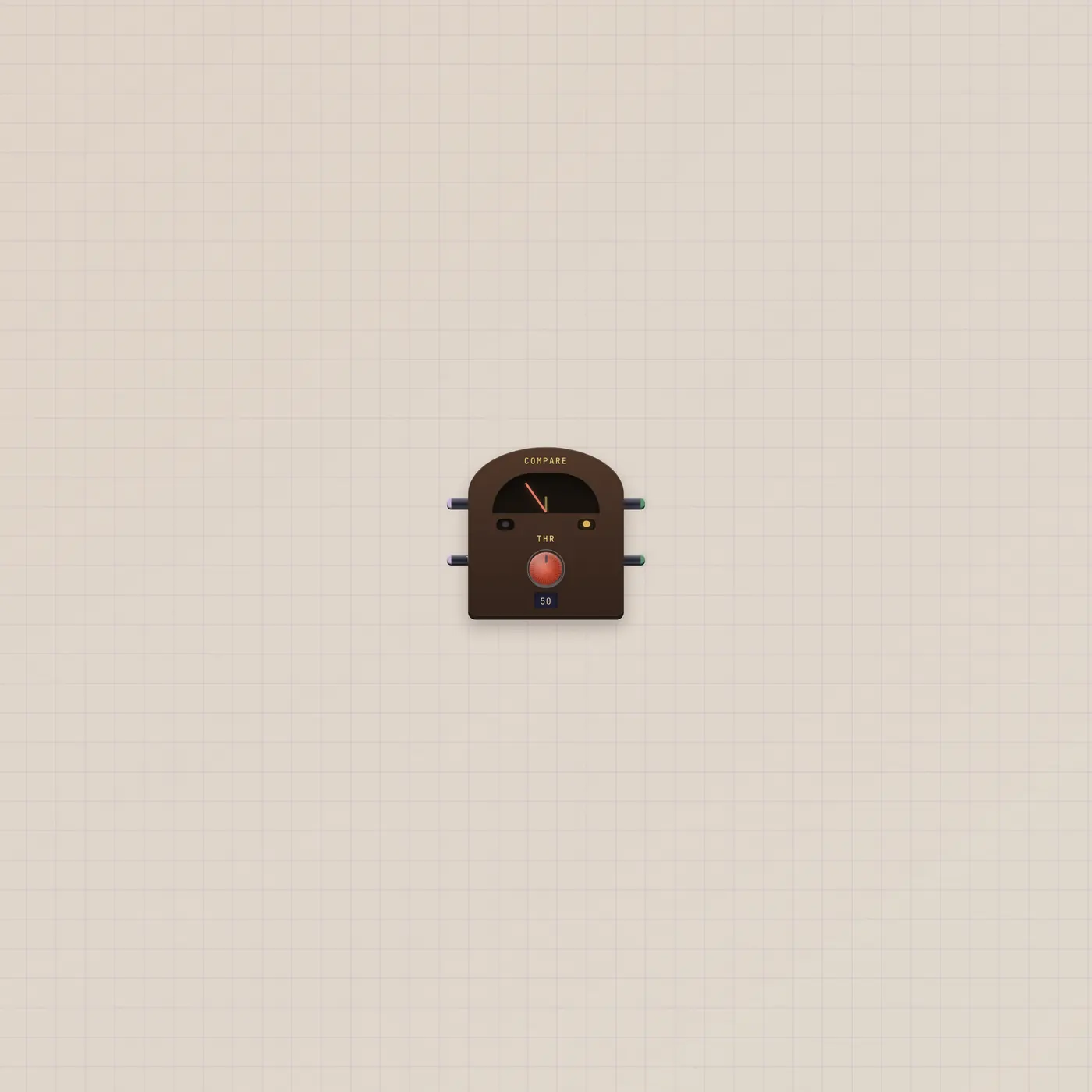
The Subtape Knob is one CV number, 0–99. Value out drives tempo, mix, pitch, or Calc. Value in follows a patched number and republishes it.
What it is
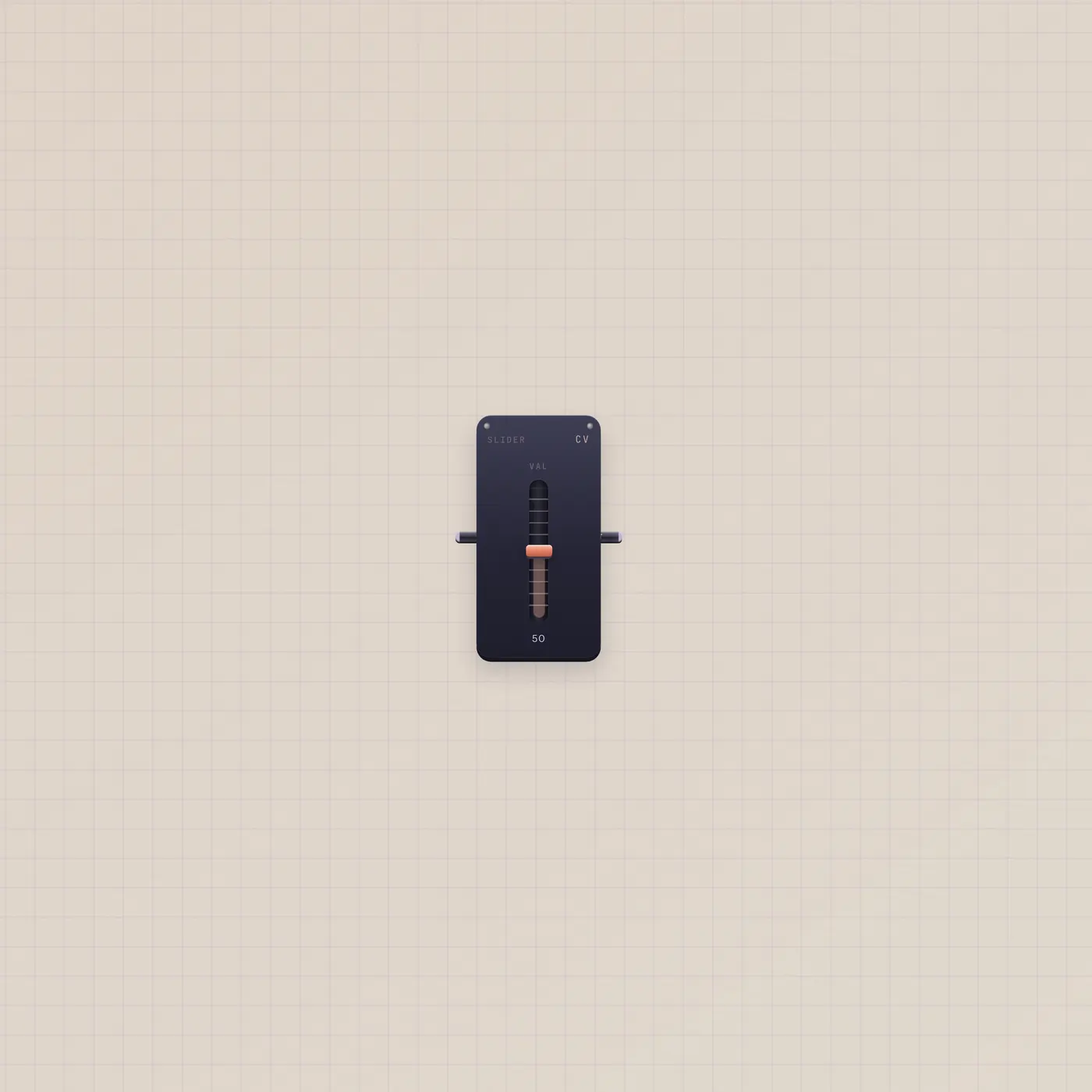
A single CV knob. Value out is 0–99. Value in follows a patched number (Slider, Calc, Dice.value, Keys.pitch, Counter) and republishes it — the stamp reads LIVE and the pointer stops taking your hand. Wider spans add an LCD. It is a rotary, not a fader; Slider is the same range on a throw.
How to use it
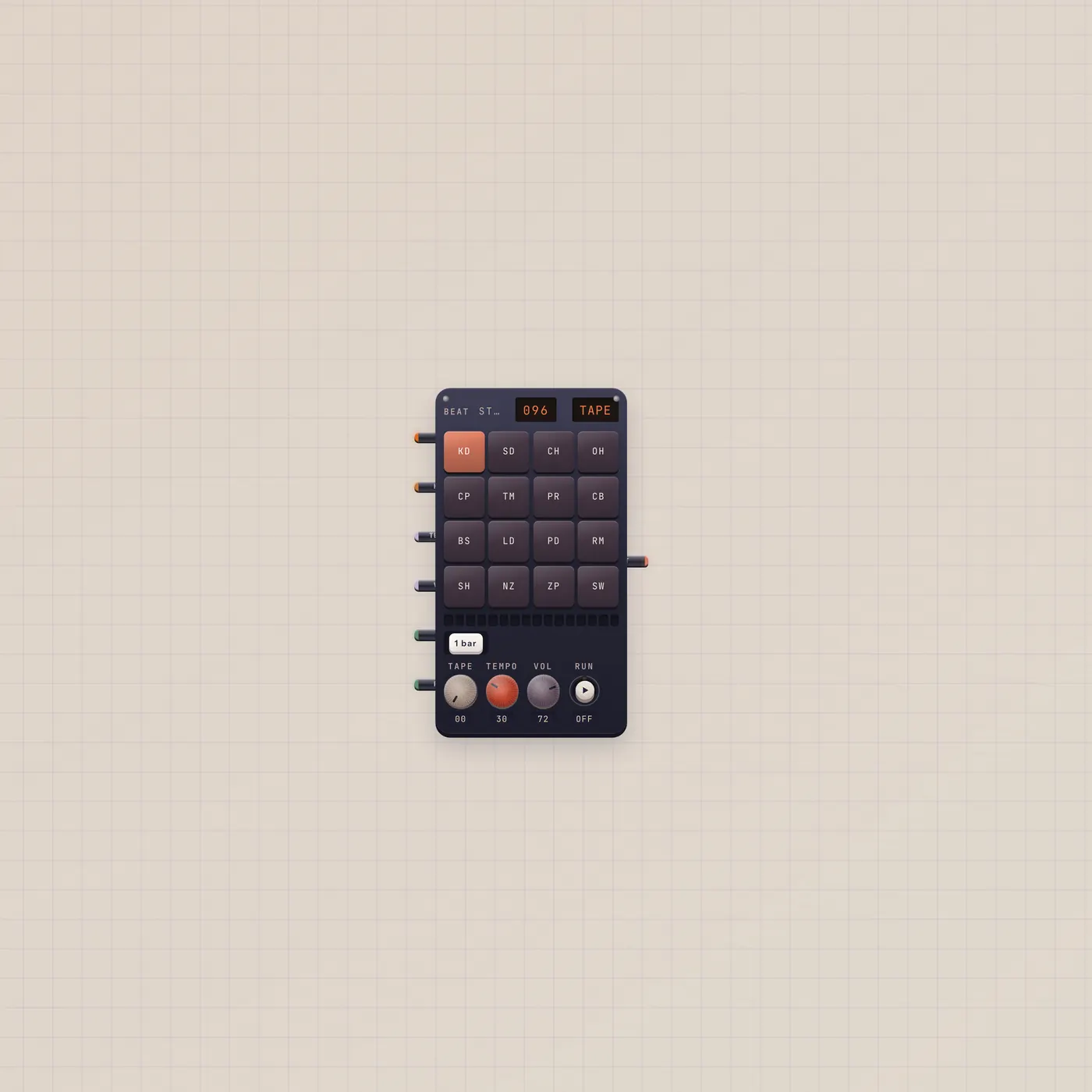
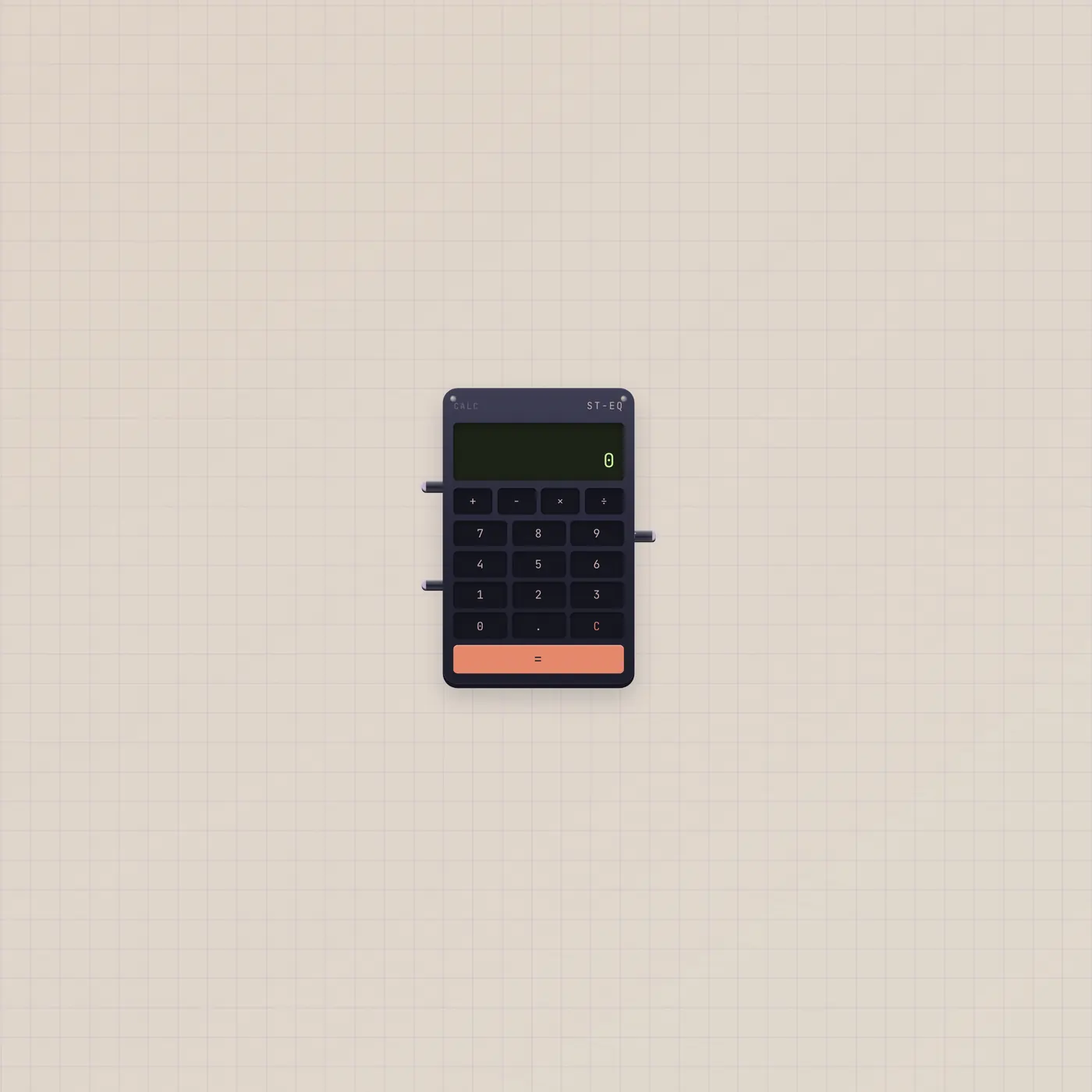
Drop a Knob and turn it. Patch value out into BeatPad.tempo or volume, Keys.vol, Effect.mix, Metronome.tempo, Compare.a, Calc.a, or Hold.cv. When a cable lands on value in, watch the needle follow. Unpatch to turn it again.
What to patch next
Knob.value → BeatPad.tempo is a tempo pot. Knob.value → Compare.a with a threshold makes a gate when you cross the line. A Slider into Knob.value lets a fader drive the same number. Dice.value into the Knob republishes a roll as a dial.
Ports
| Jack | Dir | Kind | Label |
|---|---|---|---|
| value | in | cv | In |
| value | out | cv | Out |
Questions
- Knob or Slider?
- Same CV, 0–99. Knob is rotary. Slider is a fader. Pick the throw you want to grab.
- Why won't it turn?
- Value in is patched. The stamp reads LIVE. Unpatch that jack.
- What range does it send?
- 0–99. That is the desk CV scale — tempo, mix, and Compare all read it that way.