Above the line, or below it.
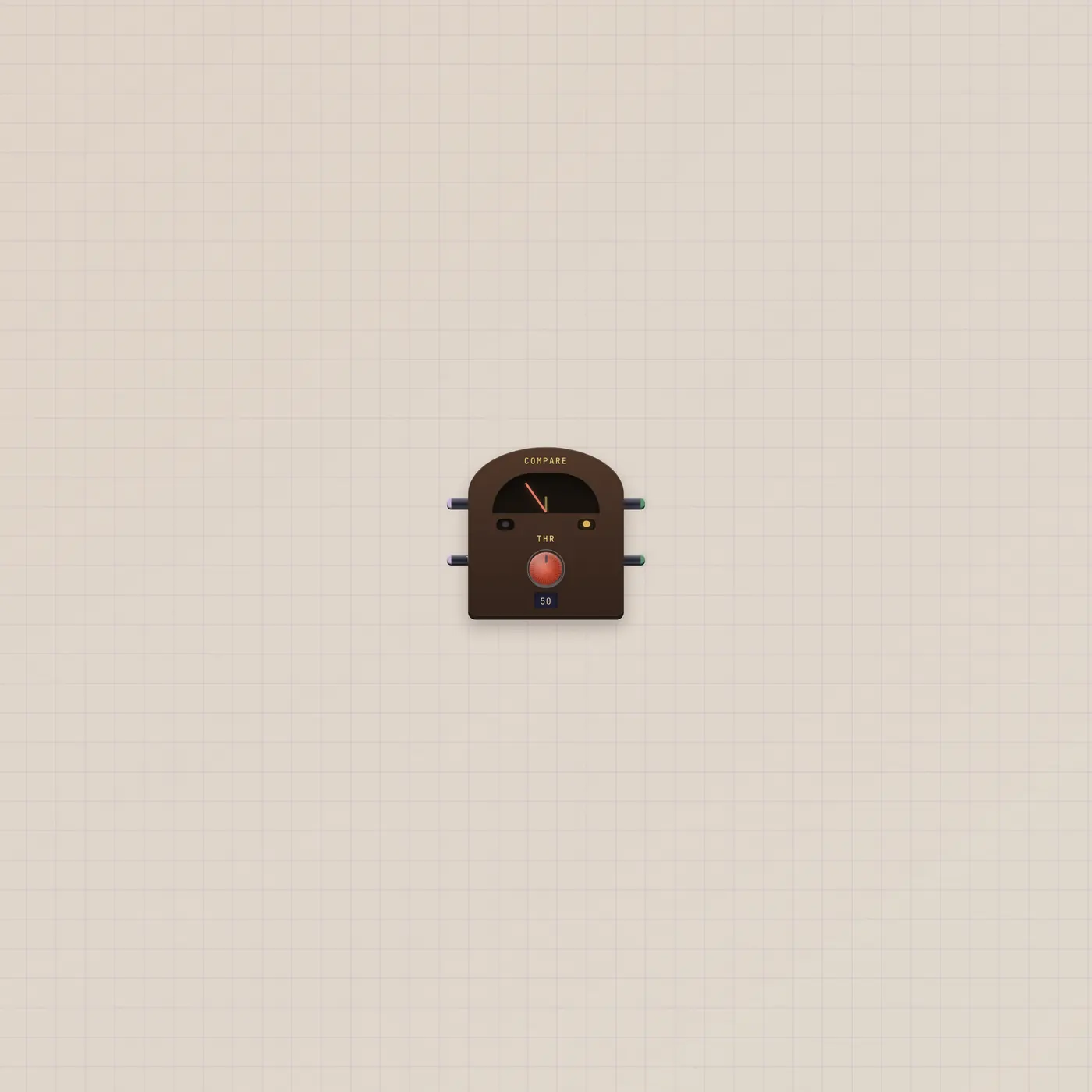
Compare reads a CV against a threshold. Hi fires when the value is over the line. Lo fires when it is under. Both can sit dark in the middle.
What it is
A needle and a line. A in is the CV under test. Thr in overrides the threshold knob (default 50). Hi is a gate that goes high when A is above the line. Lo goes high when A is below. Equal sits in neither. The widest span adds a Hyst knob — a dead band around the line so the lamps do not chatter. Green is Hi. Amber is Lo.
How to use it
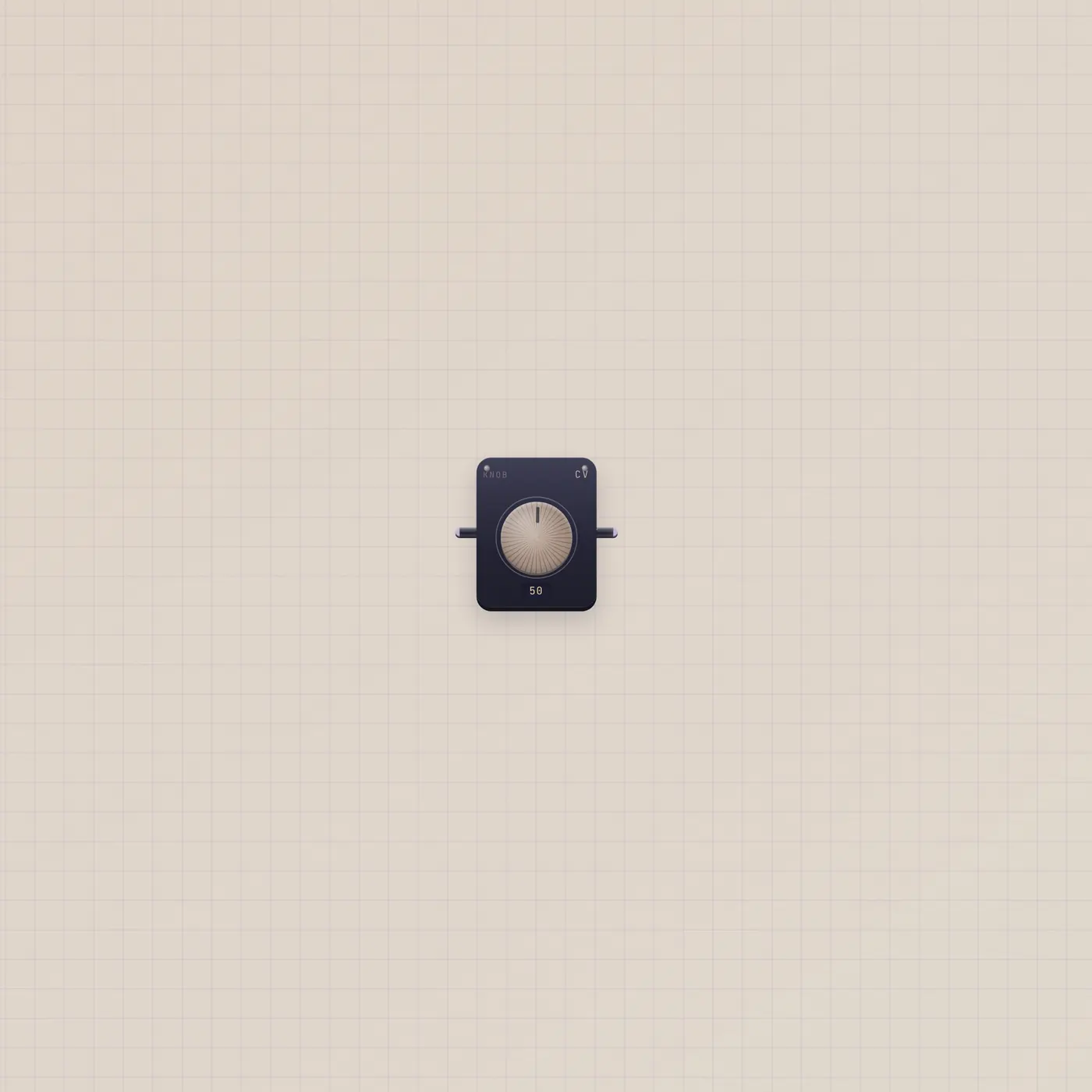
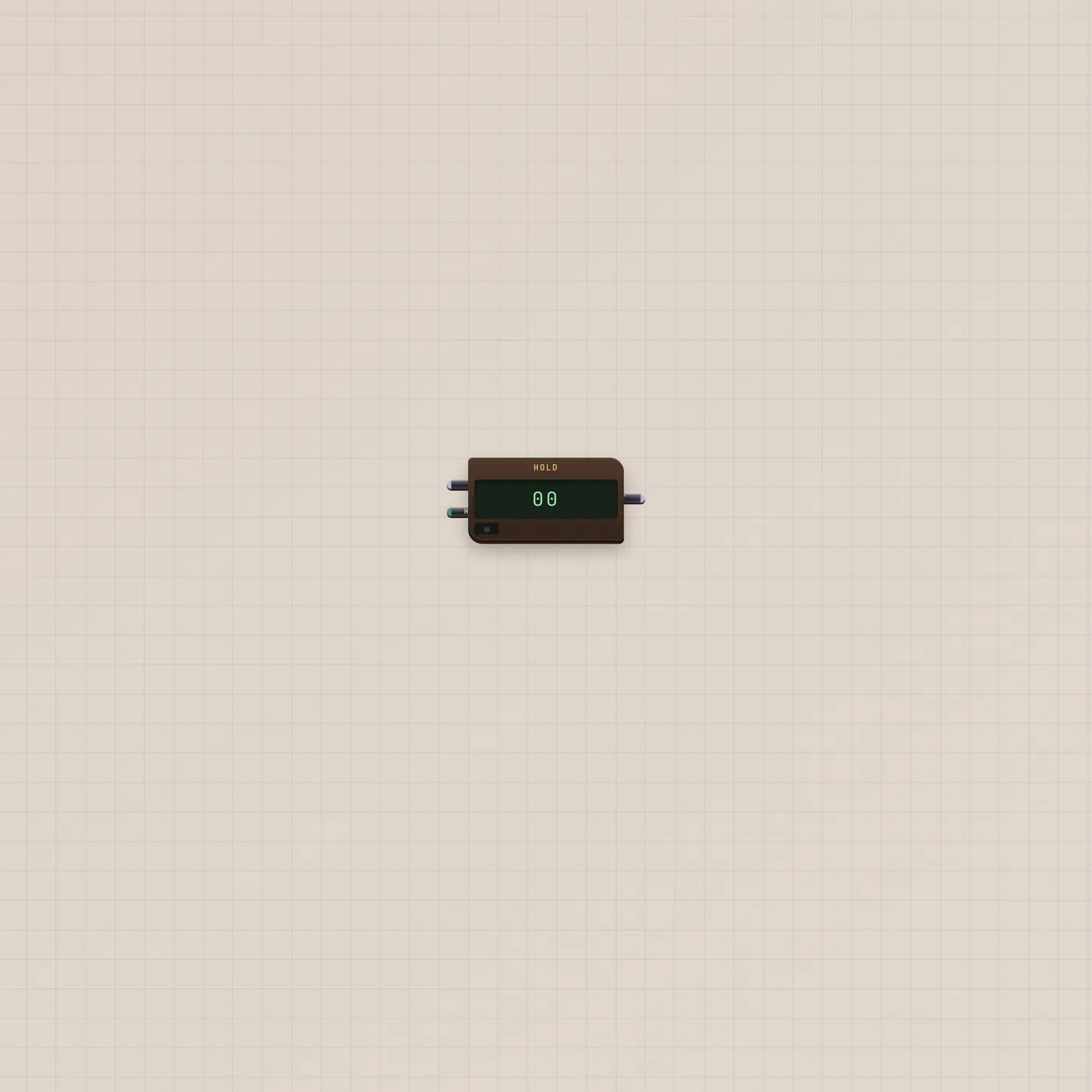
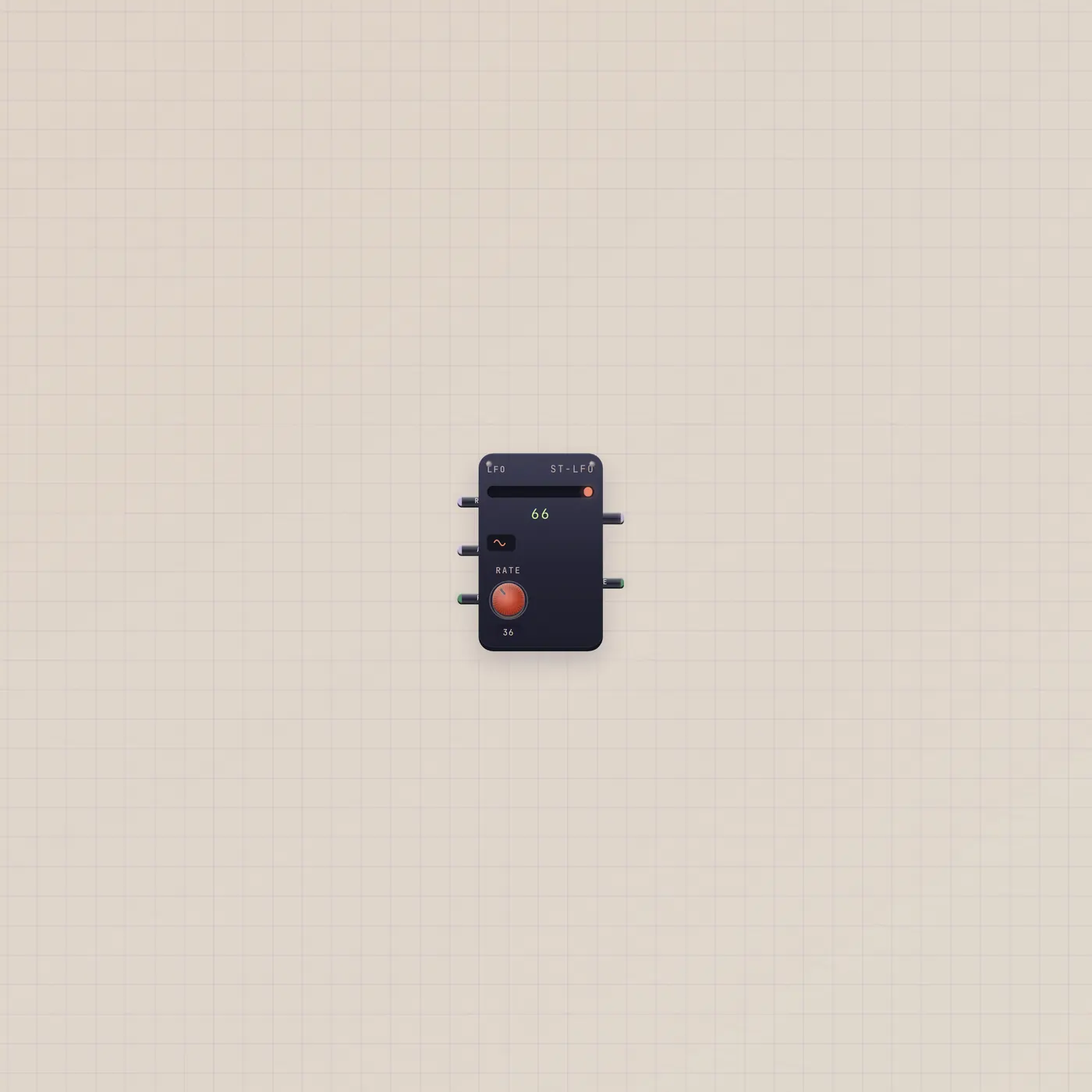
Patch a moving CV into Compare.a — Knob, Lfo.value, Counter.value, or Hold.cv. Set Thr on the face, or ride it with a second Knob on Compare.thresh. Hi and Lo are gates, so they can arm a Latch, pick a Router, or fire a Button. Widen the device if you want hysteresis.
What to patch next
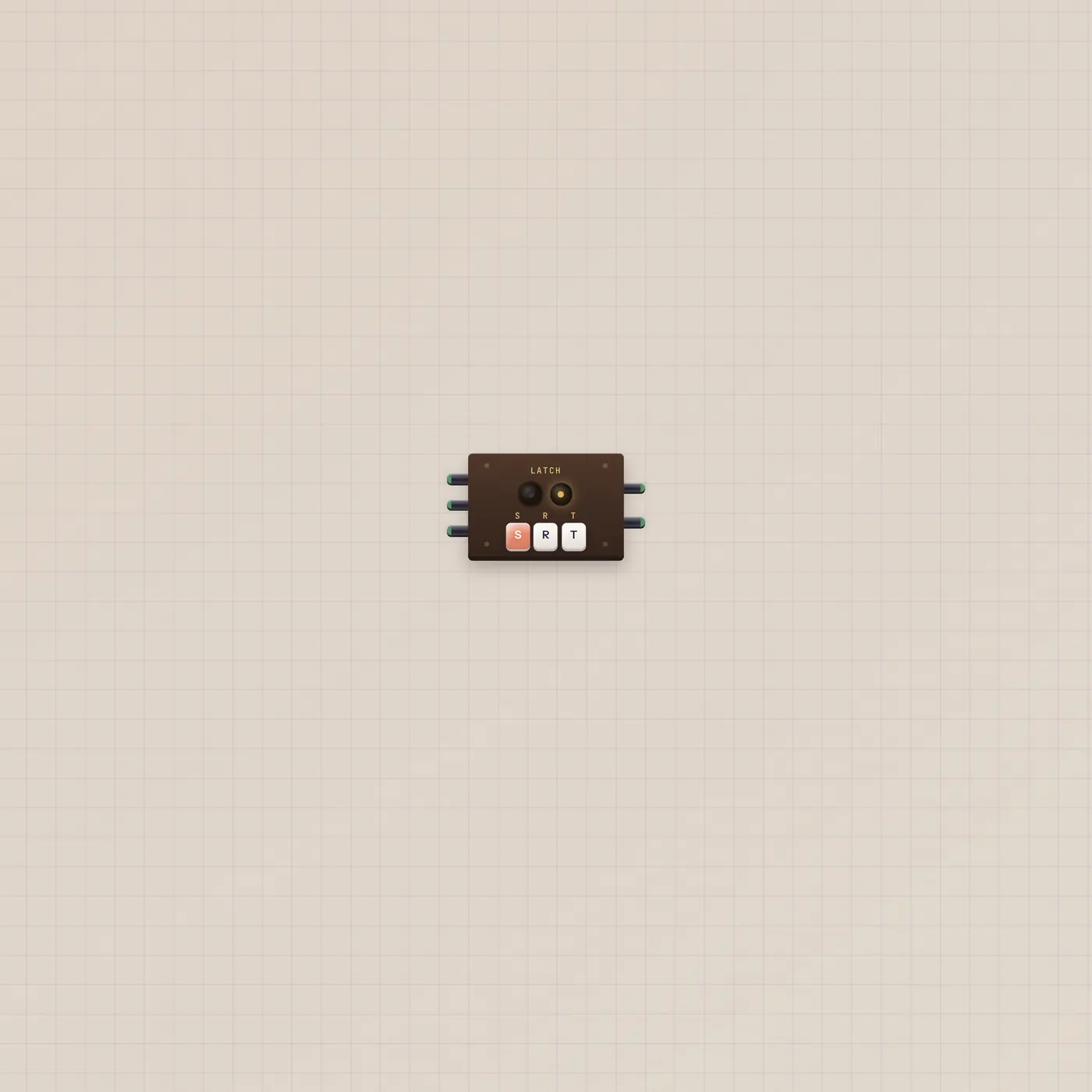
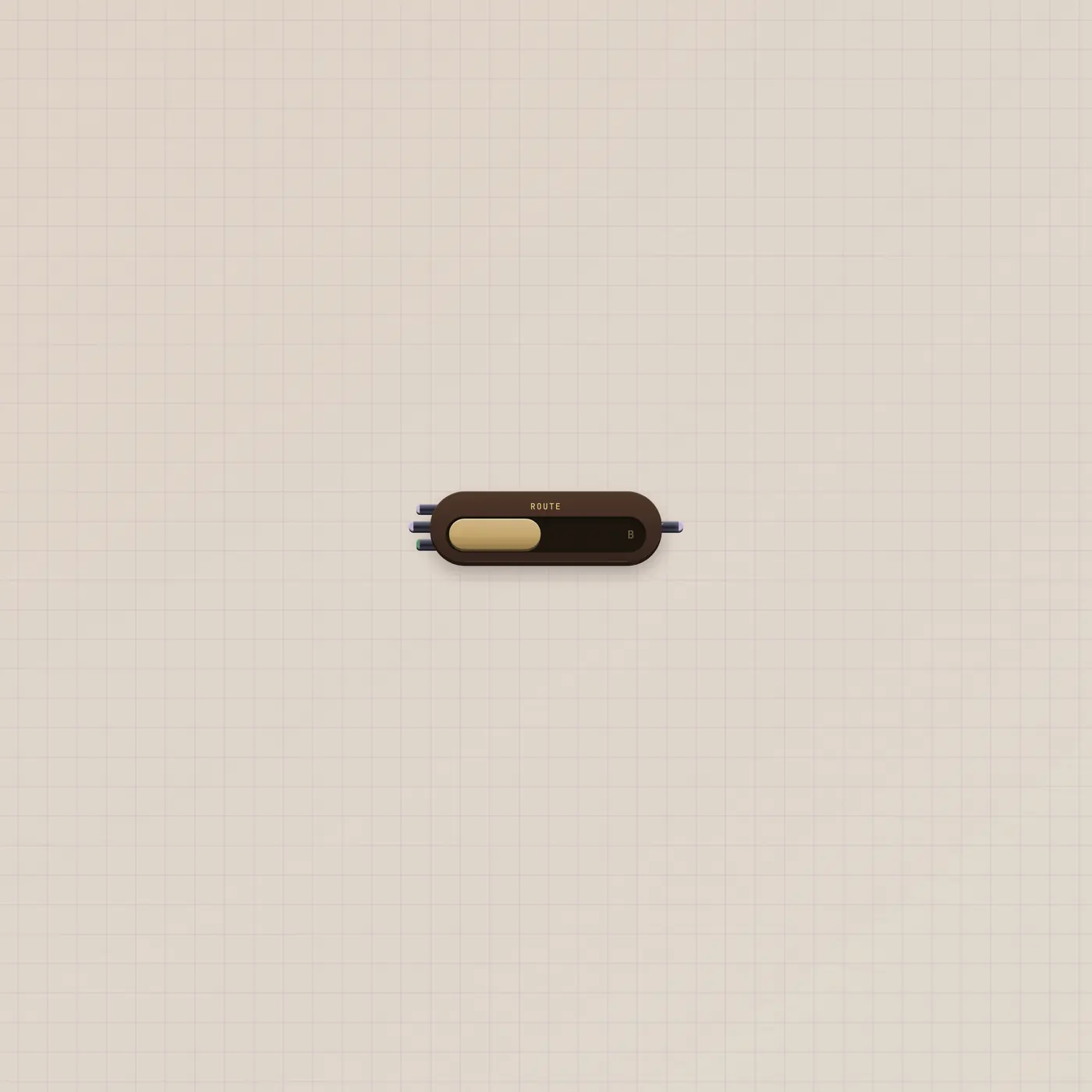
Lfo.value → Compare.a is a clock you can see as Hi/Lo. Compare.above → Latch.set and Compare.below → Latch.reset holds the last side. Compare.above → Router.sel flips A/B when the value crosses the line. A Knob on Thr is the line you can grab.
Ports
| Jack | Dir | Kind | Label |
|---|---|---|---|
| a | in | cv | A |
| thresh | in | cv | Thr |
| above | out | gate | Hi |
| below | out | gate | Lo |
Questions
- Can both lamps be off?
- Yes. When A equals the line, or sits inside the hysteresis band, Hi and Lo are both low.
- Can both lamps be on?
- No. A cannot be above and below the same line.
- What is Hyst?
- A dead band around Thr. It only appears on the widest span. Use it when a wiggly CV would flicker the gates.