Two numbers in. One number out.
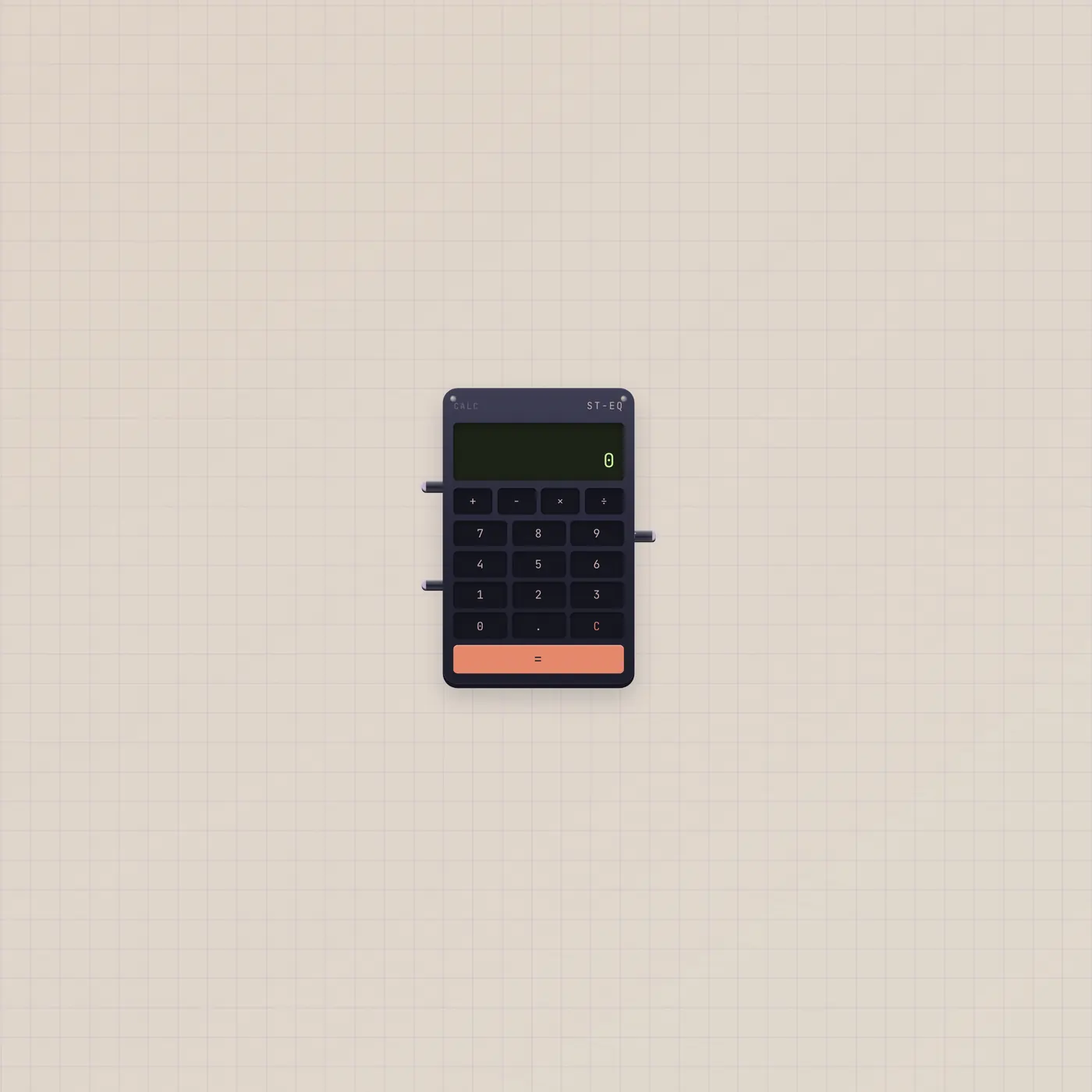
Calc is a pocket adder on the Subtape desk. Type on the pad or patch two CVs. Add, subtract, multiply, or divide — Out is the result as CV.
What it is
A four-banger with an LCD. A in and B in take CV. Out publishes the live result as CV — not audio, not a gate. The face ops are +, −, ×, ÷. Divide by zero writes 0. A cable on A or B locks that operand; the pad still types the free side. Wider spans add ±, %, M+, and MR. The widest adds √ and 1/x on the extra row.
How to use it
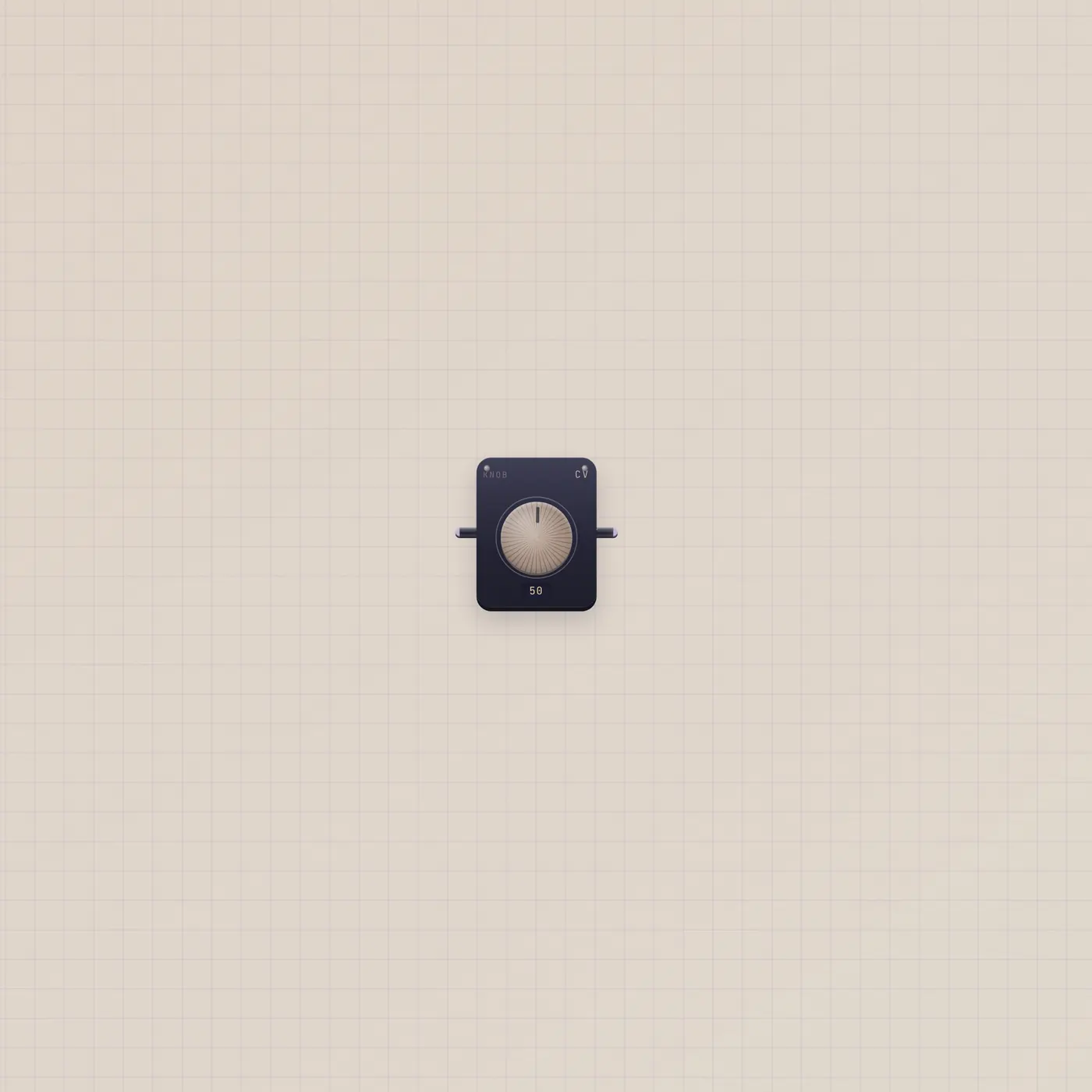
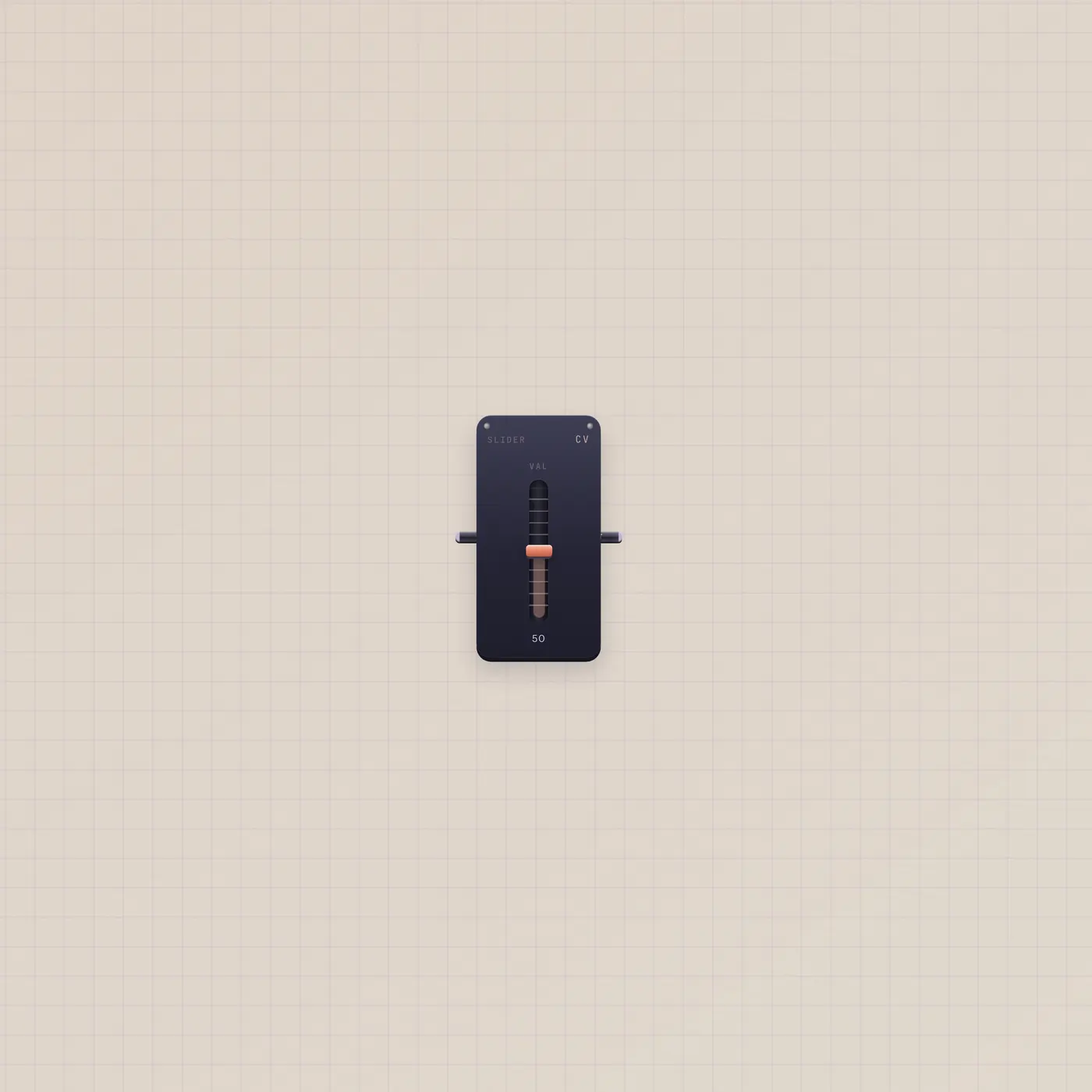
Drop a Calc. Punch digits and an op, or run Knob.value into Calc.a and another Knob or Slider into Calc.b. Pick +, −, ×, or ÷ on the op row. Out updates as the inputs move — = is a readout, not a one-shot. C clears the unlocked side, or both if nothing is patched.
What to patch next
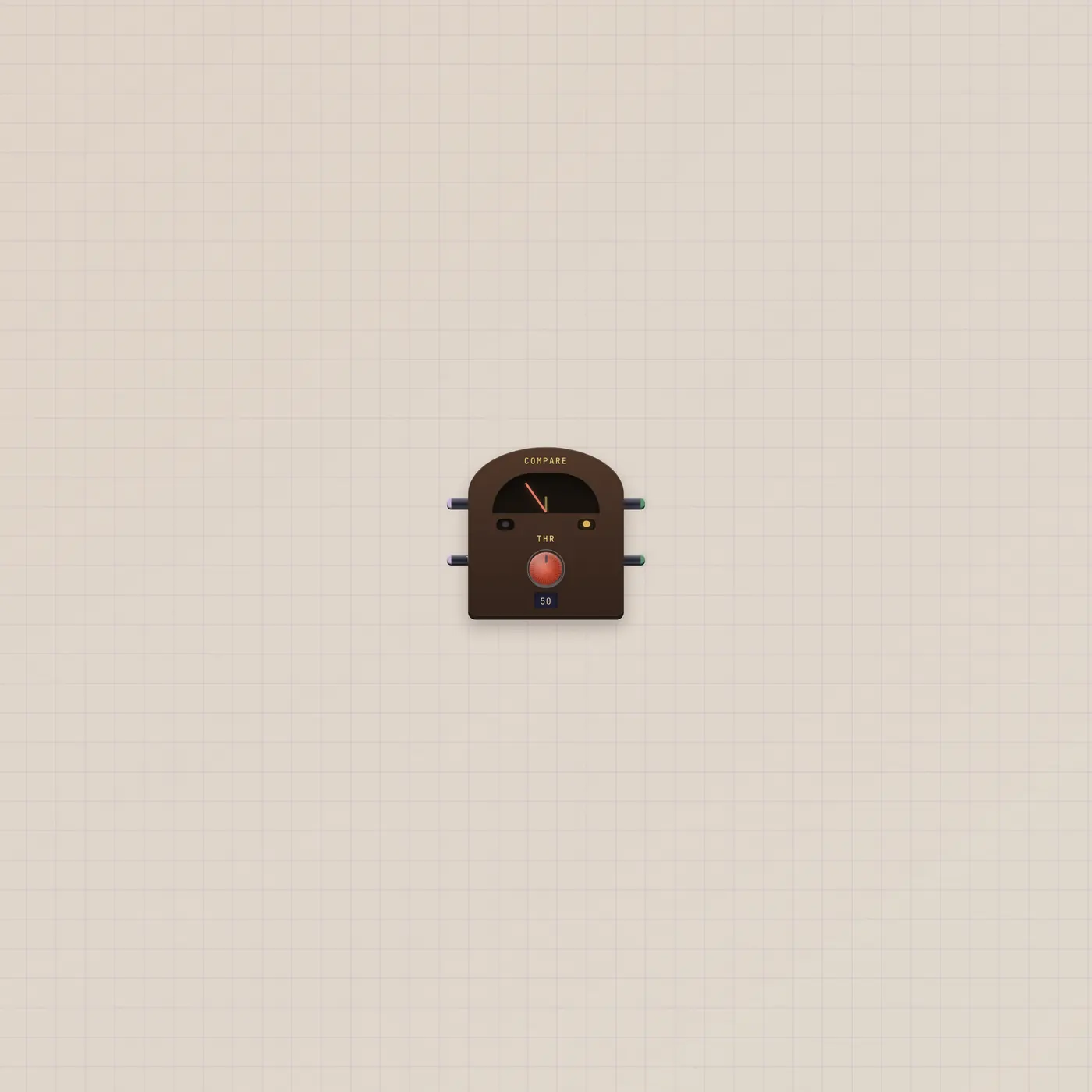
Two Knobs into A and B is the obvious pair. Calc.value into Compare.a turns a sum into Hi/Lo lamps. Calc.value into Hold.cv freezes a result on a Button. Leave B unpatched and type the constant on the pad when you only want to scale one cable.
Ports
| Jack | Dir | Kind | Label |
|---|---|---|---|
| a | in | cv | A |
| b | in | cv | B |
| value | out | cv | Out |
Questions
- What happens if I divide by zero?
- Out is 0. The LCD shows 0. Nothing crashes.
- Can I still type when a cable is in?
- Not on that jack. A patched A or B ignores the pad for that operand. Unpatch to type again.
- Is the result a sound?
- No. Out is CV. Land it on a CV jack — Knob, Compare, Hold, a synth amount — if you want it to drive something.