A cell on the floor. Video out.
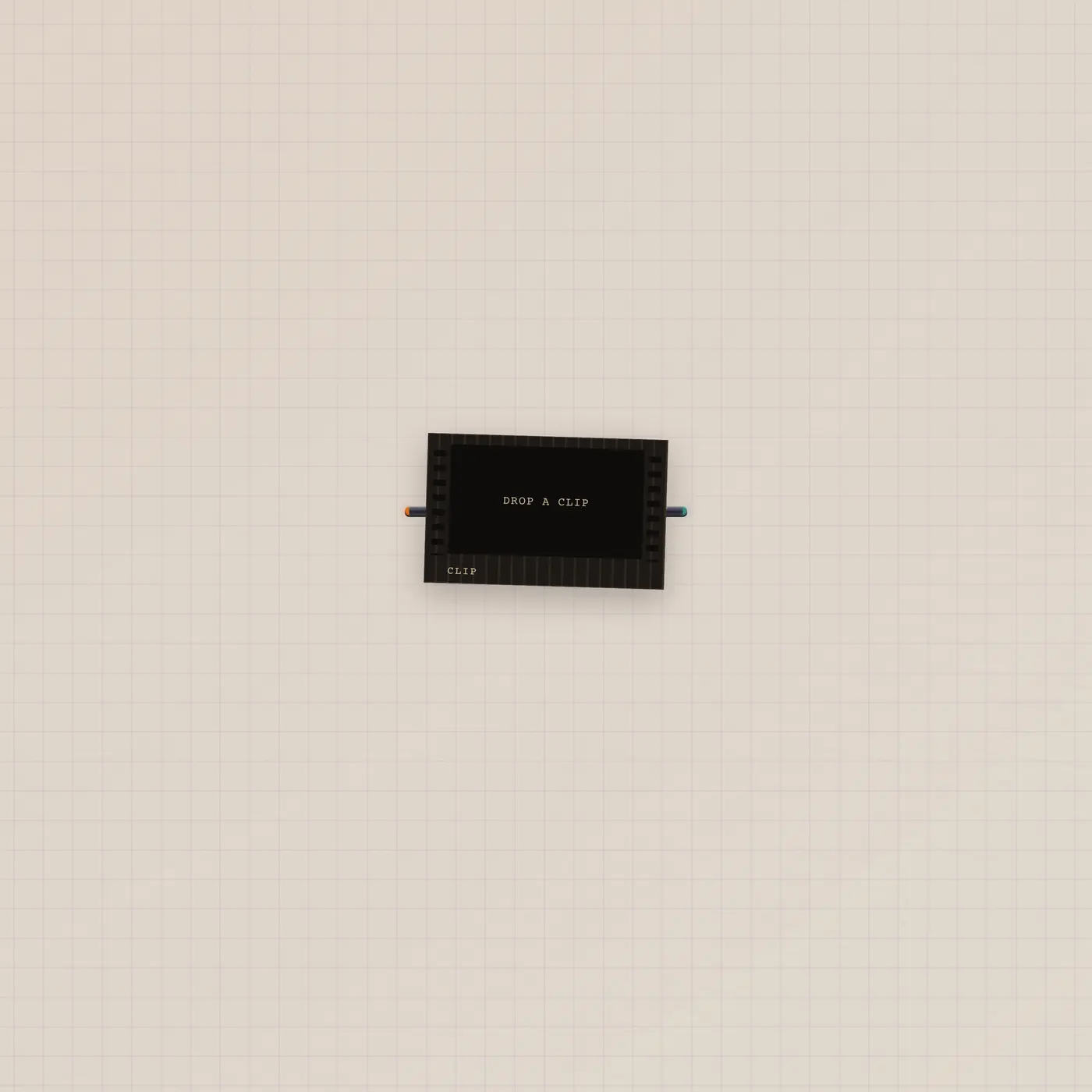
Clip is a film-cell print of an mp4. Pal.ai can generateClip. Video out patches into a CRT or the Cutting Room. Prefer Camcorder to shoot.

What it is
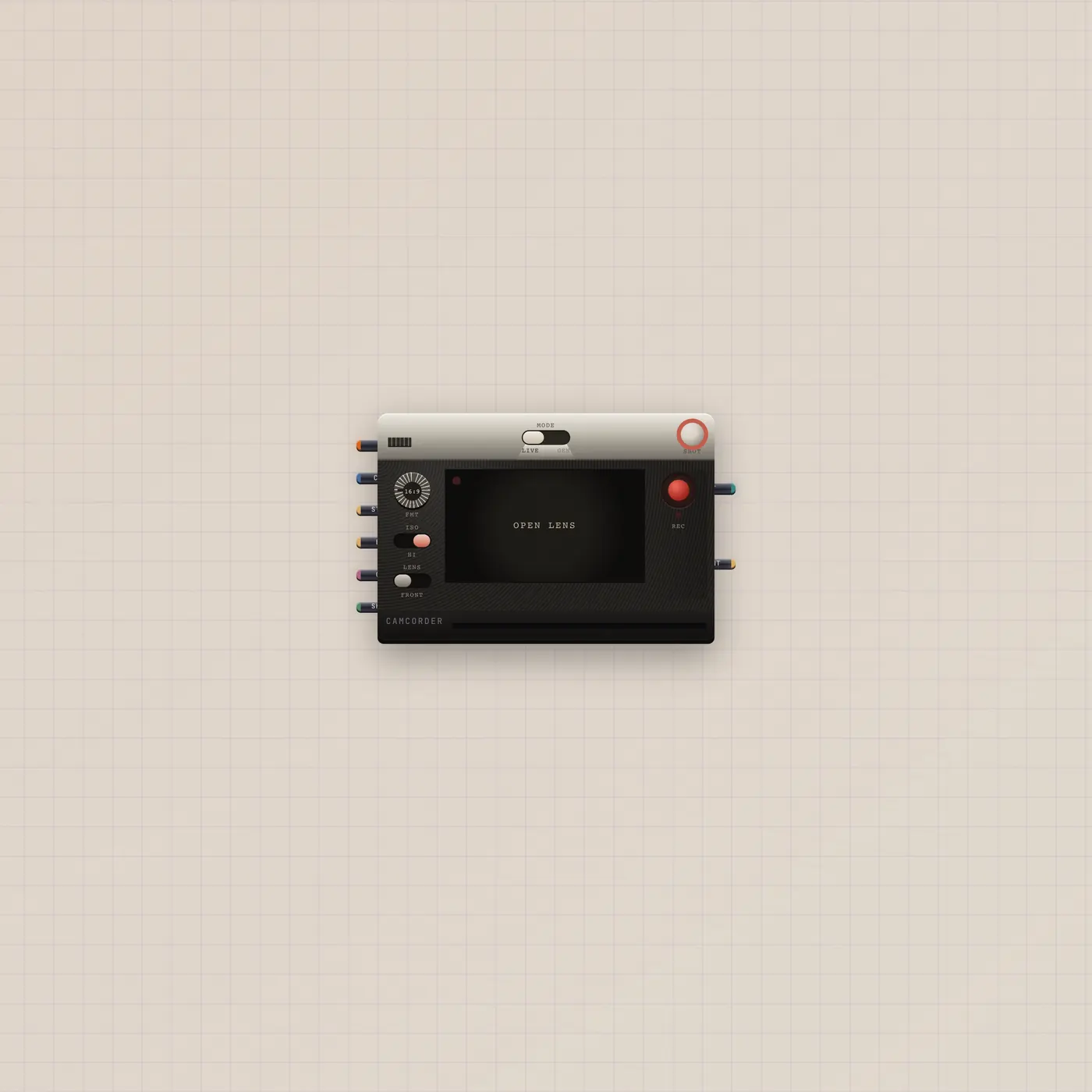
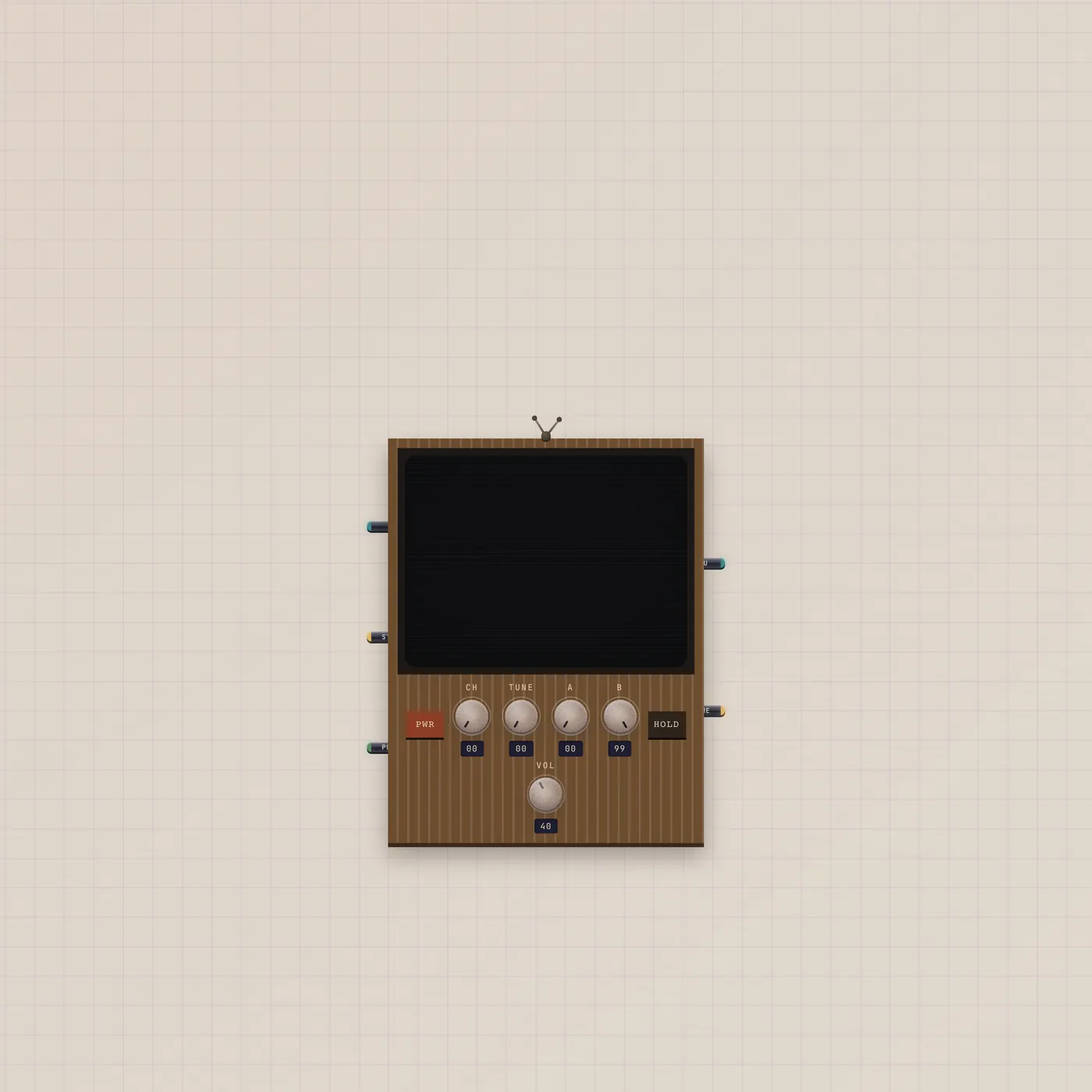
A film-cell print. src is an https mp4. AI in lets Pal generateClip. Video out patches into Crt.video or CuttingRoom.video. There is no image jack and no gate. Prefer Camcorder when you want a live lens or a generated shot with stills and gel — do not invent empty Clip widgets unless you have a src.
How to use it
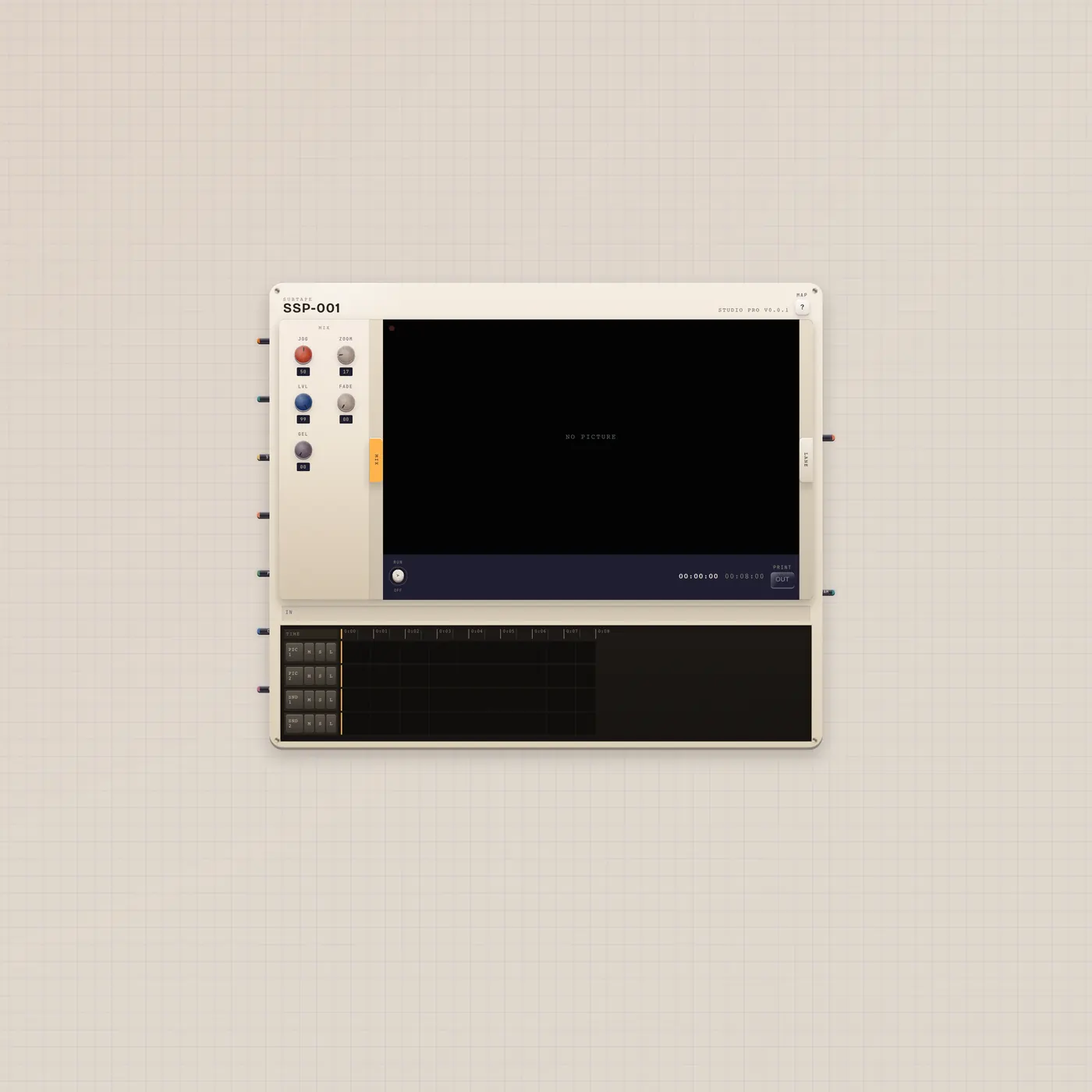
Drop a Clip and paste an mp4, or patch Pal.ai into Clip.ai and ask for a take. Patch Clip.video into Crt.video to watch, or into CuttingRoom.video to cut. Camcorder if you still need to shoot.
What to patch next
Clip.video → Crt.video is a watch. Clip.video → CuttingRoom.video puts the cell on the mixer. Pal.ai → Clip.ai generates. Camcorder if the job is a new shot, not a parked take.
Ports
| Jack | Dir | Kind | Label |
|---|---|---|---|
| ai | in | ai | AI |
| video | out | video | Out |
Questions
- Clip or Camcorder?
- Clip is a parked take. Camcorder shoots live or generates with stills, gel, and a shutter.
- Can I print a frame?
- Not from this widget. CRT.image is the current frame. Camcorder.image is a print out.
- Does generateClip use quota?
- Yes. Same budget as Camcorder generate.