Two gates in. A truth table out.
Logic combines two gate cables. AND, OR, XOR — plus NAND, NOR, and NOT. Q is the answer. NQ is the inverse.
What it is
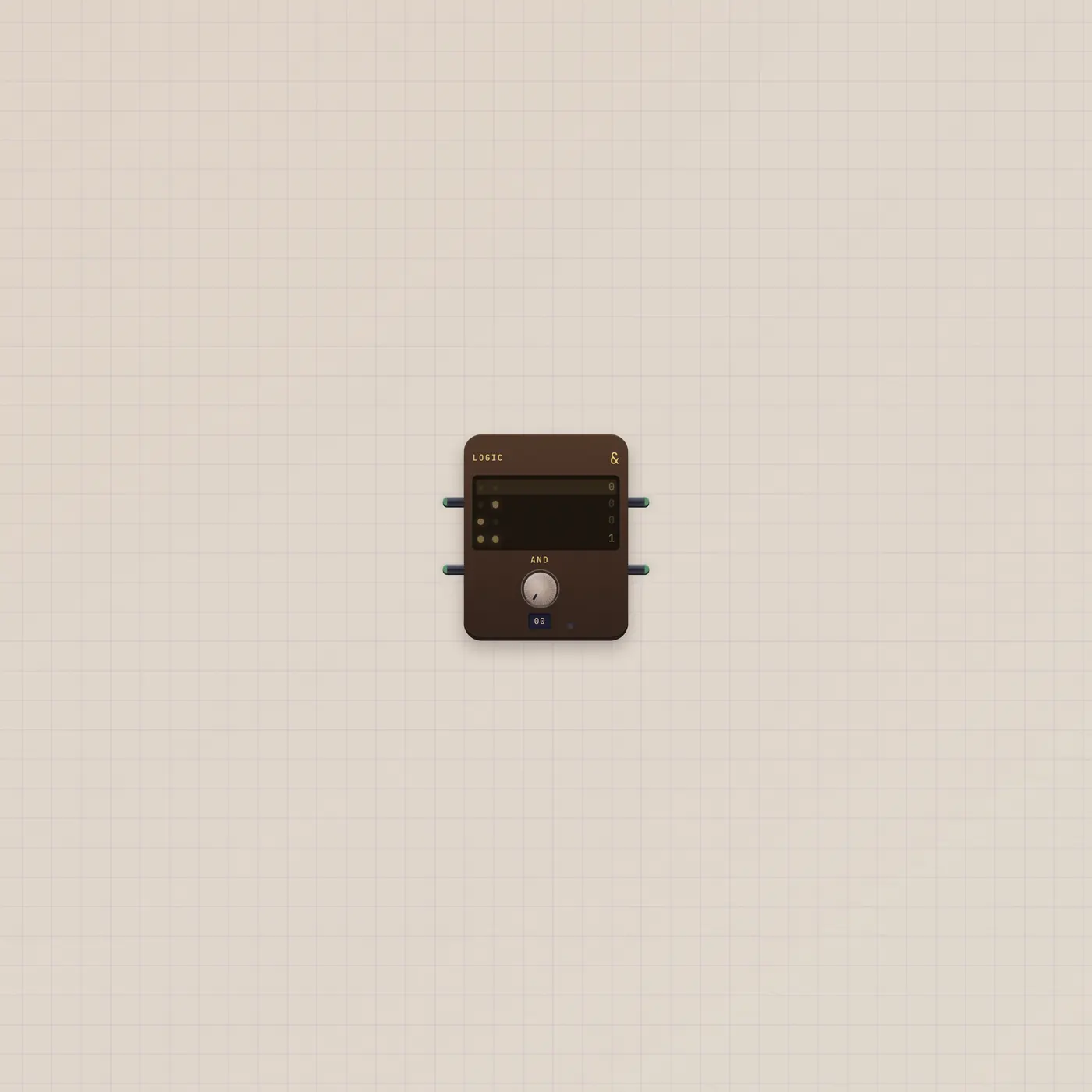
A two-input gate with a live truth table. A and B are gate ins. Q is the result. NQ is always the inverse of Q. The knob walks AND, OR, XOR, NAND, NOR, and NOT. NOT flips A and ignores B. A green lamp follows Q; a wider span adds an amber lamp on NQ. Unpatched inputs read low.
How to use it
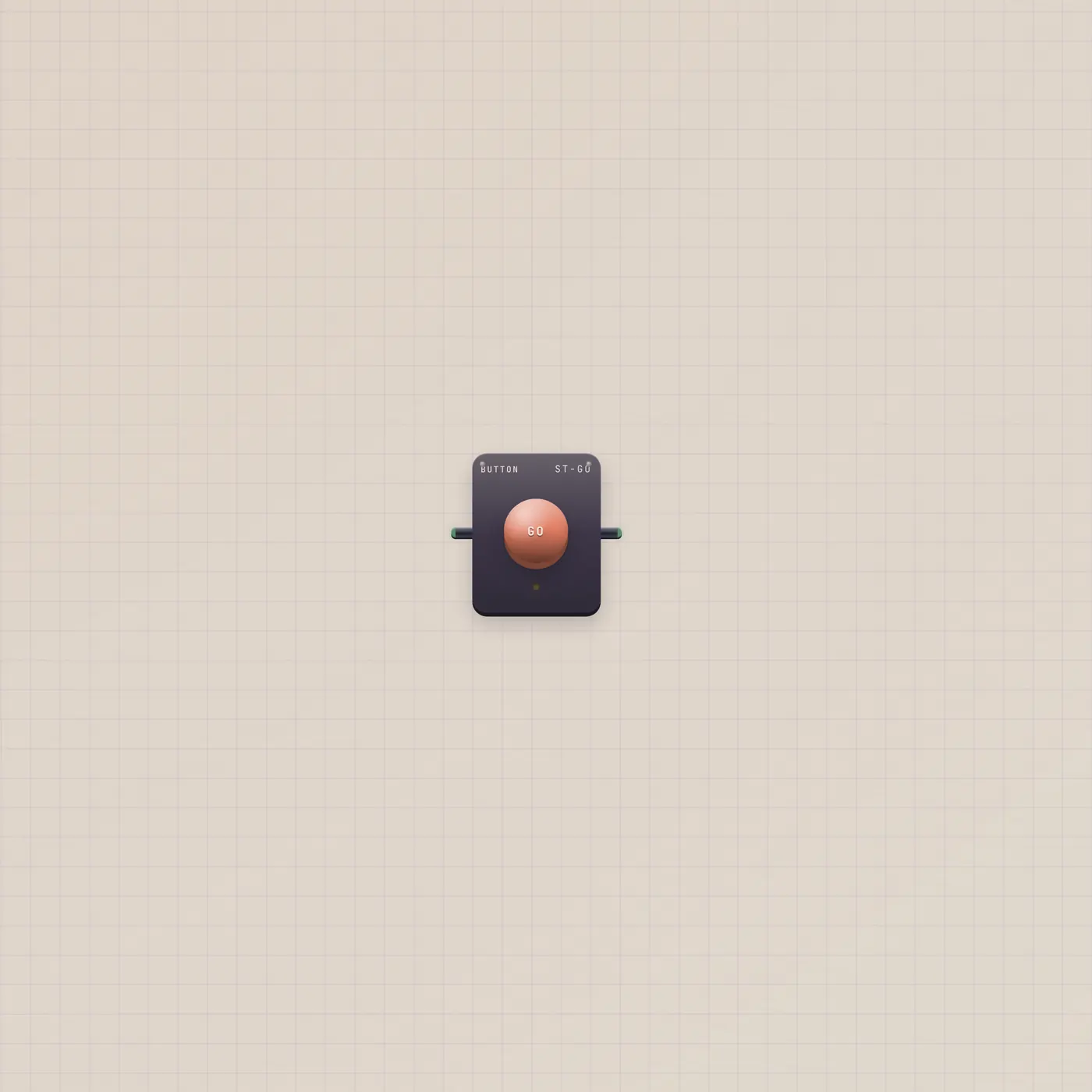
Patch two Buttons — or a Button and a Metronome.gate — into Logic.a and Logic.b. Turn the op knob. Watch the live row on the table. Q goes high when the chosen op is true. Use NQ when you want the other side of the same decision.
What to patch next
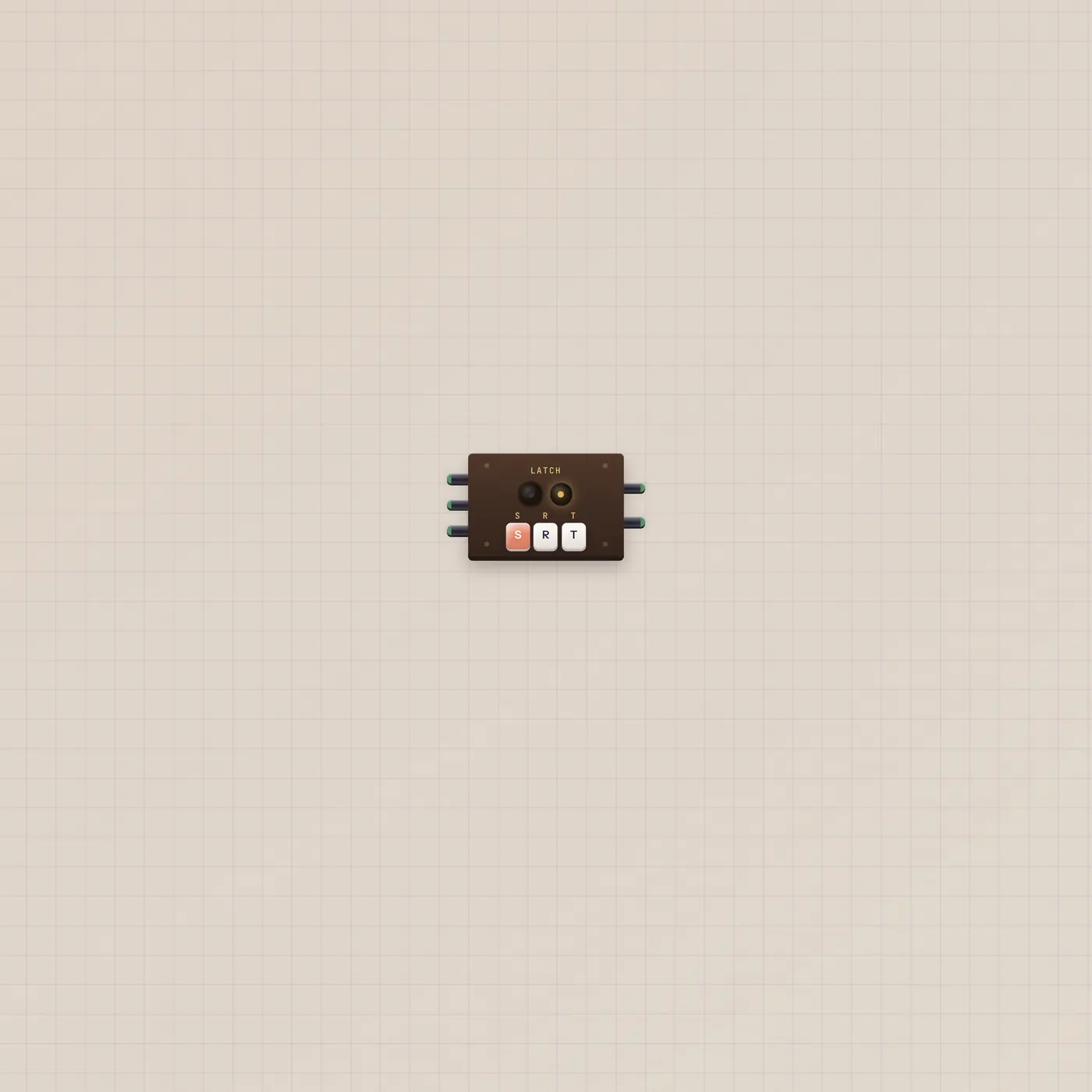
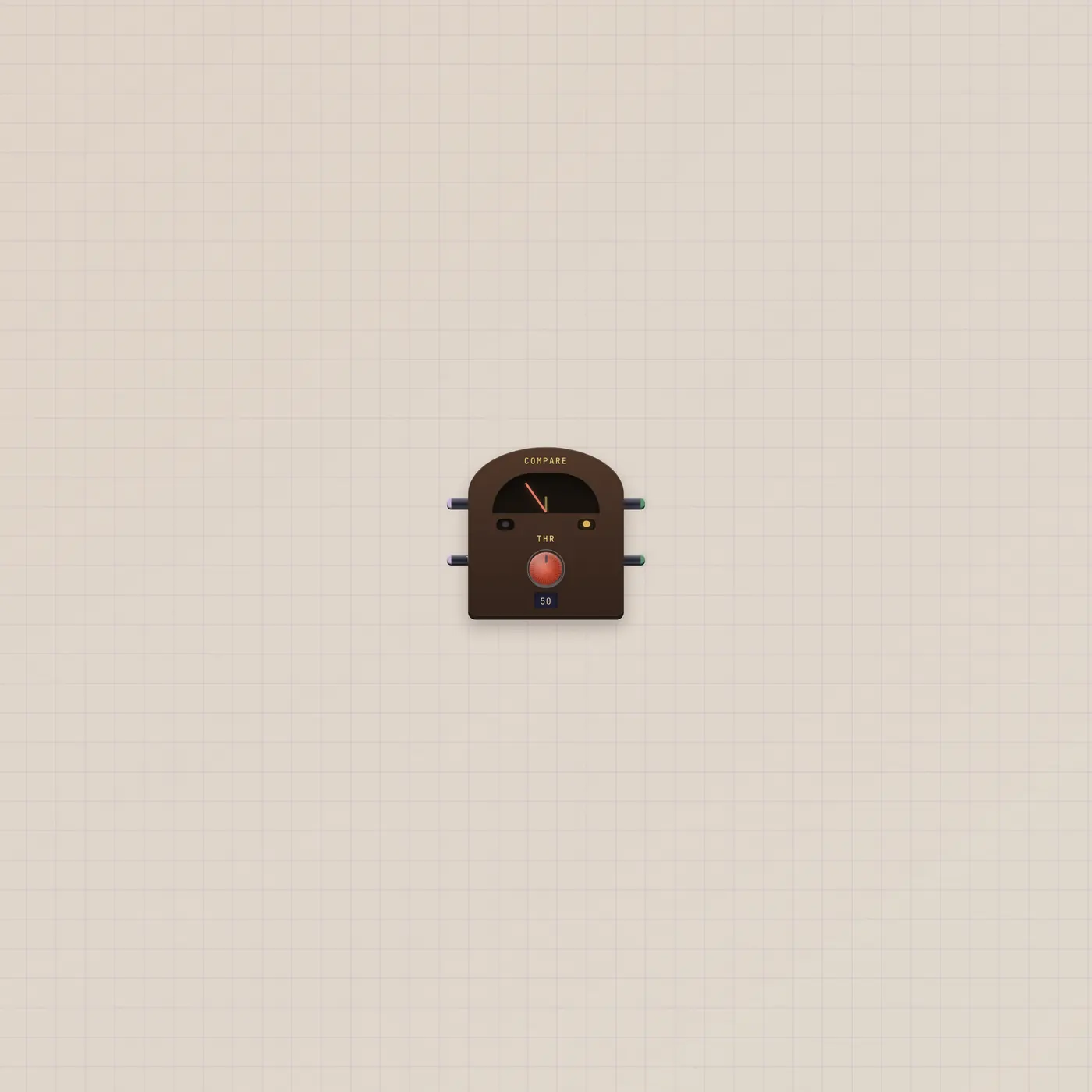
Two Buttons into A and B is a chord of plungers. Logic.q into Latch.set (and Logic.nq into Latch.reset) turns a combo into a held state. Compare.above into Logic.a if you want a CV test AND a human press. Leave B dark and pick NOT when you only need to invert one gate.
Ports
| Jack | Dir | Kind | Label |
|---|---|---|---|
| a | in | gate | A |
| b | in | gate | B |
| q | out | gate | Q |
| nq | out | gate | NQ |
Questions
- What does NQ do?
- It is Q flipped. When Q is high, NQ is low. Same op, opposite cable.
- Does NOT use the B jack?
- No. NOT is A only. B can stay unpatched.
- Is this a flip-flop?
- No. Logic is now — it does not remember. Use Latch when you want set, reset, and toggle.