Press once. It stays.
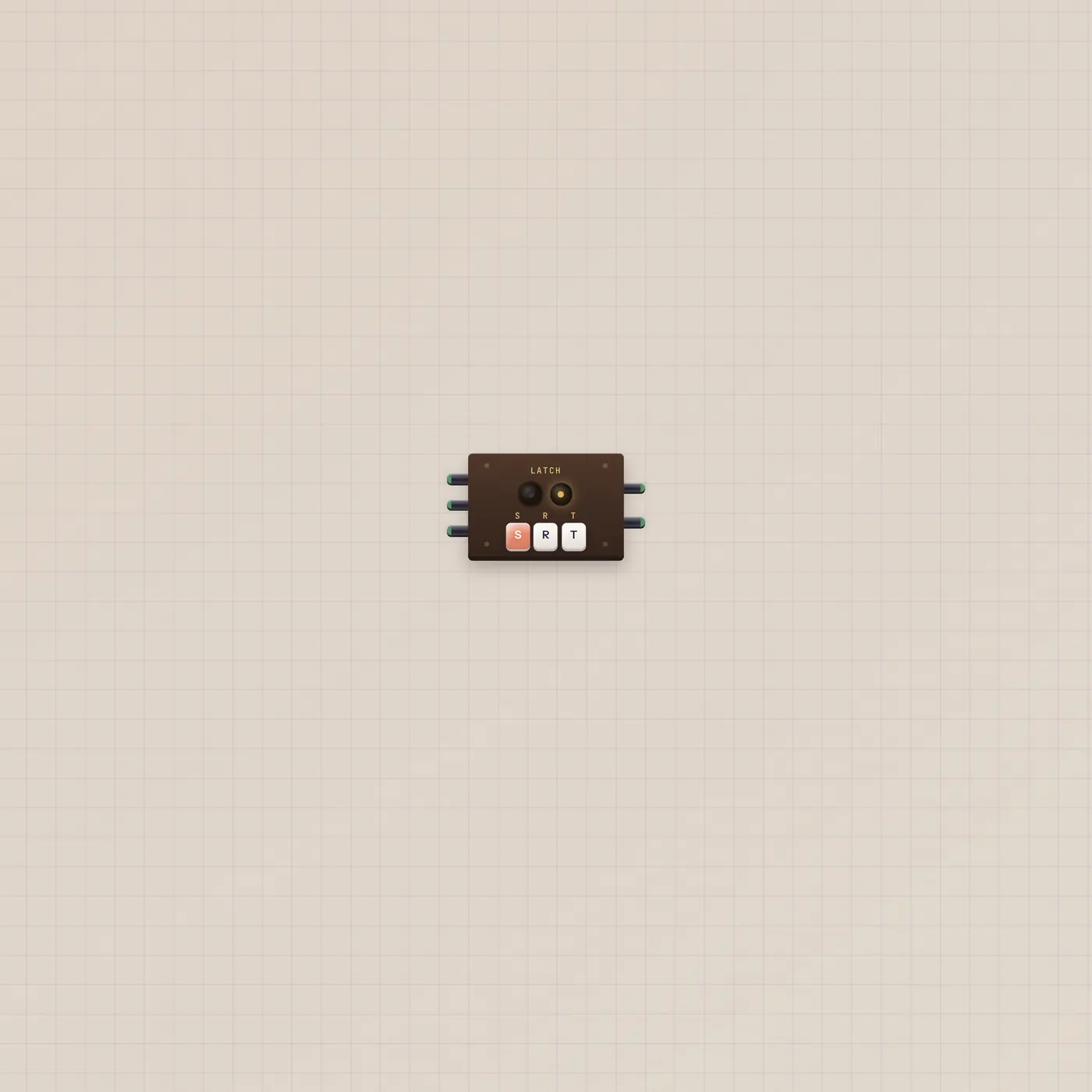
Latch is a flip-flop. Set goes high and stays. Reset clears it. Toggle flips. Q and NQ are the two sides of the same memory.
What it is
A flip-flop with three gate ins: S (set), R (reset), and T (toggle). Each listens for a rising edge. Reset wins if more than one rises on the same tick; set beats toggle. Q is the remembered state. NQ is the inverse. The face keys do the same work as the jacks. Green follows Q. Amber follows NQ.
How to use it
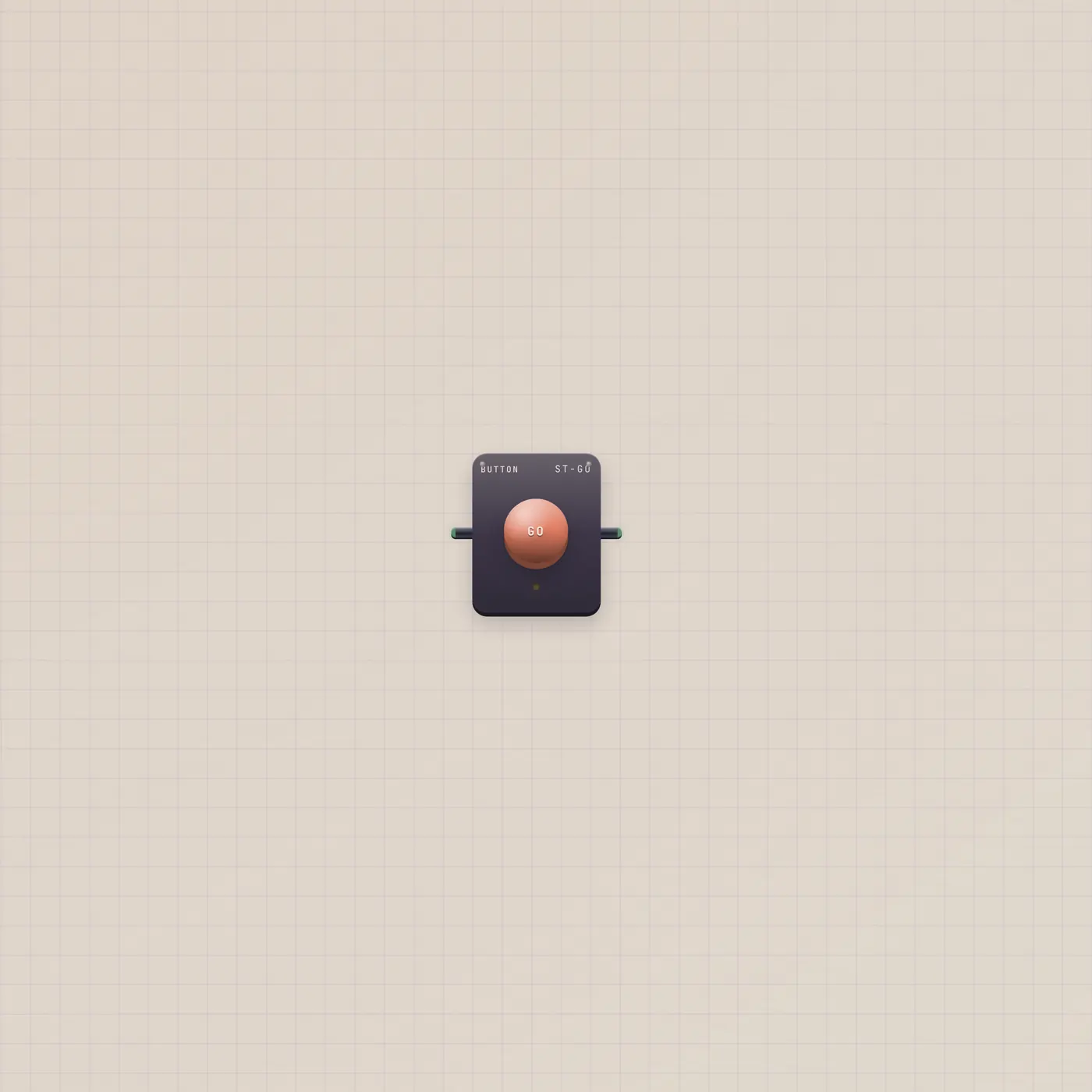
Patch a Button into Latch.set to arm, another into Latch.reset to clear, or one Button into Latch.toggle if you want a single plunger to flip. Press S, R, or T on the face when you are not cabled. Q stays until the next edge — it is not a held Switch.
What to patch next
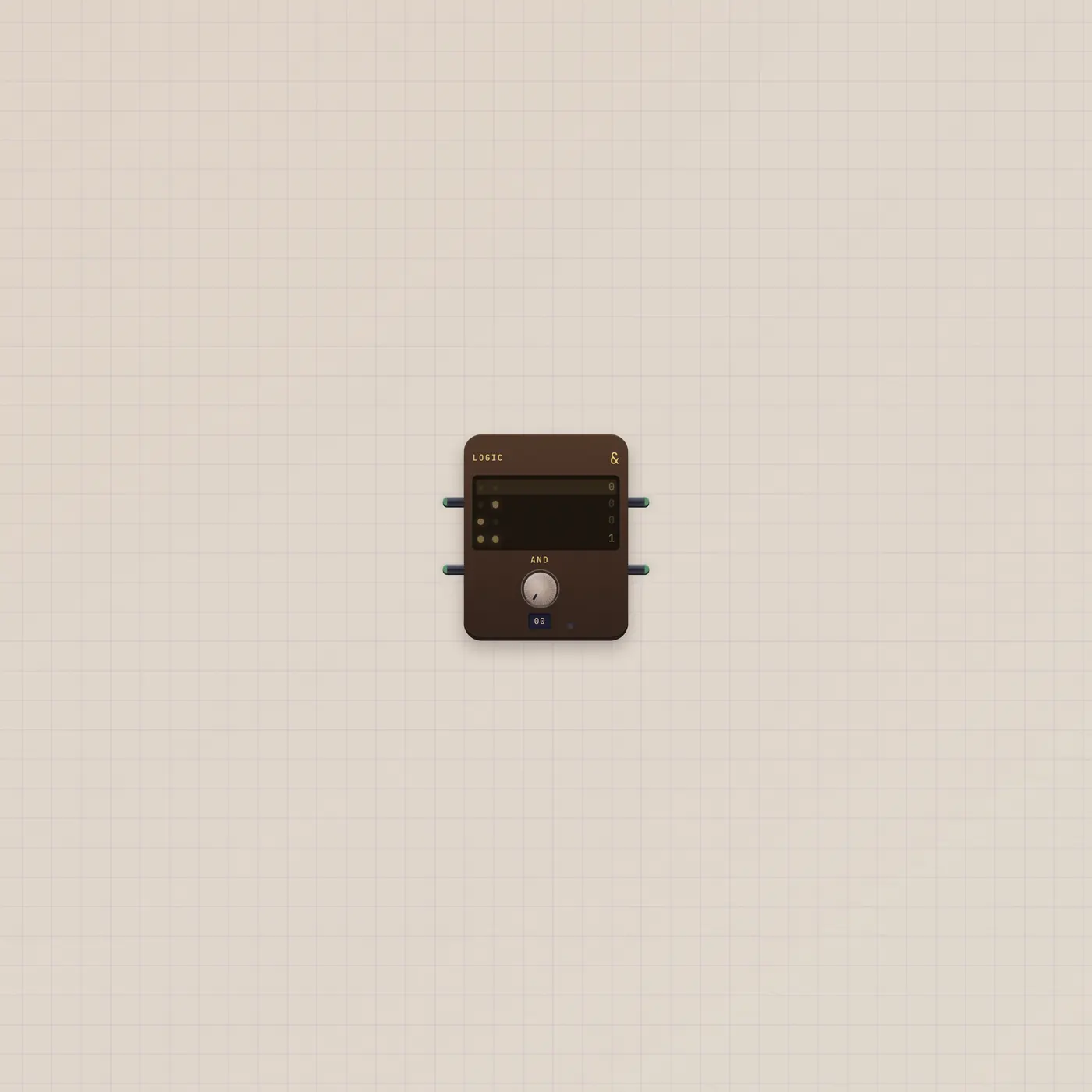
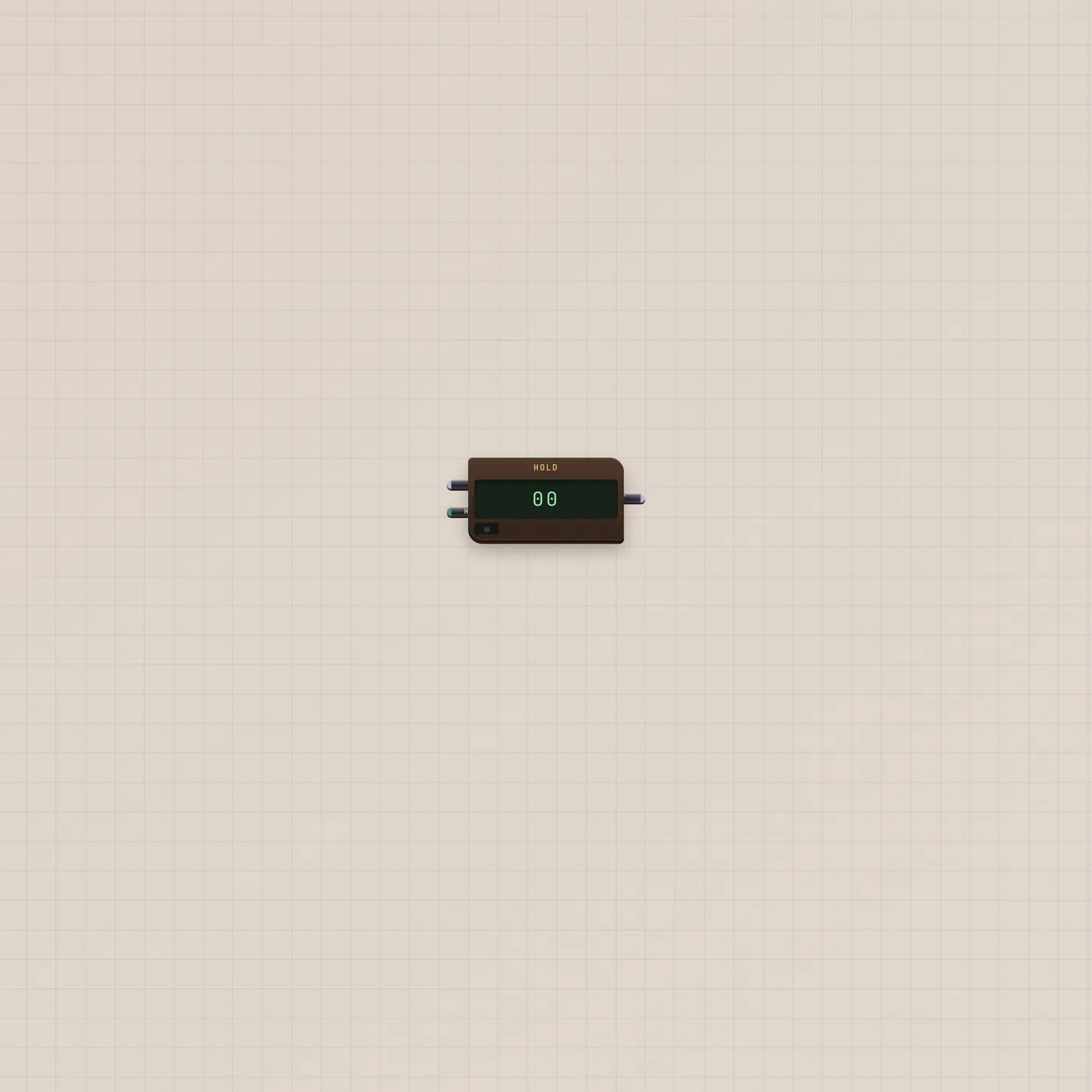
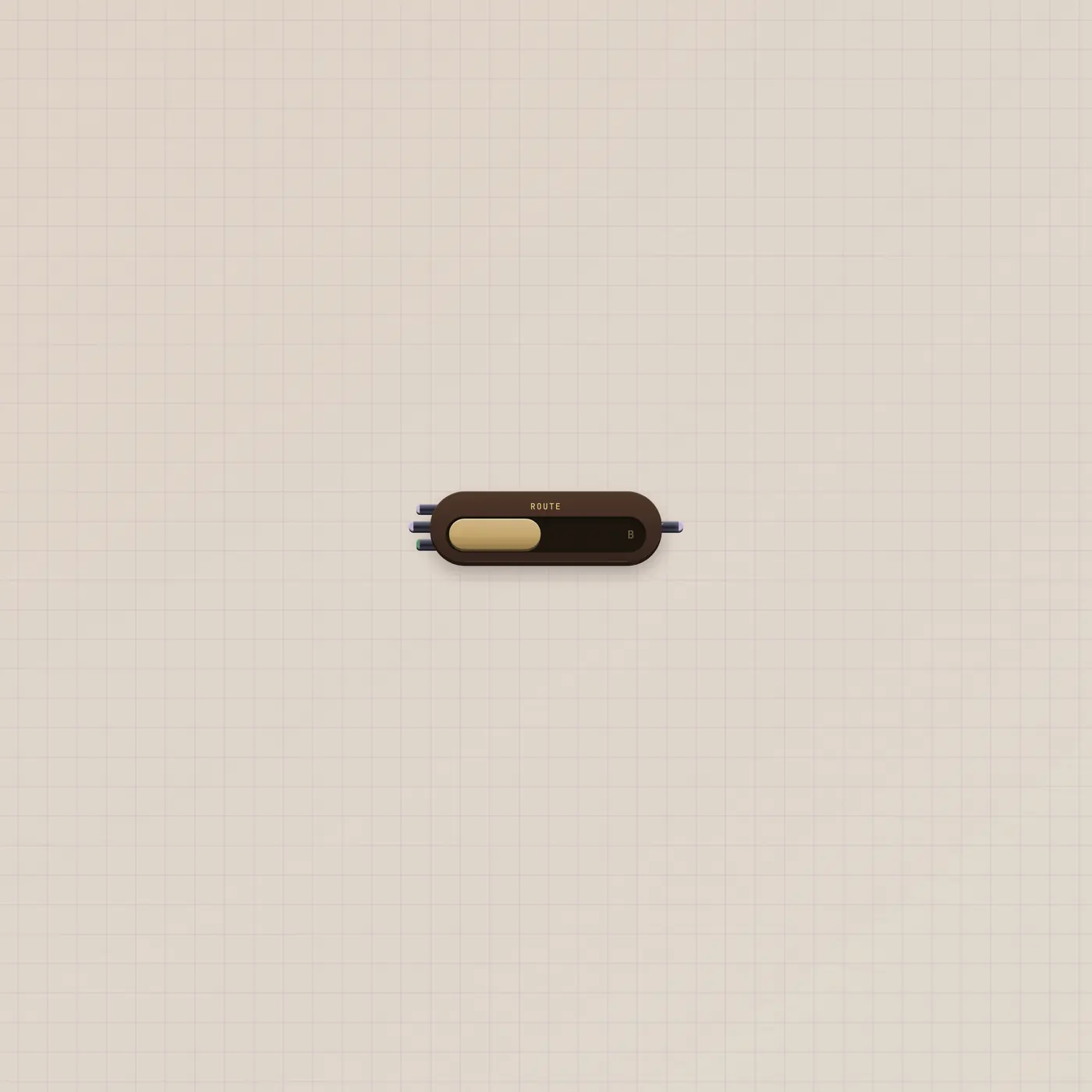
Latch.q → Router.sel picks B and keeps it. Latch.q → Hold.gate freezes a CV on set and holds it until reset. Logic.q into Latch.set (Logic.nq into Latch.reset) turns a combo into a state. A Metronome.gate on Toggle walks Q every beat.
Ports
| Jack | Dir | Kind | Label |
|---|---|---|---|
| set | in | gate | S |
| reset | in | gate | R |
| toggle | in | gate | T |
| q | out | gate | Q |
| nq | out | gate | NQ |
Questions
- What if set and reset fire together?
- Reset wins. Then set. Toggle is last.
- Is this the same as a Switch?
- No. A Switch is a level you hold. Latch remembers an edge. Use Button into S/R/T, not a Switch, if you want a tap.
- Does it forget when I unpatch?
- No. Q stays until the next set, reset, or toggle — cable or key.