Grab the number. Keep it.
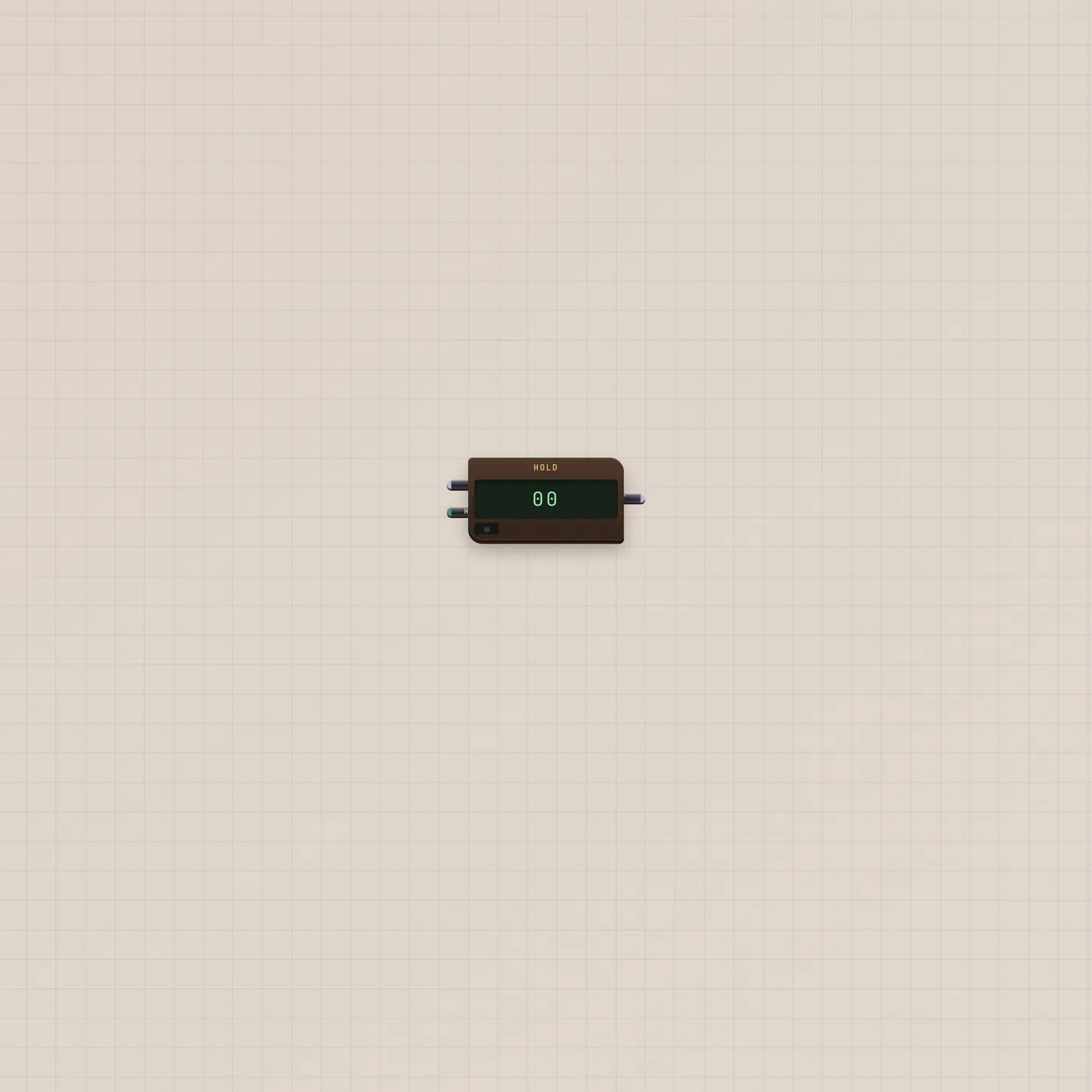
Hold samples a CV on a gate. Default is sample-and-hold: a rising Hold freezes In. Track mode follows while the gate is high, then freezes on the fall.
What it is
A freeze cell for one CV. In is the value to watch. Hold is the gate that grabs it. Out is the frozen number, also CV. Default (HLD) samples on the rising edge and keeps that reading. Wider spans add a TRK key: while Hold is high, Out follows In; the falling edge freezes. The LCD shows 00–99. An amber lamp is lit while the gate is high.
How to use it
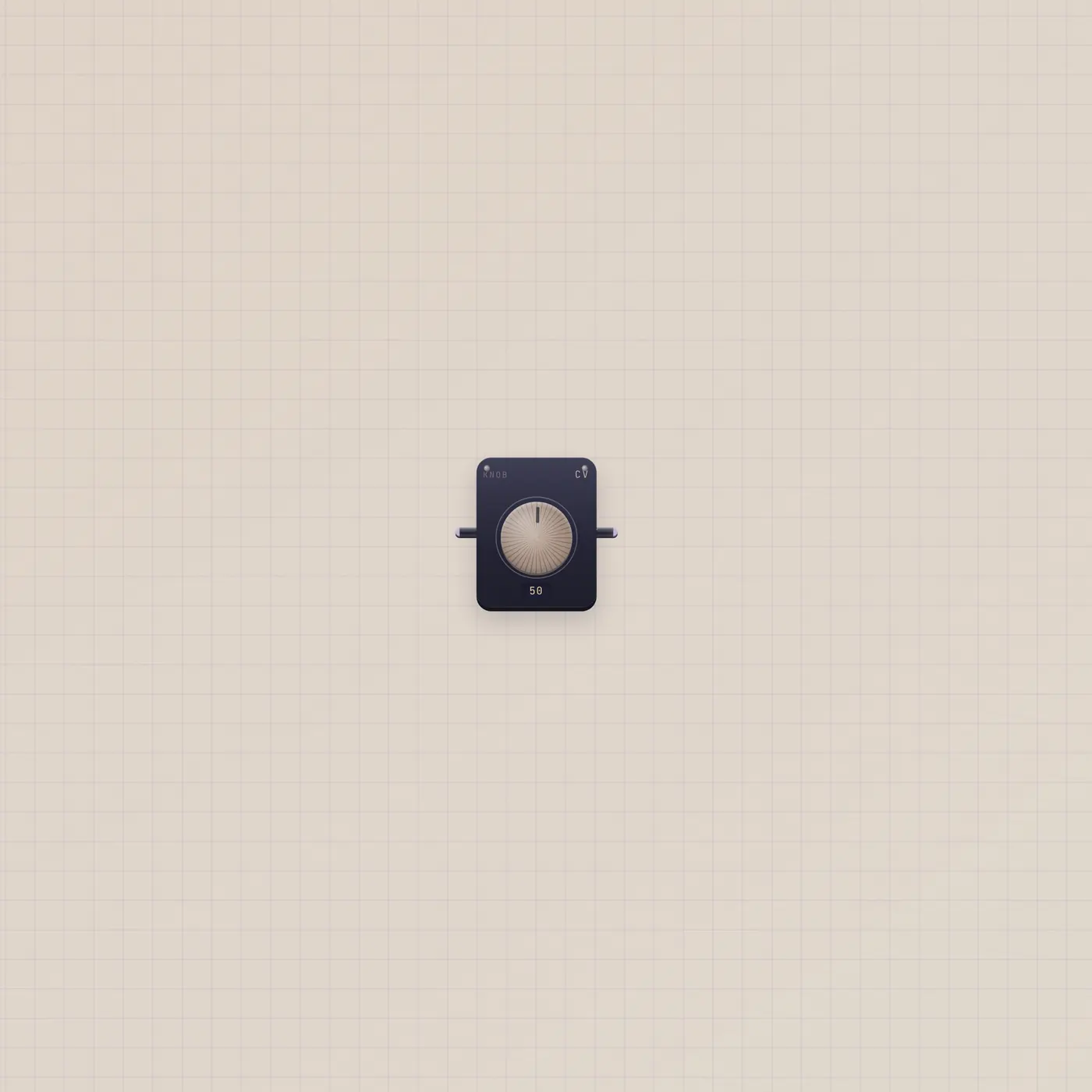
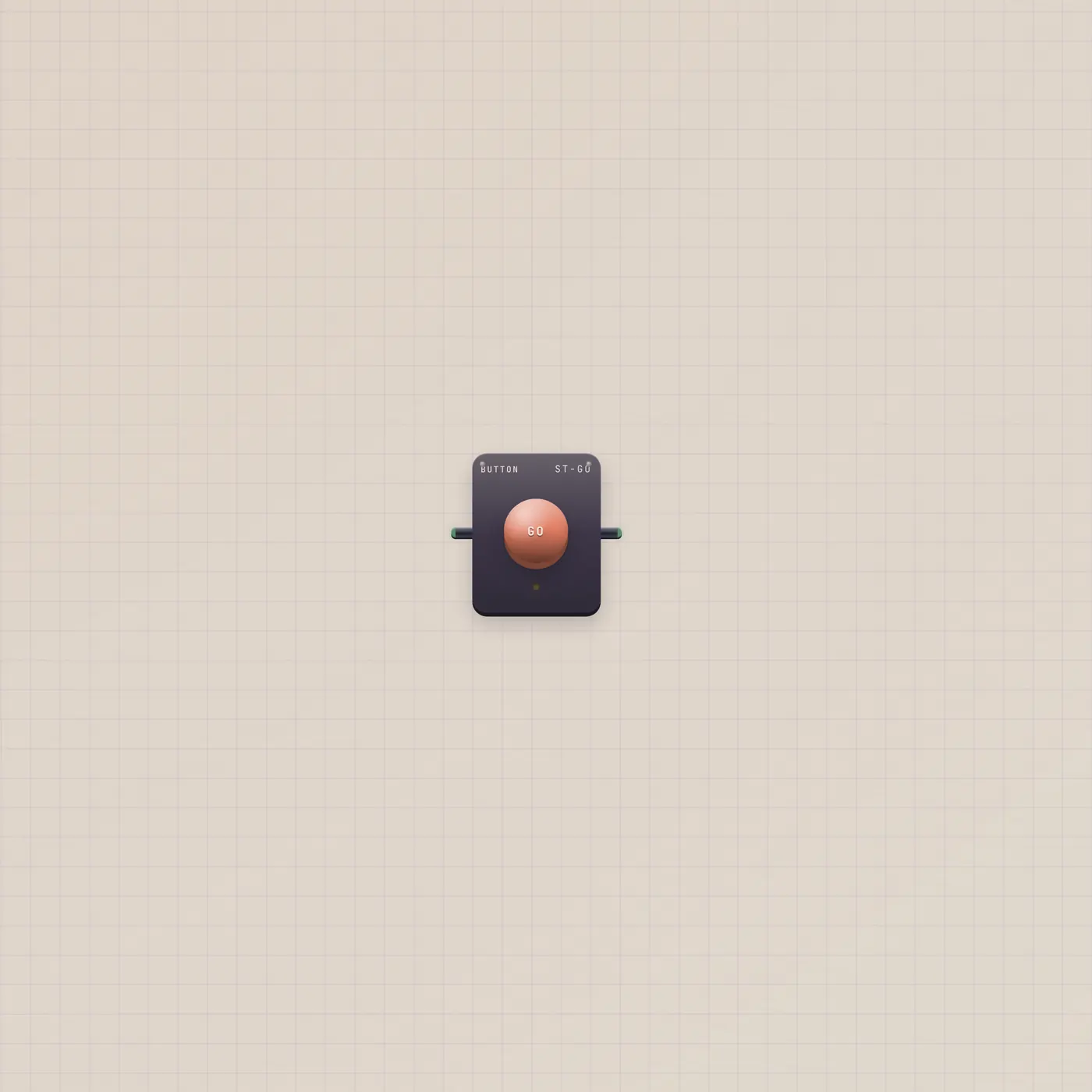
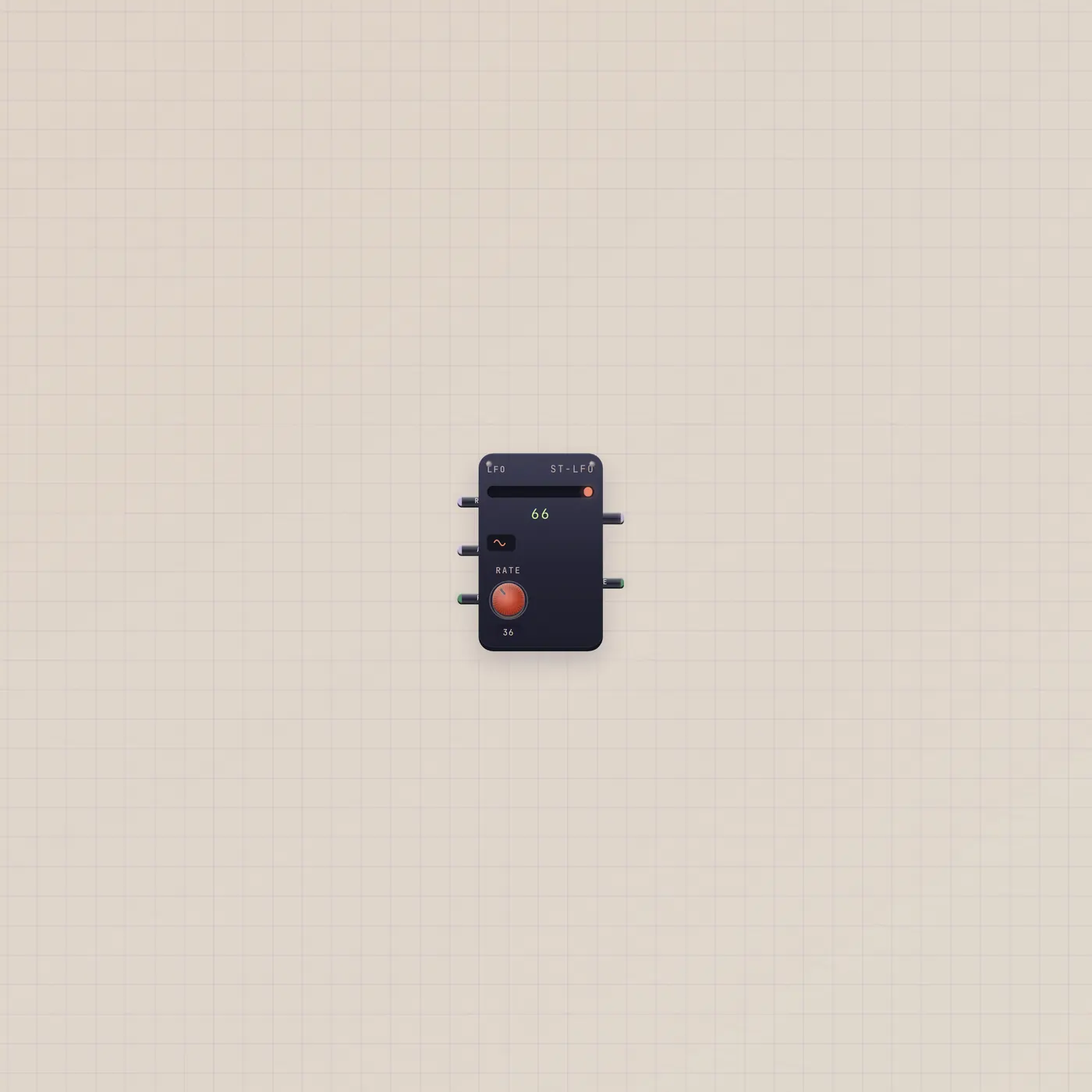
Patch a moving CV into Hold.cv — Knob, Lfo.value, Calc.value. Patch a Button into Hold.gate and tap when you like the number. Out stays until the next grab. Flip to TRK on a wider span if you want it to ride the cable while you hold the plunger.
What to patch next
Lfo.value → Hold.cv, Button.gate → Hold.gate is a tap that steals a random-looking step. Latch.q → Hold.gate freezes on set and holds until reset. Hold.cv → Compare.a tests the frozen number against a line. A Knob into In if you just want to park a value you already like.
Ports
| Jack | Dir | Kind | Label |
|---|---|---|---|
| cv | in | cv | In |
| gate | in | gate | Hold |
| cv | out | cv | Out |
Questions
- When does it freeze?
- Default: the rising Hold gate. Track: it follows while the gate is high, then freezes when the gate falls.
- Is this audio?
- No. In and Out are CV. Use Sampler or Recorder if you want to freeze sound.
- Does Out move between taps?
- Not in HLD. It holds the last sample. TRK is the mode that moves while the gate is high.