A clicker that counts pulses.
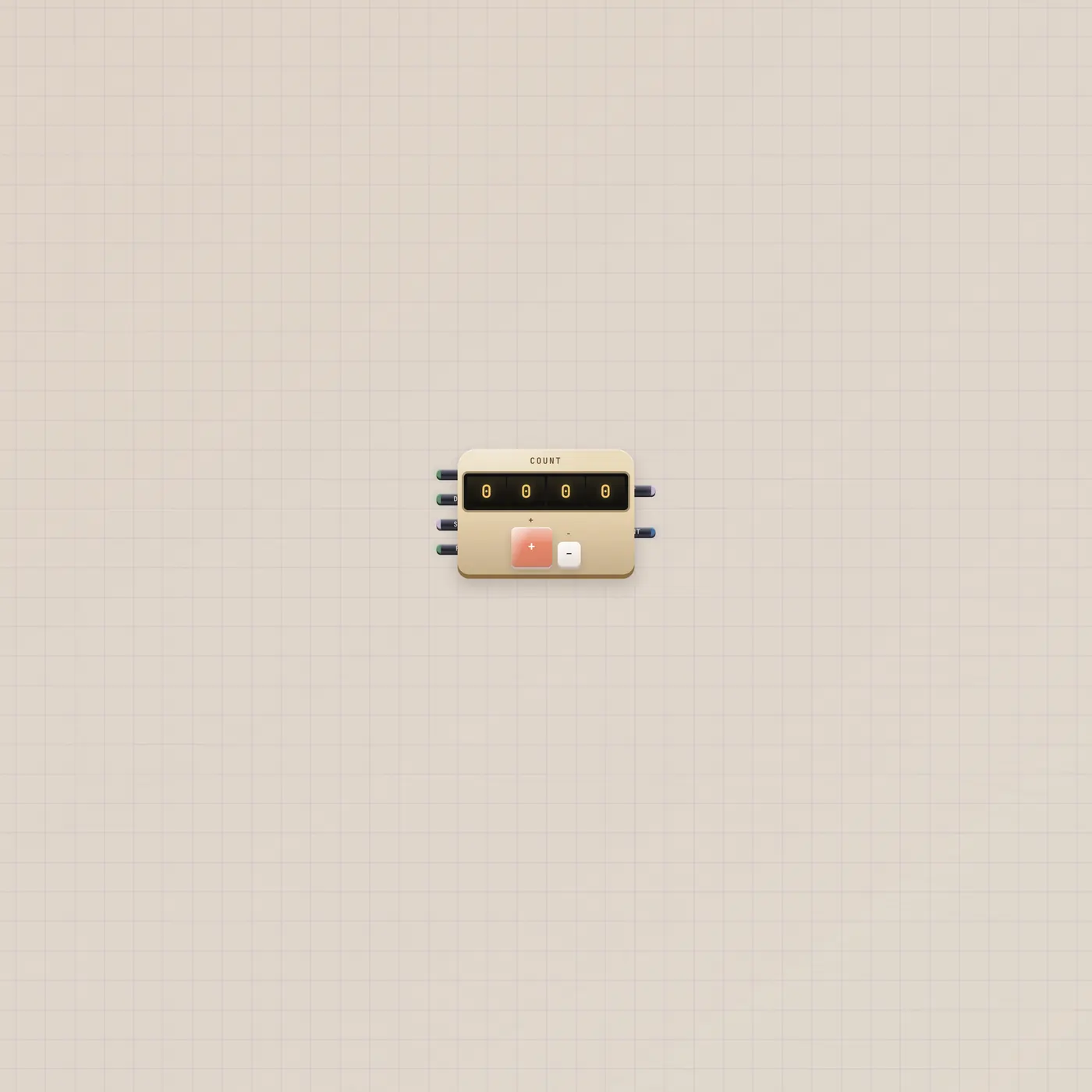
Counter is a mechanical tally on the Subtape desk. Up, down, and reset are gates. Out is the count as CV. Count is the same number as text.
What it is
Four drums and two plungers. Up adds on a rising gate. Down subtracts. Rst zeros. Step in is CV that sets how far each pulse jumps (1–16). Out is the count as CV, clamped 0–99. Count is the same integer as text for Marquee or Speak. The window can show 0000–0999. + and − on the face do the same work as the gates. Wider spans add a Step knob and an Rst key; the widest adds Wrap.
How to use it
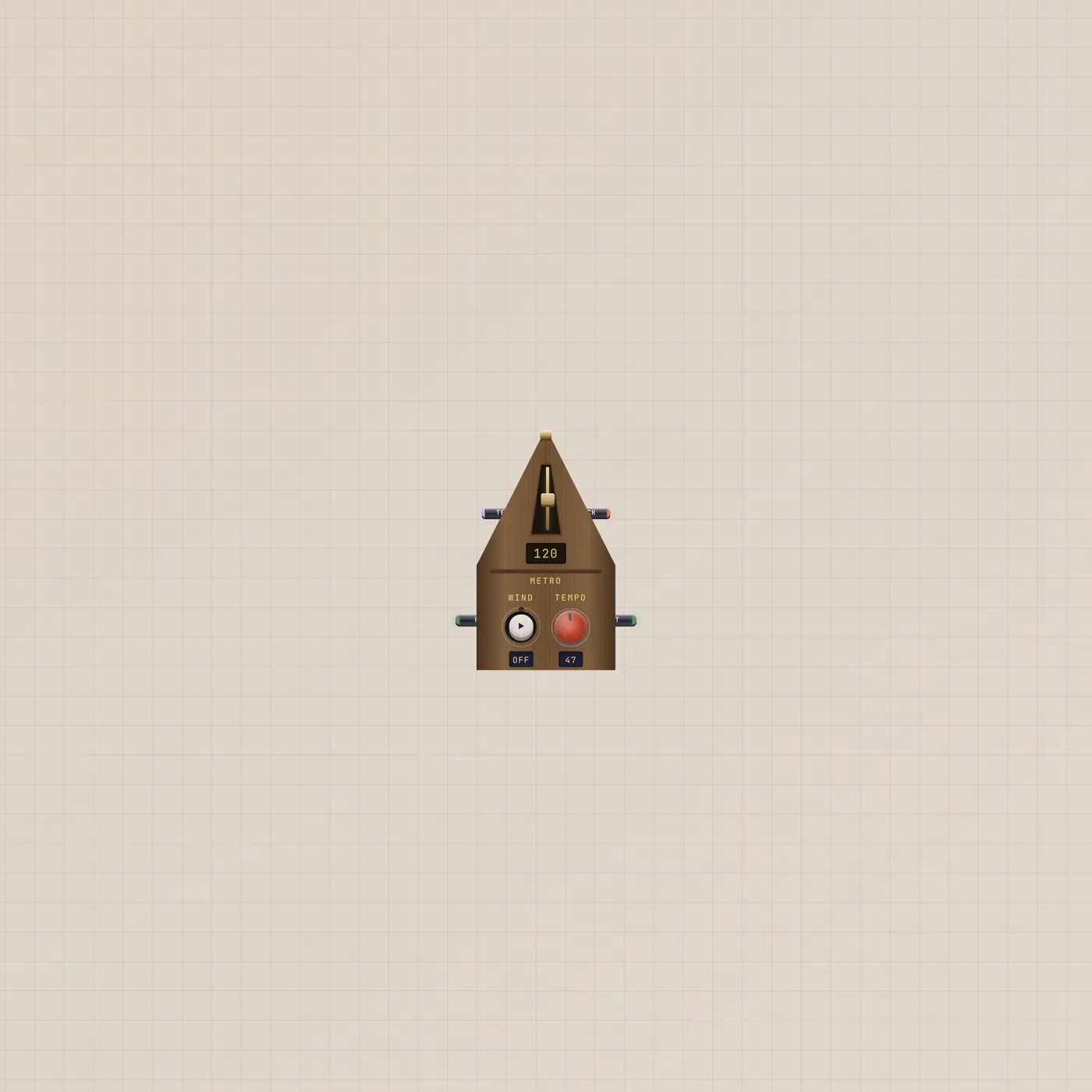
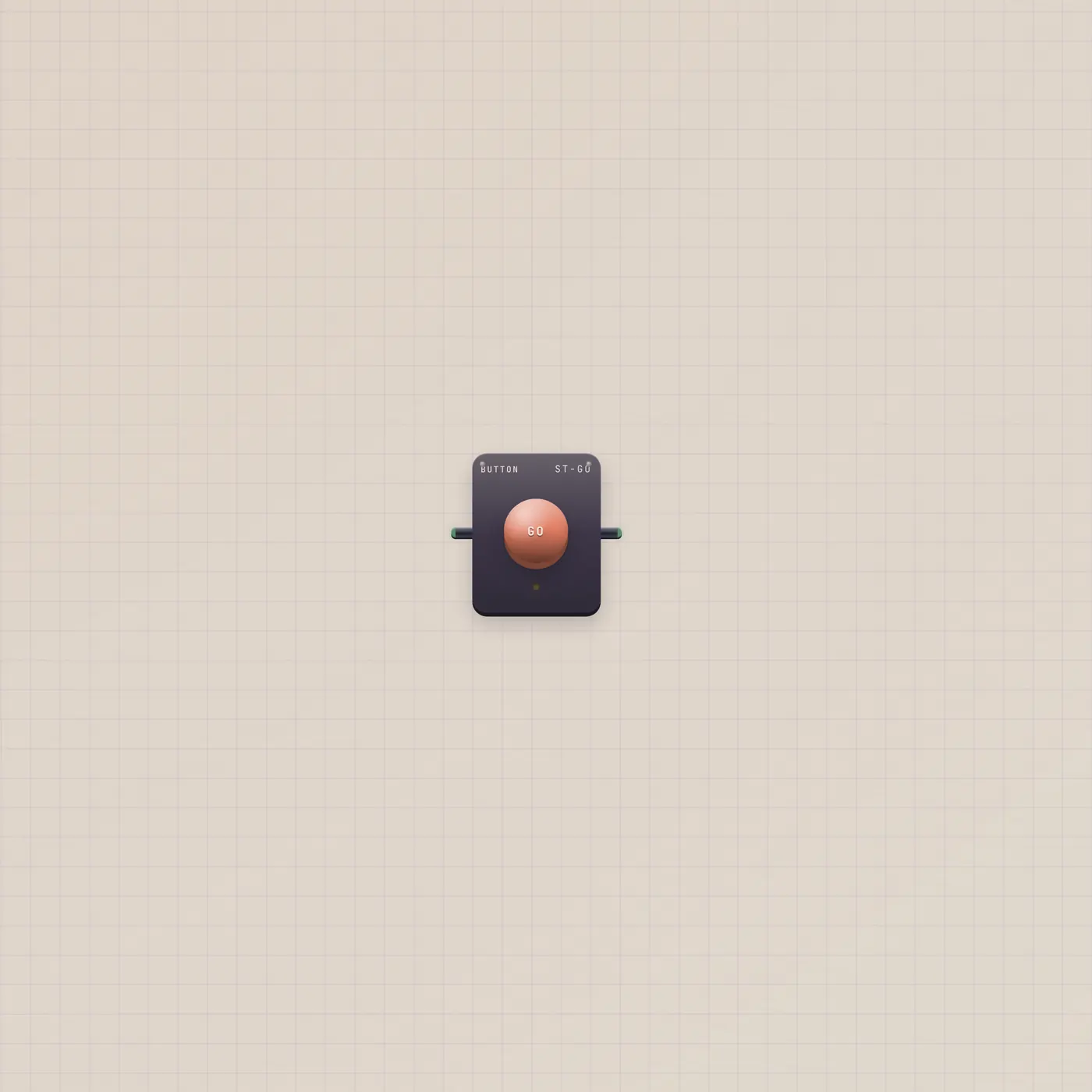
Drop a Counter. Press + to tally by hand, or patch Metronome.gate into Counter.up so each beat adds one. A Button on Counter.reset zeros the drums. Patch a Knob into Counter.step if you want the jump to move. Wrap (widest span) rolls 999 back to 0; CLIP sticks at the ends.
What to patch next
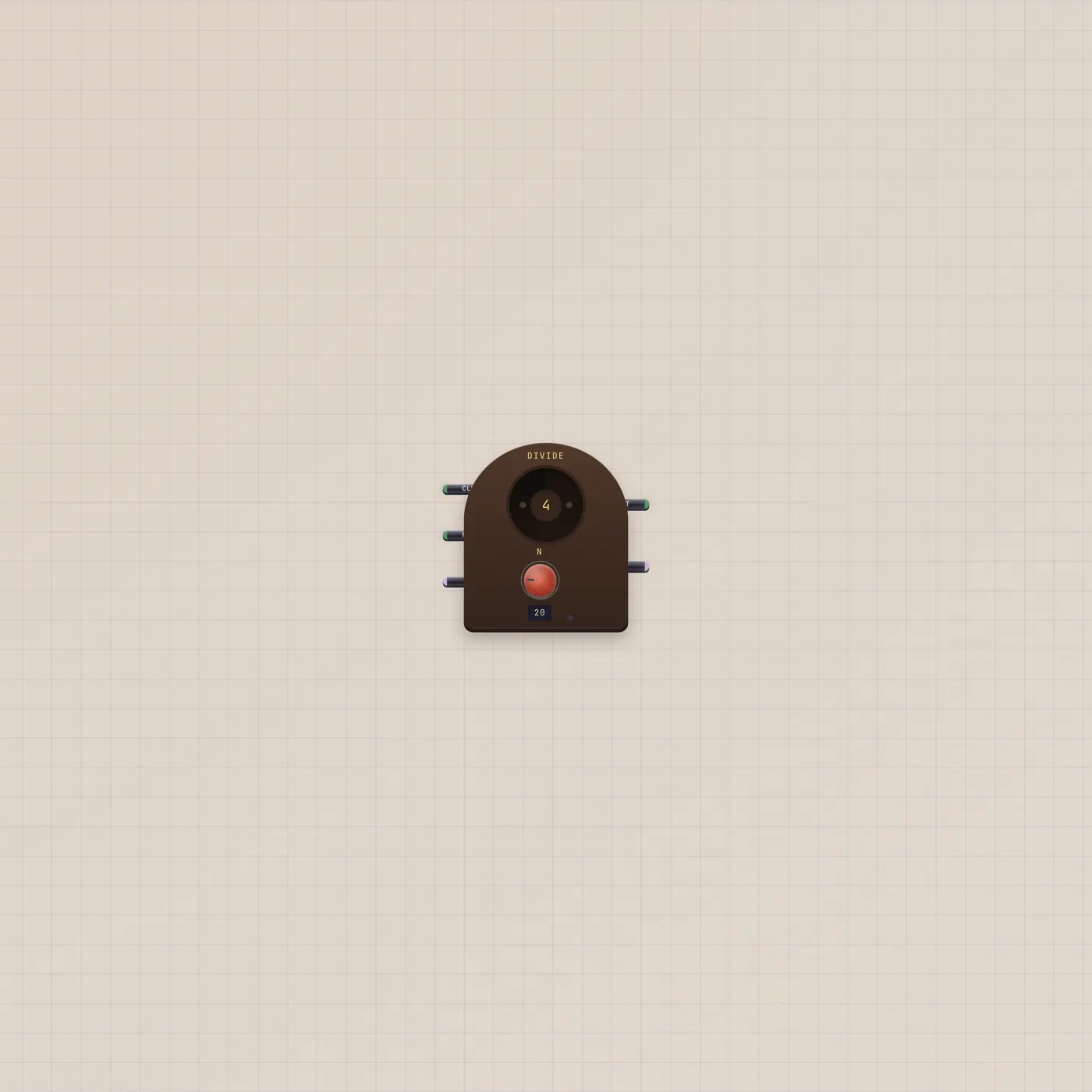
Metronome.gate → Counter.up is the Metro to Counter group. Metronome.gate → Divider.clock, Divider.gate → Counter.up if you only want every Nth beat. Counter.text into Marquee scrolls the number. Counter.value into a CV jack if the tally should drive something.
Ports
| Jack | Dir | Kind | Label |
|---|---|---|---|
| up | in | gate | Up |
| down | in | gate | Down |
| step | in | cv | Step |
| reset | in | gate | Rst |
| value | out | cv | Out |
| text | out | text | Count |
Questions
- Why does Out stop at 99?
- CV on this desk is 0–99. The drums can read 0999. Out stays in range.
- Can I count down?
- Yes. Patch a pulse into Counter.down, or press −. Same step size as up.
- Will it run forever?
- Until you stop the clock or hit Rst. CLIP sticks at 0 or 999. Wrap rolls over.