A face on the floor. No jacks.
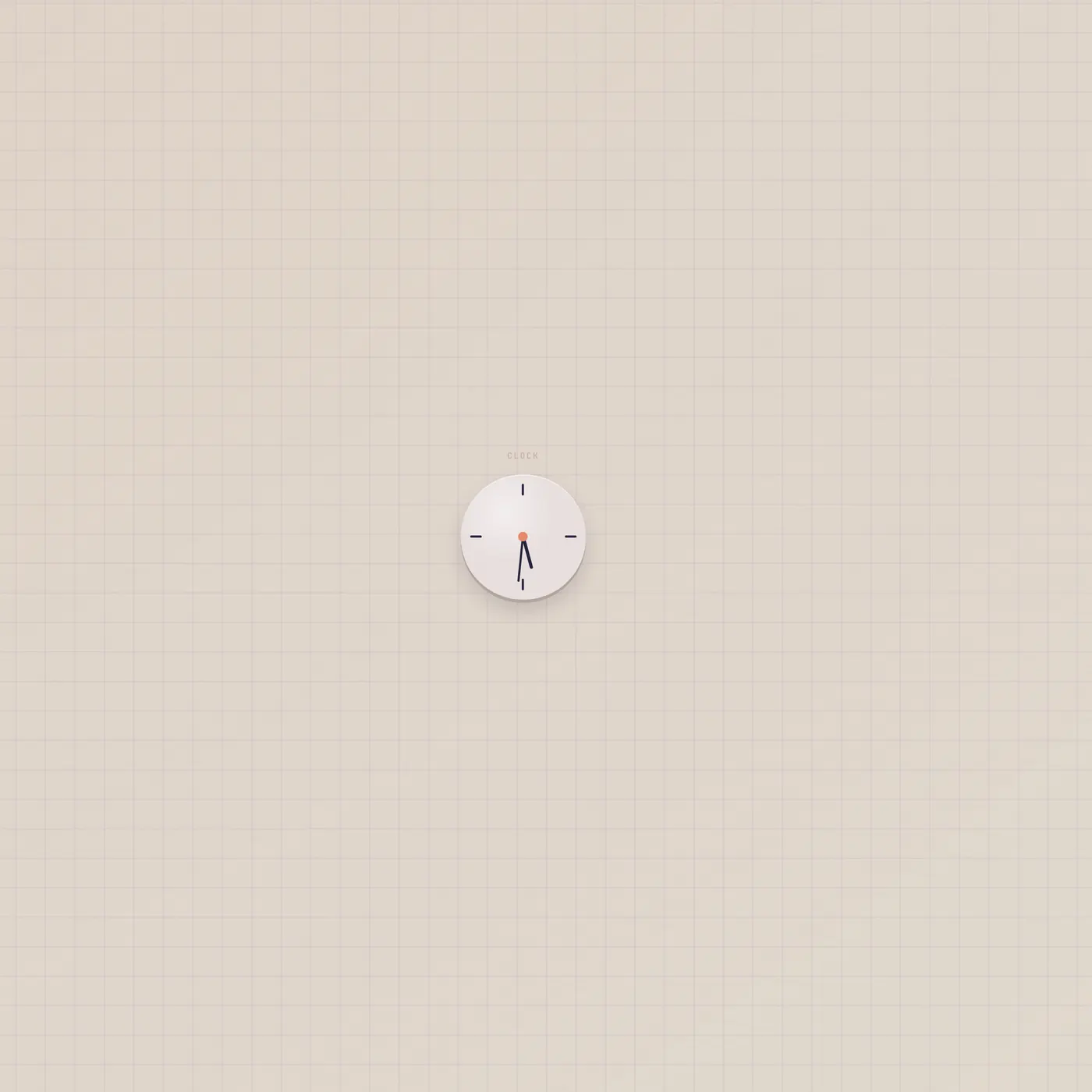
The Subtape Studio Clock shows wall time — hands, LCD, or flip. 12/24 lives in the widget menu. It has no ports. Sit it next to Alarm. Do not look for a time cable.
What it is
A studio clock. Faces are analog (hands), digital (LCD), or flip. 12-hour or 24-hour lives in the widget menu. Wider spans show seconds; the LCD at span 3 adds the date. It has no ports — no time CV, no text out, no tick gate. ports.ts does not list StudioClock, and the widget does not grow jacks. Time stays on the face.
How to use it
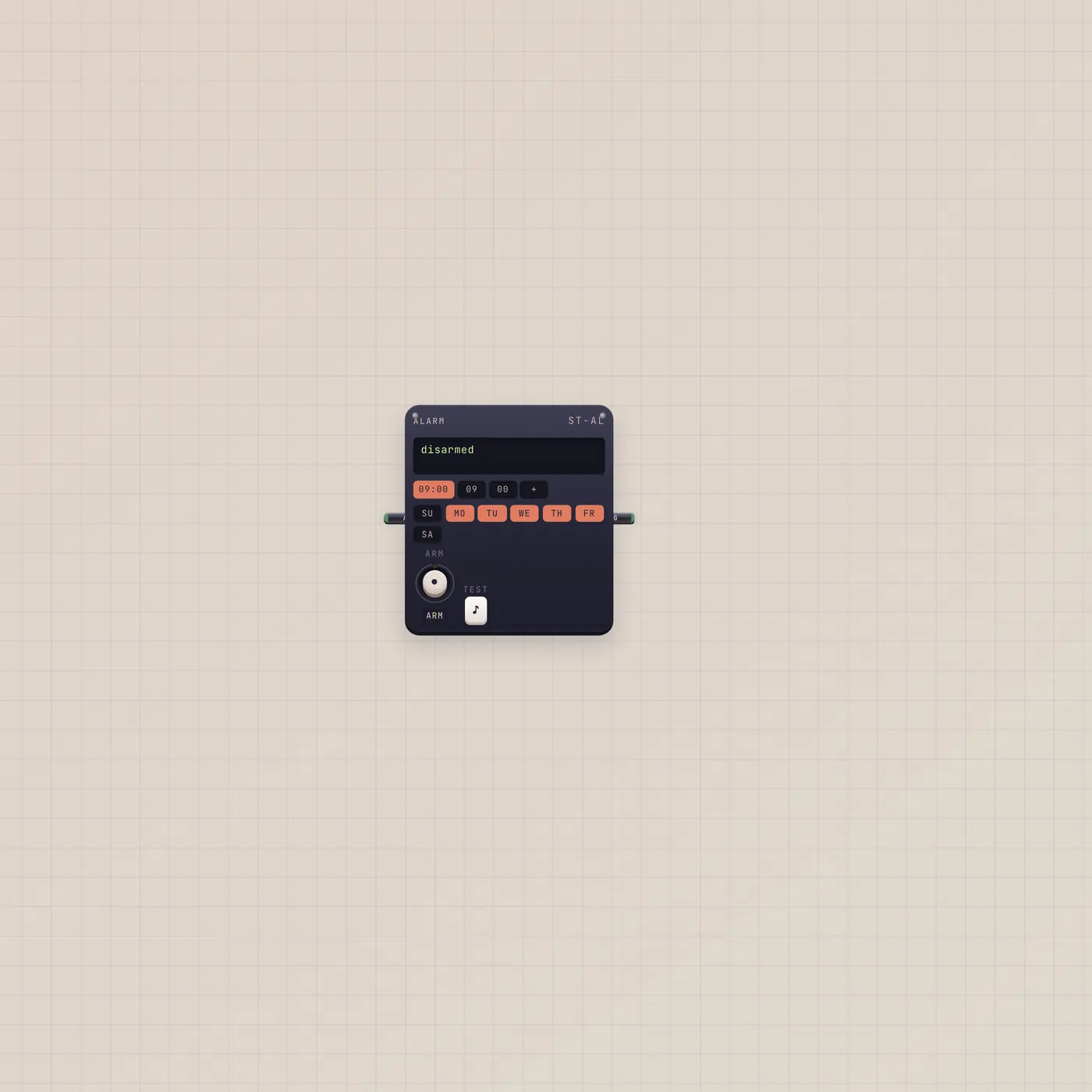
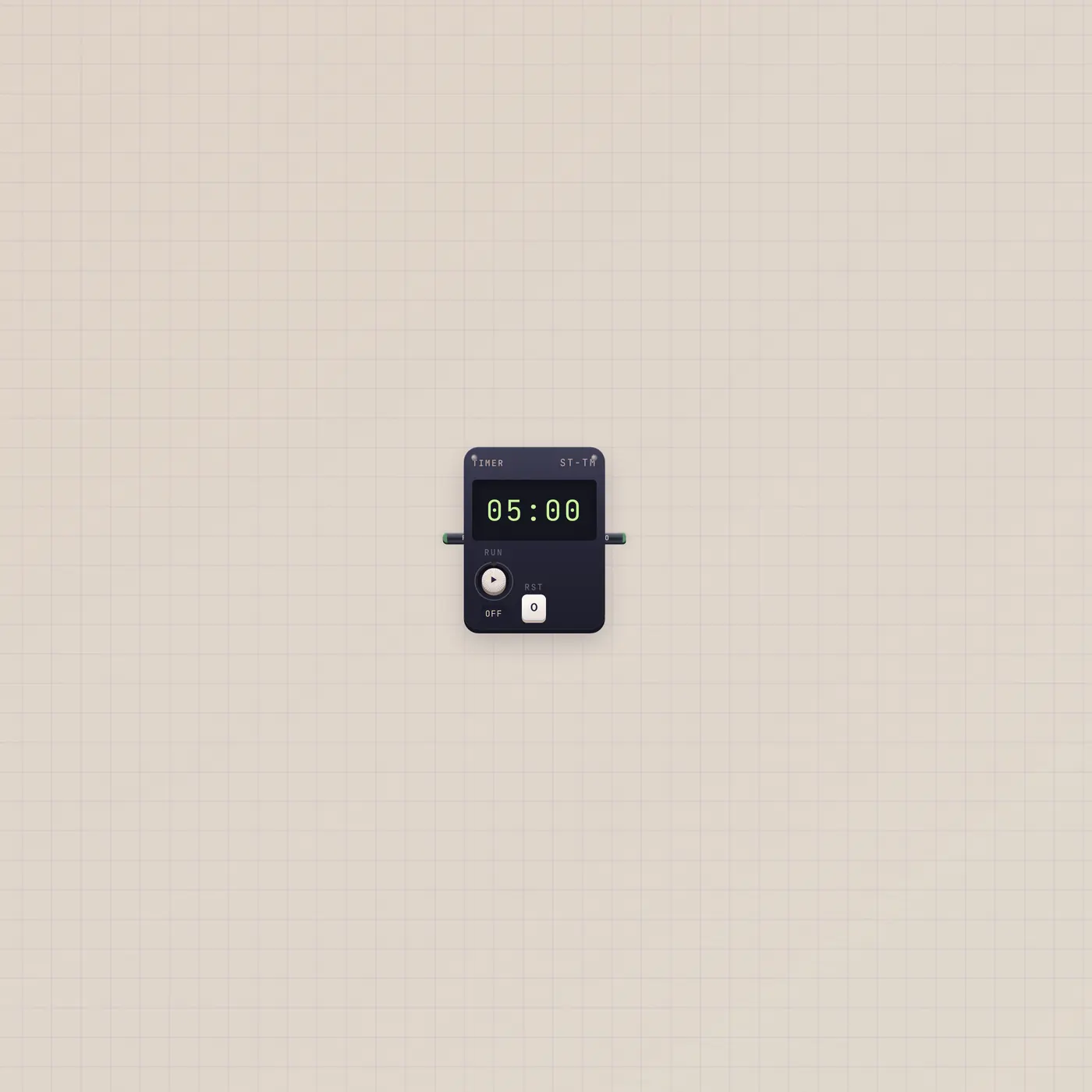
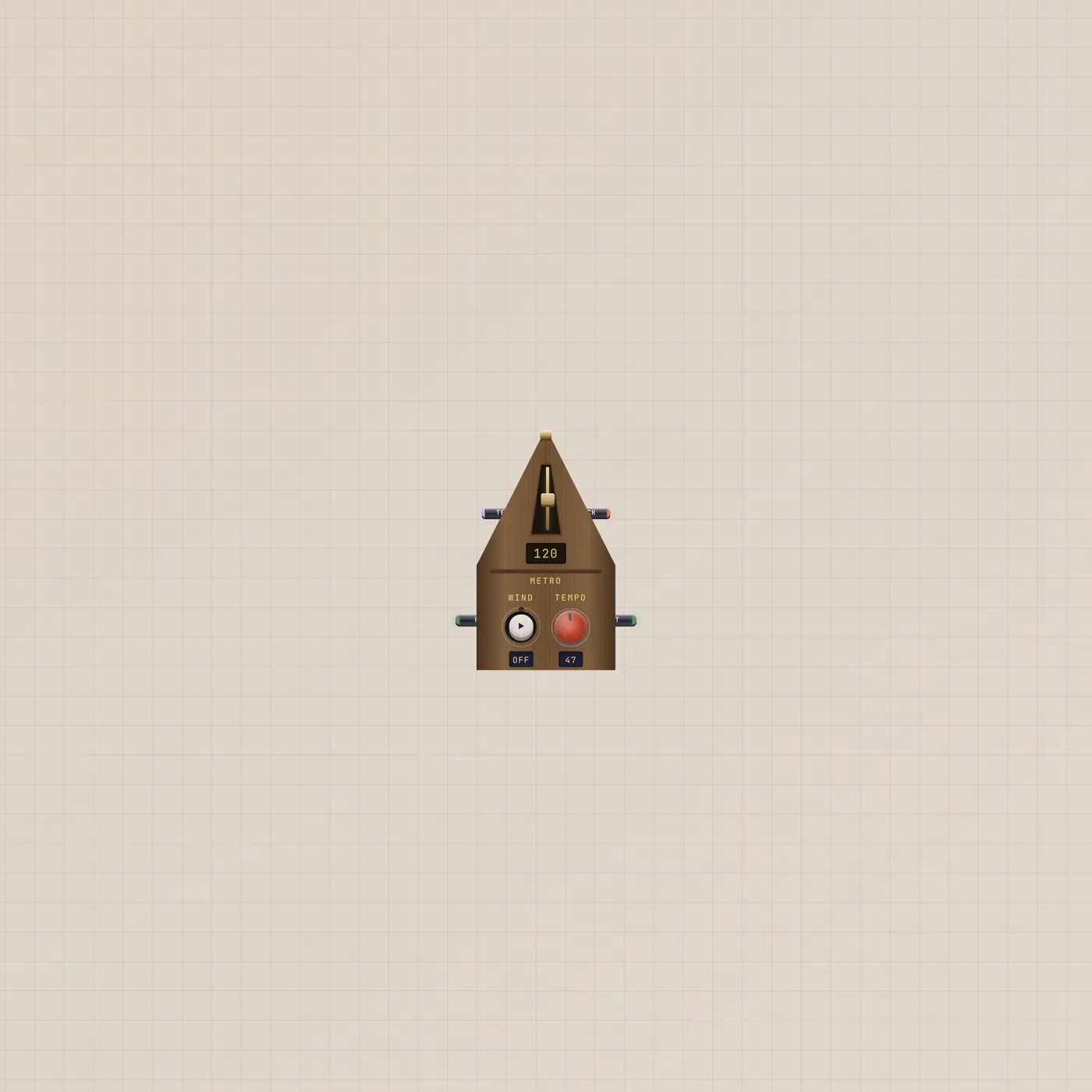
Drop a Clock. Open the widget menu: Hands, Lcd, or Flip, then 12-hour vs 24-hour. Sit it where you can see it. If you need a pulse at a clock time, that is Alarm, not this face. If you need a countdown, that is Timer. If you need a musical tick, that is Metronome.
What to patch next
Nothing on the clock. Put an Alarm beside it and patch Alarm.gate into Button or Pal. Metro to Counter is the group that turns a beat gate into a tally — that clock has jacks. Do not invent a cable out of the Studio Clock.
Questions
- Why are there no jacks?
- It is a face. Wall time is not a cable. Alarm is the device that pulses at HH:MM.
- Can Pal set the face?
- Face and 12/24 are in the widget menu. There is no AI in jack on this clock.
- Is this a metronome?
- No. Metronome clicks and sends a beat gate. This clock only shows the time.