Wind it. The wood clicks. The gate ticks.
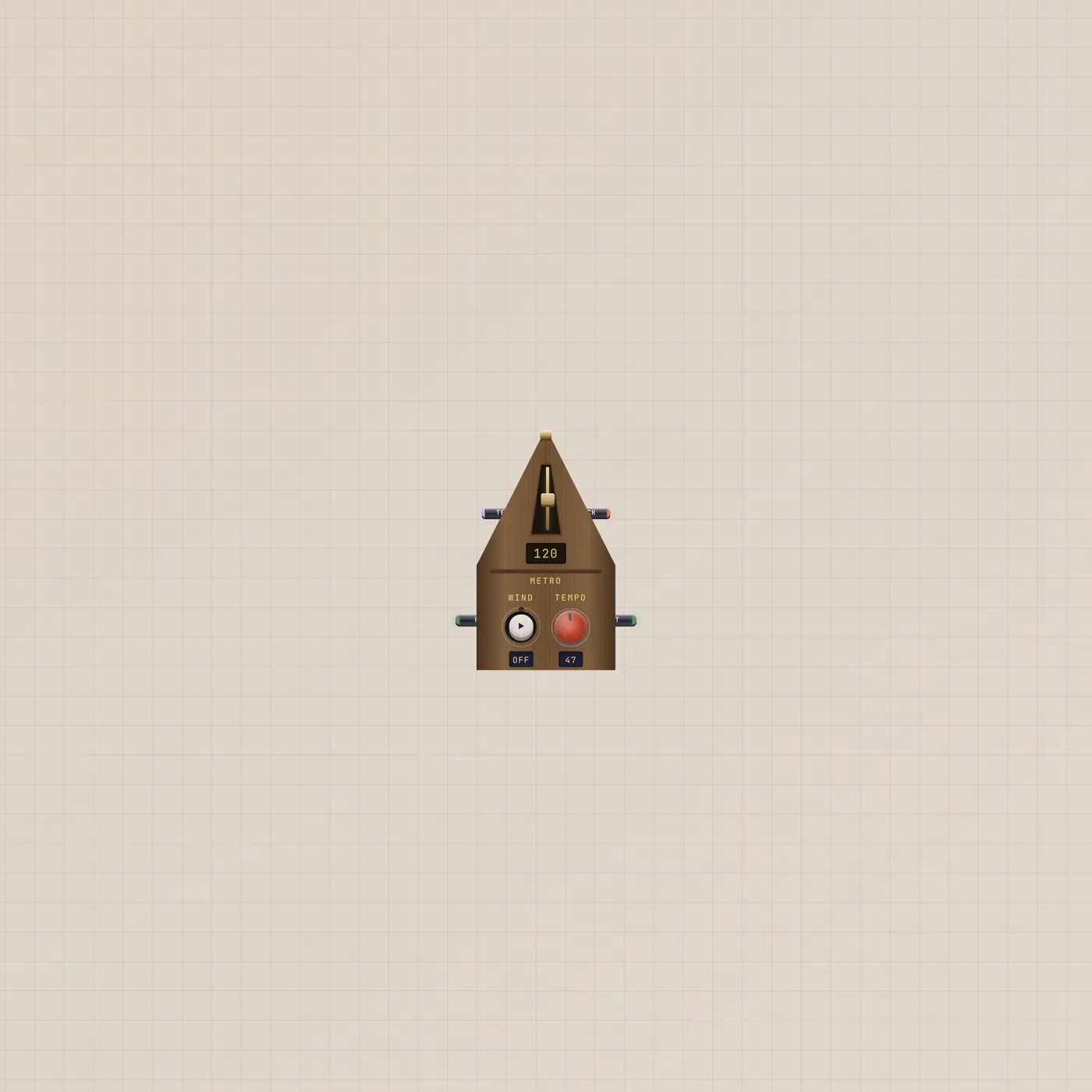
Metronome is a wooden pyramid. Tempo 40–208, from the fader or CV. Run holds it on. Audio out is the click. Gate out pulses each beat.
What it is
A wooden pyramid. Wind starts the pendulum. Tempo is 40–208 BPM from the knob or fader, or Tempo in from Knob, Slider, Lfo, or Dice. Run in from a Switch holds it on. Audio out (Click) is the wood click. Gate out (Beat) pulses each beat. Wider shows a tempo fader; widest adds beat lamps (2/3/4/6). This is not Studio Clock — the clock has no jacks. It is not Timer.
How to use it
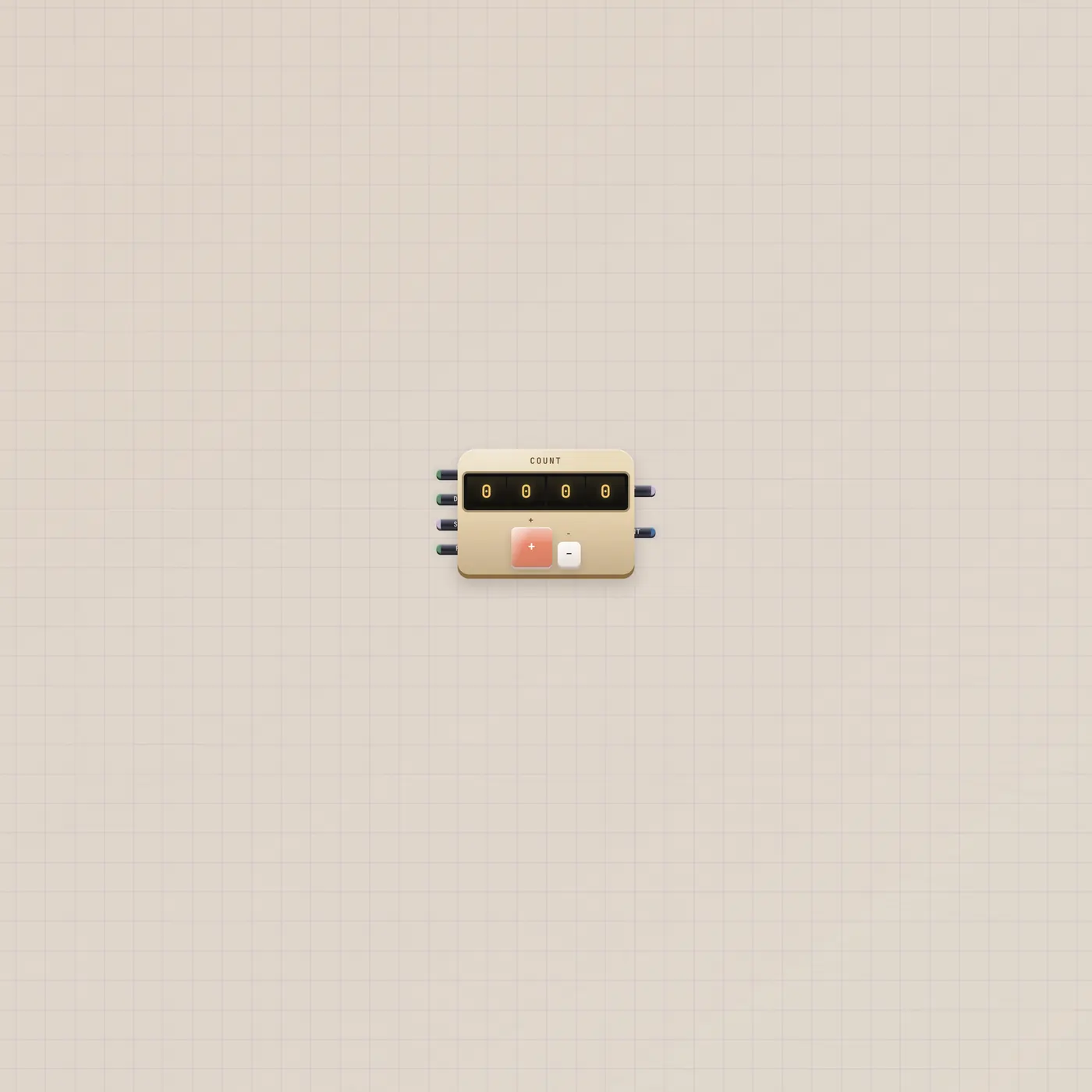
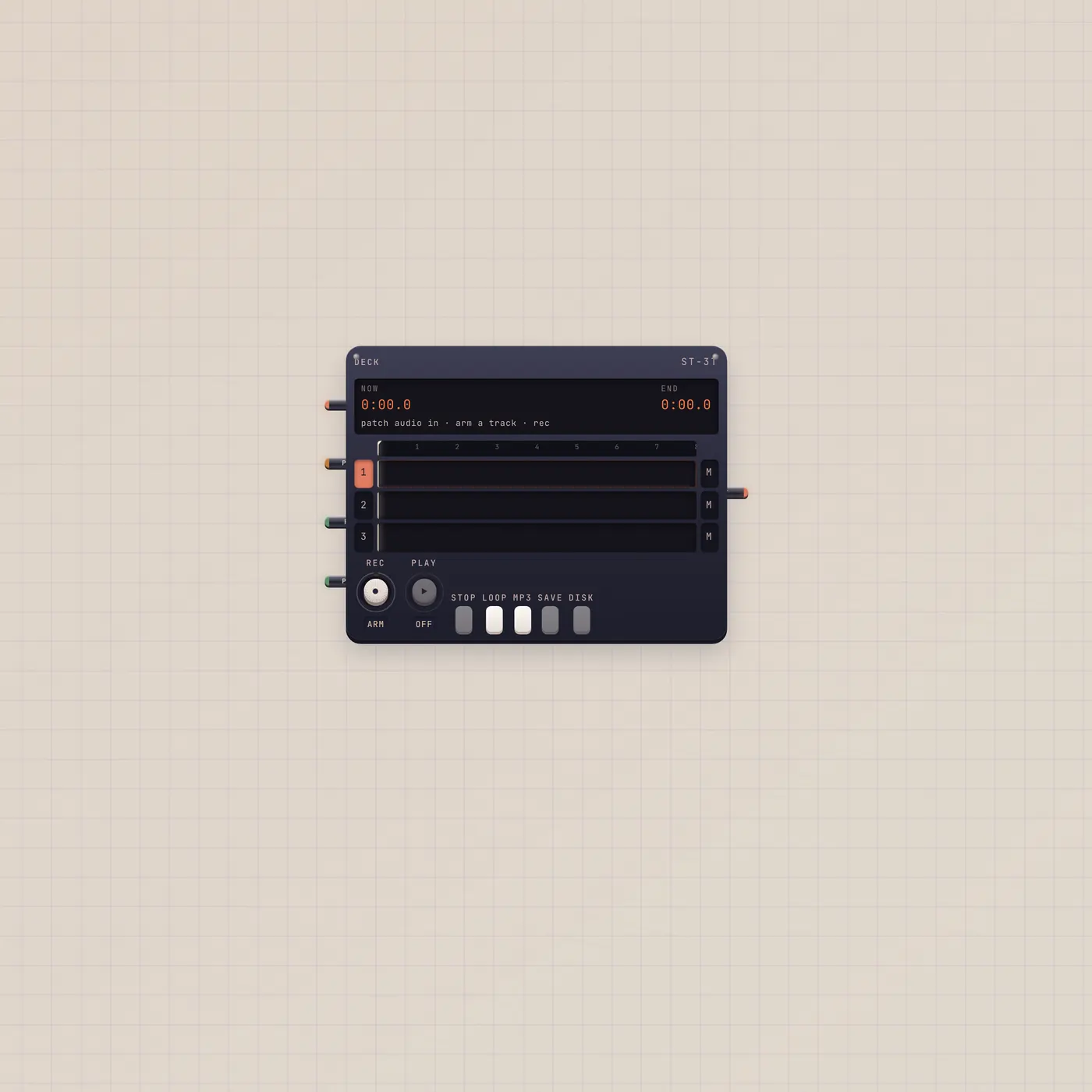
Drop Metro. Wind it, or flip a Switch into Run. Patch Click into Deck only if you want the click on the tape. Patch Beat into Counter.up, Divider.clock, Sampler.gate, or Button.gate. Tune and Take leaves it unwired on purpose so the click stays in the room.
What to patch next
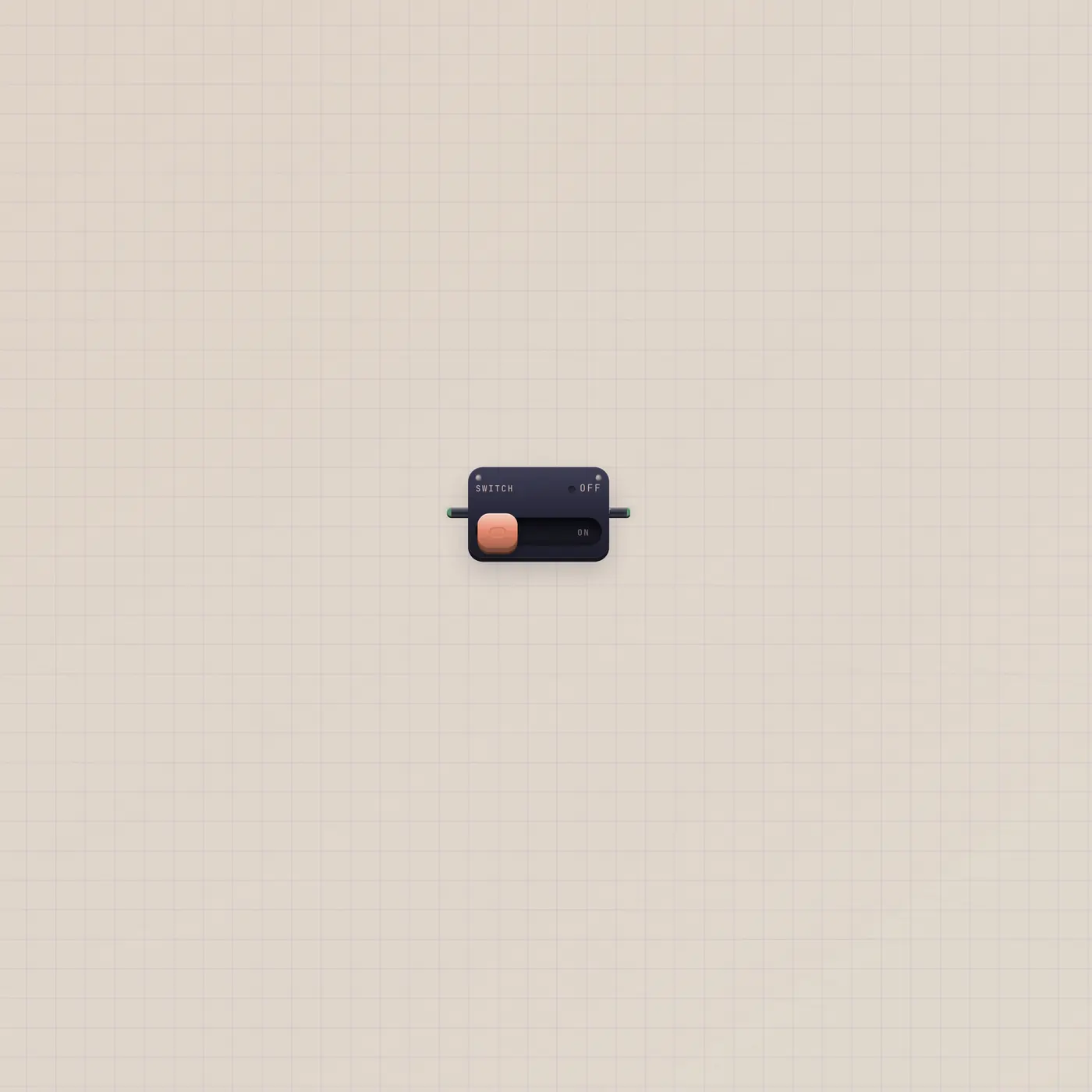
Metronome.gate → Counter.up is Metro to Counter. Metronome.gate → Divider.clock if you want every Nth beat. Switch.value → Metronome.run holds the pendulum. Leave audio unpatched unless you want the click recorded.
Ports
| Jack | Dir | Kind | Label |
|---|---|---|---|
| tempo | in | cv | Tempo |
| run | in | gate | Run |
| audio | out | audio | Click |
| gate | out | gate | Beat |
Questions
- Will the click print on the Deck?
- Only if you patch Click into Deck.audio. Tune and Take leaves it off the tape.
- Is this a clock?
- It is a musical tick. Studio Clock shows wall time and has no jacks. Alarm rings at HH:MM.
- Can I drive tempo with a Knob?
- Yes. Knob.value → Metronome.tempo.