Count down. Pulse once at zero.
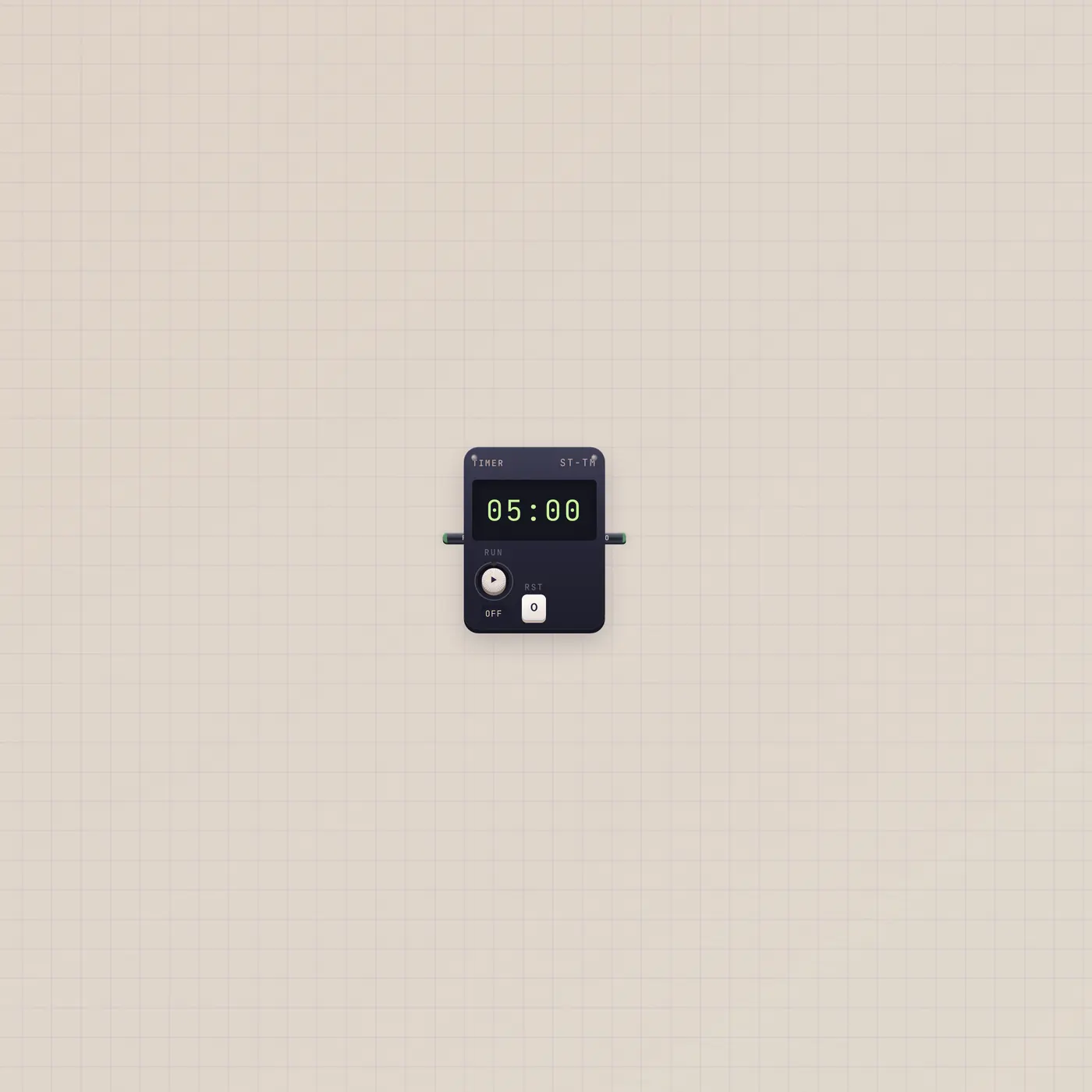
The Subtape Timer is a countdown. Gate in (Run) starts or restarts. Gate out (Zero) fires one pulse at 0. Default is five minutes. It is not an alarm clock.

What it is
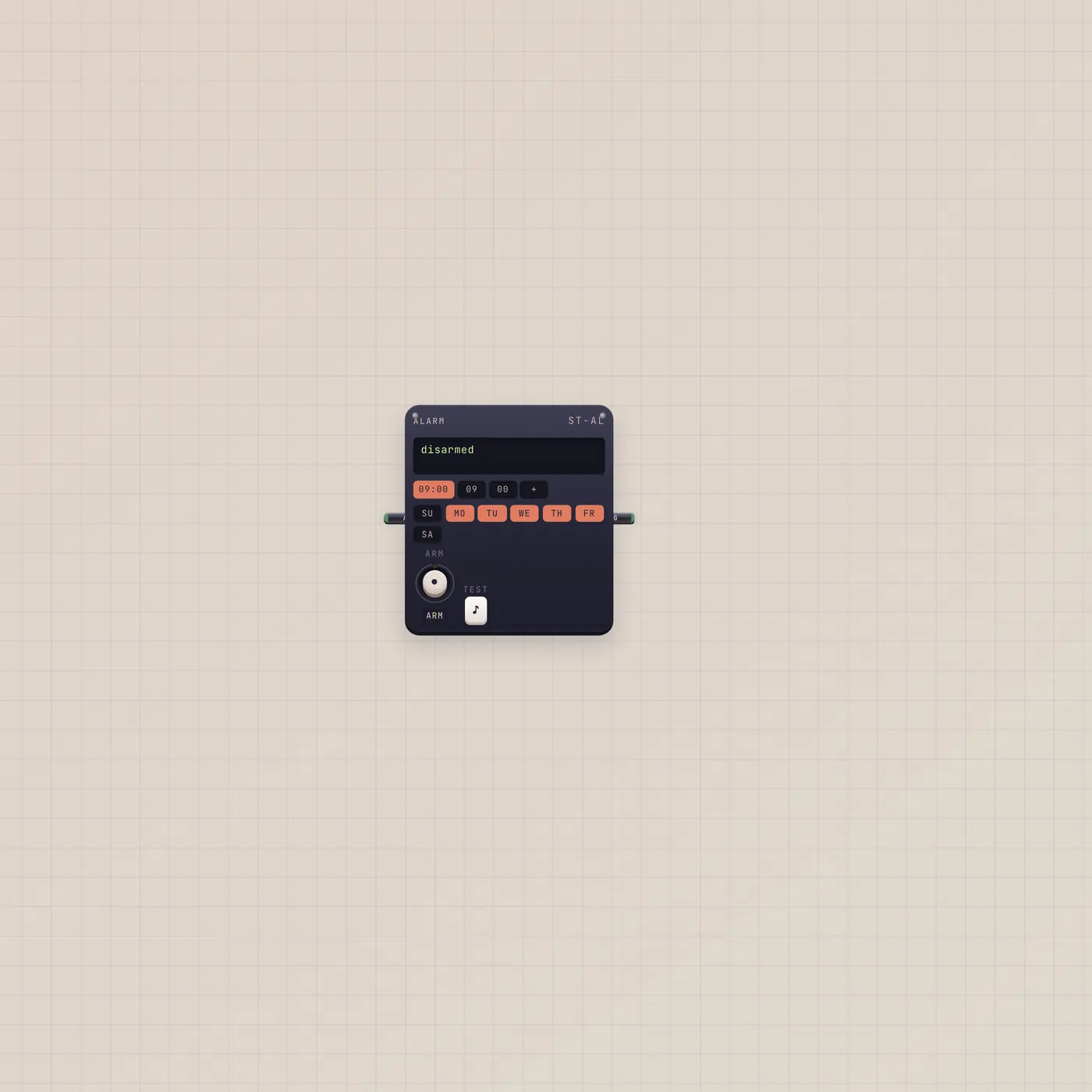
A countdown. Gate in (Run) starts or restarts the remaining time. Gate out (Zero) fires one short pulse when the LCD hits 0, then the timer sits idle. Default duration is five minutes; clamp is 1 second to 24 hours. Wider spans show 1m / 5m / 15m / 30m presets. Run and Rst live on the rail. This is not Alarm — Alarm rings at clock times.
How to use it
Set a duration, press Run. Stop to freeze; Rst returns the full length. A Button into Timer.gate starts it remotely. A rising Run while it is already live restarts the same duration. Watch the LCD; Zero is the only outgoing jack.
What to patch next
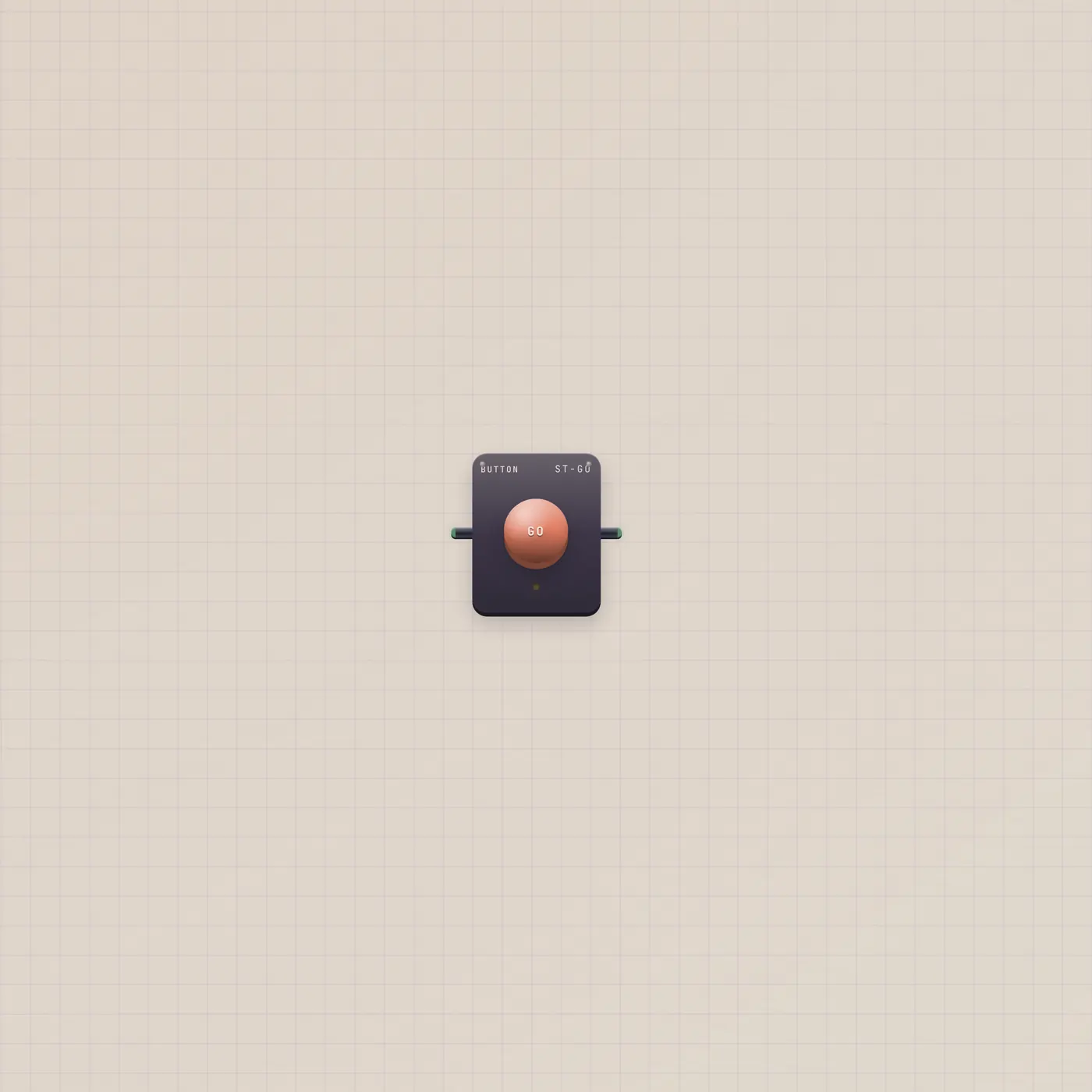
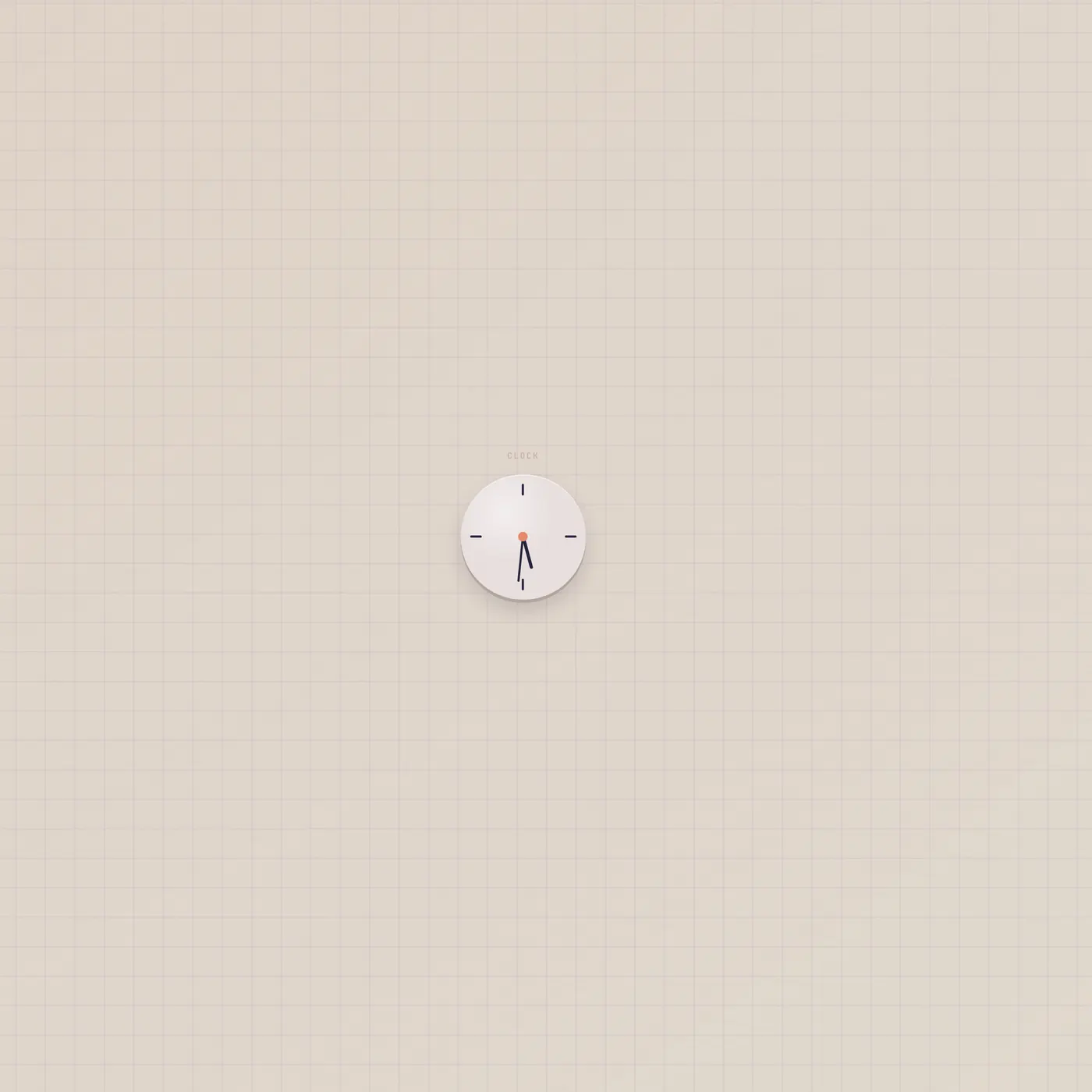
Button.gate → Timer.gate to start the countdown. Timer.gate → Pal.gate or Printer.gate to act at zero. Do not patch Alarm into Timer expecting a wall clock — Alarm already rings at HH:MM. StudioClock can sit beside it, but the clock has no jacks.
Ports
| Jack | Dir | Kind | Label |
|---|---|---|---|
| gate | in | gate | Run |
| gate | out | gate | Zero |
Questions
- Timer or Alarm?
- Timer counts down from a duration. Alarm rings at clock times, even if the desk is closed.
- What happens if I pulse Run while it is live?
- It restarts. The remaining time becomes the full duration again.
- Does Zero hold high?
- No. It is one pulse, same family as Button.gate. Patch it into a plunger jack, not a hold jack.