Component Guide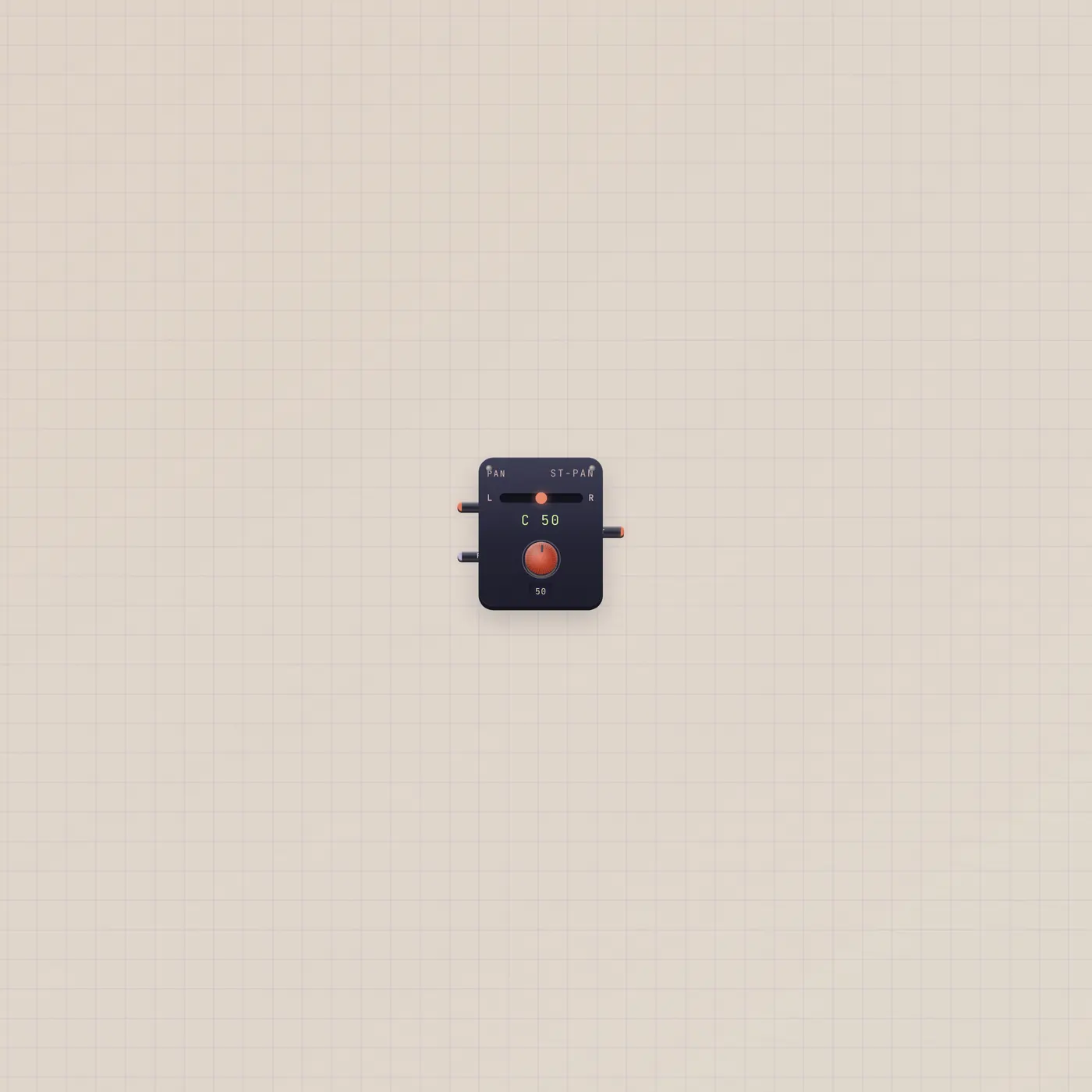
Slide the take left or right.
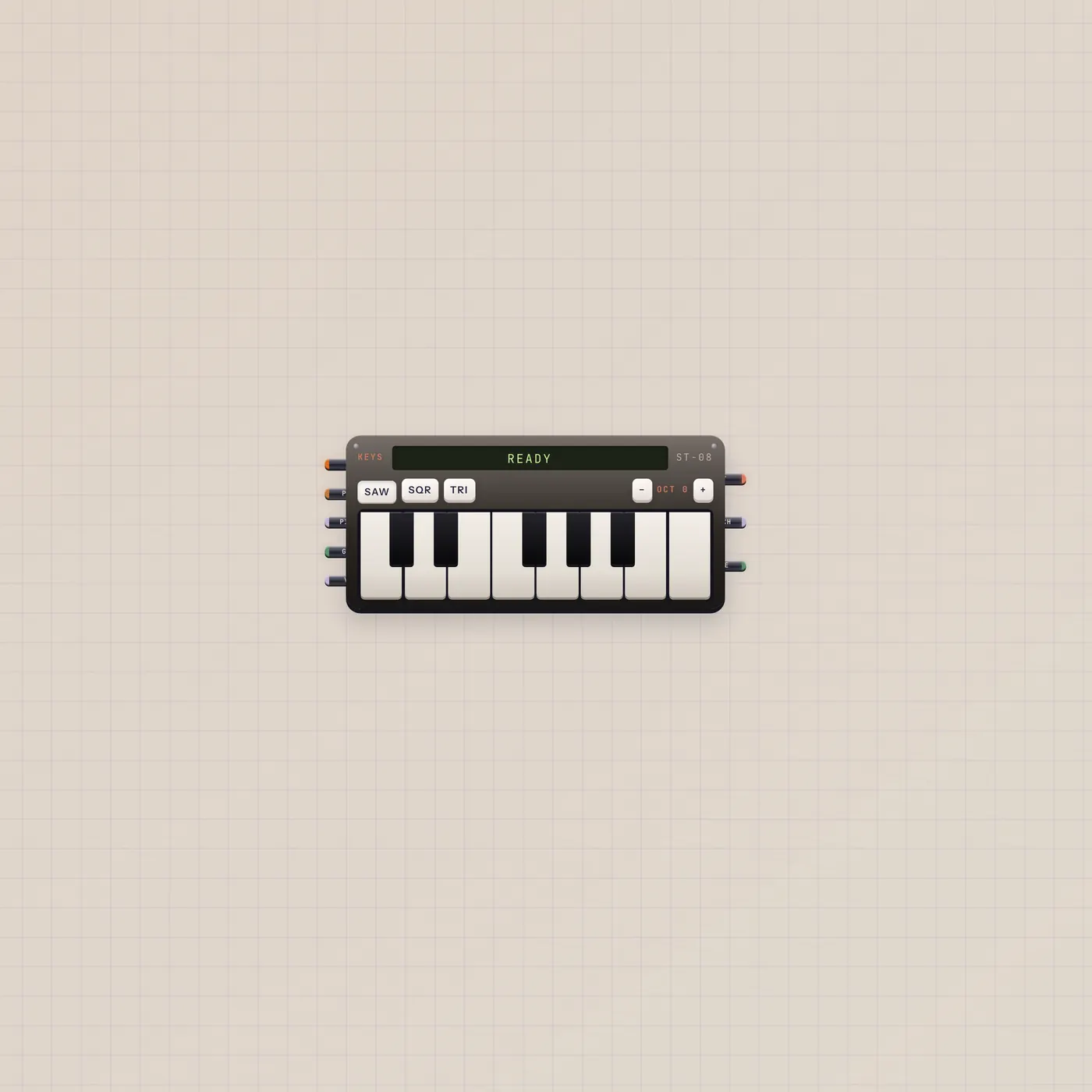
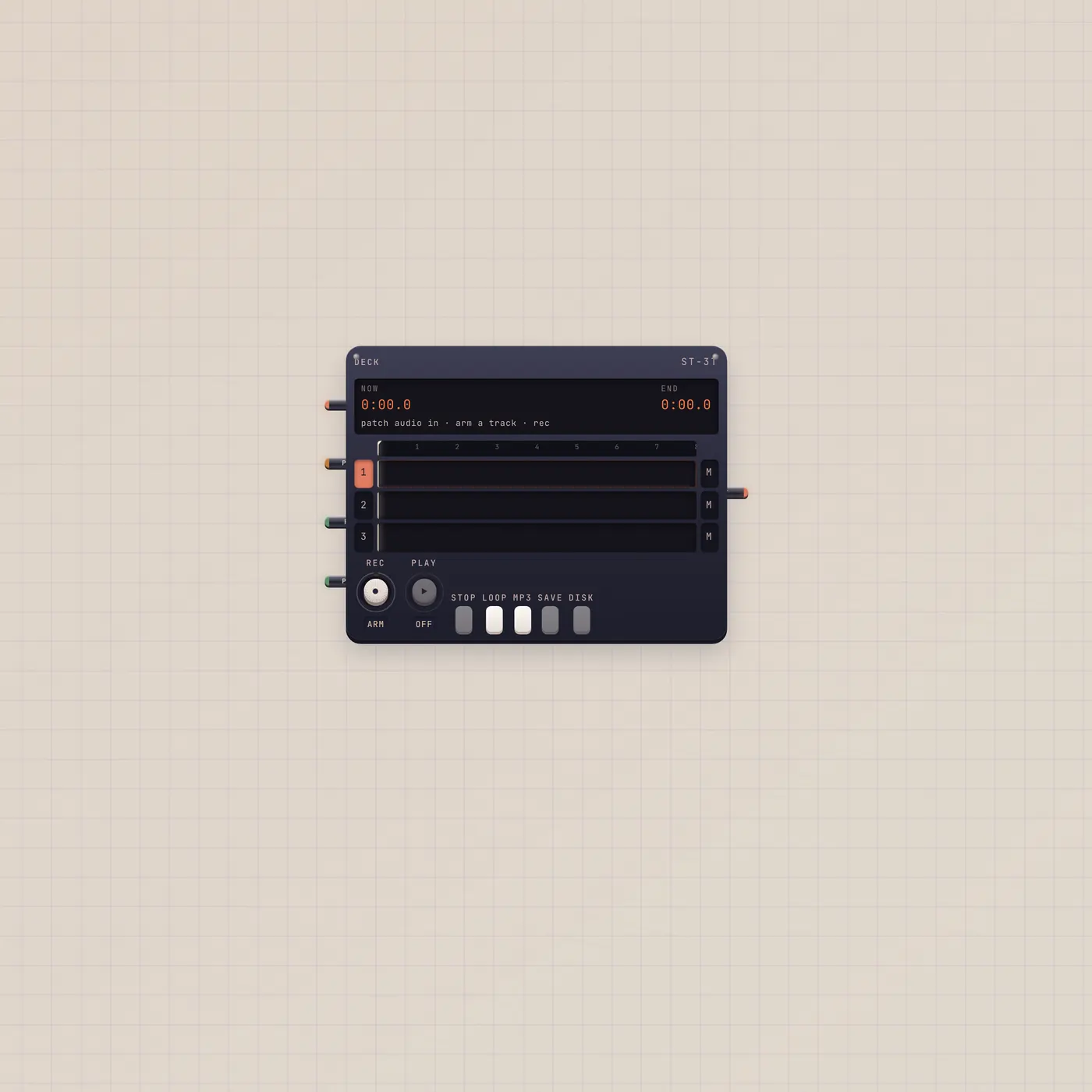
Pan is a stereo panner. Audio in from Keys, BeatPad, or Effect. Pan is 0 left to 99 right and takes CV. Audio out to Scope or Deck.
What it is
A stereo panner. Audio in is the dry. Pan in is CV, 0 left to 99 right — the face slider does the same job. Audio out is the placed signal. One slot, no plugin catalog. Put Effect or Rack before it if you want wet, then place the wet.
How to use it
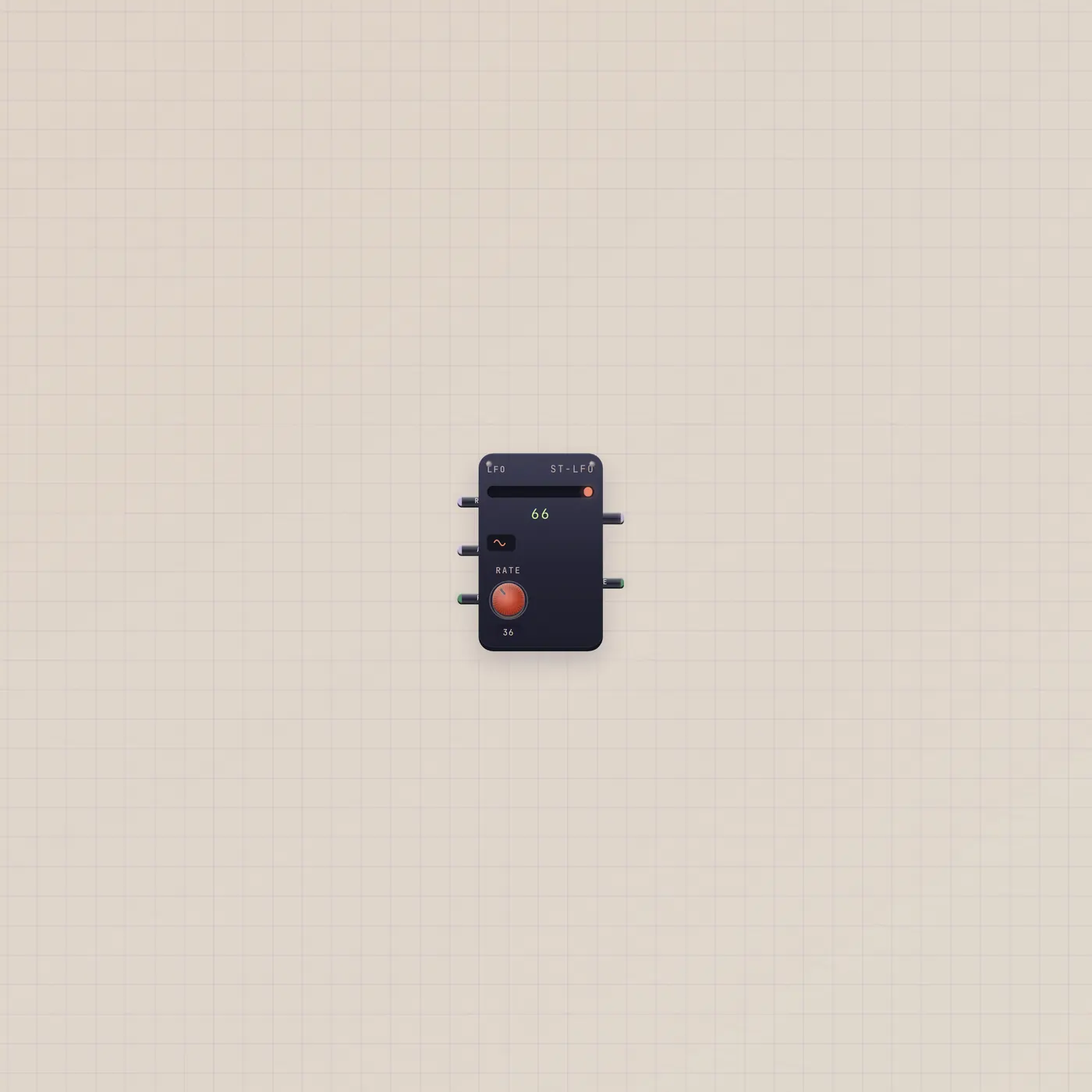
Patch Keys.audio or BeatPad.audio into Pan.audio. Ride the slider, or patch Lfo.value into Pan.pan for auto-pan. Out into Deck or Scope.
What to patch next
Lfo.value → Pan.pan is the moving place. Keys.audio → Pan.audio → Deck.audio is a placed take. BeatPad on the other side of the stereo field if you want the loop parked.
Ports
| Jack | Dir | Kind | Label |
|---|---|---|---|
| audio | in | audio | In |
| pan | in | cv | Pan |
| audio | out | audio | Out |
Questions
- Does Pan need a cable on the pan jack?
- No. The slider is enough. Patch Lfo or a Knob when you want it driven.
- Can I pan after a Rack?
- Yes. Rack.audio → Pan.audio → Deck.audio.
- Is 50 center?
- Yes. 0 is left, 99 is right.