Detect the notes. Drag them. Print a stem.
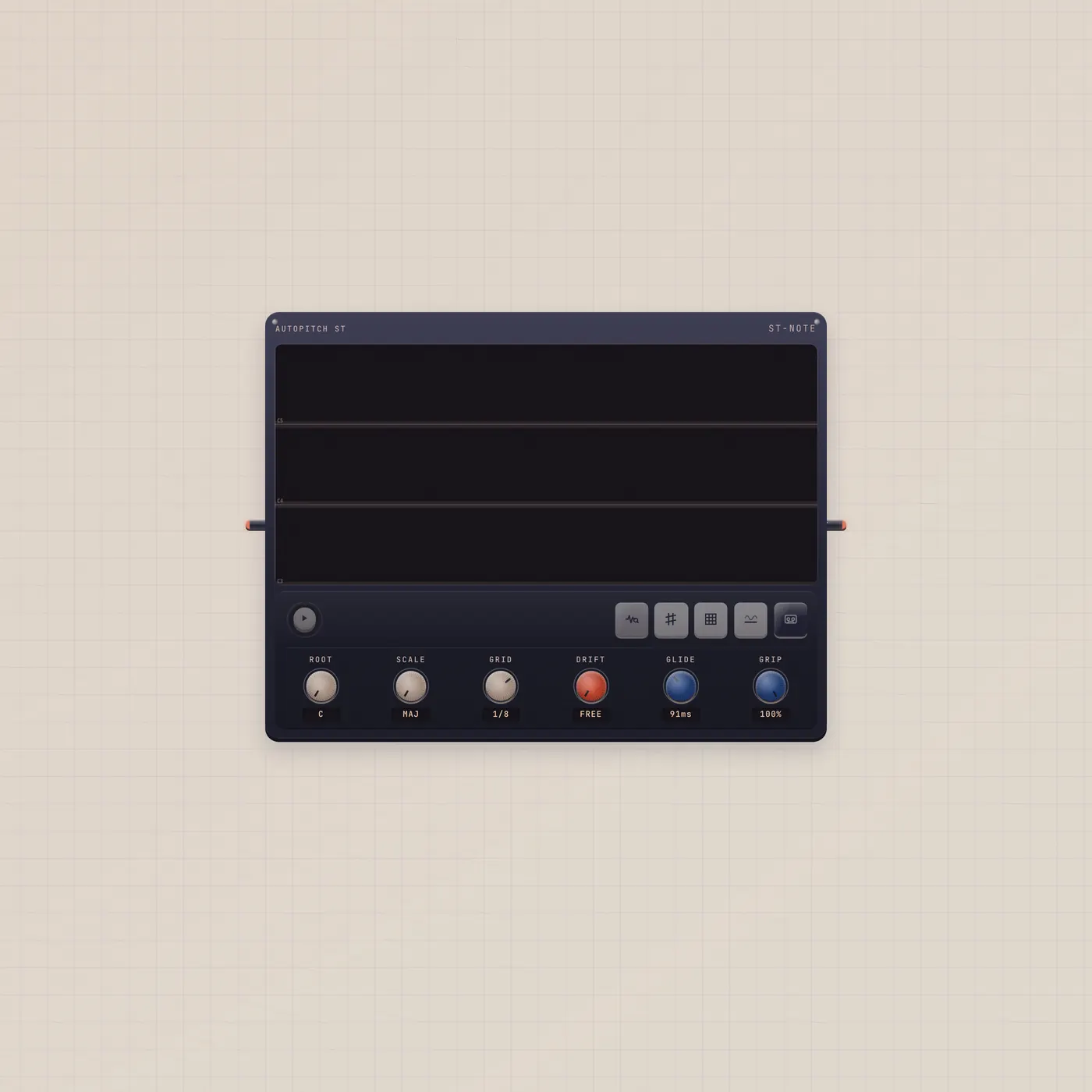
Notes is Autopitch ST, a monophonic pitch and time editor. Drop or patch a take, detect notes, snap to key, drag pitch and time, print a stem.
What it is
Autopitch ST. The tray calls it Autopitch ST; the type is Notes. Audio in (fan-in) takes a take. You detect notes, snap to a key, drag pitch and time on the canvas, then print a stem. Audio out is that printed stem. Pick the widget up to span 3 for a larger canvas. This is not live — Correct is live. There is no AI jack.
How to use it
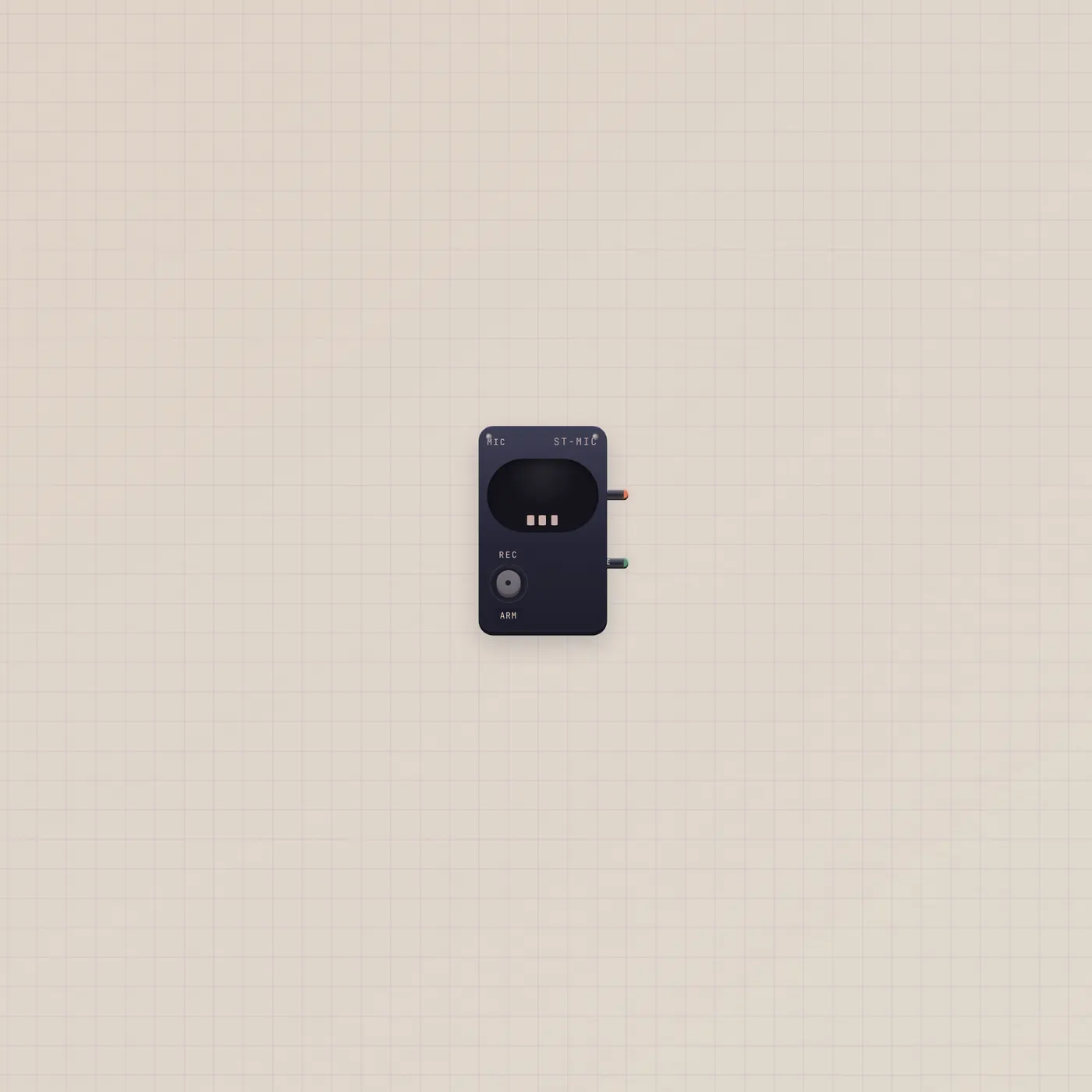
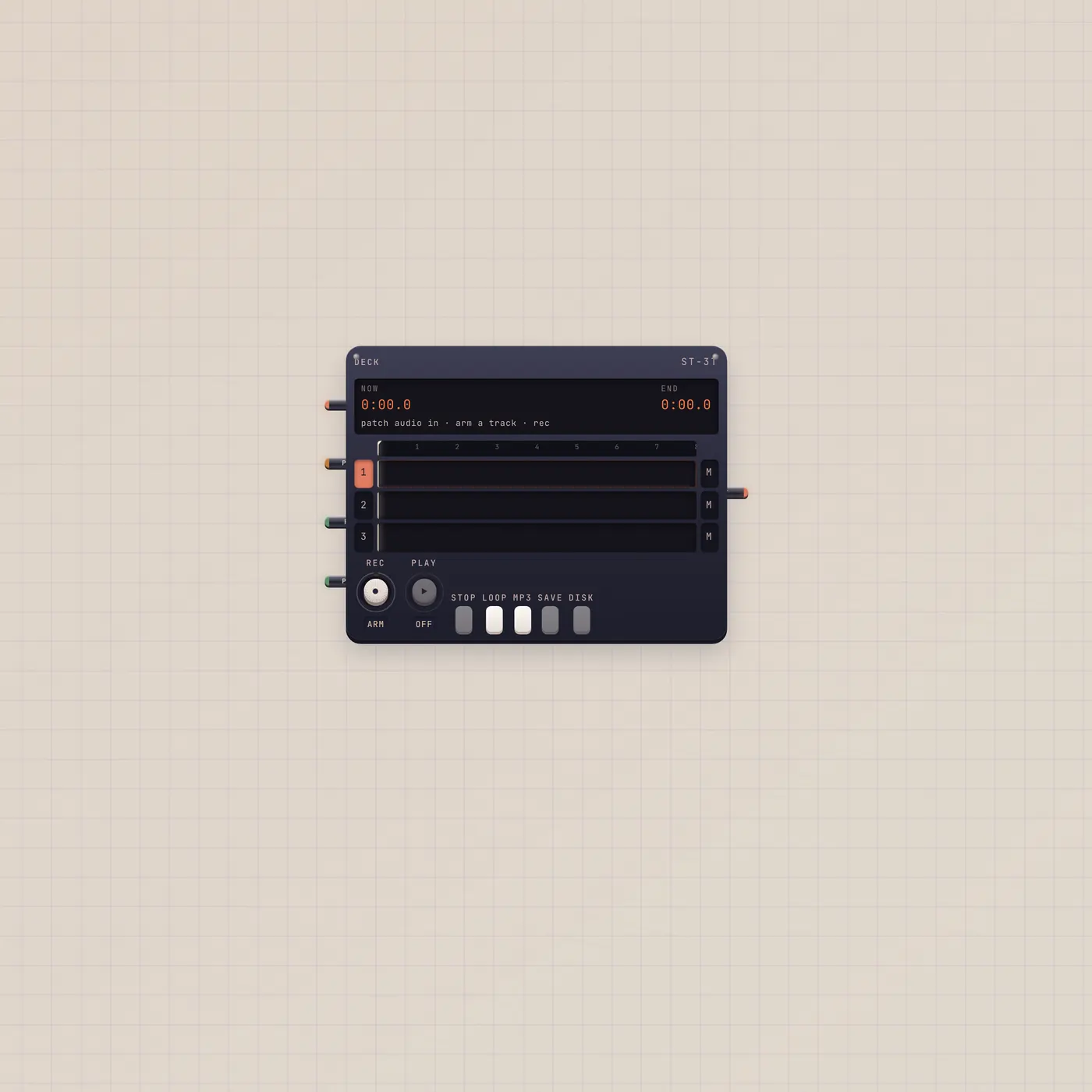
Patch Deck.audio, Recorder.audio, or Mic.audio into Notes.audio. Detect. Snap. Drag. Print. The out jack is the printed stem — land it on Deck or Scope. Widen the widget if the canvas feels tight.
What to patch next
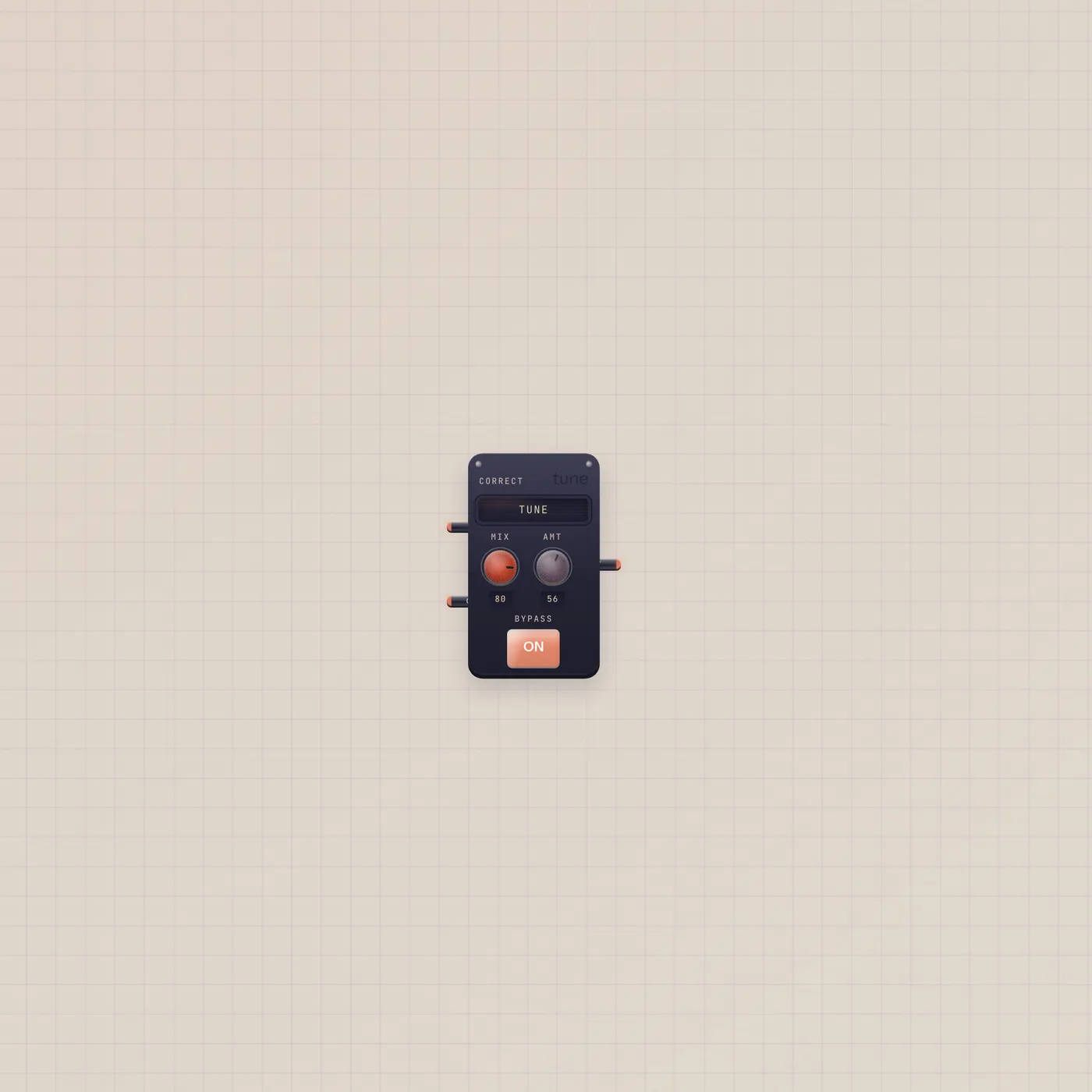
Mic or Recorder into Notes, then Notes.audio → Deck.audio for the printed stem. Correct if you want the pitch live instead of drawn. A Tuner on the same source if you only need the needle.
Ports
| Jack | Dir | Kind | Label |
|---|---|---|---|
| audio | in | audio | In |
| audio | out | audio | Out |
Questions
- Why is it called Notes in the type?
- The tray label is Autopitch ST. The widget type is Notes. Same device.
- Can Pal retune it?
- No AI jack. You detect and drag. Pal can talk about the take if you sit it nearby.
- Is this polyphonic?
- No. Monophonic detect. One line at a time.