Bind keys. They follow the workspace, not the board.
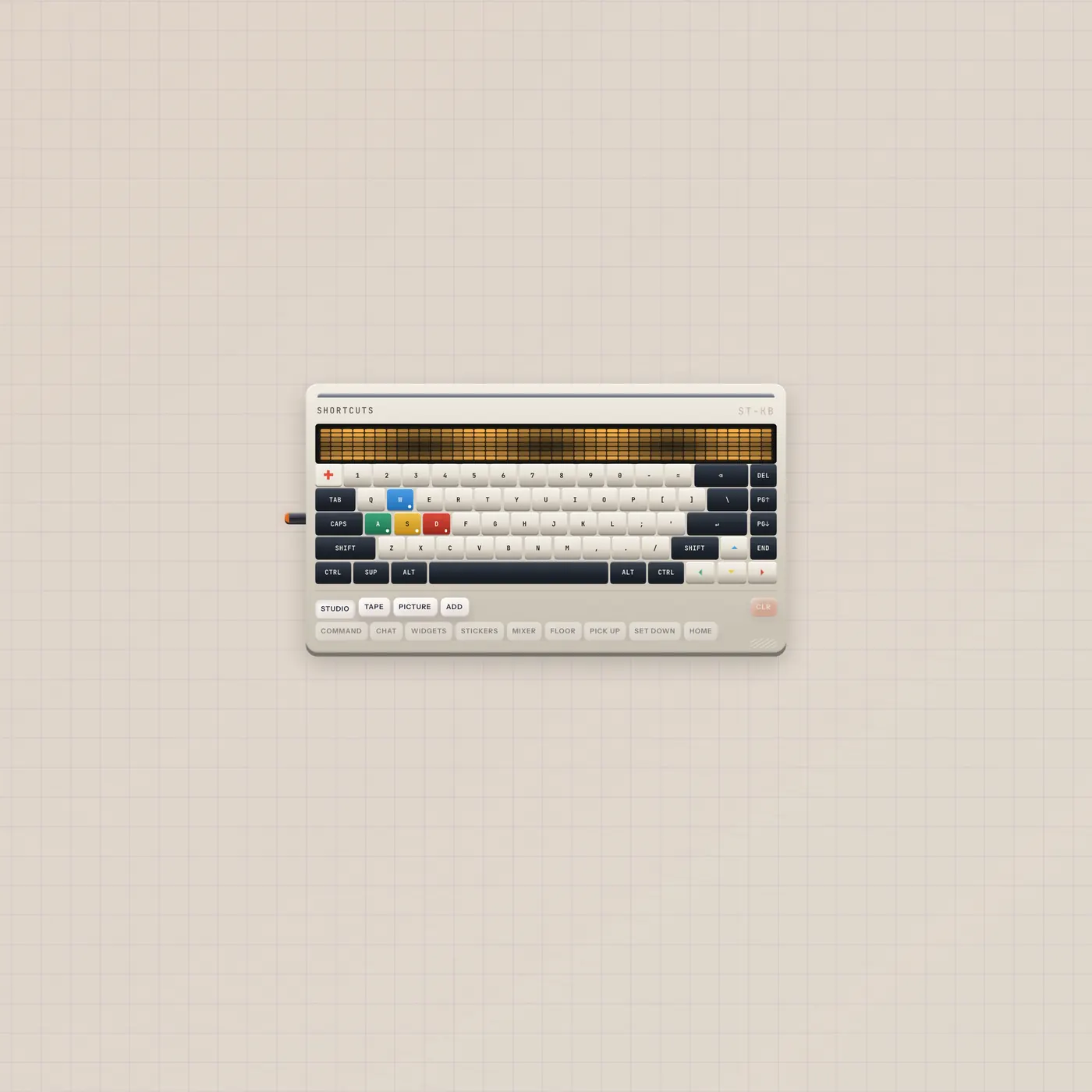
The Subtape Keyboard is a mechanical deck for workspace shortcuts — not the Keys synth. Click a key, latch modifiers, pick an action. The only jack is AI in for Pal.

What it is
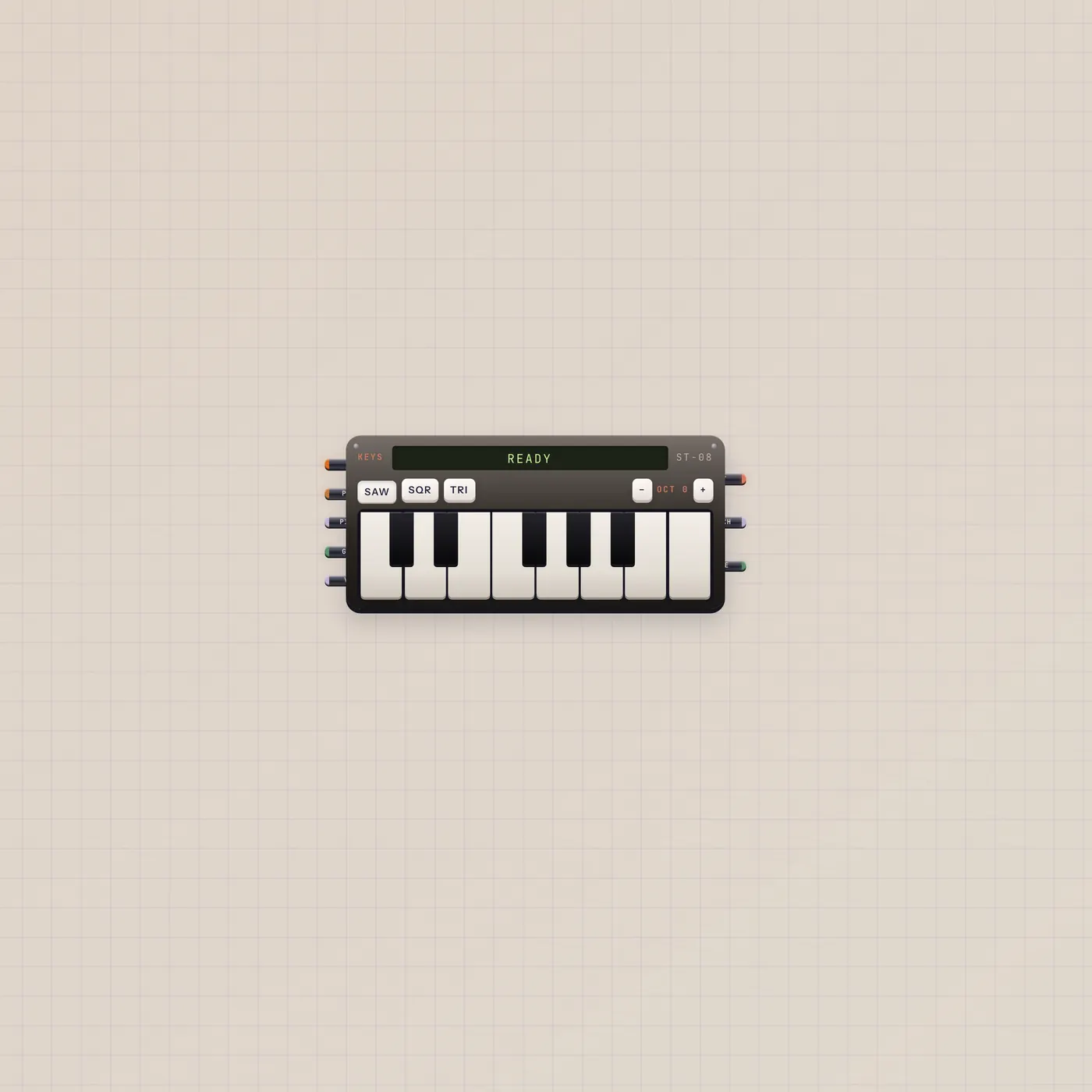
A mechanical keyboard for workspace-wide shortcuts. It is not Keys — Keys is the tape synth with audio, pitch, and gate. Keyboard has one jack: AI in. Pal on that cable can program bindings (setShortcuts). There is no gate, CV, text, or audio out. Bindings live on the workspace, so they survive a new board. The LED matrix shows the combo and action, or EMPTY.
How to use it
Click the keyboard to arm it. Click a keycap or type. Latch Shift, Ctrl, Alt, or Super (SUP). Pick an action from Studio, Tape, Picture, or Add. CLR drops that combo. A click on the floor releases the deck so typing elsewhere works again.
What to patch next
Pal.ai → Keyboard.ai unlocks shortcut programming. There is nothing to patch out — this deck does not send notes or pulses. If you want a playable tape keyboard, that is Keys. A Button next to Pal is still Pulse Pal, not a Keyboard cable.
Ports
| Jack | Dir | Kind | Label |
|---|---|---|---|
| ai | in | ai | AI |
Questions
- Is this the same as Keys?
- No. Keys makes sound. Keyboard binds workspace actions. Do not patch them as if they shared jacks.
- Do bindings stay on this widget?
- No. They persist on the workspace. Another Keyboard on another board shows the same map.
- Why only an AI in jack?
- Pal programs it. The deck does not publish gates, CV, or text.