Type on the paper. Not a device.
Text is loose lettering on the desk paper — the same type you place from Stickers. Drop it from the widget rack. Double-click to edit. East and west handles change the wrap box. Corners scale. There are no jacks.


What it is
Plain type sitting on the paper, like a sticker. It is not a chassis and it has no jacks. Faces are display, sans, grotesk, soft, poster, script, and mono. Ink and align live in the dress toolbar. The wrap box is a stored width in pixels — east and west handles change it so the line reflows. Corners still scale the whole word.
How to use it
Drop Text from the widget rack, or Place type in Stickers. Click once to select. Drag after a short travel to move. Double-click to edit — Enter is a new line, Escape cancels, click away commits. Hold Option (Alt) while dragging an east or west handle to grow both sides from the center. Stick it to a device rim the same way you stick a note. Customize picks the ink.
What to patch next
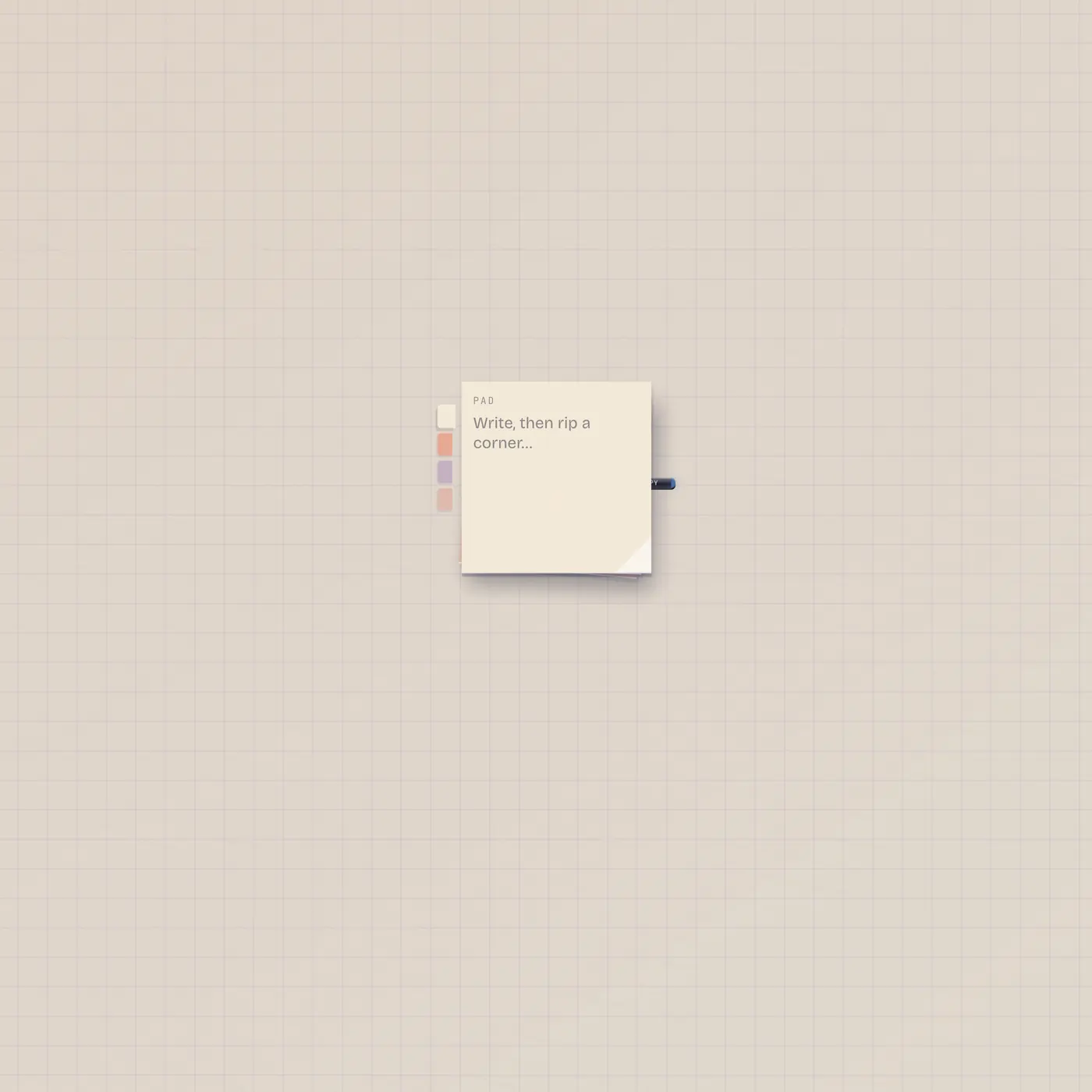
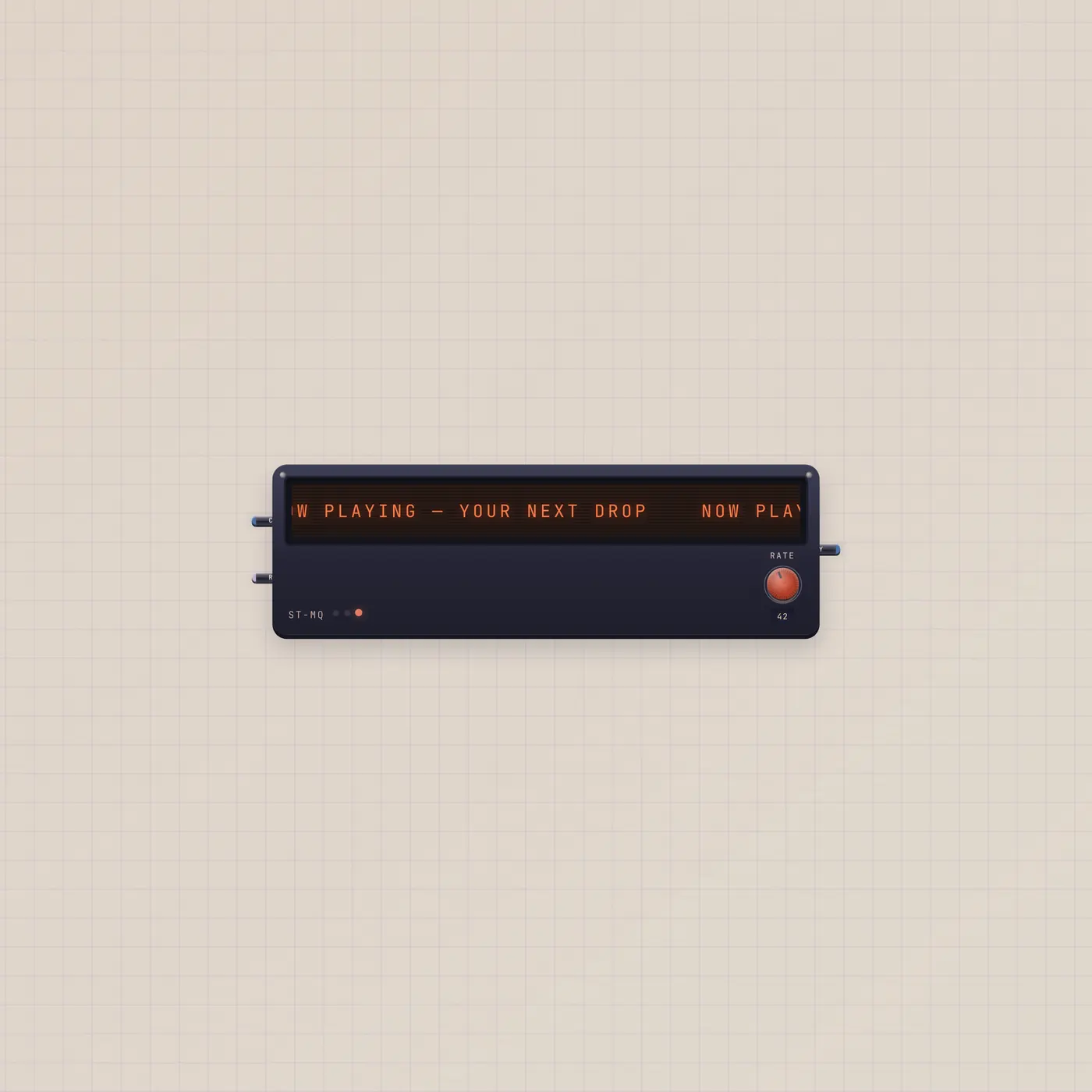
Nothing — Text does not cable. A StickyPad rips square notes with a draft you can patch out. A Marquee crawls a line with text in and out. A Plate is a paper CTA that still pulses a gate. Use those when the copy has to move or fire something.
Questions
- Text or StickyPad?
- Text is lettering on the paper. StickyPad is a stack of square notes with a text-out jack. Rip a sticky when you want a scrap you can patch.
- How do I wrap a long line?
- Select the type. Drag the east or west handle. The stored width is the wrap box. Option-drag keeps the center fixed.
- Can Pal write this?
- No. Pal does not place lettering. You drop Text, then type. Pal.text still belongs on TapeDoc, Marquee, or Speak.