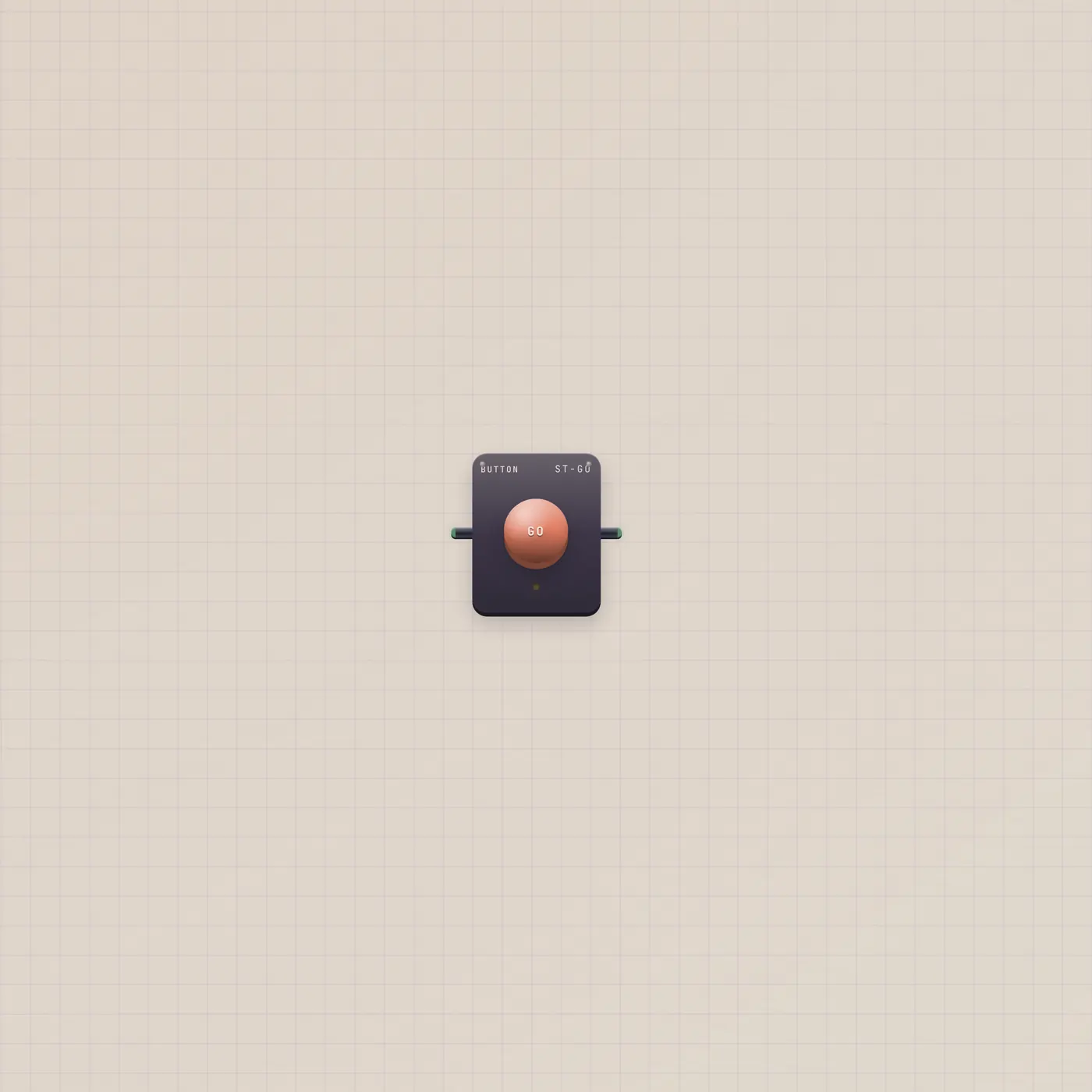
A paper key. Press. One pulse.
Plate is the flat rectangular GO on the paper — the same one-shot gate as Button, without the arcade dome. Press or a rising gate in fires Plate.gate. An optional href that starts with / also navigates.



What it is
A flat paper key. Same gate family as Button — press or a rising Go in fires one short pulse on Plate.gate, then it springs back. There is no dome and no hold. The caption sits on the slab; rename it in Customize. Optional href starting with / navigates on press, so a marketing CTA can be a real link and still pulse a cable.
How to use it
Drop a Plate from the rack. Type the caption — START, Sign up, What is this. Patch Plate.gate into Pal.gate, Printer.gate, Dice.gate, or Timer.gate the same way you would a Button. Need a held on/off? That is Switch. Need a round plunger? That is Button. Want type on the paper with no pulse? That is Text.
What to patch next
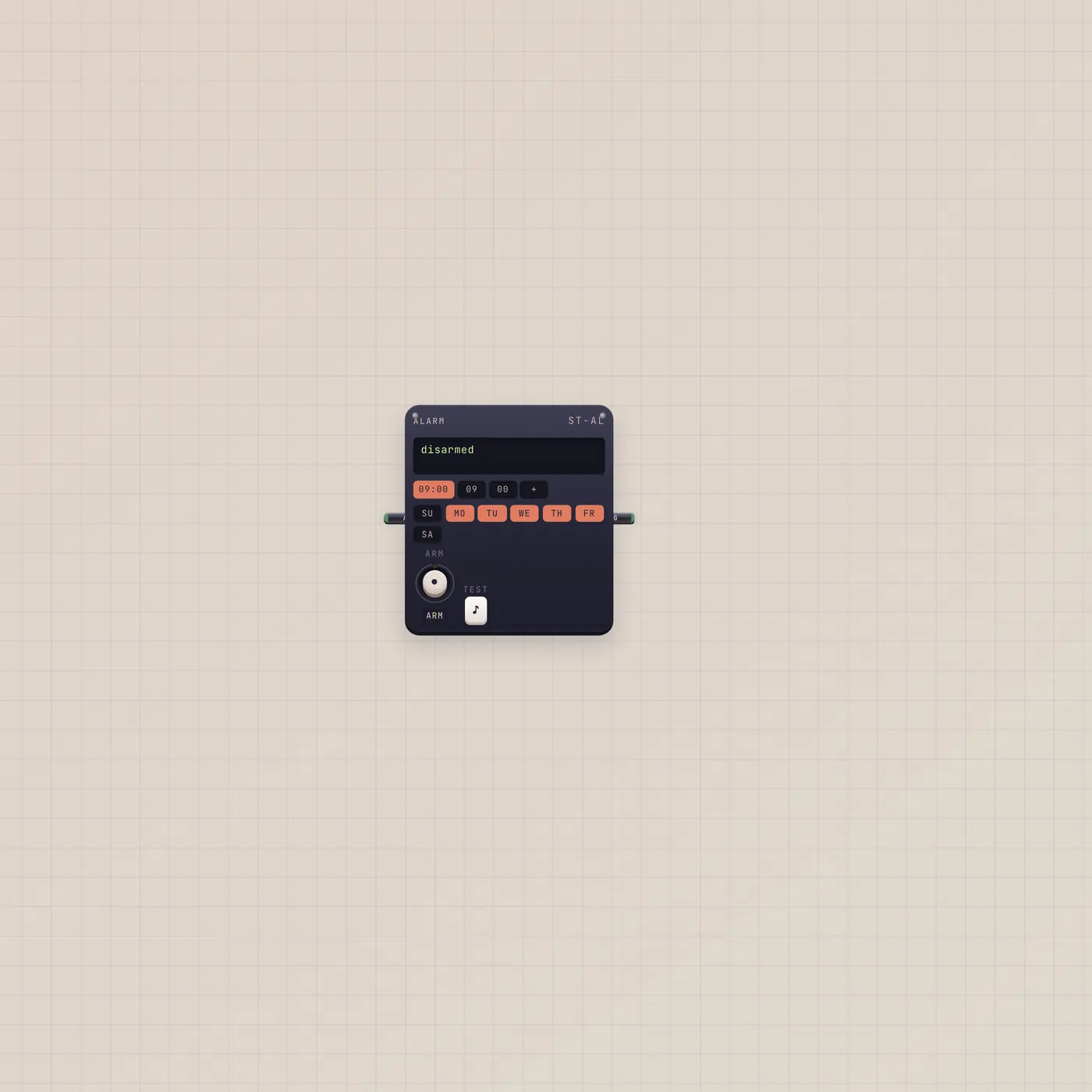
Plate.gate → Pal.gate is a paper Pulse Pal. Alarm.gate → Plate.gate is a scheduled press. Sit a Button next to it only when you want both a dome and a slab. Text on the paper can caption the key without becoming a second device.
Ports
| Jack | Dir | Kind | Label |
|---|---|---|---|
| gate | in | gate | Go |
| gate | out | gate | Go |
Questions
- Plate or Button?
- Same pulse. Plate is the flat rectangular key on the paper. Button is the arcade dome. Pal, Printer, and Dice want either.
- What does href do?
- If it starts with /, press also navigates there. The gate still fires. Use it for in-app CTAs — not for an external URL.
- Does it hold like a Switch?
- No. One shot, same as Button. Use Switch when something must stay on.