AI-PoweredRemove any
Remove any
background.
One click in the properties panel. BiRefNet AI isolates the subject with state-of-the-art edge detection — handling hair, fur, and complex outlines. The result is a transparent PNG ready to layer over your video.

Before
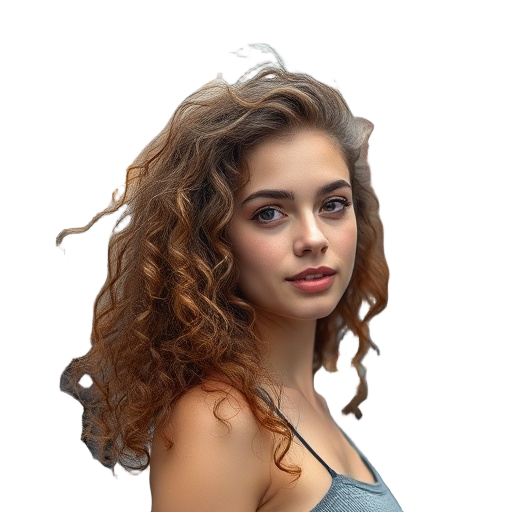
After
One-click removal
Select an image clip on the timeline, open the properties panel, click 'Remove Background'. That's it.
BiRefNet AI
State-of-the-art segmentation model that handles fine details like hair, fur, semi-transparent objects, and complex edges.
Transparent output
Results are saved as transparent PNGs in your media library. Layer them over any video, image, or color background.
Counts as 1 AI action
Each background removal uses one AI action from your monthly quota. Free plan gets 5, Pro gets 100, Team gets 500.
Frequently asked questions
- Can I remove backgrounds from video clips?
- Currently, background removal works on individual images. Video background removal is on our roadmap.
- How good is the edge quality?
- We use BiRefNet, a state-of-the-art segmentation model. It handles hair, fur, and complex edges well.
Ready to try it?