Generate, don’t search.
Every AI tool is built into the editor. No tab-switching, no copy-pasting, no external services. Describe what you need and get it as a layer on your timeline.
Auto subtitles
Select a video or audio clip, click Subtitles in the toolbar, and Whisper AI transcribes speech into timed subtitle clips. Edit the text, restyle, adjust timing — all on the timeline. Supports 99+ languages.
Learn more →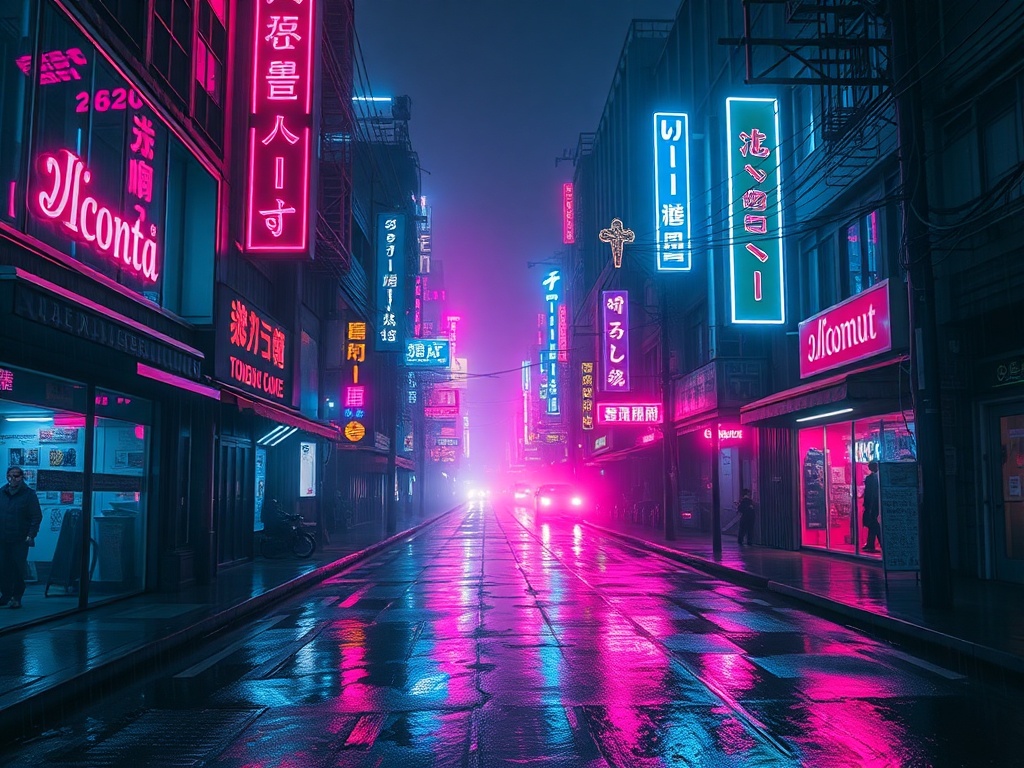
"a neon cyberpunk city at night"
Image generation
Open the AI Gen tab in the media bin, type a description, and generate images with Flux. Results appear in your library instantly — drag them onto the timeline as overlays, backgrounds, or stickers.
See all AI tools →Background removal
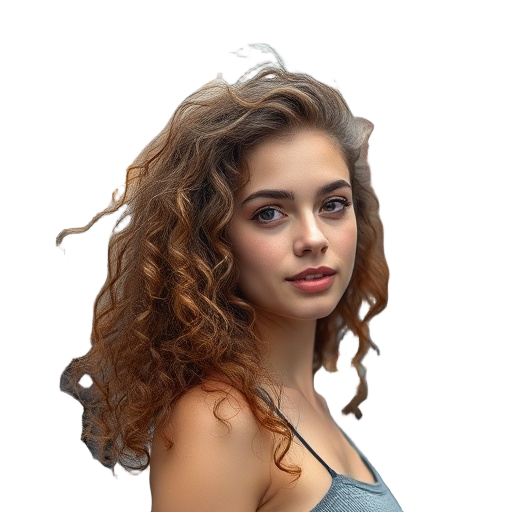
Select any image clip on the timeline and click "Remove Background" in the properties panel. BiRefNet AI removes the background in seconds, giving you a transparent PNG you can layer over anything.
Handles hair, fur, and complex edges with state-of-the-art accuracy.

Frequently asked questions
- How many AI actions do I get?
- Free: 5/month. Pro: 100/month. Team: 500/month. Each subtitle generation, image creation, or background removal counts as one action.
- What AI models power these features?
- Subtitles use Whisper AI. Image generation uses Flux. Background removal uses BiRefNet. All running on fast cloud GPUs.
Ready to try it?